

Remember watching those neon swirls in the old iTunes Visualizer? They felt cutting-edge—until algorithms took over. On TikTok, U.S. viewers are 74 percent more likely than the average short-form scroller to discover and share a new track. Spotify says an eight-second Canvas loop makes listeners 145 percent more likely to pass a song along. Static cover art? It’s invisible.
Good news: you don’t need high-end hardware or pricey software to join the motion-graphics era. The four online music visualizers below process your audio in the cloud, auto-sync every beat, and export clips sized for TikTok, Reels, and YouTube—no plugins, no fuss.

How we picked these online music visualizers
Our filter was simple: every platform had to let you create professional-looking clips in a browser, with no software installs and no graphics card required. We kept only the tools that:
- Run fully online and render in the cloud
- Offer a free test drive (even if watermarked)
- Export 9:16, 1:1, and 16:9 in one click
- Grant full commercial rights to the finished video
We also capped entry-level pricing below $12 per month (Spotify Basic in the United States costs $10.99 as of June 21, 2024) so independent artists are not trading groceries for content. Finally, each contender had to prove it could sync a beat in real time; Neuralframes.com offers a free browser demo that turns any upload into perfectly timed, audio-reactive visuals.
One disclosure: we have created educational material with Neural Frames. That relationship does not influence our picks; we share it for transparency.
Find your fit: quick decision path
Every online music visualizer sits in one of three lanes, and a quick benchmark from a real platform shows what each lane can do.
- AI video creators: cloud engines that storyboard and export a full track in 4 K in minutes, Neuralframes.com clocks a three-minute song at roughly ten minutes on its Autopilot tier.
- Social-first makers: vertical clips that hit TikTok or Reels before lunch.
- Waveform and lyric tools: clean graphics for podcasts, spoken-word pieces, or lyric-led promos; for instance, a social-first visualizer like Revid helps map beats and vocals to quick, platform-ready clips.
We will cover the lanes in that order so you can jump to the option that matches today’s goal and keeps your budget steady.
Neural Frames: your AI co-director for full-length videos
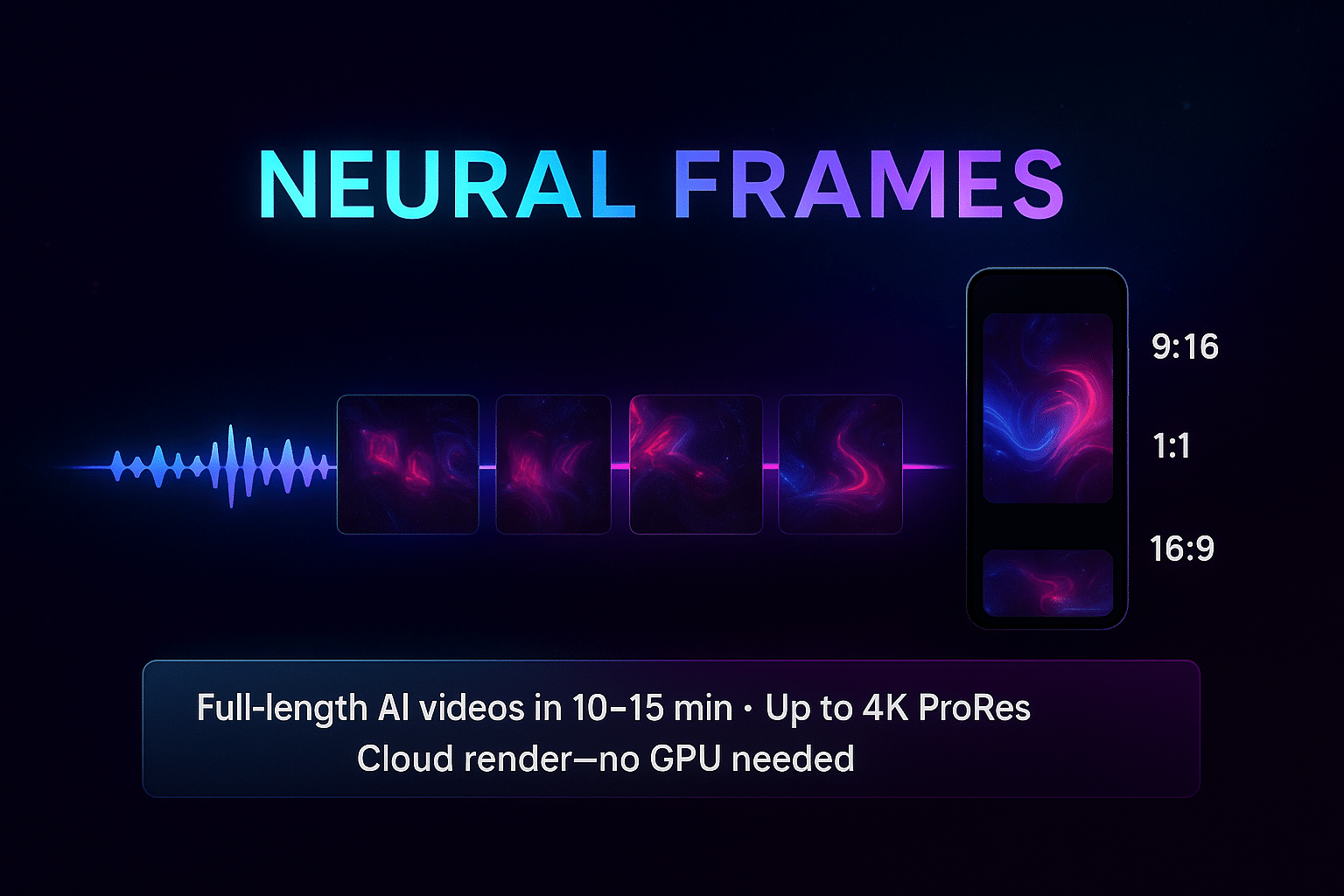
Autopilot analyzes tempo, key, stems, and lyrics, then storyboards a full video in about 10–15 minutes for a three-minute track. If you prefer hands-on control, open the timeline editor to swap prompts, retime cuts, or add audio-reactive effects.
Because every frame renders in the cloud, any laptop can export up to 4K ProRes without a graphics card. One click delivers vertical, square, and widescreen versions, so the same online music visualizer output fits TikTok, Reels, and YouTube.
The Neural Navigator plan starts at $13 per month (price confirmed November 2025). Higher tiers add stem extraction, 4K upscaling, and more render credits, and each minute you export simply draws from the credit pool, making costs predictable for frequent posters.
When you need a polished, beat-matched video on a weekday afternoon, Neuralframes.com turns the idea into a download link, no VFX crew required.
Revid: social-first visuals in minutes, not hours
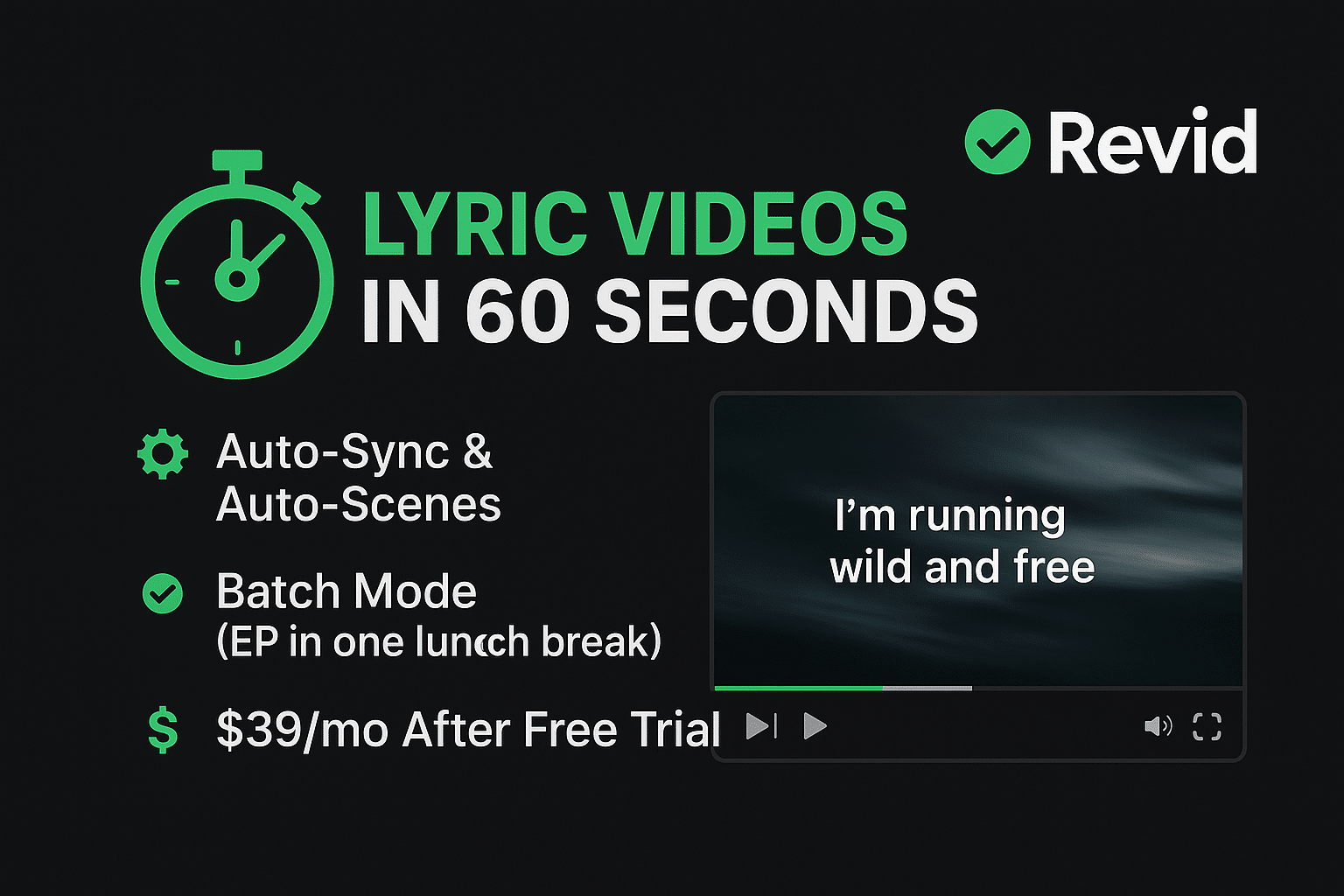
Revid is the online music visualizer for those “post-by-lunch” moments. Upload an MP3 or WAV, pick a preset, and the engine maps beats, frequency spikes, and vocal phrasing to animated effects. Built-in lyric detection places captions in sync, then exports vertical, square, or widescreen clips with no timeline tweaking.
On a 100 Mbps connection, a three-minute track renders in about 3–5 minutes according to Revid’s help desk. A free tier provides 720 p previews, making it a low-risk companion to any TikTok marketing strategy The Hobby plan costs $39 per month and delivers unlimited 720 p exports, while credit bundles (from 15 credits for $15) unlock 1080 p and 4 K output (prices confirmed November 2025).
Revid cannot match Neural Frames for frame-by-frame control, but when “share it today” outranks “direct every frame,” its presets give you a polished, platform-native clip while the trend is still hot.
WZRD: surreal AI visuals when you want pure surprise
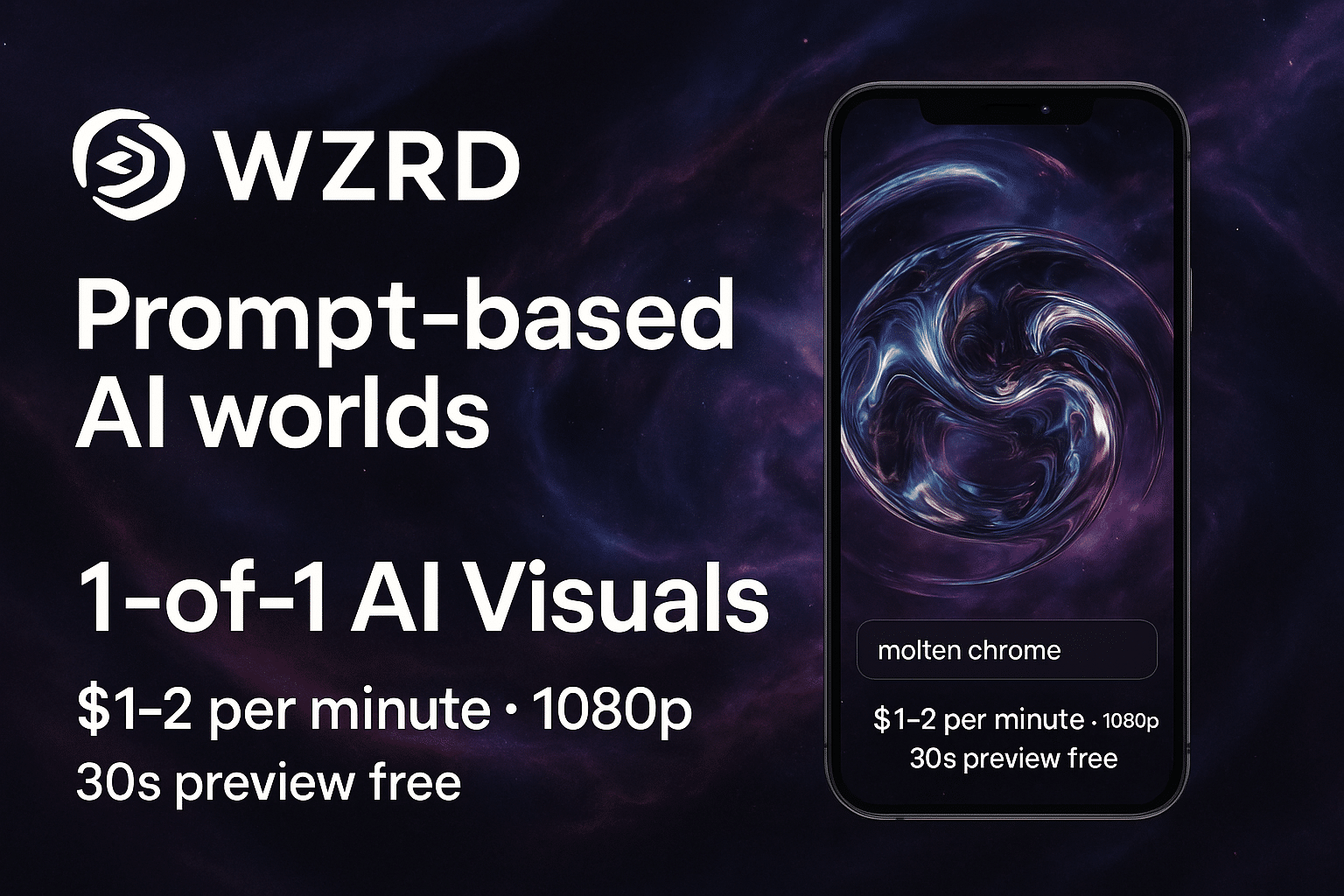
WZRD drops your audio into a neural-network engine that rebuilds itself for every export, so the same track never renders twice. The model listens for rhythm, harmony, and dynamics, then shifts between abstract landscapes and glitchy geometry on each beat. The result is an online music visualizer that feels different every time you press Render.
What stands out
- One-of-one renders. No templates or stock loops, and every video is generated from scratch.
- Credit billing. A single render uses credits; each credit costs about $19 (price checked November 2025), and a three-minute HD clip typically needs 1–2 credits. A free 30-second preview tier lets you test before you pay.
- Hands-off workflow. Upload audio, pick a theme, and let the engine improvise. Fine-grained logo placement or lyric timing is not available yet.
WZRD shines in electronic and ambient genres where unpredictability is a plus, and it also powers live VJ backdrops that must feel new every show. If you need frame-perfect branding, stick with Neural Frames. When you crave a visual curveball, WZRD delivers.
Specterr: clean waveforms and lyric videos without the learning curve
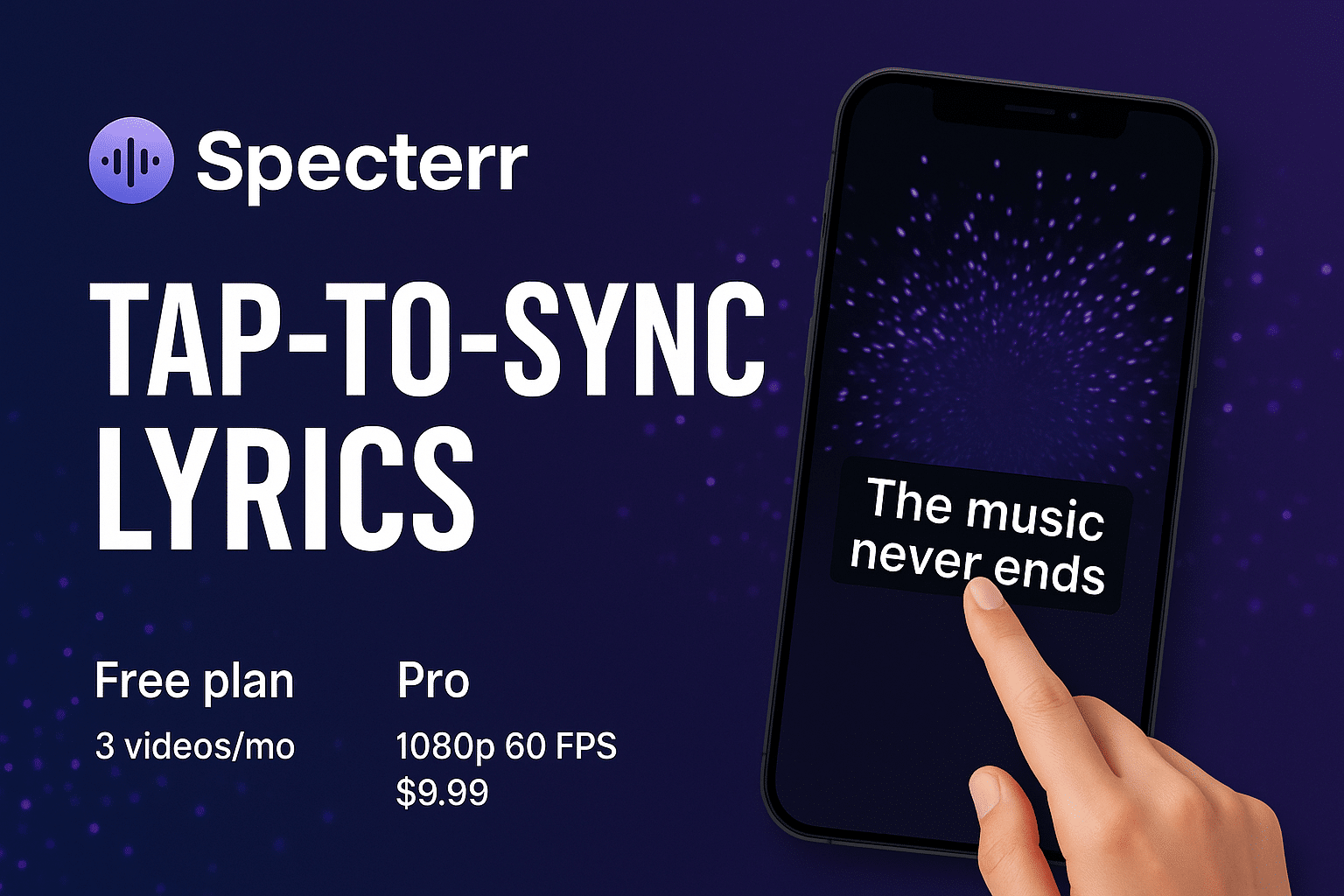
Open Specterr in your browser, pick a template, and drop your MP3 or WAV. Within 8–10 minutes a 1080 p file lands in your inbox—no software, no graphics card, just cloud rendering from this online music visualizer.
Why it is fast to finish
- Point-and-click lyrics. Drag a marker to any timestamp and Specterr locks the line to the millisecond.
- Preset waveforms. Choose circular or flat-wave spectrums, then adjust colors and fonts.
- Royalty-free images. Built-in Unsplash search lets you add backgrounds without leaving the editor.
The free tier outputs two 720 p videos per day with a watermark. Removing the watermark costs $9.99 per export and covers tracks up to five minutes (pricing confirmed November 2025).
Specterr trades depth for speed. It is perfect for podcasts, spoken-word clips, or lyric-first promos where a clean audio bar and synced text beat psychedelic AI worlds. For occasional visuals, paying once instead of subscribing keeps budgets tidy.
Quick reference: side-by-side specs
| Tool | Ideal use case | AI control |
|---|---|---|
| Neural Frames | Full-length, 4 K YouTube videos | Multi-model Autopilot or timeline |
| Revid | TikTok and Reels promos in under 10 minutes | Preset motion styles |
| WZRD | Unpredictable, generative visuals and live backdrops | Fully AI-driven, no templates |
| Specterr | Waveform and lyric loops | Preset waveforms |
Conclusion
Online music visualizers have grown from nostalgic screen savers into full cloud engines that storyboard, animate, and sync an entire track without asking for a single GPU cycle. Whether you want AI-generated dreamscapes, fast TikTok-ready loops, or clean waveforms with perfect lyric timing, there’s now a browser-based tool that matches your workflow and budget.
Neural Frames is the closest thing to an AI co-director—great for full-length 4K music videos.
WZRD brings unpredictability and surreal visuals when you want something no template can produce.
Revid keeps the social-content pace with fast, vertical-first clips and auto captions.
Specterr hits the sweet spot for waveform and lyric videos without subscriptions or complicated timelines.
With each tool offering at least a free preview tier, you can test the style that fits your song before committing. In 2026 and beyond, motion is the new cover art—and these cloud visualizers make it easier than ever to turn your audio into something eye-catching, on-brand, and ready to share.
FAQ
1. What’s the best online music visualizer overall?
There’s no universal winner—it depends on your goal:
- Neural Frames: Full-length 4K AI videos with detailed control.
- WZRD: Generative, unpredictable visuals for ambient/electronic styles.
- Revid: Fast TikTok/Reels exports with auto lyric sync.
- Specterr: Clean waveform + lyric loops with minimal setup.
Choose based on the style, speed, and control you need.
2. Do any of these tools work completely for free?
Yes, but with limits:
- Neural Frames: Watermarked HD previews.
- WZRD: Free 30-second preview.
- Revid: Free 720p previews.
- Specterr: Two free 720p exports per day with watermark.
To remove watermarks or export in HD/4K, you’ll generally need a paid tier or credits.
3. Do I need a powerful computer to use these visualizers?
No. All four tools render in the cloud, meaning your laptop can be years old and still export 4K. A stable internet connection matters more than hardware specs.
4. Which tool is best for TikTok, Reels, and Shorts?
Revid is built for fast vertical clips and auto lyric detection.
Neural Frames can also export 9:16 versions in one click.
Specterr works well for clean lyric loops or waveform teasers.
If speed is the priority, Revid wins. If polish matters, use Neural Frames.
5. Which visualizer is best for lyric-heavy content?
- Specterr: Easiest manual lyric editor—drag, drop, sync.
- Revid: Automatic caption placement for quick social clips.
- Neural Frames: Auto or manual lyric sync inside the timeline editor.
Pick based on how much precision you want.
6. How long do renders take?
Approximate times for a 3-minute track:
- Neural Frames Autopilot: ~10–15 minutes
- WZRD: Varies, but often 5–15 minutes depending on complexity
- Revid: 3–5 minutes on a 100 Mbps connection
- Specterr: 8–10 minutes for 1080p
Cloud rendering means you can keep working in other tabs while the video finishes.
7. Which tool gives the most creative control?
Neural Frames offers the deepest toolkit—timeline editing, prompt changes, stem-based audio reactivity, and 4K ProRes exports. If you want to direct every beat, start there.











