
We alwaysfind surprise from the intelligent software developers when we are in trouble. iSunshare, a professional vendor for powerful applications that helps to offer efficient solutions for password issues. It is providing the iPhone Passcode Genius- the all-in-one tool to unlock iPhone without passcode.
The iPhone Passcode Genius software is designed to remove iPhone various locks so that you can gain usage to the device again. It provides the easiest way for Windows users to unlock iPhone without passcode. You can free download and test it with a Windows computer. But before that, you should know how useful this program is for your demands. This review will walk you through the functions and features of this iPhone unlocking software.
Overview of iPhone Passcode Genius
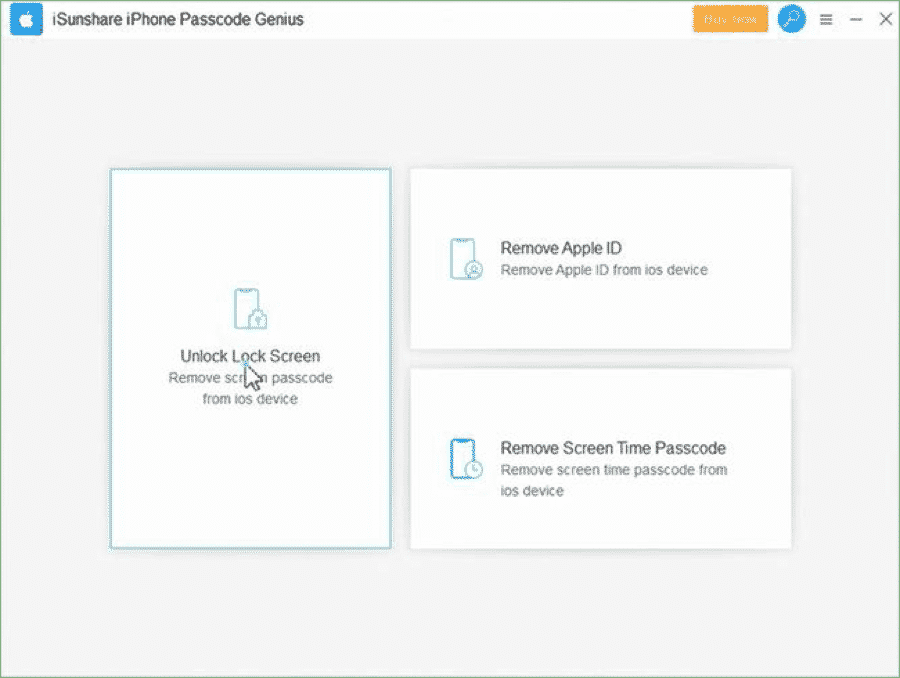
Being the easy-to-use iPhone passcode software, iPhone Passcode Genius provides professional support for unlocking iPhone when forgetting passcode or the iPhone being disabled. This software is also capable of factory reset iPhone and update iOS to newest version while removing the lock. With this tool, you can remove screen lock passcode, remove Apple ID and screen time passcode when you do not know the passcodes.
When tested to unlock lock screen, the iPhone passcode unlock software can easily erase the forgotten passcode. You can easily remove the screen lock passcode within a few minutes. If someone who has enabled Find My iPhone in the iPhone, they need to do reset the settings and then the software can remove the Apple ID. For the iOS 11.4 with Find My iPhone enabled, this software cannot help to remove the iPhone Apple ID. Besides, the screen time removal function can only apply to iOS 12 iPhone.
Important Features:
iPhone Passcode Genius is a cutting-edge iPhone unlocking tool with fantastic features for Windows users. The most important features that draw the user’s attention are as follows:
Get Rid of Locked iPhone without Passcode
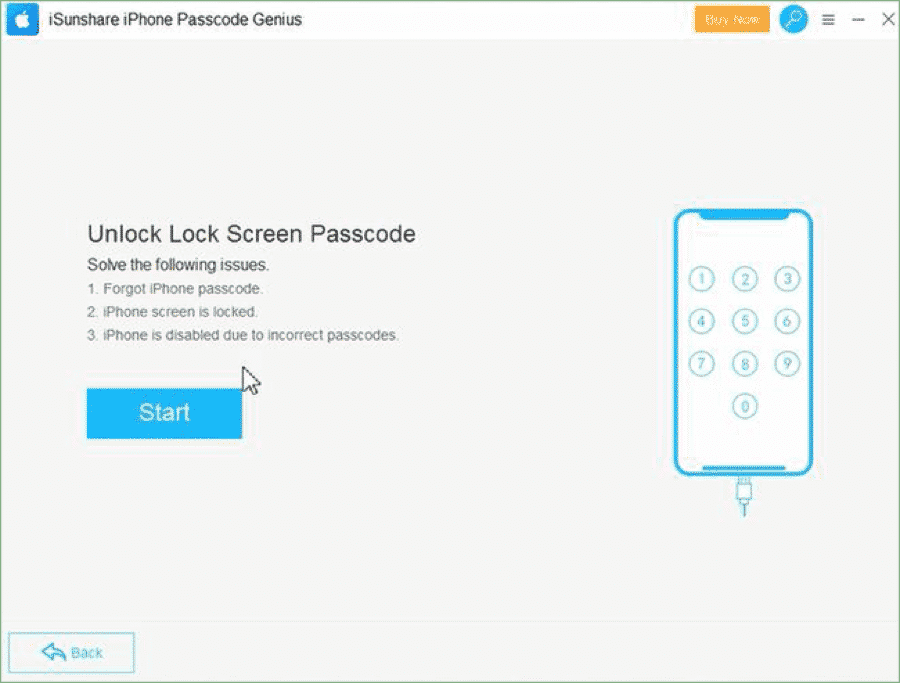
Usually we will be worried when the iPhone is disabled and the password is forgotten. Nothing you can do to make it unlocked. Now iPhone Passcode Genius is a remarkable tool that helps to unlock iPhone. It just costs you a few minutes to connect the iPhone on Windows computer and download the firmware package. Thus, it offers you the quick way to hard reset iPhone without restore or passcode.
Unlock Apple ID without Password
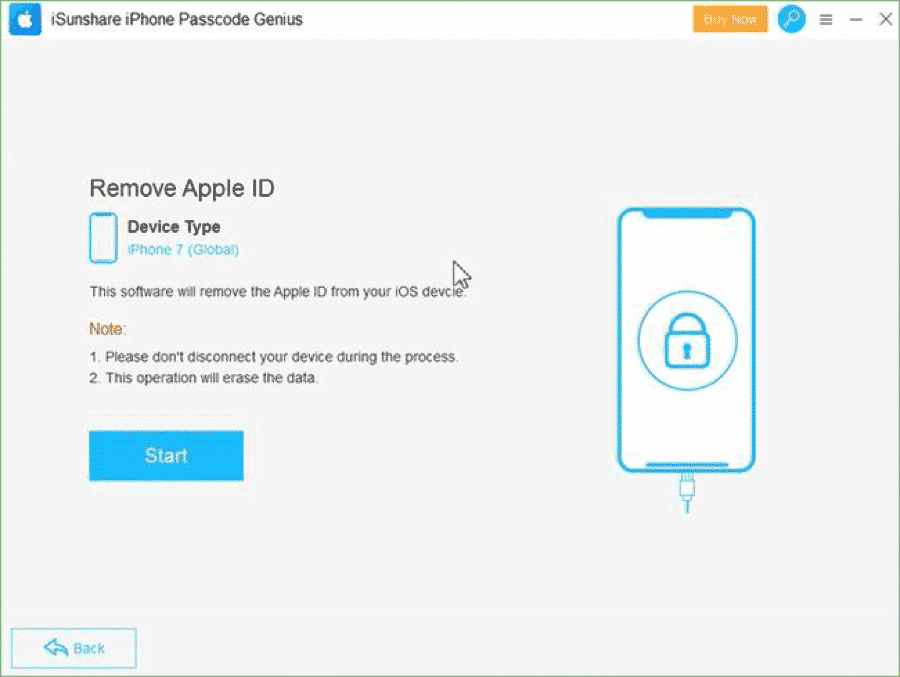
A common user does not pay attention to that the Apple ID is attached to iPhone when he/she buys the second-hand iPhone. With this iPhone Apple ID removal tool, you can activate the iPhone with your own Apple ID and make full use of the iCloud services and Apple ID features. The most important thing is that your iPhone can get rid of the control of previous Apple ID.
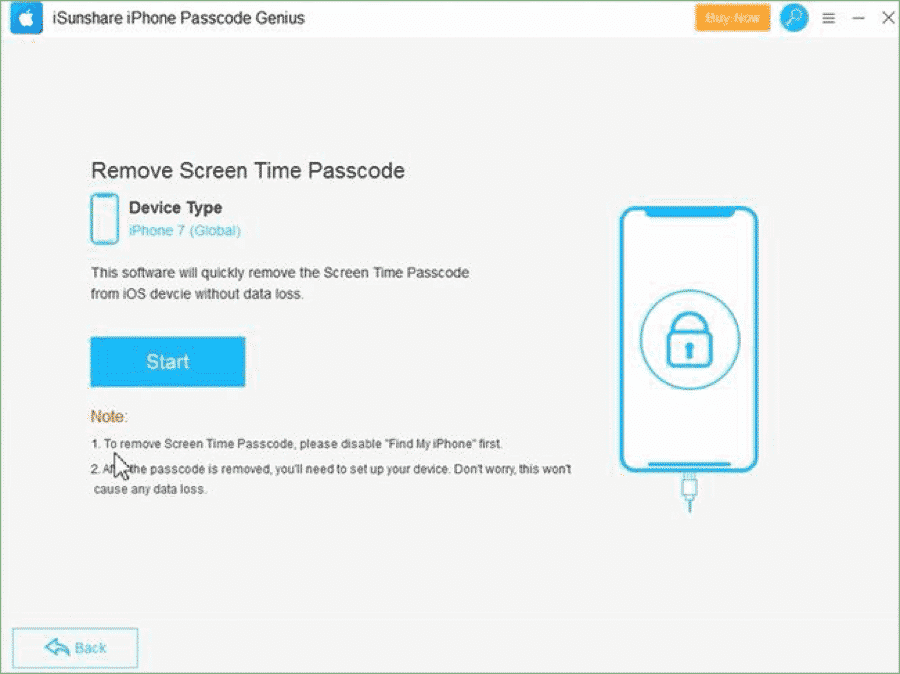
Remove Screen Time Passcode on iOS 12
The screen time restriction is enabled on iOS 12 so that users would like to add screen time passcode to restrict the using of some applications. But what if you forgot the screen time passcode? This iPhone unlocking software enables you to remove the screen time passcode on iOS 12 iPhone without losing any data.
Features a user-friendly iPhone unlocking approach
There is no doubt that not everyone can have the same technical skills to handle the software. So that the software should be simple to use and have the intuitive using interface. iPhone Passcode Genius features a user-friendly iPhone unlocking process. Users can finish it within a few simple clicks no matter they are using the iPhone 5/5s/6/6s/7/7s/8 or the newest iPhone 11.
How to Remove Screen Lock Password with iPhone Passcode Genius
iSunshare iPhone Passcode Genius is now only available on Windows computer. So you need to have an accessible Windows computer to download and install this iPhone unlock tool. Besides, iTunes is needed to be installed on the computer although you do not need to use it.
Step 1: Make the locked iPhone connected to your computer. Then launch iPhone Passcode Genius and choose Unlock Lock Screen option.
Step 2: Click the Start button to let the software detect your iPhone.
Step 3: Click the Next option to load iPhone info.
Step 4: Confirm your iPhone information and click the Download button to get firmware package. If you have the firmware package on your Windows computer, you can click the Select button on the bottom right corner.
Step 5: Click the Unlock button to remove screen lock password. During this unlock process, your iPhone will be factory reset and power cycle. After that, your iPhone will be unlocked within minutes.
Here is a guide video for you to better understand how iSunshare iPhone Passcode Genius works, and how well it will be doing.
Final Words:
iSunshare iPhone Passcode Genius is the reliable tool that does keep its promise to help users solve the iPhone passcode issues. It offers the 30 day money back guarantee to satisfy every user. Although it has only the Windows version now, it is the best helper to unlock iPhone without passcode. You can free download the software and now it is offering a big discount, of which the normal price is $29.95. Now you just need to pay $19.95 for lifetime unlimited usage.











