
Netflix has been a superstar in the entertainment industry and it has only risen in popularity in recent years. The lockdown meant that the amount of Netflix users has spiked worldwide. Netflix is definitely the future of entertainment.
Not all Netflix titles are available worldwide however. In some regions Netflix is not available at all. This is the source of frustration for thousands of people worldwide. However, there is a solution to this problem.
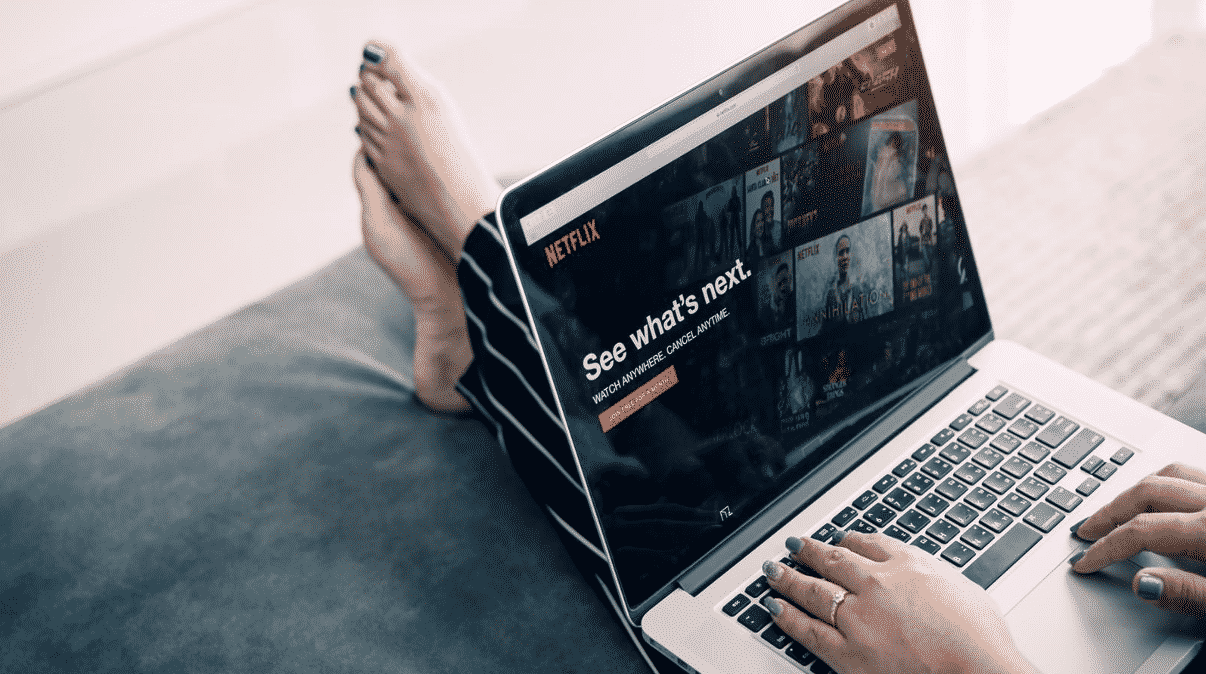
VPN software can help you to access other titles.This tactic has been around for many years now, and more people are starting to use it to broaden their viewing experience. However, Netflix has stated that they are cracking down on the use of VPN software to access their content.
What is a VPN?
A VPN is a form of cyber security software. It is often used by people for extra security and privacy when browsing the internet. VPN software can encrypt your internet traffic, which means that no one will be able to see what you are doing on your device, not even you internet service provider.
However, another feature of a VPN is that it can change the location of your IP address by allowing you to connect to one of its global servers. For example, if you are in the UK you can connect to a server in the United States, allowing you to browse the internet as if you were in the US.
This feature is what allows you to access new titles on Netflix. By connecting to a global server in a different country, for example, the United States, you will be able to access the content as if you were based in that country.
This has allowed many people to bypass geo-restrictions, which is what blocks you from viewing certain content in your own country. Changing the location of your IP address allows you to access different content.
How do People Use a VPN For Netflix?
Using a VPN to stream Netflix is extremely easy. All you need to do is find the VPN provider that suits your needs. There are many to choose from, however, it is important to use one that allows you to stream Netflix as many of them do not provide this feature.
It may be tempting to use a free VPN or a free trial, however, this is not suitable for streaming Netflix for several reasons. The first is that free VPNs often have slower speeds, which means that streaming will be difficult as it will constantly be buffering. This speed limit is imposed by the VPN provider, so even if your standard internet is fast enough, it will still be limited by the VPN.
Free VPNs also have data limits. These limits are often capped at around 500 MB per day, which is not enough to stream a series or a movie. Streaming on Netflix usually uses 1 GB per hour depending on your selected image quality.
Finally, free VPNs have very limited global servers to choose from. This means you might not be able to find the country you want to. For example, most VPN providers do not offer the US as a server in their free versions, and this is the server that most people want to connect to when streaming Netflix.
Once you have chosen the VPN provider that is best for you, you need to buy the subscription. This can be a monthly or annual subscription. The annual subscription might be a higher fee to pay upfront, however, it is often discounted compared to the monthly fee.
Once you are subscribed to your VPN of choice you simply need to connect it to the device you would like to watch from. You can choose which server you would like to connect to and from there you can enjoy all the Netflix content you wish to access.
Why is Netflix Banning People From Using a VPN?
Netflix is available in most countries worldwide. However not all titles are available, and this is with good reason. Many titles are not allowed to be streamed in some regions due to licensing and copyright restrictions. As such, Netflix is not allowed to make these movies or series available in all countries.
Many people get around this by using a VPN. However, Netflix has recently stated that they will be cracking down on people who use a VPN to access geo-restricted content. They will do this by suspending accounts and blocking IP addresses from accessing Netflix.
This has led to many VPN providers removing the ability to stream Netflix using their software. However, despite these warnings from Netflix, some VPN providers still have this functionality. It should be said though that you should use this at your own risk.











