

iPhones with dual SIM support provide the ability to use two lines for calls, messages, and the internet on a single device. This feature first appeared on the XR and XS models. It immediately became a valuable advantage for travelers, freelancers, and businessmen who appreciate such functionality.
In this article, we will take a detailed look at all the configurations of this Apple technology. We’ll compare hybrid nano-SIM and eSIM, and then move on to advanced settings for two electronic profiles, as well as regional features. The guide also clarifies which models support SIM combinations and provides step-by-step setup instructions. This should be handy for activating, for example, a data-only embedded SIM for travel, like from Ohayu.com. With that context, it’s worth examining how iPhone models differ in their dual SIM support.
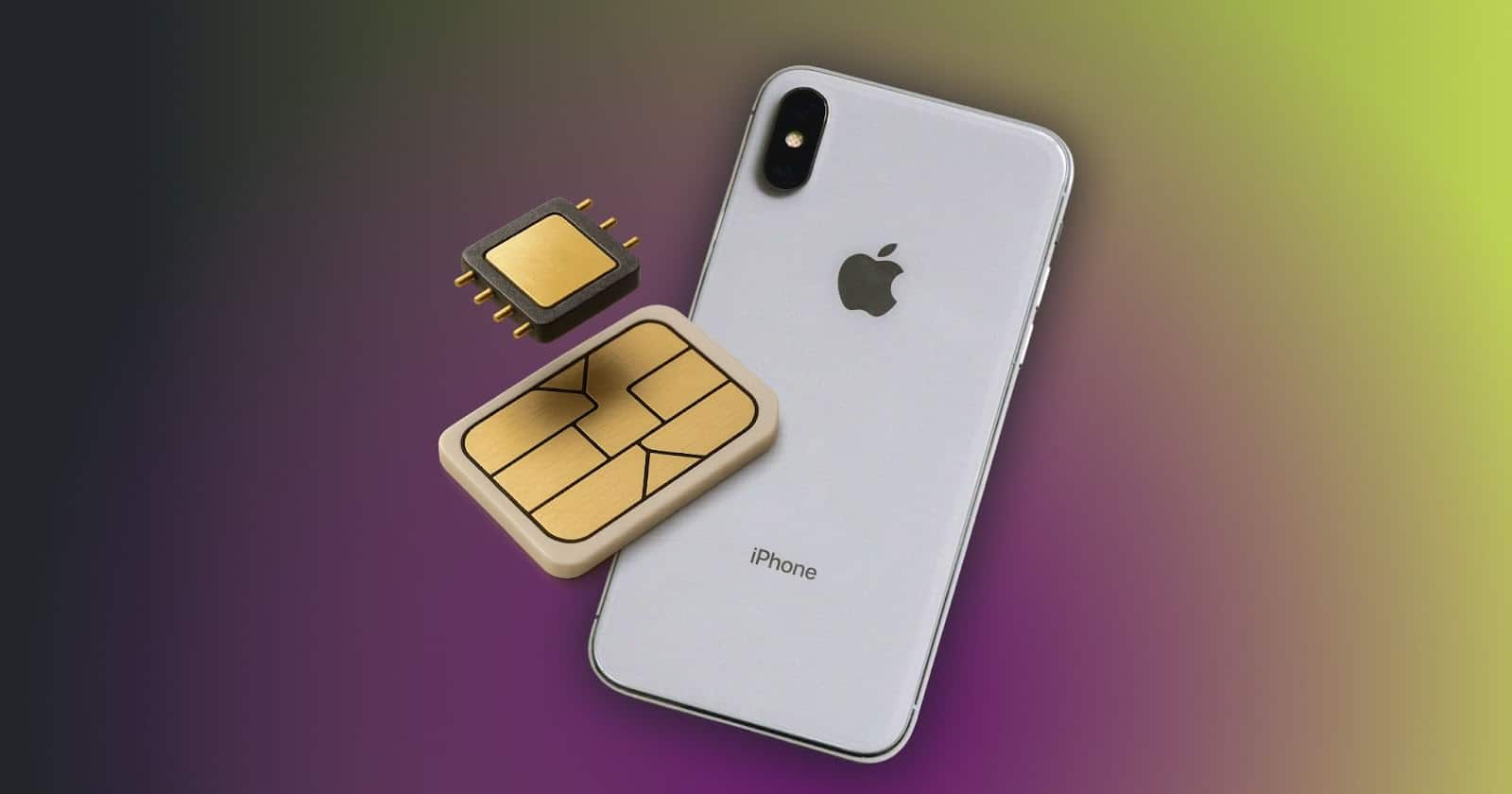
Types of SIM in Apple iPhone

To clarify how dual SIM functionality has evolved, Apple smartphone models can be grouped into distinct SIM configurations, each reflecting changes in hardware and regional support.
Nano Only
All models up to the XS were equipped with a single tray for a 4FF standard physical card, and there were no alternatives. This was a serious problem for users who required greater flexibility.
Dual SIM
From the XS line up to the 13 models, the company implemented a hybrid design. It combines a single physical tray and support for one virtual SIM. This advancement enabled the simultaneous use of two numbers.
Dual eSIM
The 14 series for the US was released without the physical tray. As a result, these devices now support the simultaneous operation of two electronic profiles. However, it should be noted that the rest of the world still uses the hybrid configuration system.
Regional Specifics
The configuration of the smartphone depends on the region. Here are some examples of regional build differences:
- United States: 14 and newer models only have eSIM.
- Mainland China, Hong Kong, Macau: two physical cards, and embedded module support is only available on the iPhone 17 Air model.
- Other regions: classic hybrid scheme.
How iPhones with Dual SIM Work?
The operation of iPhones with dual SIM is mainly based on hardware and software interaction. In early implementations, there were two independent radio modules. In new chipsets, this has been replaced by DSDS. In this architecture, the transceiver serves both profiles and switches between them in time division duplex.
Hybrid Traffic Routing
The user can set the following priorities in the settings:
- Mobile Data: defines the internet connection profile (LTE/5G NR).
- Default Voice: required for outgoing calls and SMS.
- Allow Cellular Data Switching: when enabled, it allows the voice line to use the IP channel of the data to transmit voice (VoLTE/VoNR) if its own signal is insufficient.
Processing Apple Services
iMessage and FaceTime use asymmetric binding, meaning each service is linked to a specific address. This creates two virtual contact points within a single device. This is extremely important for segmenting work and personal communications without physically duplicating devices.
Which iPhones Support Dual SIM?
The company strictly follows digitalization standards and harmoniously develops and implements technologies for using subscriber identification modules. Whereas previously there was physical media, now the focus and emphasis are on digital cellular module technology. Therefore, a standard has been set for all current generations of smartphones. Below is a table overview of the general picture.
iPhone models and supported SIM types
| Model Range | SIM Type | Active Lines | Notes |
|---|---|---|---|
| Up to iPhone X | Single Nano-SIM (physical) | 1 | No eSIM support. |
| iPhone XS / XS Max / XR | Nano-SIM + eSIM | Up to 2 (1 physical + 1 eSIM) | China, Hong Kong, and Macau models use dual Nano-SIM (no eSIM). |
| iPhone 11 / 11 Pro / 11 Pro Max | Nano-SIM + eSIM | Up to 2 (1 physical + 1 eSIM) | Dual Nano-SIM only for China and Hong Kong models. |
| iPhone 12 / 12 mini / 12 Pro / 12 Pro Max | Nano-SIM + eSIM | Up to 2 (1 physical + 1 eSIM) | Dual Nano-SIM in China and Hong Kong. |
| iPhone 13 / 13 mini / 13 Pro / 13 Pro Max | Nano-SIM + eSIM or Dual eSIM | Up to 2 active eSIMs | First generation to support two eSIMs without a physical SIM. |
| iPhone 14 / 14 Plus / 14 Pro / 14 Pro Max | Outside US: Nano + eSIM; US: eSIM only | Up to 2 active eSIMs | US models have no physical SIM slot. |
| iPhone 15 / 15 Plus / 15 Pro / 15 Pro Max | Outside US: Nano + eSIM; US: eSIM only | Up to 2 active eSIMs | Same setup as the iPhone 14 series. |
| iPhone 16 / 16 Pro / 16 Pro Max / 17 / 17 Air / 17 Pro / 17 Pro Max | Some regions: eSIM only; others: Nano + eSIM | Up to 2 active eSIMs | Latest models; physical SIM card slot removed in the US |
How to Set Up and Use iPhones with Dual SIM?
The setup process for iPhones with dual SIM is intuitive, but there are a few things to keep in mind.
Basic Algorithm for nano-SIM + eSIM
This variation is currently the most common. Therefore, proceed as follows:
1. Insert the physical card, and it will be detected automatically.
2. To activate your electronic profile, go to “Settings” and then “Cellular.”
3. Tap “Add Cellular Plan” and scan the QR code from your carrier or activate it through the app.
4. Give each line a clear name, such as “travel” and “work.”
5. Now select the default card that will be used for voice calls, internet, etc.
We also recommend paying attention to a feature called “Allow cellular data switching”. When activated, your device will be able to use the resources of the line with the best signal at the moment for VoLTE voice calls, even if it is not the primary line.
Special Cases
- Two eSIMs (US models). There is no physical card tray at all. Simply add both plans via the settings as described above and scan two different QR codes in sequence. The logic for assigning roles between lines is identical.
- Two nano-cards (China). There are no difficulties here. Insert the cards into the slots, and everything is automatically ready to go. All that remains is to assign roles, for example, for calls, SMS, and the internet.
Sometimes it’s necessary to set up APN settings manually, especially when using virtual operators. This info is usually provided by your carrier. Don’t forget about the Wi-Fi Calling feature, which you can turn on separately in the settings. This saves battery life and improves call quality when roaming.
Benefits and Disadvantages of iPhones with Dual SIM
- Advantages
The main advantage here is segmentation. Separate work and personal life without carrying two phones. This can be valuable when traveling, especially if you get an eSIM from a provider like Ohayu to avoid high roaming charges. There’s also the benefit of network redundancy, because if one network goes down, there is another available for switchover.
- Drawbacks
Shorter battery life – two active radio modules mean a 10-15% increase in battery consumption. Also, keep in mind that not all carriers are compatible with electronic profiles. On older models like the XS, 5G is not available. Also, almost all Chinese versions are currently only available with physical cards.
Common Use Cases
- Business: separation of work and personal contacts.
- Travel: primary card for banking and travel, digital identifier for data.
- Expats: retaining a home number with local rates.
- Roaming: use a local SIM abroad to reduce communication costs.
How Many SIMs Can an iPhone Have?
Starting with a hybrid solution in the XS, Apple gradually moved towards complete digitization. The turning point came with the model 13, which could activate two electronic profiles simultaneously, even with a physical card in the slot. And with the Model 14, the tray disappeared altogether in the US.
But it is important to distinguish between stored and active profiles. Modern models can store 8-10 accounts (as digital keys) in their firmware, but only two can be active at the same time. A more detailed analysis of digital identifier limits can be found in this article.
| Variant | SIM tray(s) / physical cards | Number of active lines (typical) | Use cases |
|---|---|---|---|
| Dual SIM (physical + physical) | Two physical SIM slots/trays | Two lines active (both on standby) | Users who want full flexibility with two physical numbers (e.g., business + personal) in a region with good dual-SIM support. |
| Dual eSIM | No (or minimal) physical tray for second line; both lines are eSIMs | Up to two active lines (depending on device & carrier) | Frequent travelers, people who switch operators or tariffs often, or want to avoid fiddling with physical SIMs. |
| Dual nano-SIM (China variant) | Two physical nano-SIM trays/cards (especially China/HK/Macau) | Two lines active (both physical) | Users are buying devices in China or region‐specific models, or in markets where eSIM support is weak/absent. |
iPhones with Dual SIM FAQ
Can I use Dual SIM if the Smartphone is Carrier-Locked?
No, this feature is not available. You need to contact your carrier to unlock and activate the second identifier.
Is it Necessary to Disconnect One Line Abroad?
This will not be superfluous. You can leave your home line active for calls and use a digital local subscriber identity module for the internet.
Does Dual SIM affect the Battery?
Yes, battery consumption increases slightly because the device supports two active connections. The effect is most noticeable when the network signal is weak.
Will Both Profiles Work on 5G Networks Simultaneously?
No, only one option uses 5G, the one selected in the settings. The second variant utilizes LTE/4G or 3G networks.
What if Both Lines Receive Calls at the Same Time?
One call will be connected, and the second will be forwarded to voicemail. However, if Wi-Fi Calling is enabled, you can answer the second call on another Apple device.
Conclusion
iPhones with dual SIM offer communication flexibility. This technology gives complete control and flexibility in any situation. When abroad, you can use your main number for important calls and SMS messages, and get high-speed, high-quality internet at local rates through travel eSIM like Ohayu. It’s a smart and practical way to stay connected without overpaying or unnecessary hassle, getting the best of both worlds in one device.











