
While buying or resetting an old iPhone, many people face the iCloud Activation Lock issue. This lock protects personal data by connecting the device to the last owner’s Apple ID. However, it can also make a secondhand or inherited iPhone completely unusable. Many users feel stuck because they cannot access their phone or essential settings.
In such cases, a trusted unlocking tool becomes extremely helpful. Dr.Fone iPhone Unlocker offers a safe and simple way to remove Activation Lock. It helps people recover access to their locked iPhones without hassle. This guide explains why the lock exists and what effortless choices users can try.
Part 1. What is Activation Lock? Why does Activation Lock exist?
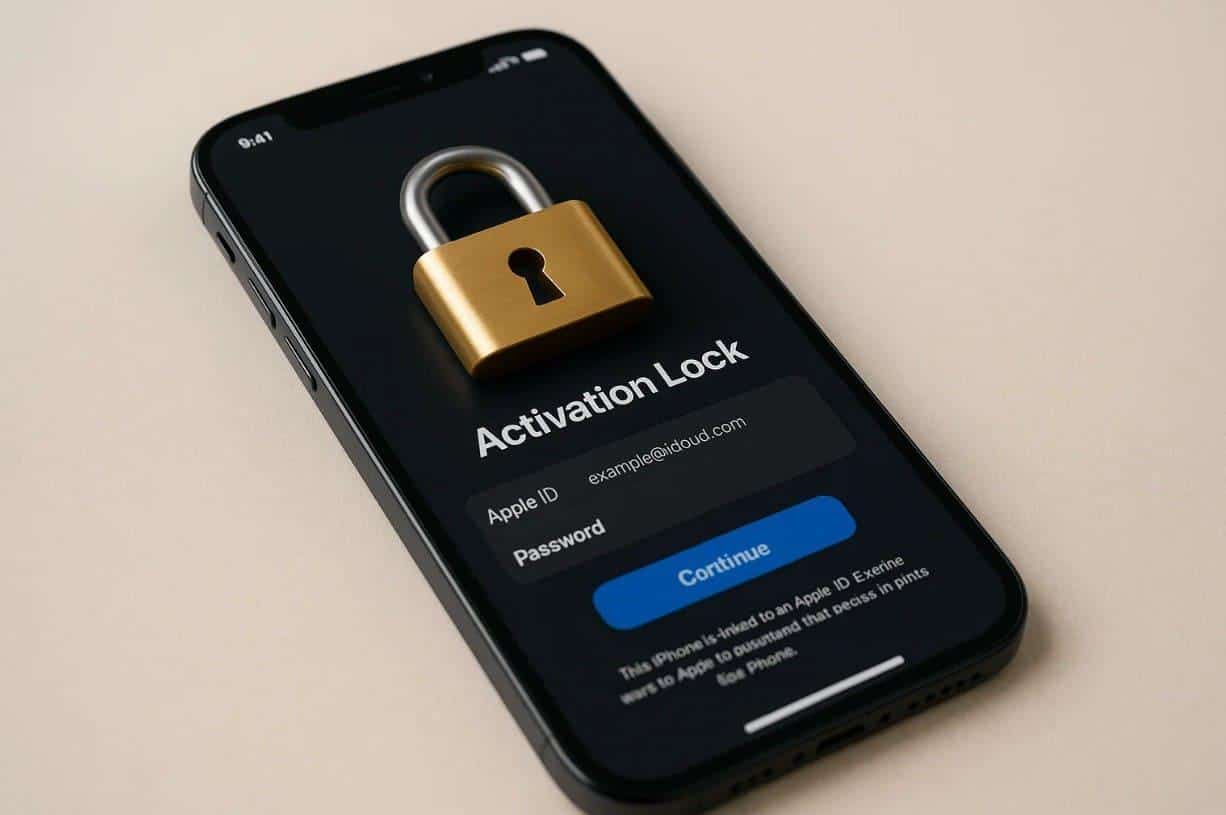
Activation Lock is a native Apple feature that protects devices linked to Find My. It connects the device’s unique ID to the owner’s Apple account on Apple servers. This link requires the correct login details whenever someone tries to set up the device. Even after a full reset, the iCloud-locked iPhone still needs the original Apple ID credentials.
This design prevents others from turning off tracking or erasing the device without permission. The lock stays active until the owner removes the device from their account. Therefore, it keeps the device secure and stops unwanted access during setup or reset. Below, you will explore a few key reasons why this specific lock exists:
- Data Safety: Keeps private information safe from unauthorized access attempts.
- Theft Deterrent: Lowers phone theft by limiting profitable resale opportunities.
- Device Control: Ensures only rightful owners can reset or reuse their devices.
- User Protection: Protects users by blocking misuse after physical device loss.
- Secure Ecosystem: Helps maintain trusted device security across Apple products.
Part 2. When iCloud Activation Lock Causes Problems
Many times, the iCloud Activation Lock brings serious trouble instead of protection. Here, users will discover a few reasons why they seek ways to bypass iCloud activation lock:
- Wrong Login: Buyers face trouble when the device needs the unknown Apple ID details again. This situation blocks setup and prevents normal use until proper access is confirmed.
- Resale Issues: Used phones stay locked because previous owners forget to remove linked accounts. It reduces value and leaves buyers unable to finish the required device setup.
- Forgot Credentials: Users sometimes forget their Apple ID passwords, which stops device activation. This issue delays access and forces people to seek recovery steps during setup.
- Family Handover: Passing devices to relatives fails when older accounts remain linked. This oversight creates trouble and stops new users from activating their gifted devices.
- Locked After: A reset can trigger iCloud lock screens if devices remain linked to old accounts. It prevents activation and blocks users until ownership details are fully verified.
Part 3. What Official & Legitimate Options Exist for iCloud-Locked iPhones
When people face an iCloud-locked iPhone, they look for safe official solutions. Therefore, this part shows the 3 legitimate methods to help users unlock their devices:
Method 1. Contact the Previous Owner for Credentials
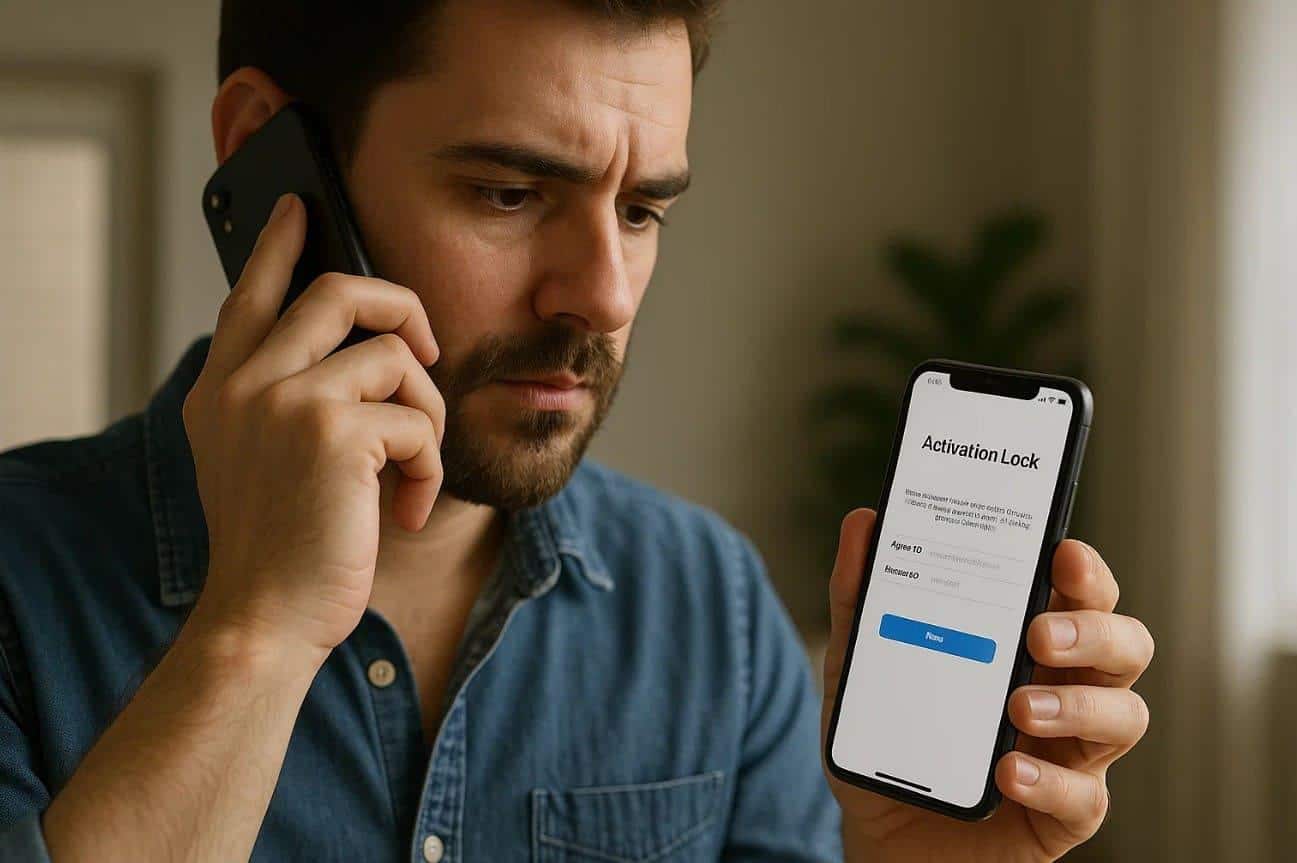
One of the most straightforward methods to bypass iCloud activation is by requesting the previous owner to share the Apple ID password linked to the device. After they provide the password, enter it directly on the iPhone’s activation screen, and the lock will be removed instantly.
Once unlocked, you can complete the setup process normally and sign in with your own Apple ID to use iCloud, App Store, and all system features without restrictions.
Cons
- It needs the previous owner’s help, which may not always be possible.
- You cannot activate the phone if the owner has forgotten their details.
Method 2. Remove the iPhone from Find My
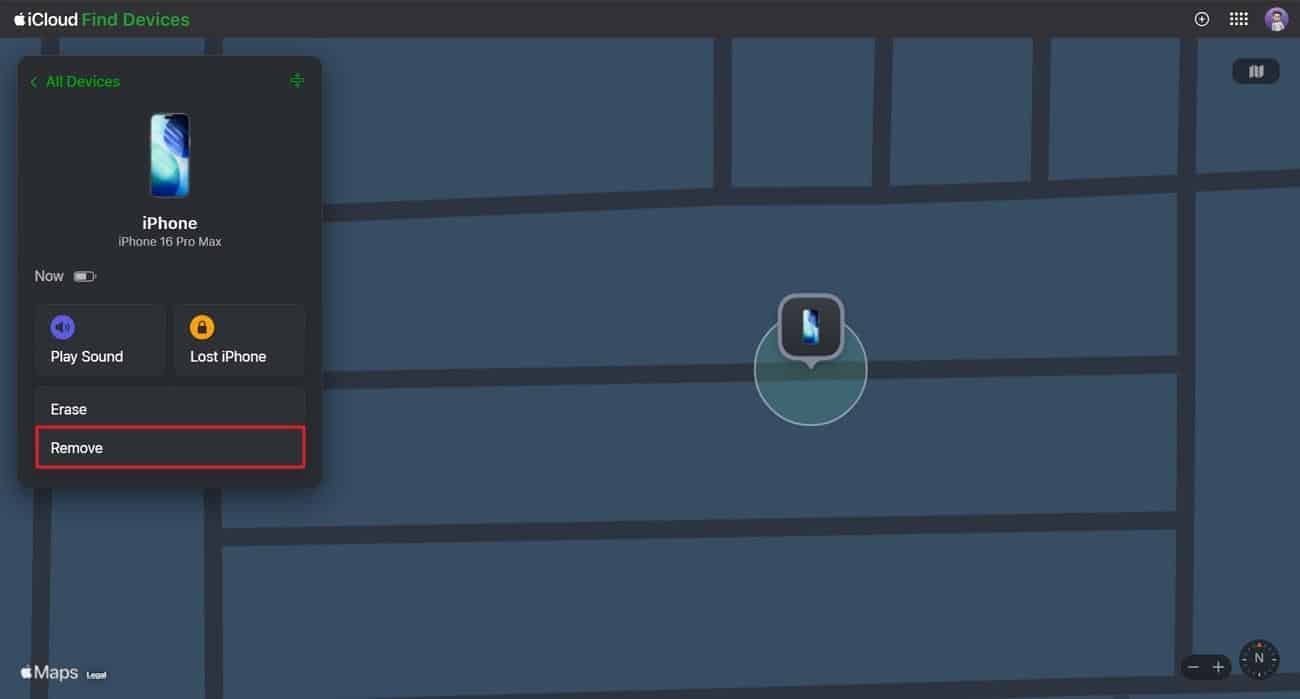
You can also remove the device from Find My to unlock an iCloud-locked iPhone. This method works when the original owner still has control of their Apple account. Furthermore, they can remove the device online and let the phone activate normally. Upon removing the device, you can set it up easily without further interruptions. So, go through the given steps to remove your device from Find My:
Step 1. Once the person logs in to iCloud Find Devices, they have to access your phone from the “All Devices” section. Afterward, you need to press the “Remove” option for your device.
Step 2. Here, press “Continue” to finish erasing the phone to unlink it from the iCloud account.
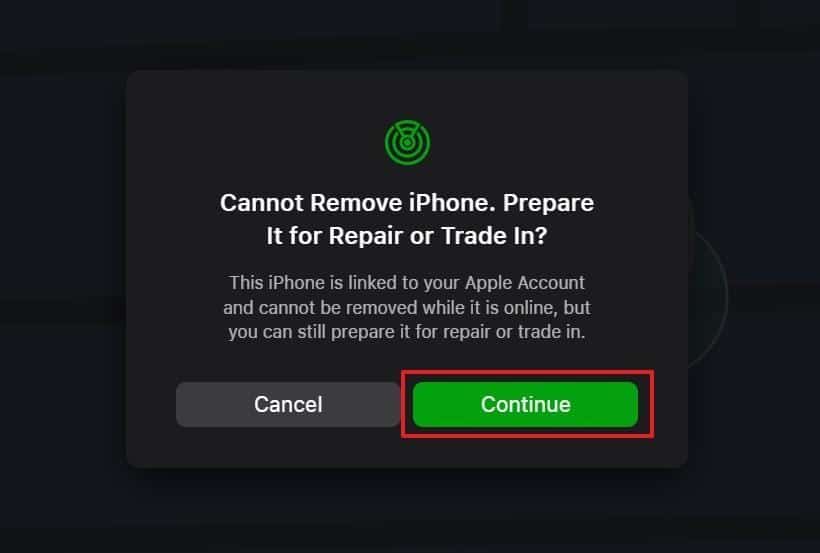
Image name: drfone-iphone-unlocker-5.jpg
Image alt: erase iphone via find my
Cons
- It requires Apple ID access, which many secondhand buyers usually do not have.
- Remote removal fails without a strong network connection on both ends.
Method 3. Contact the Customer Support Service
Apart from that, contacting Apple’s customer support service is another helpful option. The team checks ownership details and confirms if the device can be unlocked safely. Plus, they review serial information and provide clear steps based on your situation. Support agents also explain the required documents and verify everything for secure activation. Once approved, they guide you through the final steps for smooth device access.
Cons
- It takes a long time due to document checks and verification steps.
- Apple may deny unlocking if the ownership information appears incomplete.
Part 4. Meet Dr.Fone – iPhone Unlocker: Fastest Method to Unlock Activation Lock
When users cannot access their devices, they usually need a fast unlocking method. In such moments, Dr.Fone – Screen Unlock (iOS) becomes a reliable choice for simple unlocking. It provides multiple powerful functions that remove restrictions and return full phone usability. Dr.Fone iPhone Unlocker can bypass iCloud Activation Lock quickly without asking for any Apple ID password.
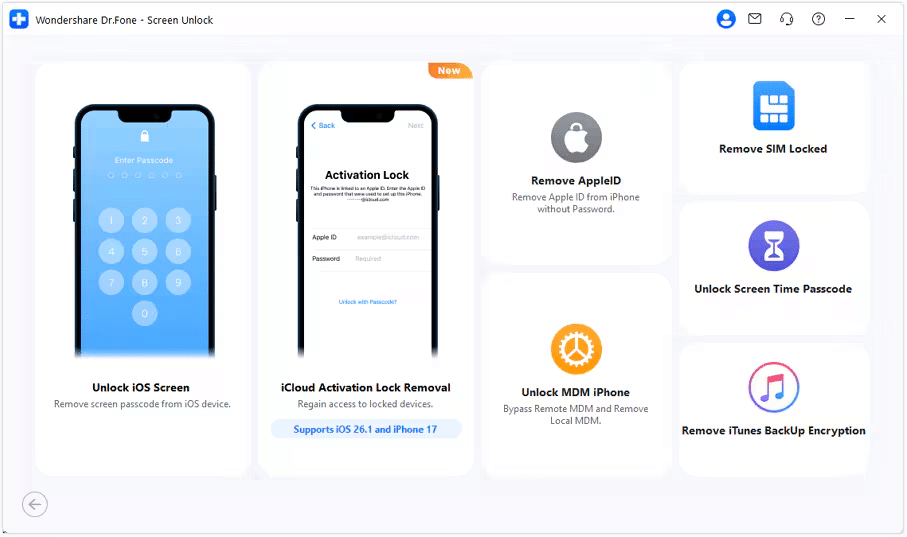
Furthermore, users can even unlock their Apple ID without needing old or forgotten credentials. Plus, the tool works perfectly across iPhones and iPads running iOS or iPadOS 12.0 to 26.1. While unlocking, it detects the connected device model and downloads the correct firmware required. Beyond that, Dr.Fone also helps remove MDM configuration profiles smoothly without deleting important files.
Key Features
- Screen Unlock: Unlocks even iPhone screens when passcodes or Face IDs are forgotten.
- Remove SIM Lock: Remove the network restrictions from the iPhone to use it freely all over the world.
- Fast Process: Bypass devices swiftly with optimized algorithms for improved processing efficiency.
Guide to Unlock Activation Lock via Dr.Fone – iPhone Unlocker (Fully Supports iOS 26)
You can review the following detailed guide to unlock your iPhone activation location using this advanced tool:
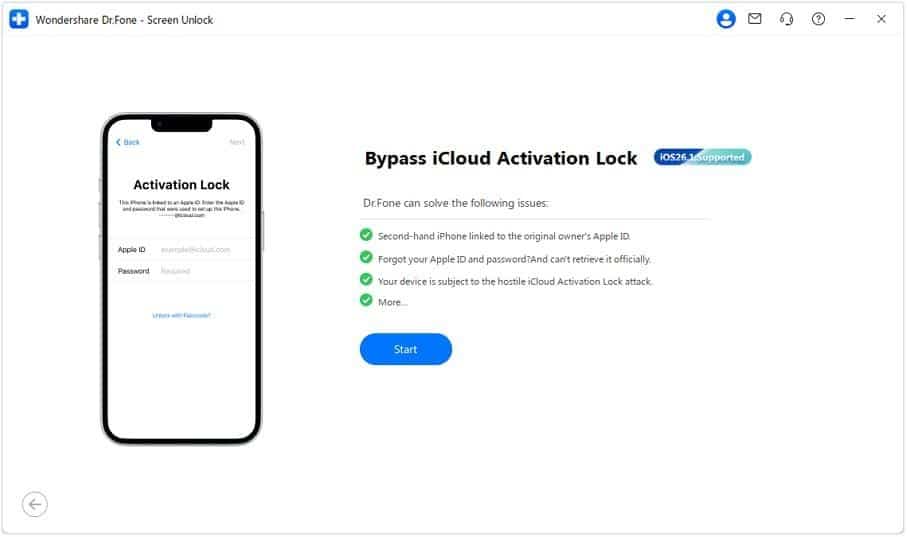
Step 1. Launch the Dr.Fone Toolbox to Remove iCloud Lock
As you access the “Toolbox” tab, opt for the “Screen Unlock” and choose “iOS.” Afterward, click the “iCloud Activation Lock Removal” option and hit the “Start” button.
Step 2. Prepare the Device for the Jailbreak Process
Subsequently, connect your iCloud-locked iPhone to the computer and click the “Unlock Now” button.
1. For iOS 17.0.1-26.1
The program will automatically fetch and install the required driver for your device.
2. For iOS 15.0–16.7.11
Dr.Fone iPhone Unlocker will guide you to enter Recovery Mode for jailbreaking.
3. For iOS 12.0–14.8.1
You will need to perform a manual jailbreak following the displayed prompts.
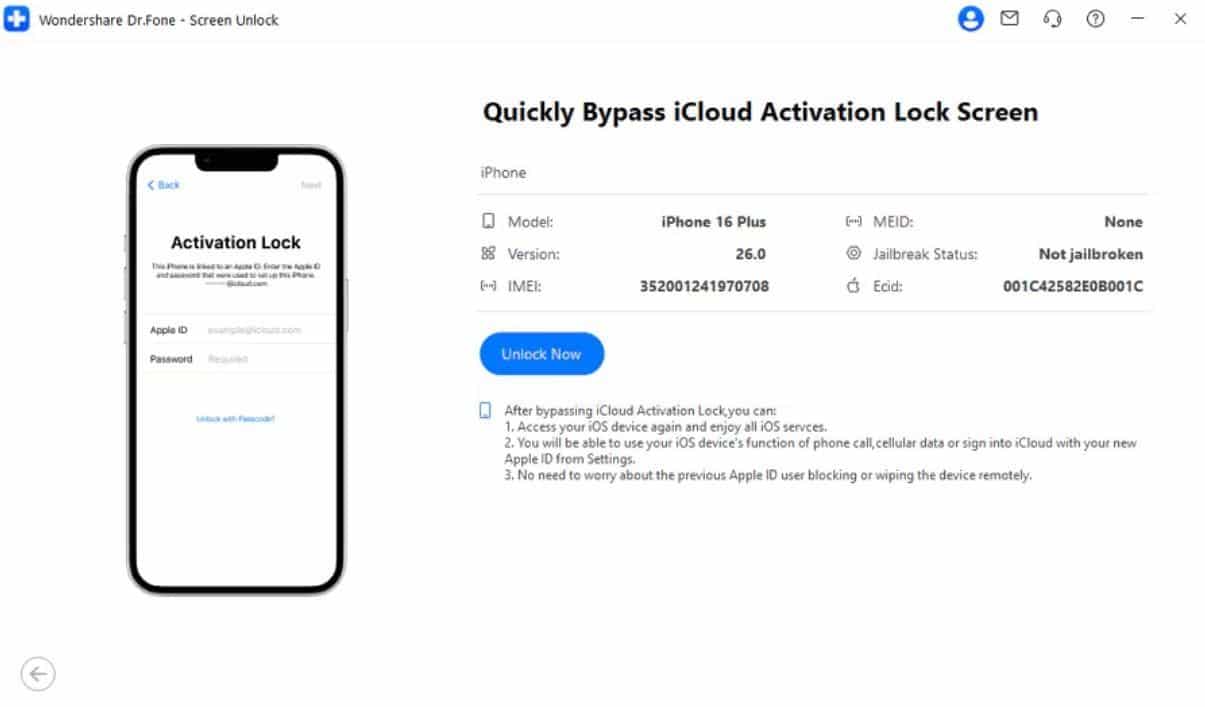
Step 3. Successfully Bypass iCloud Activation Lock
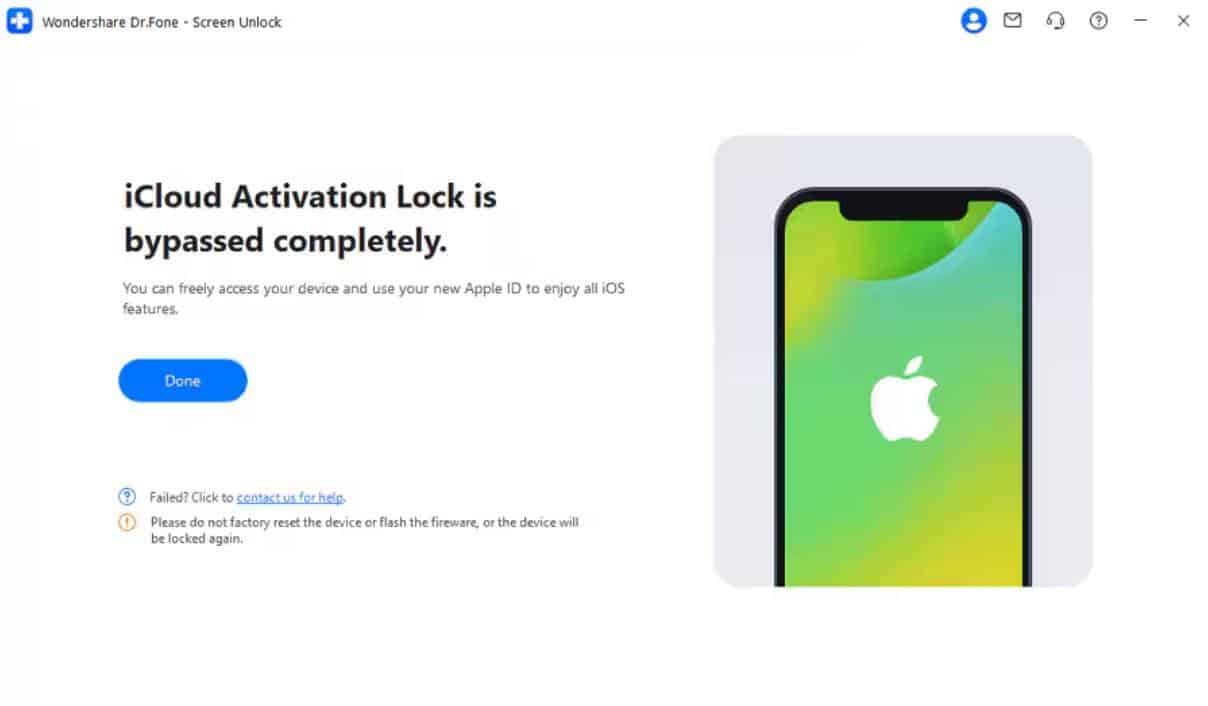
Upon doing this, Dr.Fone iPhone Unlocker will automatically remove the iCloud Activation Lock.
Conclusion
In conclusion, iCloud Activation Lock protects devices but creates access problems for users. When you want to unlock it, official methods are available and discussed in this article. Yet, when traditional solutions fail, a reliable tool becomes essential for safe unlocking. Therefore, using Dr.Fone iPhone Unlocker offers the fastest path to regain complete access. So, you should try Dr.Fone now to bypass iCloud Activation Lock effortlessly.











