
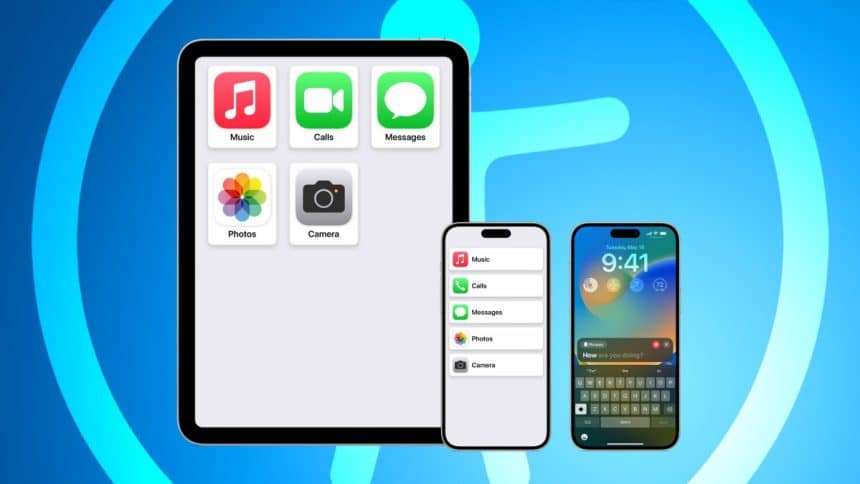
Mobile accessibility is now a need rather than an extra, particularly since the market for inclusive iOS apps keeps growing. Due to Apple’s innovative accessibility features, iPhones may now be used by individuals with a wide range of disabilities. By working with TechnBrains, the best iOS app development company, accessibility is guaranteed to be a top concern from the beginning of the design process. The main technologies and services influencing inclusive app experiences are highlighted in this essay, which examines current and upcoming trends in iOS accessibility.
Why Accessibility in iOS Apps Matters More Than Ever
Accessibility in iOS apps is becoming increasingly important because it guarantees inclusivity for users with disabilities and promotes equitable access and usability. Since there are more than a billion disabled individuals in the world, creating accessible apps is not only required by law and ethics but also increases the potential user base and promotes a more cohesive, inclusive community.
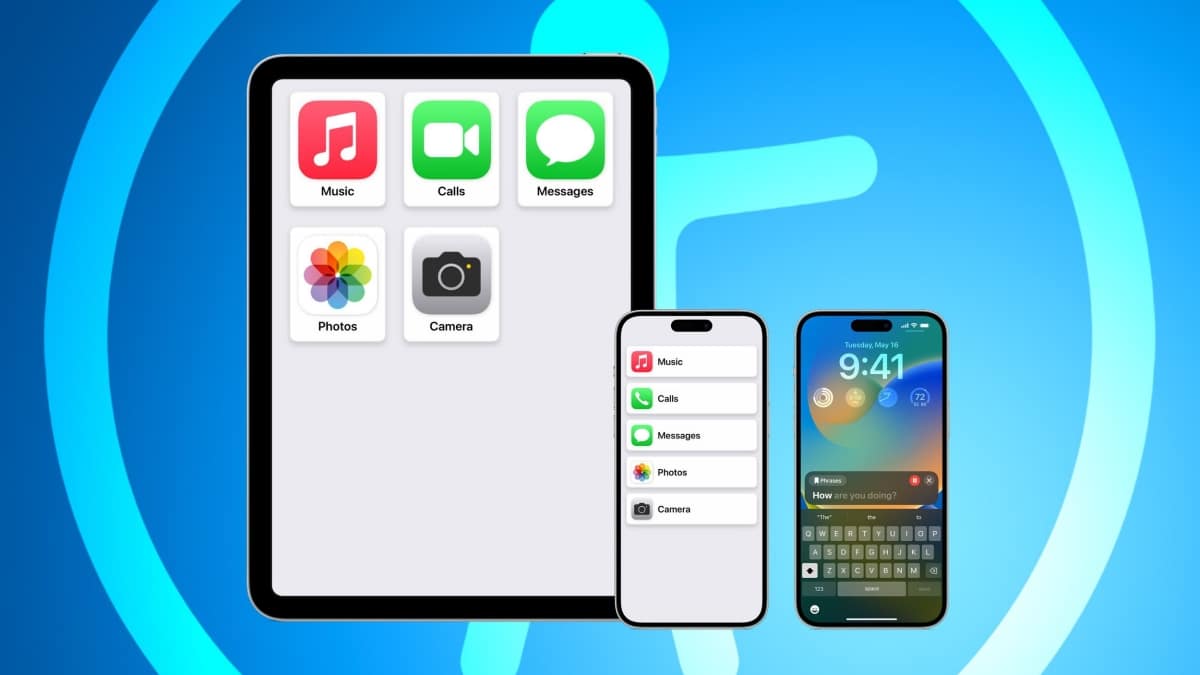
1. The Importance of Inclusive App Design
For millions of users worldwide, especially the more than 1 billion people who live with a disability, incorporating accessibility improves usability. By increasing their potential user base, inclusive design helps not just users but also app developers and companies.
2. Legal and Ethical Implications
To guarantee that digital products are accessible to everyone, Apple and app developers must abide by accessibility laws such as the Americans with Disabilities Act (ADA). Businesses that place a high priority on accessibility also maintain high moral standards, encouraging equitable access to technology.
Key Accessibility Features in iOS: Progress So Far
With features like VoiceOver for screen reading, AssistiveTouch for people with physical limitations, and closed captioning for the deaf and hard of hearing, iOS has made remarkable progress in accessibility. Every feature makes it easier for those with different accessibility needs to use Apple, demonstrating the company’s commitment to diversity.
1. VoiceOver and Improved Text-to-Speech
Screen-reading capabilities that provide precise descriptions have been made available to visually challenged users using VoiceOver. VoiceOver is now more accurate thanks to recent developments in AI, which makes it simpler to use for tasks like app navigation and browsing.
2. Assistive Touch and Motion Adjustments
Assistive Touch offers essential support for users with physical limitations, enabling them to access iPhone functions through touch adjustments, which can be customised for ease of use.
3. Closed Captions and Audio Descriptions
Features like closed captions and audio descriptions for movies and multimedia, which increase the inclusivity of entertainment and instructional content, have been given priority by Apple for users who are deaf or hard of hearing.
Emerging Trends in iOS Accessibility Features
Improved gesture and speech recognition for hands-free device control, more customization options for neurodivergent users, and AI developments for real-time transcription and adaptive features are some of the emerging trends in iOS accessibility. These developments enable people with a range of needs to interact more thoroughly with technology, reflecting a trend toward more seamless and customised accessibility.
1. Advanced AI for Real-Time Transcription and Translation
With the use of artificial intelligence, iPhone apps may now more easily provide real-time transcription and language translation, enabling users to communicate or overcome linguistic obstacles. Over the next five years, there will likely be a significant increase in the use of AI-driven accessibility technologies.
2. Enhanced Customization for Neurodivergent Users
Because they make apps more accessible to neurodivergent users, customizable interfaces are becoming more and more popular. By providing multiple settings that accommodate differing cognitive needs, these features lessen sensory overload and make navigating easier.
3. Gesture and Voice Recognition for Hands-Free Control
Voice and gesture recognition allows users with limited mobility to control their devices hands-free, an area where Apple has consistently innovated. This technology’s continuous improvement enables greater independence and usability.
What’s Next in iOS Accessibility?
Future iOS accessibility features could include even more customised accessibility settings, increased support for assistive devices like braille displays and haptic feedback, and sophisticated AI-driven adaptive interfaces that adapt in real time to the demands of each unique user. Users with a variety of demands will probably be able to enjoy even more autonomy and customised experiences thanks to these developments.
1. Potential New Features in Future iOS Versions
Future iterations of iOS are anticipated to increase the number of devices that can be used with assistive technology, including haptic feedback tools and hearing aids. With these improvements, Apple products would be significantly more accessible to people with mobility and sensory impairments.
2. The Role of Machine Learning in Adaptive Accessibility
Developing adaptive apps that react to a user’s needs in real time requires machine learning. With the growing personalization of adaptive accessibility, iOS apps may now modify their user interfaces according to the preferences and interaction habits of individual users.
3. Developers’ Role in Shaping Accessibility
Developers play a crucial role in prioritising accessibility features during app creation. Adopting best practices ensures users can benefit from new advancements in iOS accessibility, as well as future innovations.
Core Services to Enhance iOS Accessibility
UI/UX design that is specifically suited for accessibility, thorough accessibility testing and compliance audits, integration with assistive technology such as braille displays, and regular updates based on user feedback are all essential services to improve iOS accessibility. All users are guaranteed a smooth, inclusive experience with these services.
1. UI/UX Design with Accessibility in Mind
Creating user-friendly interfaces with features like colour contrast, larger font, and icon recognition is the main goal of inclusive UI/UX design. User testing and research-driven design methodologies help guarantee that these functionalities are accessible to all users.
2. Accessibility Testing and Compliance Audits
Compliance with ADA and Apple rules is ensured through routine accessibility testing using assistive technology, such as screen readers and braille displays. Compliance audits are crucial for accessibility requirements to be upheld and gradually improved.
3. Integration with Assistive Technologies
The accessibility of iOS apps is improved by integrating external assistive devices, such as speech-to-text software and braille displays, guaranteeing that those with impairments have equal access to mobile features.
4. Regular Feature Updates and User Feedback
The field of accessibility is dynamic and needs to be updated often in response to user input. Apps are kept up to date with evolving standards and user needs through constant iteration and enhancement.
Technologies Making Accessibility Possible in iOS Apps
AI for adaptive features, augmented reality (AR) for improved interaction, voice recognition for hands-free control, and haptic feedback for tactile clues are some of the technologies that make iOS apps more accessible to users with different needs. These technologies guarantee a more user-friendly and inclusive experience.
1. Machine Learning and AI for Adaptive Features
Apps may better comprehend user behaviour and adjust in real time to meet the demands of each user with the aid of machine learning. AI is particularly helpful for predictive typing and text-to-speech features.
2. Augmented Reality (AR) for Enhanced Interaction
By making the experience more interactive, augmented reality (AR) technology can give users more contextual information, improving accessibility for those with cognitive or vision impairments.
3. Voice Recognition and Natural Language Processing
Natural language processing improves interaction by making responses more conversational and intuitive, while voice recognition technology enables hands-free operation.
4. Haptic Feedback and Tactile Interfaces
By giving users tactile clues, haptic feedback facilitates app navigation and interaction. This feature is especially helpful for visually challenged people who depend on their senses to guide them.
Conclusion
With Apple at the forefront of inclusive technology, accessibility features in iOS apps are still developing. As these features become more sophisticated, iOS apps are establishing industry standards for accessibility. Making accessible apps is now a must for developers, not an option. Collaborate with TechnBrains, the top iOS app development company to incorporate accessibility into the layout and usability of your app.











