

Are you ready for a smarter, more user-friendly Apple experience? Apple’s annual Worldwide Developers Conference (WWDC) 2024 has revealed exciting iOS 18 and iPadOS 18 updates. These updates focus on new features and improvements to enhance your experience. This year’s updates bring big changes, especially with Apple Intelligence. This new AI-powered tool is designed to change how you use your devices.
Compatibility
iOS 18 will work on all iPhones that could run iOS 17. This means you can upgrade if you have an iPhone XR, iPhone XS, or newer. But remember, some new features, like Apple Intelligence, will only work on the newest iPhone 15 Pro models.
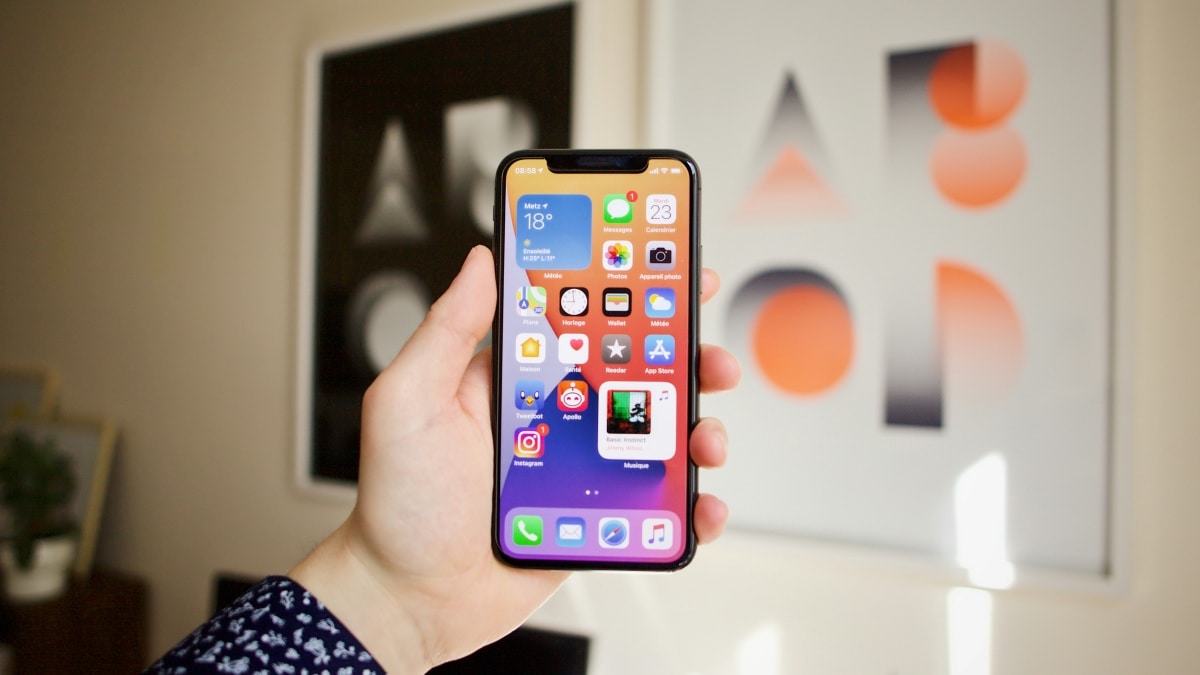
For iPads, iPadOS 18 will work on many models. This includes the iPad 7th generation and newer, iPad Mini 5th generation and newer, iPad Air 3rd generation and newer (including those with the M2 chip), and the iPad Pro 11-inch 1st generation and newer, as well as the iPad Pro 12.9-inch 3rd generation and newer. Some older iPads won’t support this update.
Apple Intelligence
Apple Intelligence is Apple’s newest effort to bring AI-powered features to its devices. Using advanced language models and Apple’s silicon chips, these tools improve writing, image creation, and automation. Siri gets its biggest upgrade yet, allowing for more natural conversations and a better understanding of context. Users can now type or speak to Siri more flexibly. Additionally, Siri can now handle tasks based on the content on your screen, like adding an address from a message to your contacts.
New Language and Image Features
Apple Intelligence brings new tools for writing. One tool, Rewrite, can change the tone of your text to make it sound friendlier or more professional. Another tool, Proofread, checks for grammar mistakes. Priority notifications will show the most important messages first, and the Mail app will highlight key emails, giving quick summaries and smart replies.
Creating and editing images is now easier with tools like Image Playground, which lets you create images from descriptions. Genmoji lets you make custom emojis from text prompts. The Photos app has new features like Memory Movies, which create themed videos from your pictures, and a Clean Up tool, which removes unwanted objects from photos.
Enhanced Siri and Actions
Siri’s upgrade includes a new look and the ability to understand and fix mistakes as you speak. It can also handle more complex tasks by remembering what you said before. Plus, with help from ChatGPT, Siri will be even smarter, especially for tasks that need a lot of language understanding.
Customization and Control
iOS 18 introduces greater flexibility in customizing the home screen, allowing users to arrange apps and widgets freely. The Control Center gets a redesign for easier access to frequently used controls, and the Lock Screen buttons can now be customized or removed entirely. Users can also hide and lock apps, providing better privacy controls. For those concerned about online privacy, using ExpressVPN for Australia can add an extra layer of security, especially when accessing sensitive information on public Wi-Fi networks.
The Photos app gets significantly redesigned, offering a unified view and new ways to organize and find photos. Collections can be pinned, and a carousel view presents highlights, making navigating your photo library easier.
Messages and Communication
Messages now have new text effects and ways to format your messages. You can also schedule messages to be sentlater. Tapbacks can use any emoji or sticker. The Messages app will work better with Android phones using Rich Communication Services (RCS). If you have a newer iPhone, you can send messages via satellite when you don’t have a cell signal or Wi-Fi.
Other Notable Features
The Mail app will introduce new categories to organize emails better. In contrast, the new Passwords app centralizes password management with enhanced security features. Safari gets a Highlights feature for quickly accessing key information on webpages, and a redesigned Reader mode offers a distraction-free reading experience.
Apple has also introduced a new game mode to improve performance during gaming sessions and support various gaming accessories. The Health and Home apps receive updates to improve user experience and accessibility.
FAQs
Q: When will iOS 18 and iPadOS 18 be available? A: Both updates will be available this fall, with a public beta expected in July.
Q: Which devices support Apple Intelligence? A: Apple Intelligence will be available on iPhone 15 Pro models and later, as well as iPads and Macs with M1 and newer chips.
Q: What are some privacy features in iOS 18? A: iOS 18 includes locked and hidden apps, selective contact sharing, and improved network privacy for third-party accessories.
Q: How does the new Messages app improve communication? A: The Messages app supports RCS, new text effects, scheduled messages, and satellite messaging for iPhone 14 and newer models.
Q: What are the new customization options in iOS 18? A: Users can arrange apps and widgets freely, customize Control Center and Lock Screen buttons, and use dark or tinted effects for app icons.











