

Whether you want to add humor to a group photo or experiment with a visual storyline, the demand for fun and innovative image editing tools is growing. However, finding a reliable and free tool that delivers seamless results can be tricky.
This is where AI-powered face-swapping technology comes in, offering precision and ease of use. Thus, this article will explore the best AI face swap tool and how it can elevate your creative project.
Part 1. Comprehend Basics of the Best Online Face Swap Tool- insMind
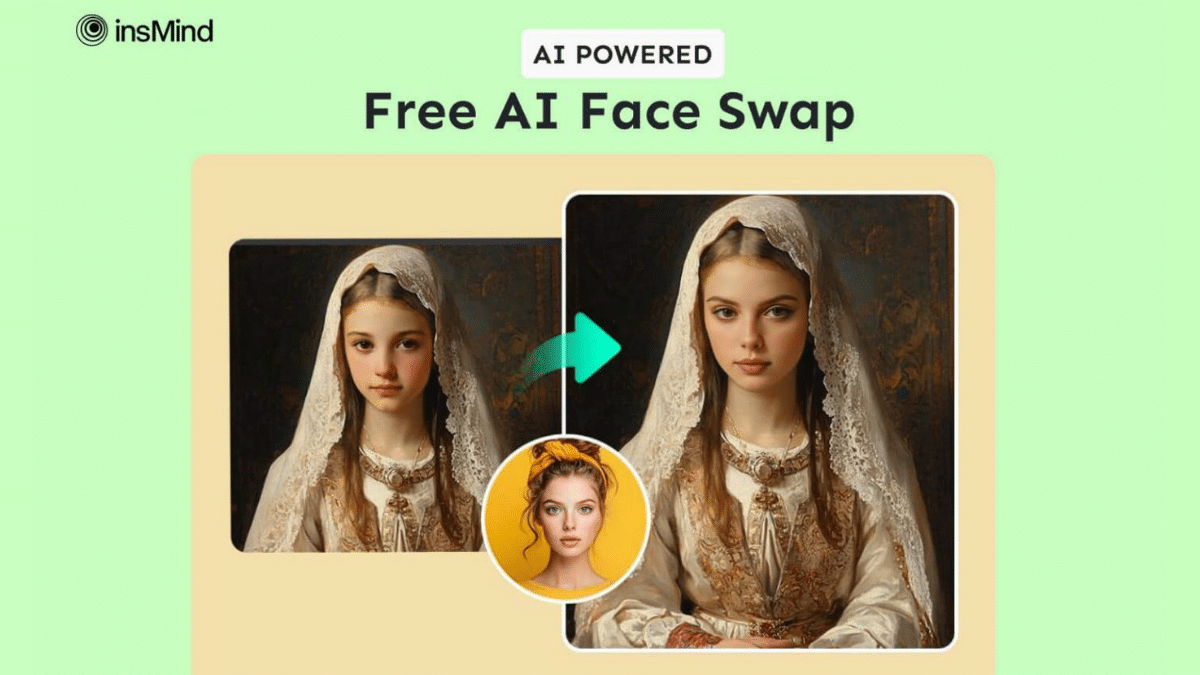
When we talk about the best face swap online tool, insMind stands out as the best option, which makes it incredibly easy to create fun and creative images. This feature uses advanced AI technology to automatically swap faces in your photos and ensure realistic results. Alongside that, it lets users try various AI-generated models to create stunning photos.
After face swapping, the tool allows you to customize your newly generated image by changing the background or cropping the images. Moreover, the tool captures every detail and ensures the faces blend naturally into your photo, letting you express yourself in endless ways.
Part 2. A Quick Tutorial to Use insMind AI Face Swap Tool
Using this AI face changer feature of insMind, users can create impressive photos that can be utilized in any setting. The AI-generated models also enable you to explore various styles, from the classic to something unique. Therefore, see the detailed guide below to understand how to use insMind for face swapping.
Step 1. Upload a Photo on insMind’s Face Swap Tool
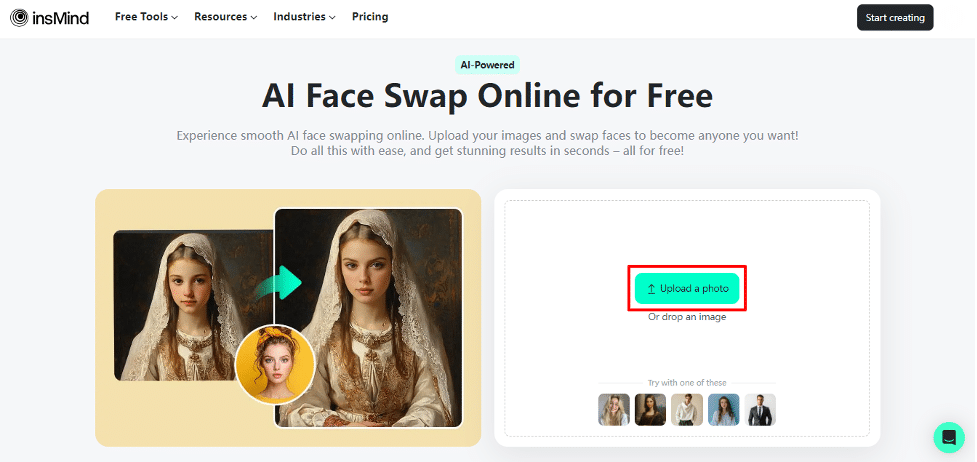
Firstly, you need to search for the “Face Swap” tool page on the insMind’s official website. After accessing the main interface, click on the “Upload a Photo” button to choose the image from your desktop.
Step 2. Select Another Photo for Face Swapping
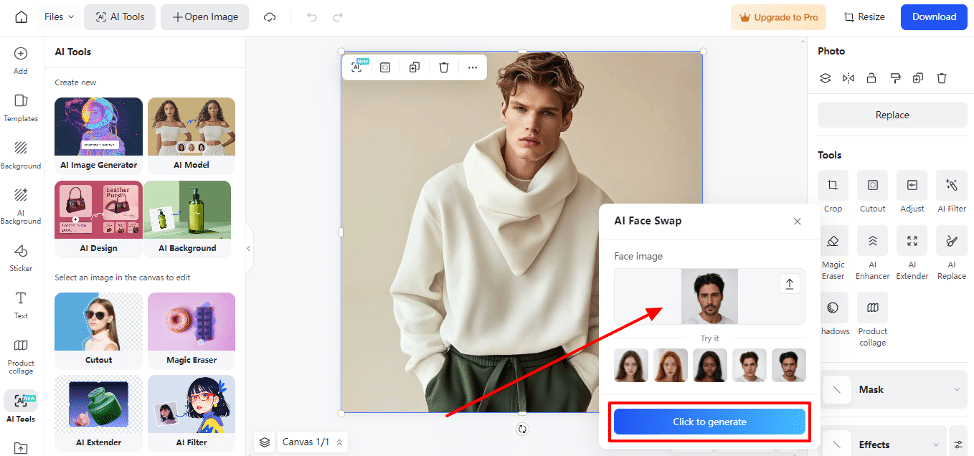
After uploading the photo, you will see a new interface that allows you to initiate the face-swapping process. Then, choose the “Select a Photo” option under the “AI Face Swap” dialog box to select a photo that you want to swap. Then, hit the “Click to Generate” button to start swapping the face with your original image.
Step 3. Download the Newly Created Photo
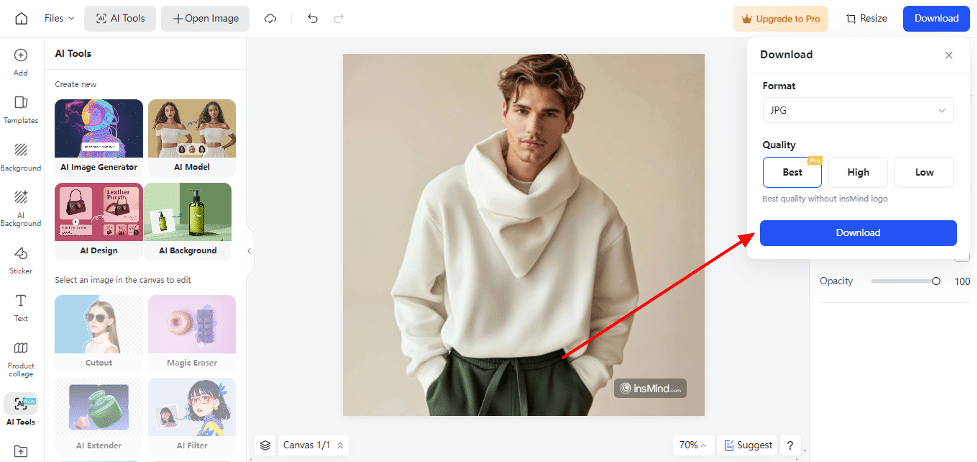
Using the top-right corner, click the “Download” button and proceed to transfer the image to your system since you are done with the swapping procedure. Choose the quality and format according to your needs, then hit the “Download” button again.
Part 3. Some Major Benefits of Using the Face Swap Feature of insMind
As we discussed, insMind’s face swap free is a reliable tool that offers comprehensive features for creating stunning images. To enhance your creativity, this feature has various benefits, some of which will be explored below to help you understand it better.
- Quickest Services: Users can achieve impressive results in just a few clicks, significantly reducing the time and effort required compared to other photo editing tools.
- Realistic Results: insMind uses advanced AI technology to ensure seamless and natural-looking face swaps for high-quality images.
- Cheapest than Ever: This comprehensive AI tool offers high-quality face-swapping capabilities without charging a lot, making it accessible to all users.
- Convenient: insMind is accessible on any device with an internet connection and allows users to create and edit images, eliminating the need for downloading software.
Part 4. Other AI Features of insMind to Enhance Your Creativity
insMind is an all-in-one photo editing toolbox that offers various other features to create engaging photos, except for face swap AI. So, check out the other features that insMind offers to enhance visual storytelling.
- AI Image Generator: There are many text-to-image AI generators on the market, but insMind stands out as one of the best. With this tool, you can transform simple text prompts into stunning art, or even turn sketches into polished images with just one click.

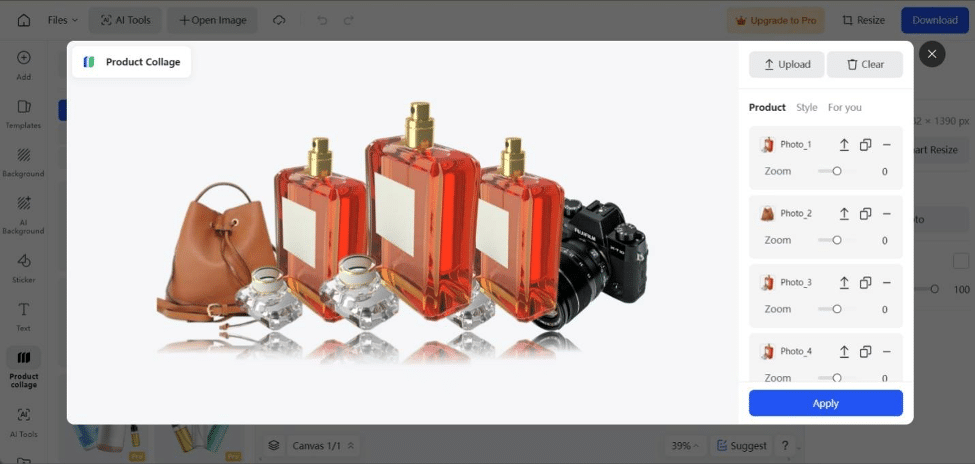
- Photo Collage Maker: This feature allows users to combine multiple images into a single visually appealing collage. To do so, it offers various templates and layouts that users can select based on their target platform for collage posting.
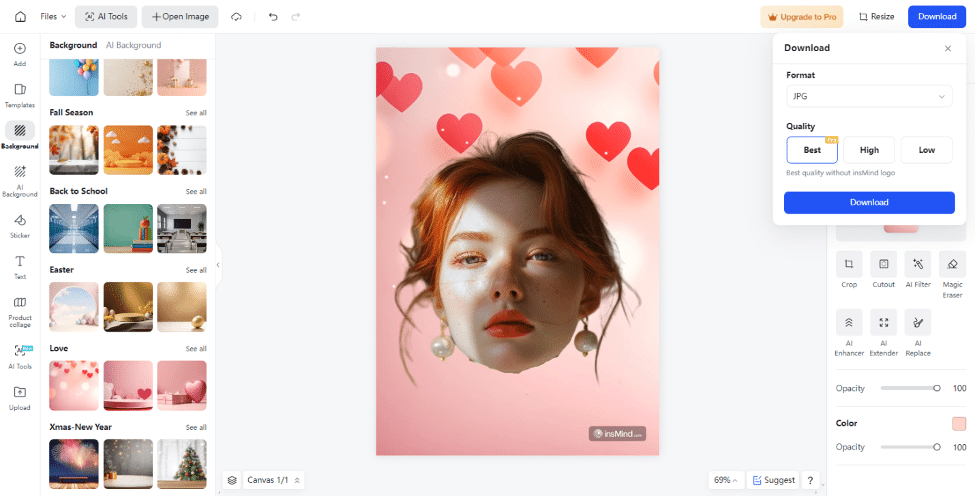
- Face Cut Out: Users will be able to isolate and remove faces from images by creating a transparent background around the face. This tool is helpful for photo editing and creating personalized stickers or avatars.
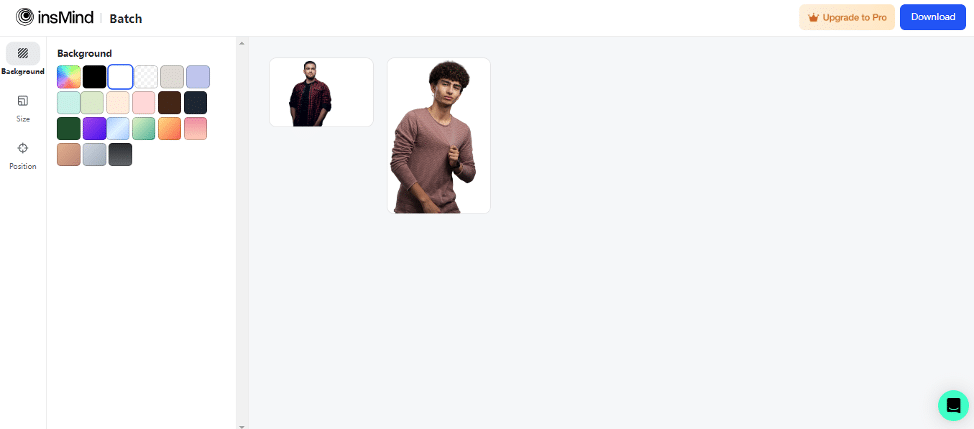
- Batch Photo Editor: This feature allows you to edit multiple photos simultaneously, saving time and effort. It supports various tasks like resizing and cropping, enabling consistent edits across a large set of images efficiently.
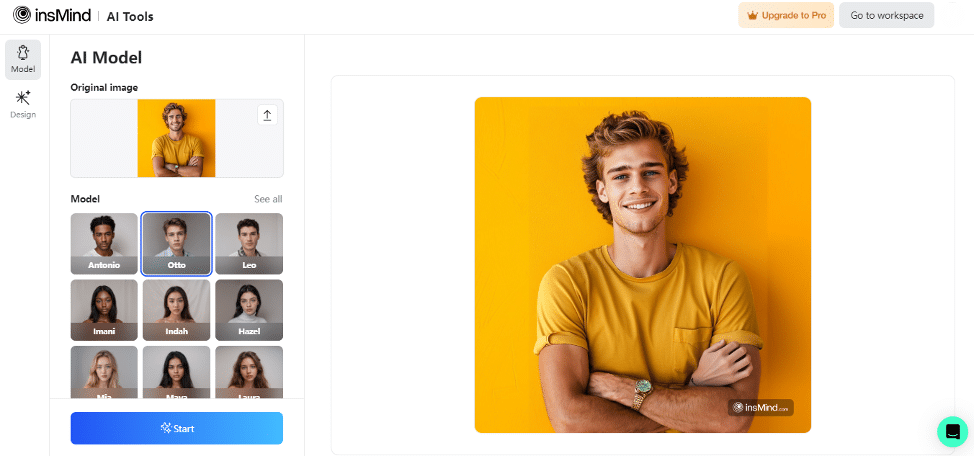
- AI Male Model: Whether you have a retail clothing brand or an e-commerce store, this tool helps you to create awesome AI male models to enhance your business sales. Moreover, you can choose various male models from a specific ethnicity or background.
Conclusion
In summary, insMind’s AI face swap offers an exciting way to manipulate images for fun or creativity without expensive software. This AI-powered tool gives you impressive results and can fulfill all your needs, which makes it an ideal solution for everyone. So, try insMind today and explore its comprehensive features for seamless transformation with minimal technical skills.











