
When it comes to an iPhone, there is no doubt that it is one of the best smartphones on the market and it also has a lot of unique features that other smartphones cannot provide. However, the iPhone has been mainly based on security and privacy to protect the user’s data, due to which one cannot access all software and websites as on the other smartphones with another operating system.
However, there are still a lot of options for iPhones users and the most popular are the ones through which you can watch Movies. Although the phone does not allow you to download the content on the phone, there is still a large variety of options through which you can view movies on it. So here are some of the best ways you can do so.

Purchase Movies from iTunes
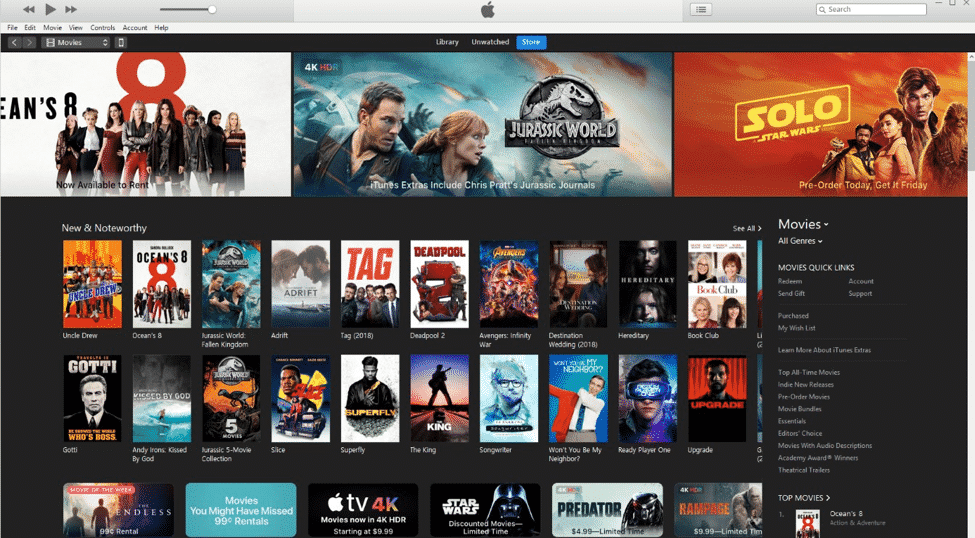
iTunes is an integral part of the Apple software ecosphere and it is also one of the first platforms in the market to provide purchase of music and videos. Since iTunes is pre-installed on the smartphone, you can easily login with the Apple ID and purchase a movie from there. The next time you open the iTunes app, the movie will be available for viewing in your library. You can also try the free movie apps for iphone on AppStore, although some of them need a subscription.
Use the Apple TV app
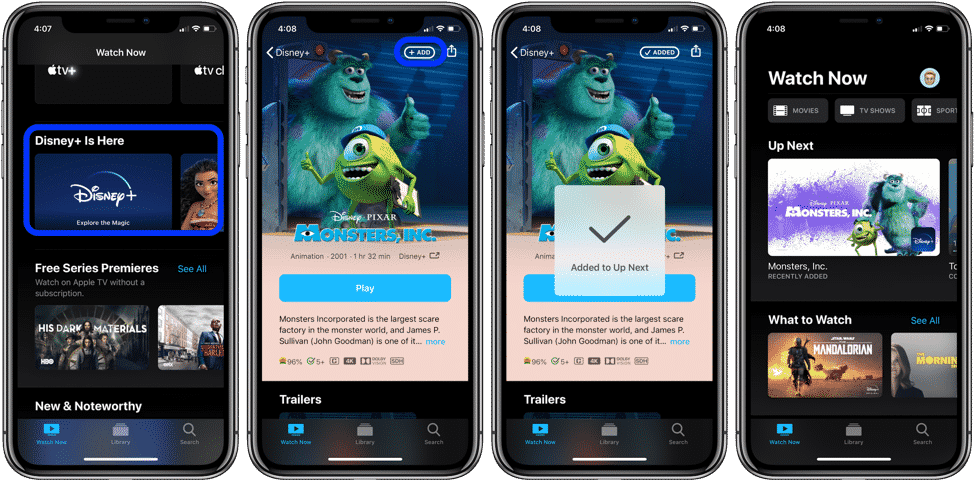
Apple TV is one of the best video streaming apps right now and is also available in app form on the iPhone. You can simply download it from the App Store and use it to view your favorite series and movies on the go. You can either do that on WiFi or on simply through mobile data on the go. You will have multiple options to view from and multiple options for video quality as well.
Videos app
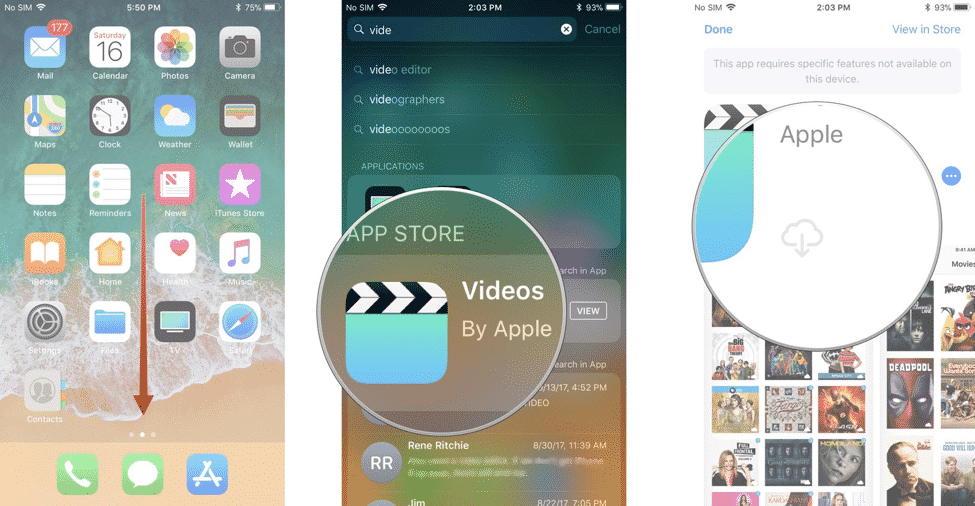
Your iPhone also has a default video app to view the videos stored on the iPhones. You can easily use the app to view any movie that has been stored on the phone and use the playback, pause, and other control to watch the movie as per your preference. The video app on the iPhone can play almost every type of video files with different extensions and also support multiple audio and subtitle files for the same. It might be one of the best default and complete video apps for any smartphone out there.
Third-party content providers
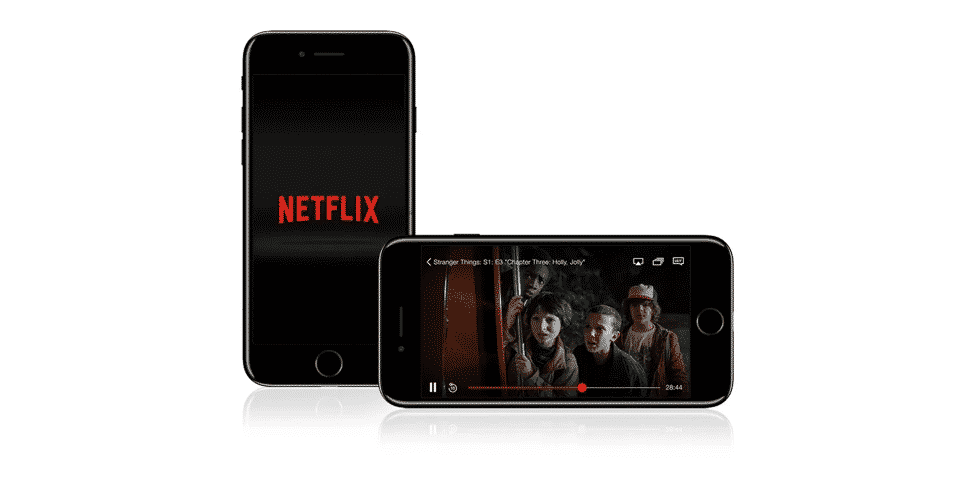
It is perhaps one of the most popular ways to watch movies and videos on your iPhones. We have all heard about multiple third-party video streaming platforms like Hulu, Netflix, Amazon, and much more. You simply need to download the application for the same and sign in to the account. Once you have purchased the subscription, you can watch the movies and videos on the platform any time you like. The best part about it is that the content can be downloaded to the app and can be watched offline as well. You will have the option to watch from multiple categories and also watch all the content in full HD.
Store it on cloud
With iPhone, you not only have the option of using Apple Cloud but also various third-party cloud services. In that case, you can simply store the video or movie files on the cloud service, access it from your iPhone, and play it directly on the video app of the smartphone when required. If you are using the cloud services from Apple, called the iCloud, the sharing preference could be different from others as the iCloud sharing preferences are different in other countries when compared to the US.
Movie Rips
Now if you own the DVD of your favorite movie and are thinking about ripping the DVD content and use the video on the iPhone, there is a possibility of doing so. However, you will have to confirm and make sure that the country’s laws allow you to do so. This is something that is illegal in the US and does have a few fair-use exemptions that exist for educators. However, the Digital Millennium Copyright Act does not allow any users to modify or rip the videos from the DVD and store them on any other device for viewing and sharing. So only rip the original video on the iPhone is allowed in your country.











