
The Formula 1 season is hotting up. We’re not even halfway through the season yet, but the battle between Red Bull and Ferrari is raging on. The new regulations have also made the races much more exciting to watch as cars can race closer than ever before.
If you want to tune into the action you might struggle to find a good stream. You’ll most likely be running into geo-blocking, especially if you’re traveling abroad and you can’t access the usual streaming platform that you rely on to watch every race.
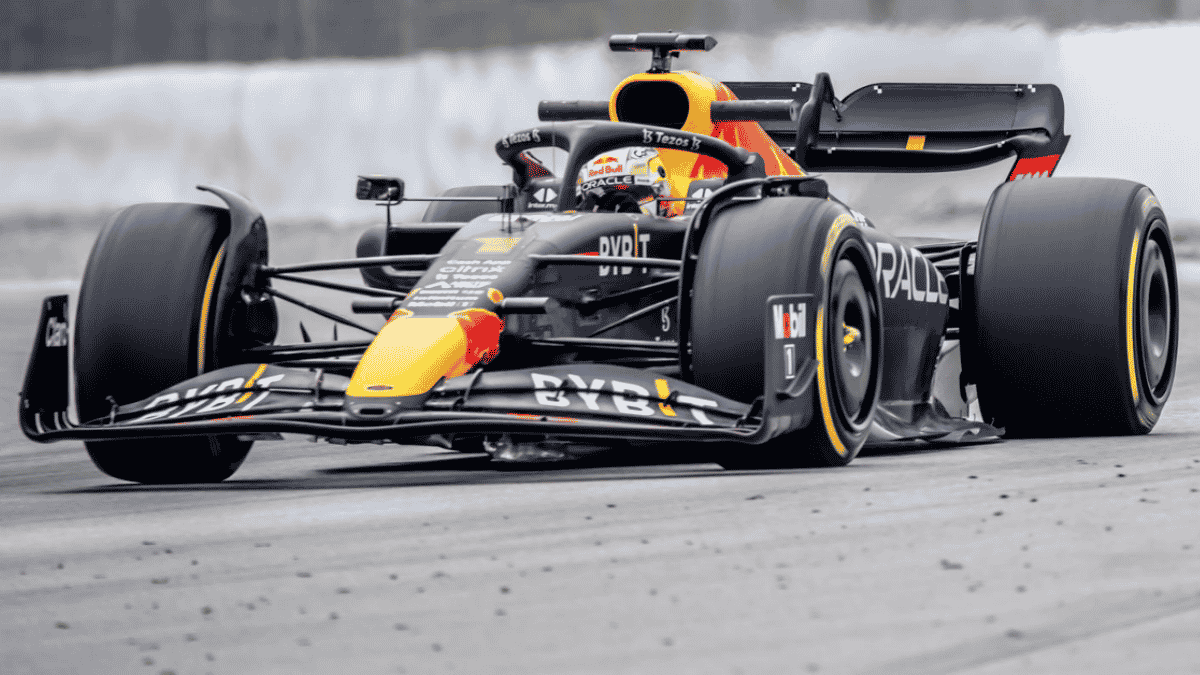
Luckily though, there is a way to get access to any stream in the world, even some free ones. All you need to do is use a premium VPN, which is a handy cybersecurity tool that we’ll discuss in further detail below. Keep reading to make sure you can watch every F1 race from anywhere in the world
Why is it difficult to Watch F1 Streams?
Before we start looking into VPNs, let’s first get an understanding of why Formula 1 streams are so limited. Finding a good Formula 1 live stream is never an easy task. It’s especially difficult to find any kind of stream when you’re in a foreign country. If you’re at home, you likely know which broadcasting and streaming platforms will be showing the race live — and you probably have a subscription to them too.
However, if you try to access the same stream while you’re in a different region, you’ll simply be met with an error message. Even if you’re a paying customer, you won’t be able to access the content that you have subscribed for in the first place. As frustrating as this might be, there’s actually a good reason for it.
The reason why you won’t be able to access just any stream on the internet is because of geo-blocking. It’s become a common barrier in our modern society, with many entertainment companies using it to prevent people from specific regions from accessing their content. Even YouTube and Netflix use geo-blocking for some of their content these days.
Broadcasting companies need to pay massive amounts of money to acquire the rights to stream a Formula 1 race. However, buying the broadcasting rights from Formula 1 comes with a strict set of rules — including rules that state where they are allowed to broadcast the races, despite Formula 1 being a global sport.
This means if you usually watch Sky Sports F1, you won’t be able to access the content if you’re outside of the UK. Many people have found this incredibly frustrating, but luckily there is a way to bypass geo-blocking.
What is a VPN
Let’s quickly figure out how websites know when they need to block you from viewing their content. In short, a website will use your IP address — a unique string of numbers used to identify your device on the internet as well as your physical location. If the website detects that your IP address is from the incorrect region, you will be denied access to the site.
This means that all we need to do to gain access to the website we want to visit is learn how to change our IP address. It’s much simpler than you might think, and you can do it seamlessly by using a popular cybersecurity tool known as a VPN.
This VPN will encrypt your internet connection, masking what you’re doing on the internet. It also allows you to connect to a secure server in another country and hide your location by masking your IP address and adopting another one based on the server you connect to. Think of a VPN as creating a virtual tunnel on the internet that allows you to connect from anywhere in the world.
VPNs are completely safe to use, and they are extremely helpful when you’re traveling. Not only will the VPN help you to bypass geo-blocking, but you can also get past internet censorship that some countries employ as well. On top of that, a VPN will protect your devices from cybercriminals while you’re using unsecured public WiFI hotspots such as the ones found in hotels, airports, and restaurants.
Before you jet off to install a VPN on your device though, there are some things you need to know about when it comes to choosing the right one. It’s not as simple as choosing the first VPN that you see.
How to Choose The Right VPN For Streaming
Not all VPNs are created equal. There are different VPN providers to choose from, and each has its benefits and drawbacks that you need to look at. That being said, there are a few basic guidelines that you need to follow when choosing a VPN.
The first, and most important rule in choosing a VPN is that you should avoid free VPNs. This is primarily because you never know if they are legitimate. While it might be tempting to save some money with a free VPN, they also come with a ton of technical drawbacks compared to premium VPNs. You can expect to find slower connection speeds, fewer global servers, more ads, and even daily data limits if you use a free VPN. All of these will be disruptive when it comes to streaming F1 races.
You also need to look at what the VPN specializes in. For example, not all VPNs offer fast and stable connections, but they might be better at unblocking websites due to an extensive list of global servers to choose from. Other VPNs specialize in the level of security and privacy they offer. Ultimately you need to choose what is most important for you, and when it comes to bypassing geo-blocking and streaming F1 races, you’ll be looking for unblocking capabilities as well as the connection speeds and stability.
It’s always advised to read some thorough reviews on a VPN before you install it on your device. However, some VPNs have 30-day free trials that you can use to try them out. If the VPN does not work as you would like it to, you can cancel at any time without paying for it.











