
Typing on a phone can be a frustrating experience, especially when you’re in a hurry. However, with the right keyboard app and typing techniques, you can significantly improve your typing speed. In this guide, we will discuss how to type faster on your phone using the Fleksy Keyboard.
Choose the Right Keyboard App
The first step in typing faster on your phone is to choose the right keyboard app. There are many keyboard apps available on the App Store and Google Play, but not all of them are created equal. The Fleksy Keyboard is a popular choice among users looking to type faster on their phone. It is a keyboard app that uses advanced algorithms to predict your next word and autocorrect your typing errors. This makes it easy to type quickly and accurately.
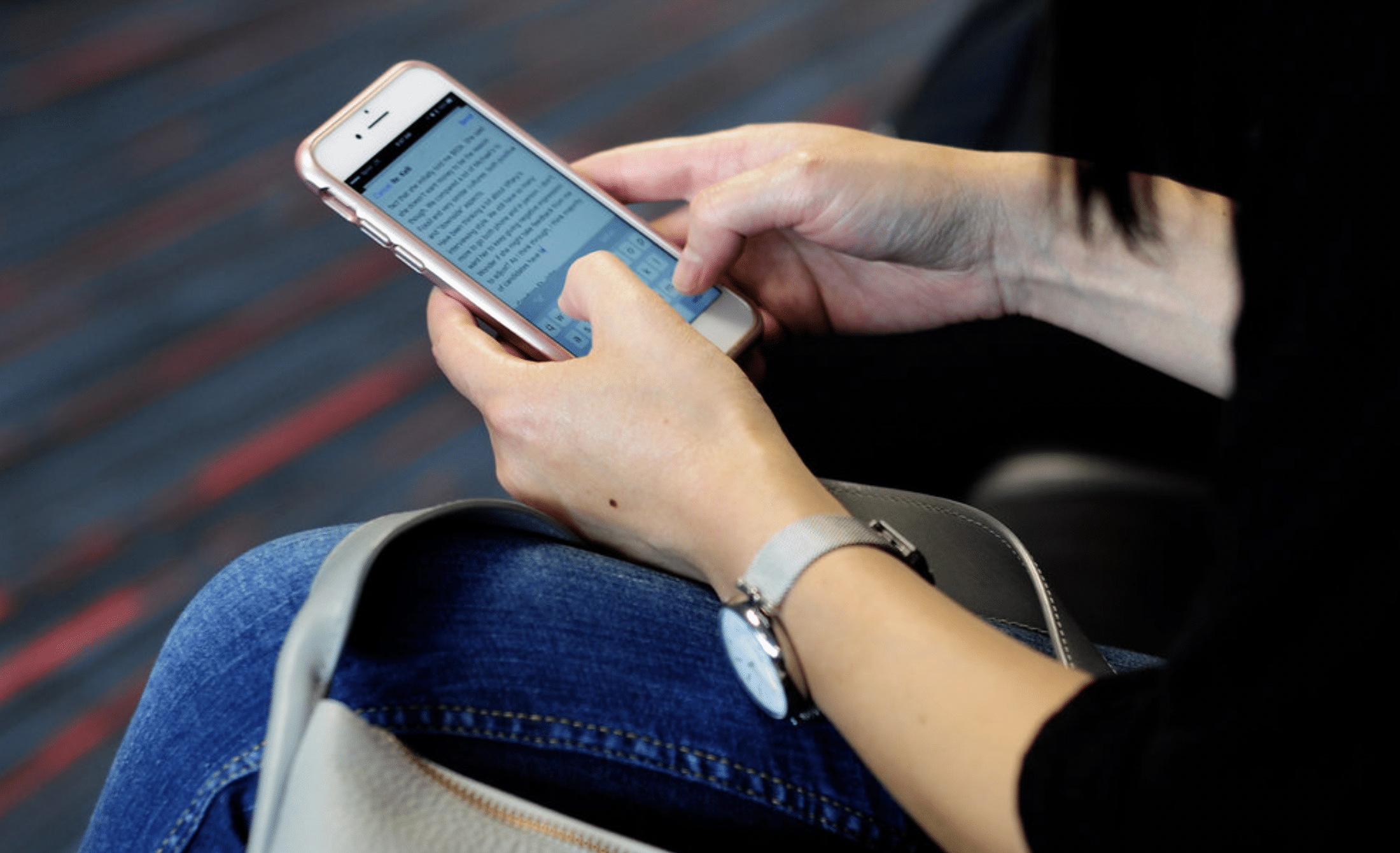
Understanding the Fleksy Keyboard
The Fleksy Keyboard is a virtual keyboard that is designed to make typing on a phone faster and more efficient. It features a unique layout that is optimized for typing on a small screen, and it uses a predictive text algorithm to help you type faster. This also includes a variety of customization options, including different themes and keyboard sizes.
Setting Up the Fleksy Keyboard
To start using this keyboard on your phone, you’ll need to download and install it from the app store. Once it’s installed, you’ll need to set it as your default keyboard. To do this, go to your phone’s settings, select “Language & Input,” and then select “Fleksy Keyboard” as your default keyboard.
Predictive Text
The Fleksy Keyboard uses a predictive text algorithm to help you type faster. As you type, the keyboard will suggest words that you might be trying to type, and you can simply tap on the suggested word to add it to your message. This can save you a lot of time, as you won’t need to type out entire words.
Customize Your Keyboard
Once you have the Fleksy Keyboard installed on your phone, the next step is to customize it to your liking. This includes things like changing the keyboard layout, adding or removing languages, and customizing the theme. This Keyboard offers a variety of themes to choose from, which can help to make your typing experience more enjoyable. You can also customize the keyboard layout to suit your typing style. For example, if you prefer to type with your thumbs, you may want to try the thumb-friendly layout.
Practice Typing with Fleksy Keyboard
The more you practice typing with the Fleksy Keyboard, the better you will become at it. One way to practice is by using the Fleksy Keyboard’s typing exercises. These exercises are designed to help you improve your typing speed and accuracy. You can also practice by typing out messages and emails, or by typing out notes in a note-taking app.
Use Shortcuts and Gestures
The Fleksy Keyboard also offers a variety of shortcuts and gestures that you can use to type faster. For example, you can use the “swipe” gesture to type out words without having to lift your fingers from the keyboard. This can save you a lot of time and make your typing experience more efficient. Additionally, you can use keyboard shortcuts to quickly access common features such as punctuation marks, numbers, and special characters.
Use Predictive Text
One of the most powerful features of the Fleksy Keyboard is its predictive text. This feature uses advanced algorithms to predict the word you’re about to type based on the letters you’ve already typed. This can save you a lot of time and make your typing experience more efficient. Additionally, you can use keyboard shortcuts to quickly access common features such as punctuation marks, numbers, and special characters.
Conclusion
Typing on a phone can be a frustrating experience, but with the right keyboard app and typing techniques, you can significantly improve your typing speed. The Fleksy Keyboard is a popular choice among users looking to type faster on their phone, as it uses advanced algorithms to predict your next word and autocorrect your typing errors. By customizing your keyboard, practicing typing exercises, using shortcuts and gestures, and taking advantage of predictive text, you can become a faster and more efficient typer.











