
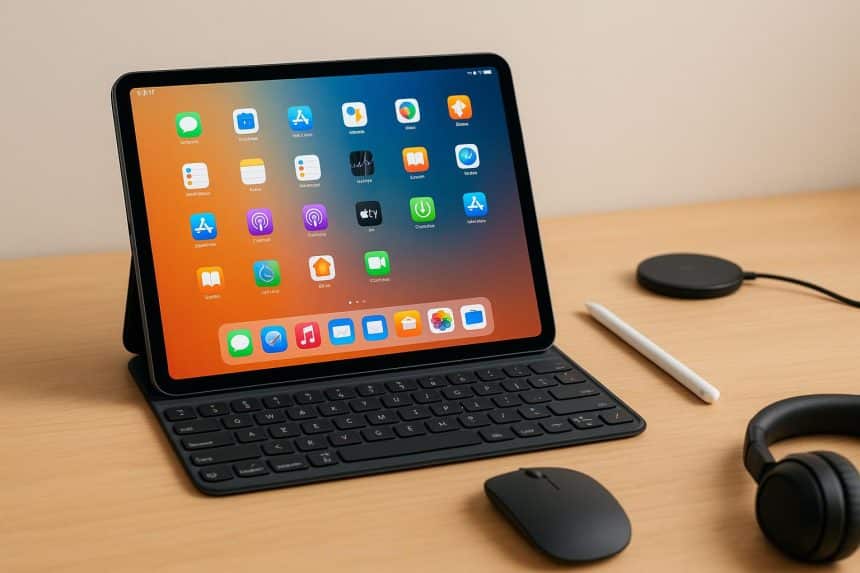
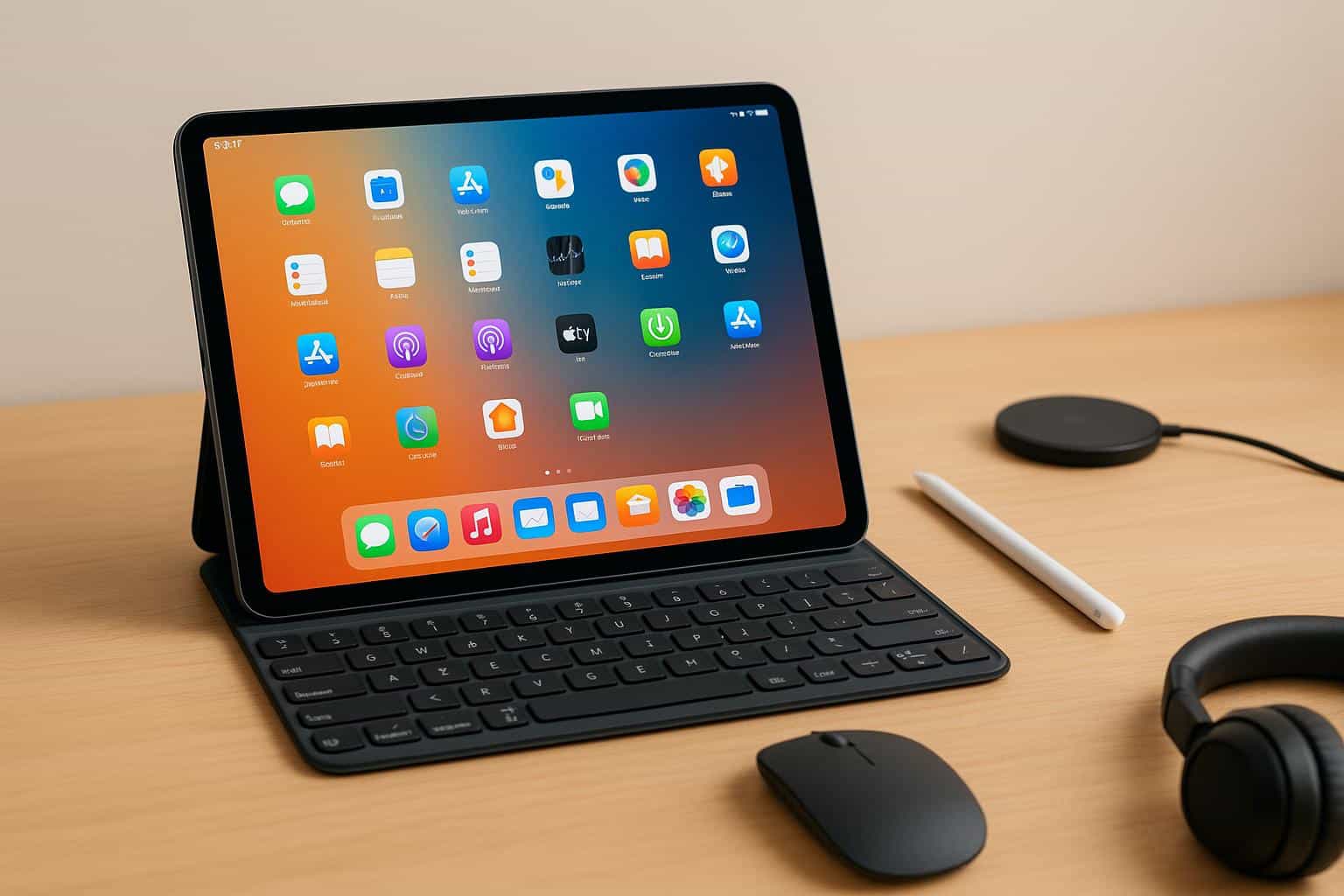
Freelancers are no longer tied to bulky laptops or desktop setups. With today’s powerful tablets, the iPad can easily become a complete mobile workstation that fits into a small bag and travels wherever you do. Whether you are a writer, designer, consultant, or remote professional, the iPad offers flexibility, strong performance, and an ecosystem filled with productivity tools. With the right combination of apps and accessories, you can transform it into a workstation that supports all your daily tasks and lets you work from coffee shops, airports, or while commuting.
This guide breaks down the essentials you need to get the most out of your device. From file management to design tools and income tracking, these picks help streamline your workflow and improve your overall freelance experience.
Optimize Your Workflow with Essential Apps
1. Cloud Storage and File Management
Using cloud-based storage keeps your work accessible from any device and offers reliable backup. Tools like iCloud Drive, Google Drive, and Dropbox work smoothly on the iPad. They allow you to organize client files, sync documents, and collaborate in real time. This makes it easy to switch between your iPad, a desktop, and your phone without losing progress.
2. Note Taking and Organization
Many freelancers rely on effective note-taking to manage client briefs, ideas, and schedules. Notability, Apple Notes, and GoodNotes stand out because they support handwriting, sketching, audio recordings, and PDF markup. The Apple Pencil becomes extremely valuable here because it lets you take handwritten notes quickly in meetings or brainstorm visually.
3. Writing and Document Creation
If your work involves writing, editing, or creating documents, you need strong word processing apps. Google Docs, Microsoft Word, and Pages all perform well on the iPad. Paired with a keyboard, these apps help you write proposals, draft articles, or prepare reports with ease. They also sync across devices, which prevents version conflicts when switching screens.
4. Project and Task Management
Freelancers juggle multiple clients, deadlines, and deliverables. Project management apps like Trello, Asana, and Notion help keep everything organized. They make it simple to track tasks, create boards for each client, and manage your weekly workload. Many freelancers also enjoy using Notion because it blends task management with documentation, goal tracking, and simple databases.
5. Accounting and Payment Tools
Staying on top of invoices, income tracking, and client payments is essential for freelance success. Apps like FreshBooks and Wave help you handle invoices and expenses directly from your iPad. You can also use a paystub generator when you need organized income records for personal reference, proof of earnings, or tax season preparation. These tools simplify finances so you can focus more on your actual work.
6. Creative and Design Apps
If you work in graphic design, illustration, photography, or social media, the iPad becomes a powerful creative studio. Procreate is ideal for illustrators and digital artists. Adobe Lightroom provides professional photo editing capabilities. Canva is perfect for creating quick marketing materials and social media graphics. These apps are optimized for touch and stylus input, which creates a natural, creative environment anywhere you go.
Must Have Accessories That Complete the Setup
1. A Keyboard Case for Comfortable Typing
A keyboard case is one of the biggest upgrades you can add to your iPad. The Apple Magic Keyboard, Logitech Combo Touch, and Brydge keyboards offer laptop-style typing that boosts productivity. The built-in trackpads on many of these cases also make navigation faster and more precise.
2. Apple Pencil for Writing and Illustration
For freelancers who take notes, draw, or annotate documents, the Apple Pencil is essential. It provides high accuracy and low latency, giving you a natural writing feel. It is also extremely useful when marking up client feedback or signing digital contracts.
3. External Storage for Extra File Space
Although cloud storage handles most needs, having physical storage can be helpful for large files. USB-C flash drives, portable SSDs, and wireless drives give you instant access to project backups, photos, and raw videos.
4. A Portable Stand for Ergonomic Work
Working from different locations often means unusual table heights and awkward seating. A foldable stand elevates your iPad to a comfortable angle, reduces strain, and improves your workflow. Lightweight aluminum stands pack easily into any bag.
5. Noise-Canceling Headphones for Focus
Background noise can be distracting, especially if you work in shared spaces. Noise-canceling headphones or earbuds help you stay focused during meetings or while writing. They also improve call quality when speaking with clients.
6. A Power Bank for Long Days on the Move
A portable power bank ensures your iPad stays charged throughout long workdays or travel. Look for a fast charging model with enough capacity to recharge your tablet at least once. This guarantees productivity even when outlets are unavailable.
Final Thoughts
Turning your iPad into a portable freelance workstation is completely achievable with the right setup. By choosing apps that enhance your productivity and adding accessories that improve comfort and workflow, you can create a mobile office that supports your entire freelance career. This flexibility allows you to work from anywhere while maintaining professional standards and staying organized. The combination of powerful software and practical accessories makes the iPad one of the best tools available for modern freelancers who value mobility, efficiency, and creativity.











