
The spread of the coronavirus has lead to a surge in trading volume and the beneficiaries have been brokers that charge zero-commissions. Initially, fiscal stimulus and the lack of sports led to a surge in trading. According to the Wall Street Journal, the total trading volume in 2020 is up 20%. In the US alone, roughly ten million new trading accounts have been created since January. The surge in demand for trading and investing has increased the demand for access to all capital markets including stock, commodities, as well as forex trading.
Apps have Been the Beneficiary
The surge in trading volume has led to a strong demand for reliable apps that allow investors to trade the capital markets. Investors are not just interested in apps that allow them to execute trades, they need the flexibility to trade on the go, as well as experience a plethora of features that will enhance the trading experience. This includes using the app to learn about fundamental analysis, risk management, as well as technical analysis features.
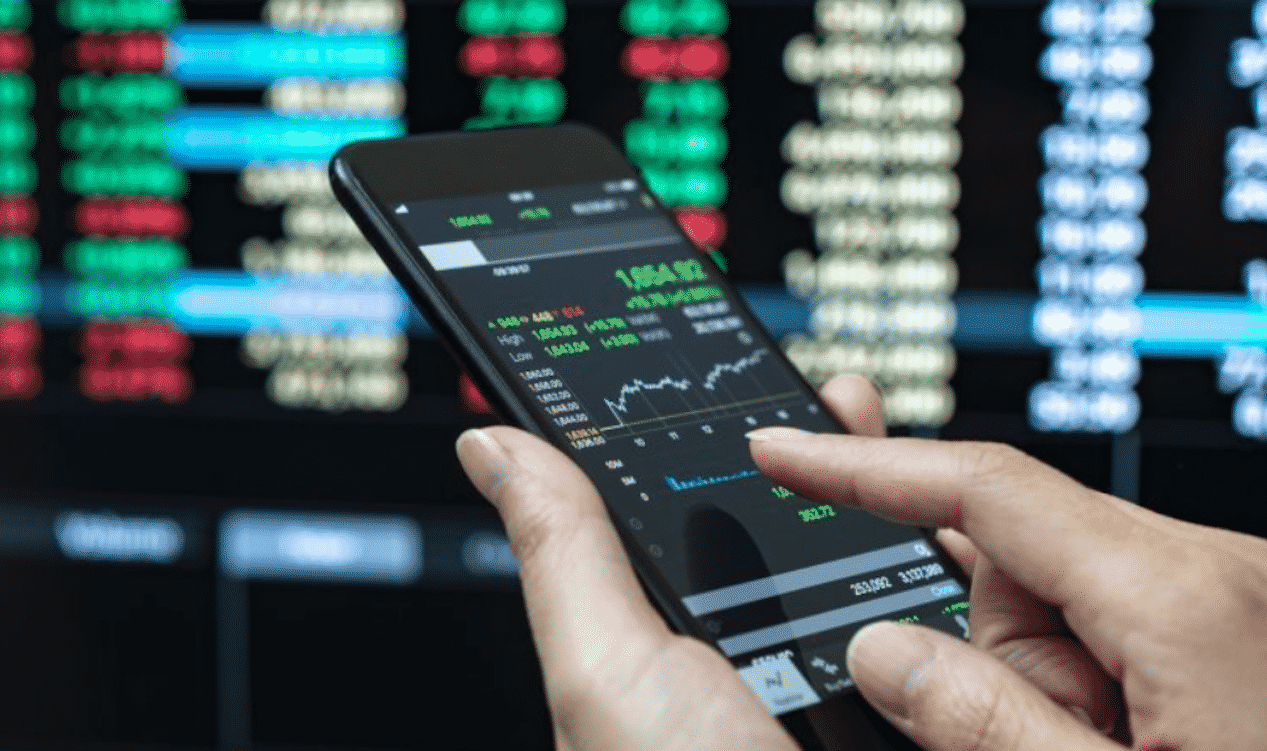
What Do Apps Offer
In addition to facilitating the execution of transactions, a trading app can allow you to trade where ever you have access to the internet. This includes both WIFI and cellular use of your trading application through your smartphone or tablet. Your broker is also likely to offer you several tools that can enhance your forex trading capabilities. These tools include:
- Economic Calendar
- Educational Portal
- Technical Analysis Tools
- Risk Management Methods
Economic Calendar
An economic calendar is an essential tool when trading the capital markets. Not only can this information generate trading ideas, it can also help you avoid facing a market-moving environment that you did not expect. An economic calendar shows events that are expected, along with the date and time that they will be released. Additionally, the economic calendar will show you a forecast for the release as well as what occurred the last time economic data for that report was released. The forecasted information is the key to the calendar. Since all the current information is already incorporated into an exchange rate, when new information becomes available it can be market moving.
Educational Portal
Most reputable brokers provide their clients with an education section that touches on several subjects. This includes both articles and videos, that teach how to trade. Subjects include how to invest in oil and what is an ETF. You can also learn about different types of trading strategies. These could include using an economic calendar to initiate a trade or how to use technical analysis. An educational portal will also discuss risk management techniques.
Technical Analysis
Through the educational section, you can learn about different technical analysis techniques that are available on a trading app. This includes drawing trend lines on a chart to find support and resistance levels. It will also include adding overlays such as moving averages that can be used to identify trends. You will also have access to studies that can help you determine if momentum is accelerating or decelerating or if a forex pair is overbought or oversold.
Risk Management
Through an app, you can also employ risk management techniques. This can be accomplished through stop loss levels that can be placed when executing trades. A stop loss is a price or exchange rate level, where you plan to exit your trade if the price of the exchange rate is reached. Using risk management techniques allow you to trade successfully without taking undue risks.
The Bottom Line
Trading volumes have surged and the ability to trade with an app, via a smartphone or tablet has seen increased demand. Apps facilitate access to transactions while on the go but also provide several tools including an economic calendar, educational material, technical analysis tools, and risk management techniques. As trading volumes continue to increase, the flexibility of the trading app will continue to grow in importance.











