
iLoungeiLounge
  • News
    • Apple
      • AirPods Pro
      • AirPlay
      • Apps
        • Apple Music
      • iCloud
      • iTunes
      • HealthKit
      • HomeKit
      • HomePod
      • iOS 13
      • Apple Pay
      • Apple TV
      • Siri
    • Rumors
    • Humor
    • Technology
      • CES
    • Daily Deals
    • Articles
    • Web Stories
  • iPhone
    • iPhone Accessories
  • iPad
  • iPod
    • iPod Accessories
  • Apple Watch
    • Apple Watch Accessories
  • Mac
    • MacBook Air
    • MacBook Pro
  • Reviews
    • App Reviews
  • How-to
    • Ask iLounge
Font ResizerAa
iLoungeiLounge
Font ResizerAa
Search
  • News
    • Apple
    • Rumors
    • Humor
    • Technology
    • Daily Deals
    • Articles
    • Web Stories
  • iPhone
    • iPhone Accessories
  • iPad
  • iPod
    • iPod Accessories
  • Apple Watch
    • Apple Watch Accessories
  • Mac
    • MacBook Air
    • MacBook Pro
  • Reviews
    • App Reviews
  • How-to
    • Ask iLounge
Follow US

Articles

Articles

How To Speed Up Wi-Fi Speed In Airplanes

Last updated: Apr 14, 2023 11:24 am UTC
By Lucy Bennett
How To Speed Up Wi-Fi Speed In Airplanes

Some passengers enjoy relaxing with a book or movie on lengthy trips. But nothing accelerates time like getting lost at work. Unfortunately, in-flight Wi-Fi is somewhat lacking.


You might decide that using the in-flight internet is not worth the hassle due to the erratic connections and the high cost of day passes. But UnitedWifi offers a Wi-Fi Day Pass that costs the same amount if you purchase Wi-Fi for each flight during the 24 hours.
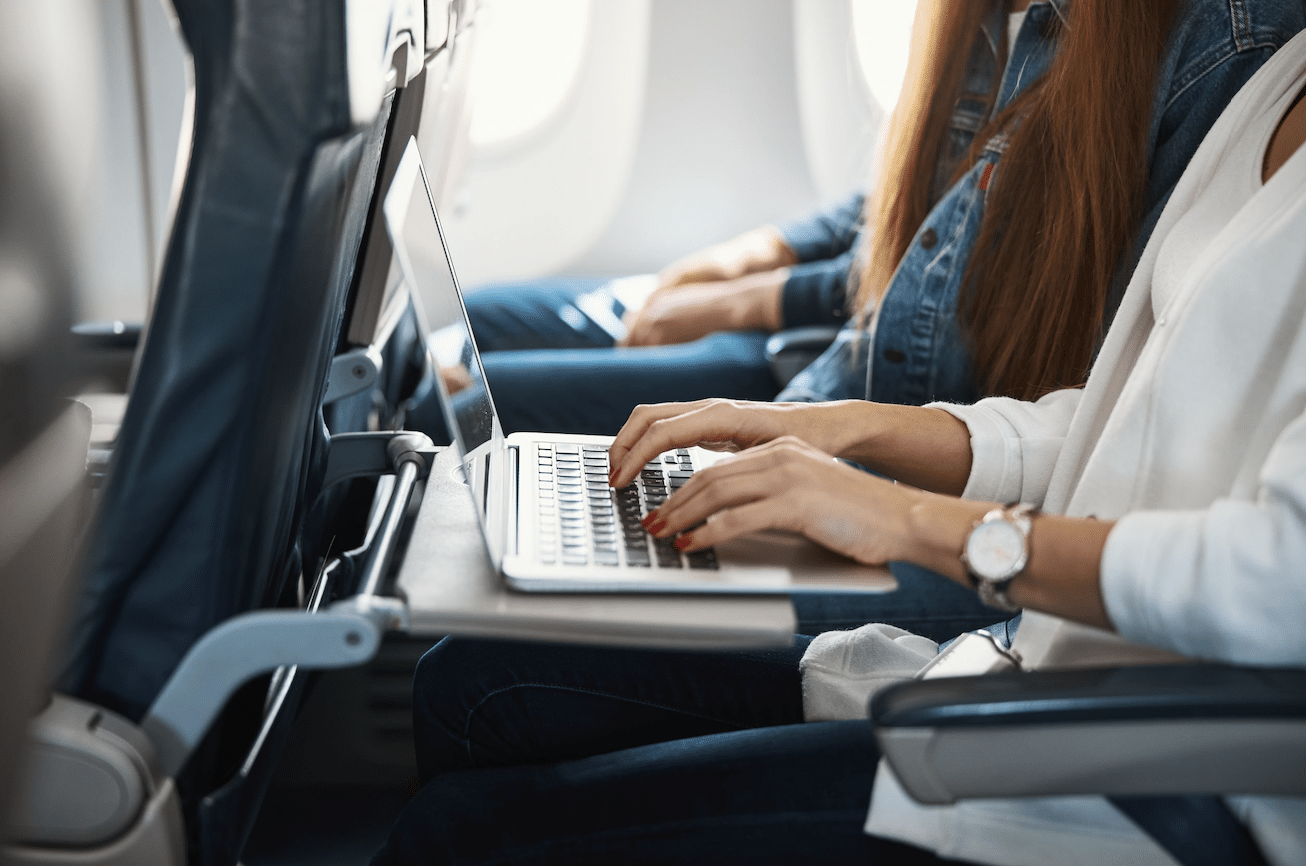
How To Speed Up Wi-Fi Speed In Airplanes

 Yet, if you know the appropriate tactics, you can accomplish your work quickly. Here are some ways how to speed up Wi-Fi speed in airplanes:

Block Automatic Updates and Backups of Your Photos

Automatic updates and picture backups are frequently started automatically when a connection is established to Wi-Fi. While these background updates have little to no impact on your device’s performance when using ground Wi-Fi, they can have a significant negative impact when using in-flight Wi-Fi.


The same holds for backup images. As a result, it is preferable to turn off photo backups and automatic updates.

Reduce Downloading Huge Files

Why not download a film, a video clip, or a file while you’re still on the land instead of while the flight is in progress?

In-flight Wi-Fi is far slower than terrestrial Wi-Fi, so anything downloading quickly on the ground could take an eternity in the air. That’s not all, though! You risk running out of capacity and losing connectivity if you use the in-flight Wi-Fi to broadcast or download large files.


Disconnect From Cloud Services

Cloud services demand a lot of bandwidth; therefore, it’s advisable to halt them before using in-flight Wi-Fi.

Suspend all other services affecting your Wi-Fi temporarily if you are experiencing intermittent or slow in-flight Wi-Fi connectivity, and then reactivate them once you land.

Stop All Background Apps and Browser Extensions

Our smartphones all feature background-running programs that unknowingly surf the internet. Three of these apps that immediately spring to mind are Location, Weather, and Navigation. For a better and quicker in-flight Wi-Fi experience, deactivate them while you’re still on the land.


Otherwise, you might be wondering why it takes so long for your browser to load pages. You can use Lufthansa FlyNet on both long and short-distance flights. So, you can use these tactics.

Limit the Number of Tabs You Open

The in-flight Wi-Fi connectivity for your gadget is strained when you have too many tabs open. So, it’s better if your device doesn’t have a lot of open tabs.

When perusing the web on land, we frequently forget to close the tabs when we’re done, but doing the same while flying could cost you valuable data. To use your in-flight Wi-Fi more quickly, try to use just one tab and keep in mind to close the other tabs occasionally.

Get Rid of Your Cache

Your browser might have a cached item when you attempt to access a page via in-flight Wi-Fi. It can send you to the previous entry rather than accessing the page.

Although cached items rarely cause problems, they may prevent you from reaching the in-flight Wi-Fi login page. Also, in certain cases, emptying your cache has effectively accelerated in-flight Wi-Fi.



Latest News
The AirPods Pro 3 is $20 Off
1 Min Read
Exynos 2600 Chip 2nm Process Revealed by Samsung
1 Min Read
New Celebrity Ad Campaign Featuring Travis Scott Released by Beats
1 Min Read
Australia Getting Hypertension Notification Feature
1 Min Read
The 14-inch MacBook Pro with M5 Chip 16GB RAM/512GB is $250 Off
1 Min Read
Noise and Static on AirPods Pro 3 Still Unfixed
1 Min Read
New iMac with 24-inch OLED Display May be Brighter With 600 Nits
1 Min Read
The 15-inch M4 MacBook Air 256GB Is $250 Off
1 Min Read
Internal Kernel Debug Kit from Apple Reveals Tests for a MacBook with A15 Chip
1 Min Read
Apple Currently In Talks With Suppliers for Chip Assembly & Packaging of iPhones in India
1 Min Read
Apple Allows Easier Battery Replacement For M5 MacBook Pro with 14-inch Display
1 Min Read
The Apple Watch SE 3 44mm GPS is $50 Off
1 Min Read

iLounge logo

iLounge is an independent resource for all things iPod, iPhone, iPad, and beyond. iPod, iPhone, iPad, iTunes, Apple TV, and the Apple logo are trademarks of Apple Inc.

This website is not affiliated with Apple Inc.
iLounge © 2001 - 2025. All Rights Reserved.
  • Contact Us
  • Submit News
  • About Us
  • Forums
  • Privacy Policy
  • Terms Of Use
Welcome Back!

Sign in to your account

Lost your password?








