

In the digital age, WhatsApp has emerged as a cornerstone of communication, connecting billions of users worldwide with its easy-to-use messaging and voice call features. This platform has transcended personal use, becoming a vital tool for professionals across various industries to engage with clients, coordinate with teams, and execute marketing strategies. However, the requirement of a phone number for account creation poses a privacy concern for many, especially those who wish to keep their personal number private or need to manage multiple accounts for business purposes.
The solution? Signing up for WhatsApp without using a real phone number. This method leverages the use of virtual numbers, offering a blend of privacy, convenience, and security. It’s particularly relevant for marketing specialists, traffic arbitrage experts, SMM and SEO professionals, and anyone interested in online earnings or savings. By bypassing the need for a personal phone number, individuals can maintain their privacy while effectively managing multiple WhatsApp accounts, making it an invaluable strategy in today’s digital communication landscape.

Understanding Virtual Numbers
A virtual number for SMS is a phone number that operates via online services rather than being tied to a specific phone line or mobile device. These numbers function just like traditional phone numbers, allowing users to send and receive messages and calls. However, they are hosted on the internet, offering a flexible and innovative approach to communication. The use of a virtual number for SMS verification is particularly advantageous for those looking to sign up for services like WhatsApp without divulging their real phone number. This method ensures privacy and security, as it keeps personal contact information confidential.
Moreover, virtual numbers break down geographical barriers, enabling users to obtain a phone number from a different country without being physically present there. This feature is invaluable for businesses and professionals who aim to establish a presence in various markets without the need for physical offices.
When selecting a virtual number service, it’s essential to consider factors such as reliability, cost, and the range of features offered. Look for services that provide a seamless setup process, robust security measures to protect your communications, and customer support to assist with any issues. While the specifics of each service may vary, the core advantage of using a virtual number for SMS verification remains its ability to offer a secure, private, and versatile communication solution.
Guide to Registering on WhatsApp Using a Virtual SMS Number
Registering on WhatsApp with a virtual SMS number is a seamless process that bolsters both your privacy and security. Here’s a step-by-step breakdown:
- Acquire a Virtual Number: Begin by finding a reliable service online that provides virtual SMS numbers. After selecting your preferred service, proceed to sign up and choose your number. Remember, this number will be crucial for your WhatsApp registration, so jot it down accurately.
- Install WhatsApp: If it’s not already installed, go ahead and download the WhatsApp app from your mobile device’s app store. It’s readily available for both Android and iOS users.
- Initiate WhatsApp Registration with Your Virtual Number: Launch WhatsApp and start the registration process. When it asks for a phone number, enter the virtual number you secured. Make sure the country code corresponds with that of your virtual number.
- Authenticate the Number: WhatsApp will dispatch a verification SMS to your virtual number. Retrieve this code via the online platform from which you acquired your number. Input this code into WhatsApp to authenticate your account.
- Finalize Your Account Setup: Continue to follow the prompts on your screen to finish setting up your WhatsApp account. Congratulations, you’re all set to use WhatsApp with your new virtual number.
Troubleshooting Suggestions:
- If the verification code doesn’t arrive promptly, give it a few moments before requesting it anew. Delays are not uncommon.
- Verify that your virtual number is in an active state and capable of receiving SMS messages. Note that some virtual numbers are configured solely for voice calls.
- Double-check for any particular instructions or configurations required by your virtual number provider for receiving SMS messages from platforms like WhatsApp.
Adhering to these instructions allows you to leverage WhatsApp without the need to use your actual phone number, thus enhancing your privacy and broadening your scope of communication.
Use Cases for Multiple WhatsApp Accounts
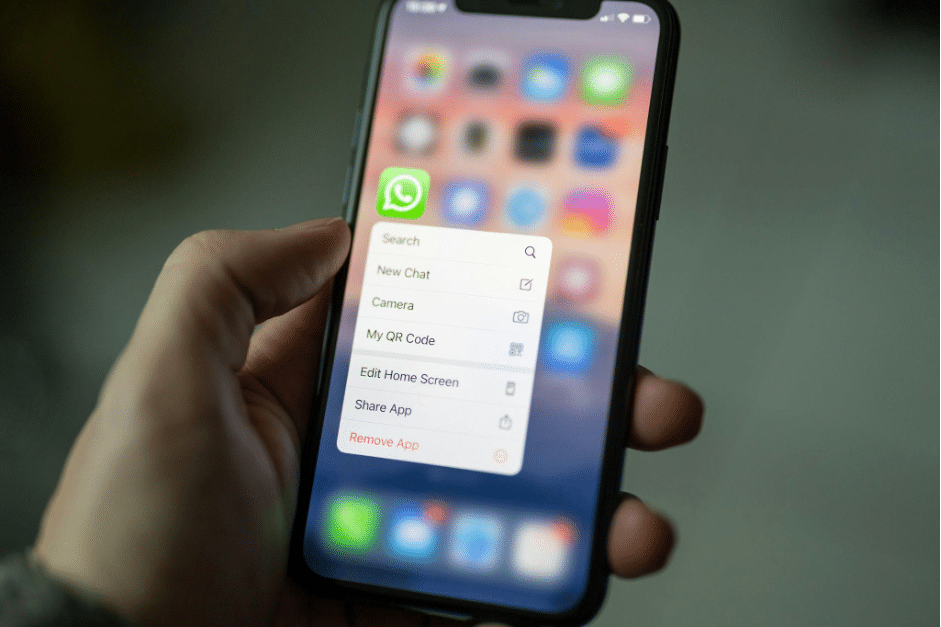
The need for multiple WhatsApp accounts spans both personal and professional realms. For individuals, managing separate accounts for personal use, family groups, and social activities can help organize communications and maintain privacy. Professionals, particularly in marketing, traffic arbitrage, SMM, and SEO, utilize multiple accounts to segment audiences, conduct targeted campaigns, and analyze strategies without overlapping or mixing messages.
This segmentation allows for tailored communication strategies, efficient monitoring of different campaigns, and a more organized approach to messaging. Additionally, having separate accounts for work and personal use helps maintain a healthy work-life balance, ensuring personal interactions remain private and professional communications are streamlined and focused.
Managing Your WhatsApp Account with a Virtual Number
Effectively managing WhatsApp accounts registered with virtual numbers requires a few key practices. Firstly, ensure regular activity on each account to keep them active and avoid automatic deactivation by WhatsApp for inactivity. Regularly update your status, profile picture, and engage in conversations to maintain account authenticity. Secondly, adhere strictly to WhatsApp’s terms of service to prevent any account bans or restrictions. This includes avoiding spam-like behavior and respecting privacy and communication guidelines. Lastly, keep your virtual number active by renewing it as needed with your provider, ensuring continuous service without interruption. Following these tips will help maintain the longevity and reliability of your WhatsApp accounts, allowing you to communicate effectively and securely.
Conclusion
Utilizing a virtual number to sign up for WhatsApp presents a compelling blend of privacy and flexibility, catering to both personal and professional communication needs. This approach not only safeguards your personal information but also simplifies the management of multiple accounts, allowing for a more organized and targeted communication strategy. As the digital landscape continues to evolve, embracing such innovative tools becomes crucial for navigating the complexities of online interactions effectively. Whether for enhancing privacy, managing diverse professional campaigns, or maintaining separate personal and work-related communications, the use of virtual numbers with WhatsApp stands out as a practical, secure, and efficient solution.











