
iLoungeiLounge
  • News
    • Apple
      • AirPods Pro
      • AirPlay
      • Apps
        • Apple Music
      • iCloud
      • iTunes
      • HealthKit
      • HomeKit
      • HomePod
      • iOS 13
      • Apple Pay
      • Apple TV
      • Siri
    • Rumors
    • Humor
    • Technology
      • CES
    • Daily Deals
    • Articles
    • Web Stories
  • iPhone
    • iPhone Accessories
  • iPad
  • iPod
    • iPod Accessories
  • Apple Watch
    • Apple Watch Accessories
  • Mac
    • MacBook Air
    • MacBook Pro
  • Reviews
    • App Reviews
  • How-to
    • Ask iLounge
Font ResizerAa
iLoungeiLounge
Font ResizerAa
Search
  • News
    • Apple
    • Rumors
    • Humor
    • Technology
    • Daily Deals
    • Articles
    • Web Stories
  • iPhone
    • iPhone Accessories
  • iPad
  • iPod
    • iPod Accessories
  • Apple Watch
    • Apple Watch Accessories
  • Mac
    • MacBook Air
    • MacBook Pro
  • Reviews
    • App Reviews
  • How-to
    • Ask iLounge
Follow US

Articles

Articles

How to Sign Up for any iOS App without Phone Number

Last updated: Jun 23, 2022 5:59 pm UTC
By Lucy Bennett
How to Sign Up for any iOS App without Phone Number

Every day there are more and more mobile apps in our lives that we use on a regular basis. However, at the same time, developers are increasingly integrating phone number verification into their products for new users. This makes it impossible for millions of people to use them as some applications simply don’t support certain countries while others don’t seem to be reliable enough to provide them with any personal data. What can be done in this case? The solution is very simple: use a virtual phone number.

What is a Virtual Phone Number?

There is an opinion among many people that a virtual number is a randomly generated set of numbers. However, this has little to do with reality. A virtual phone number is no different from a real phone number, except that it can be used over the internet directly on a computer or any other device. Otherwise, there are no differences. It is also assigned to a physical SIM card, listed in the database of the real mobile operator and works in its network.
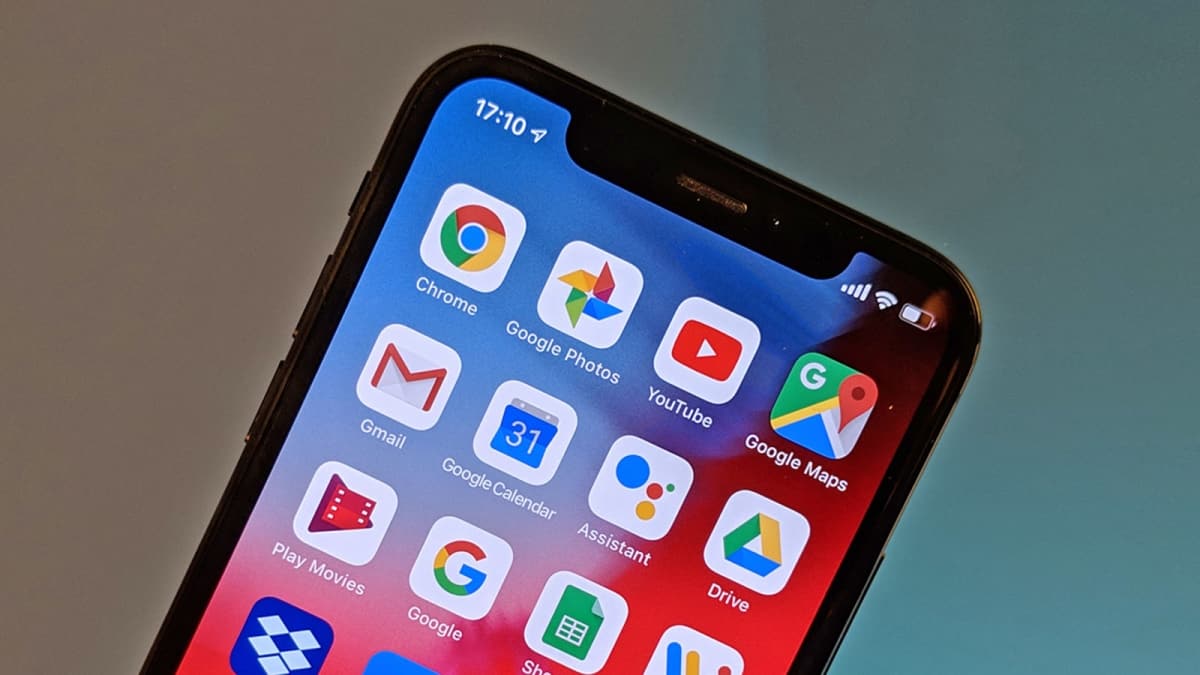
How to Sign Up for any iOS App without Phone Number

Range of Applications Available for Signing Up

The most common question among those who have never worked with virtual numbers is what sites and apps they can be used for. But, in fact, there is no need to worry about it at all. Virtual phone numbers are suitable for creating accounts on absolutely any online platform. Thus, you can use them to sign up for an account on:

  • Social media networks;
  • Instant messaging apps;
  • Dating sites;
  • Internet marketplaces;
  • Thematic forums;
  • Online games;
  • Taxi, food delivery and other services.

This range of applications completely eliminates the need to use a real phone number on the internet. For this advantage, they are very much appreciated by those who care about their privacy and security. You can use virtual phone numbers to sign up for Facebook, Telegram and Amazon all at once.

Moreover, except for disposable numbers that allow creating only one account, there are also reusable numbers. They can be purchased for a certain period of time up to several years. Such a service makes it possible to sign up for unlimited profiles on various websites and apps as well as to receive verification codes from them in the future if, for example, there is a need to transfer an account from one device to another.

Getting and Using a Virtual phone Number for Receiving SMS

Obtaining and using a virtual number is a task that everyone can handle. You can see for yourself with the help of the service for SMS verification online SMS-Man. Registration on this platform does not involve the provision of identity documents or any other sort of personal data. So it takes no more than a minute to access all of its features.

You can find virtual numbers both on the main page of the site and on its separate rental tab. Just purchase one depending on the task at hand and use it just like a regular number. Then, after the verification text message is sent, press the “Get SMS” button at SMS-Man to reveal the code for account creation. There is nothing difficult and even those who are not familiar with this entire VoIP telephony thing can easily take advantage of such a service.


Latest News
The AirPods Pro 3 is $20 Off
1 Min Read
Exynos 2600 Chip 2nm Process Revealed by Samsung
1 Min Read
New Celebrity Ad Campaign Featuring Travis Scott Released by Beats
1 Min Read
Australia Getting Hypertension Notification Feature
1 Min Read
The 14-inch MacBook Pro with M5 Chip 16GB RAM/512GB is $250 Off
1 Min Read
Noise and Static on AirPods Pro 3 Still Unfixed
1 Min Read
New iMac with 24-inch OLED Display May be Brighter With 600 Nits
1 Min Read
The 15-inch M4 MacBook Air 256GB Is $250 Off
1 Min Read
Internal Kernel Debug Kit from Apple Reveals Tests for a MacBook with A15 Chip
1 Min Read
Apple Currently In Talks With Suppliers for Chip Assembly & Packaging of iPhones in India
1 Min Read
Apple Allows Easier Battery Replacement For M5 MacBook Pro with 14-inch Display
1 Min Read
The Apple Watch SE 3 44mm GPS is $50 Off
1 Min Read

iLounge logo

iLounge is an independent resource for all things iPod, iPhone, iPad, and beyond. iPod, iPhone, iPad, iTunes, Apple TV, and the Apple logo are trademarks of Apple Inc.

This website is not affiliated with Apple Inc.
iLounge © 2001 - 2025. All Rights Reserved.
  • Contact Us
  • Submit News
  • About Us
  • Forums
  • Privacy Policy
  • Terms Of Use
Welcome Back!

Sign in to your account

Lost your password?









