
Love it or hate, social media has now entered almost every part of our lives. We use it to chat with friends, kill time, learn about what’s happening in the news, and even find jobs.
Unfortunately, because of how popular social media is and how much personal information people reveal on these networks, birthdates, addresses, buying preferences, and more, it’s a frequent target for hackers, advertisers, and other privacy threats.
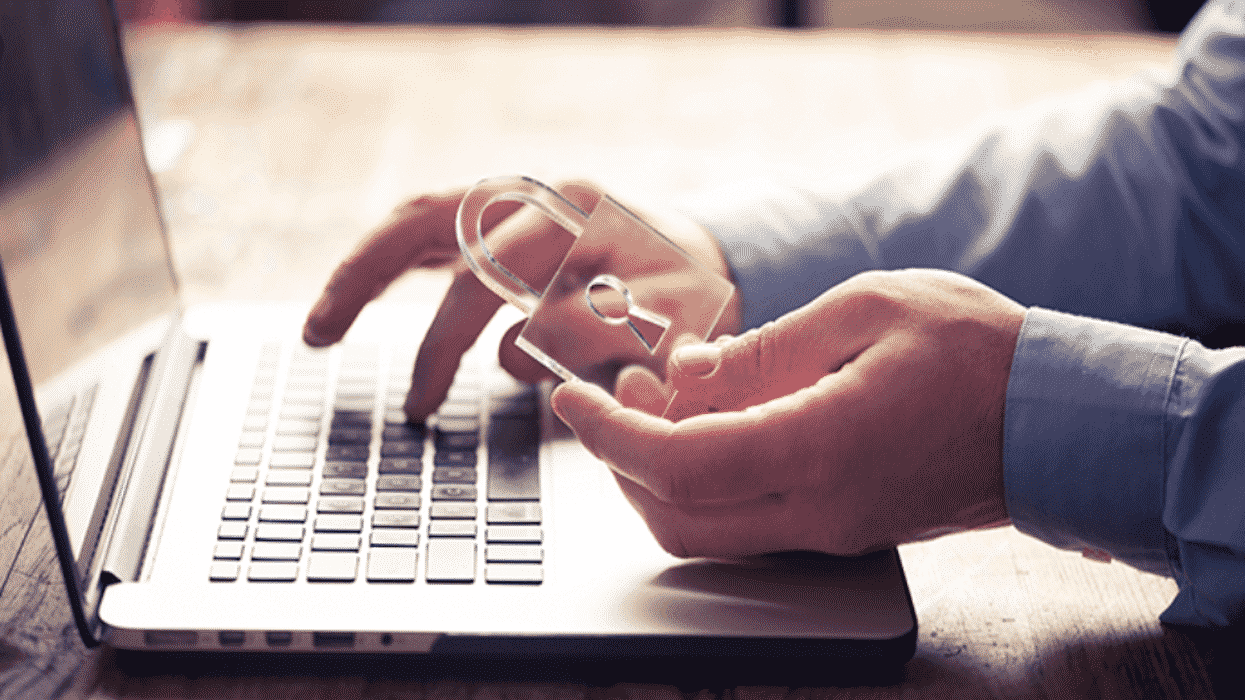
If you want to be more secure, you don’t have to abandon your favorite social media platform. But you must be careful! Follow these essential social media security strategies to ensure your safety now.
1. Account Security Is Vital
Facebook and other social platforms are somewhat secure in themselves. Despite the occasional data breach, they do have safeguards in place to ensure their users’ safety. Of course, that alone shouldn’t fill you with too much confidence. But the biggest threat isn’t from the platform, but you.
Many people have weak account passwords that make it easy for hackers to crack them. For that reason, you must have a strong, complex, and unique password. It can’t be anything easy like “Dogs1234” because hackers can brute force attacks and find these passwords almost instantaneously.
Instead, use a password generator. Password generators create insanely complex passwords like “JdHhRJ#p4uCE” that would take even supercomputers millions of years to crack. To help you remember such passwords, be sure to use a password generator—a secure online vault only you or those you authorize directly will be able to access.
Don’t forget about enabling 2FA as well. 2FA or two-factor authentication gives you an excellent second layer of defense, not just on social, but everywhere you have an online account.
2. Be Careful What You Share
People love posting anything and everything about themselves. It’s easy to feel like you’re in your own little secure community. But, in reality, you have no idea who has access to your profile.
Worse yet, many sites will show your personal information publicly until you set it to private. Either way, take down any references to your birthday, where you were born, and other overly personal information.
While you’re at it, it’s time to enhance your privacy settings. Make sure only friends can see your posts and personal information. Likewise, remove your profile from being indexed by Google. And be cautious about what you post. Random cat photos are fine, but definitely not your latest paystub!
3. Keep Your Friends Close
When social media first became popular, many people were obsessed with how many friends they had. Even now, a lot of folks still want to have huge followings. This is dangerous.
While there’s nothing wrong with having a lot of real friends. You need to be careful about people you don’t know well or have never met before. You never know what a stranger/stalker could learn from your posts.
This doesn’t mean you can’t make new friends but take time to vet each person. A good start is whether you have mutual friends with somebody. Then take time to review requests to ensure accounts are real people and not fakes created by fraudsters.
4. Get Rid of Social Logins
On many sites, you can now login with your Facebook or Google credentials. These are called social logins. While they make things convenient, they are also extremely valuable to hackers.
That’s because once they have access to your social account, they can log into anything you’ve connected. Instead of one account getting hacked, the result could be two, three, or even twenty! Instead, secure all your online accounts with unique passwords. That’s another advantage of using a password manager!
5. Separate Your Social Accounts
This is a win-win for you. You don’t need all your worlds to come together. For example, you might use Facebook to stay in touch with family, Instagram to keep up with friends, and LinkedIn for work.
Maintain separation between the spaces. This means not completing profile fields that link to other accounts and considering cross-over friend requests carefully. This not only protects against hackers but gives you a nice additional layer of separation between your various personal and professional lives.
Secure Your Social Media Account Now
We don’t want to panic you, but fraudsters attack social accounts all the time. Fortunately, a little prevention goes a long way in keeping you safe so start adopting these strategies.











