
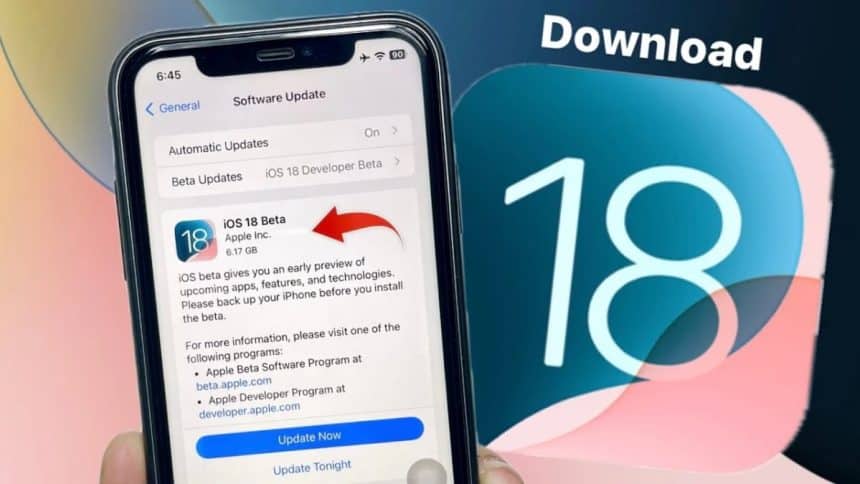
Apple released iOS 18 Beta 2 for developers on June 25th. This current release addresses many of the issues known from version 1, such as Control Centre page controls overlapping with horizontal dynamic islands and app icons being displayed in a dark mode all the time. Many new features have also been added, including iPhone Mirroring, which has received more enthusiastic attention. This feature allows users to interact wirelessly between their Mac and iPhone. However, the feature is not available in the European Union.
As far as we know from Reddit and Discord, the Beta version, like many previous versions, still has a lot of glitches. Some users are also experiencing more serious problems after upgrading, such as constant phone reboots. So what can be done for a portion of users who want to experience the new system’s features as soon as possible without the risk of turning their phone into a useless piece of metal?
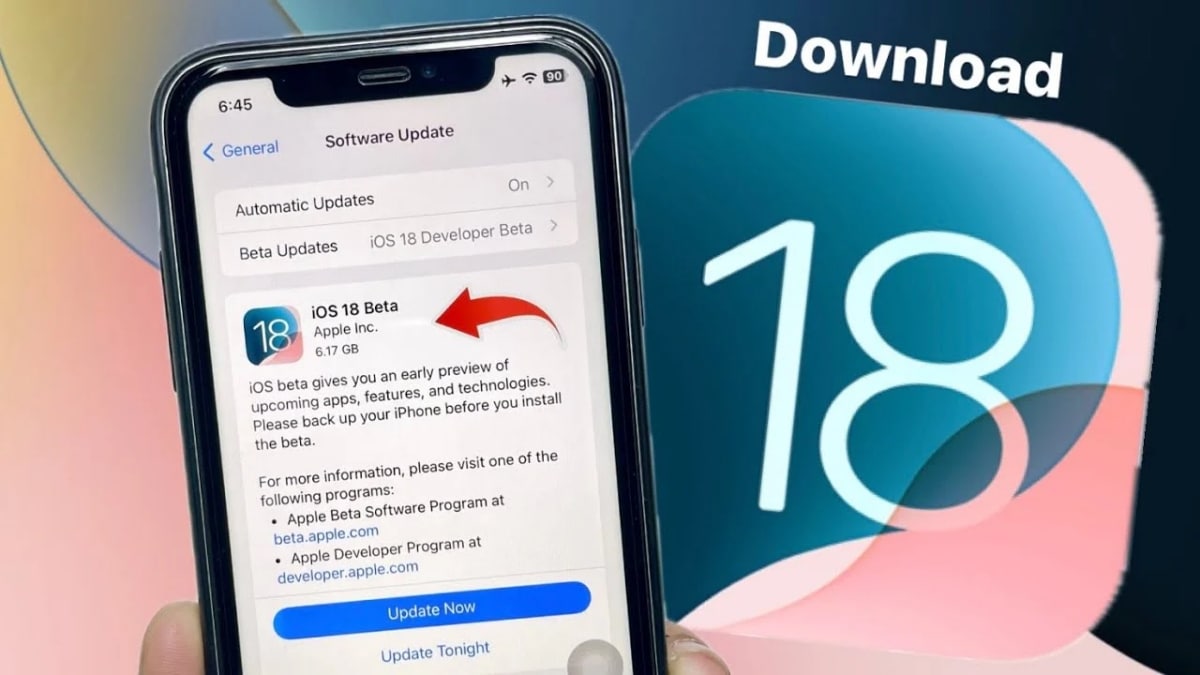
Before start upgrading to the new version, it’s important to know your device model, system version, and the condition of your device. Most people don’t have a spare phone dedicated to testing, so if the phone you’re about to upgrade is your only active device, take note of the following. Firstly, please note that your device model is on the list of compatible models. Secondly, to ensure that the upgrade is successful, it is best to make sure that you have already upgraded to the latest system version before upgrading to Beta. Third, make sure that your device has enough storage space and battery condition. Don’t underestimate these basic steps, as they are usually the most critical factors in a failed upgrade.
When checking the second step, many users may find that the storage space on their device is not very promising. If you’ve upgraded before it shouldn’t be hard to know that a new system usually takes up a large amount of system storage space. Then you may need to clean up your storage space to prepare for the upgrade.
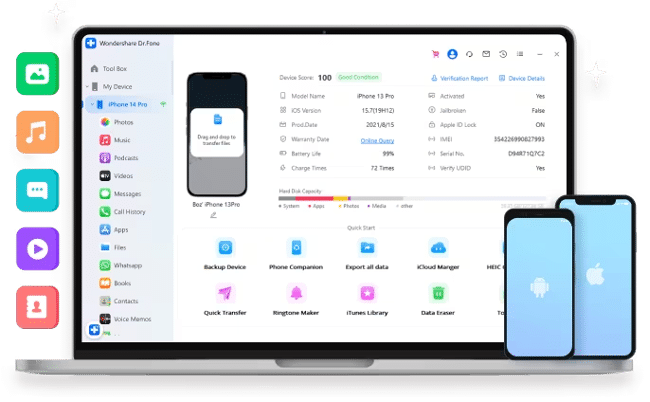
Wondershare Dr.Fone is Wondershare’s product for mobile device management, and the Dr.Fone Basic Kit is a toolkit that includes mobile phone management, mobile phone backup and screen mirroring. Dr.Fone Basic Kit includes mobile phone management, mobile phone backup and screen casting functions, which can help users to categorize and organize their data and easily transfer them to computer or other external storage devices.
When it comes to data storage, backing up data is a crucial step before upgrading.
There are many ways to backup data, users can choose to backup to iCloud, but iCould only have 5GB free space. Of course, you can also pay to open more storage space. Users can also choose to backup to computer via iTunes/Finder. Secondly, you can also use third-party tools, Dr.Fone provides a variety of backup methods, which can meet the daily automatic backup, also can meet the backup before major upgrades, and the backup will be automatically archived.
How to Back Up Your iPhone with Dr.Fone
Backing up your iPhone is simple and easy with Dr.Fone, which supports both manual and automatic backup methods. After installing the application on your PC or Mac, you can start the backup process with a few steps.
Manual Backup:
- To begin, launch the Dr.Fone software and select the “My Backup” option from the left-hand panel. Next, click the “Back Up Now” button to initiate the backup process, and Dr.Fone will take care of the rest!
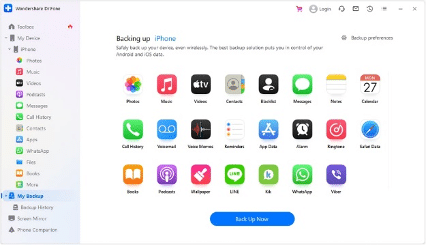
- Dr.Fone will automatically detect and backup your files to your device. Please note that the duration of the backup process may vary depending on the size of your data. If you need to stop the process, simply click the “Cancel” button to interrupt the backup.
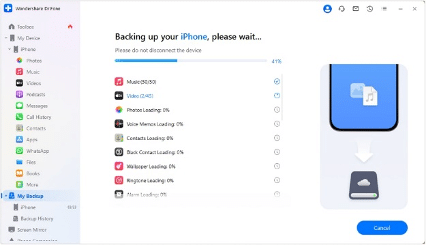
- You can view your files by clicking “View Backup after the process.”
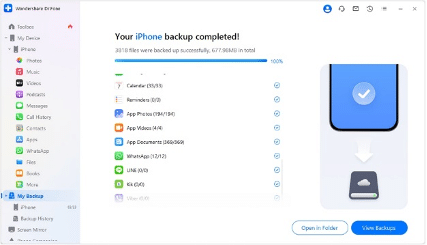
Automatic Backup:
- To set up automatic backups, open Dr.Fone and navigate to “My Device” and then select “Backup Preferences.” In this section, you’ll find various options to configure and customize your automatic backup settings to suit your needs.
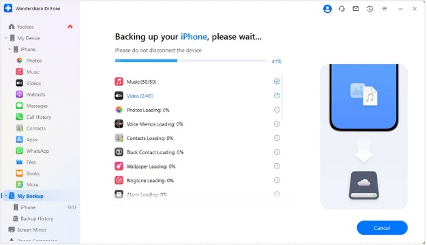
- Connect your iOS device to your PC using a USB cable. Next, enable the “Auto Backup” feature and select your preferred “Backup Schedule” and “Preferred Time” for automatic backups. Once configured, click the “Back Up Now” button to initiate the backup process and Dr.Fone will take care of the rest!
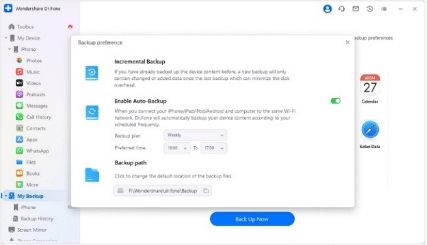
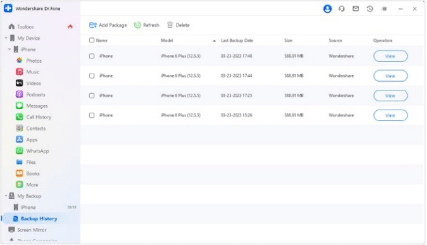
- To review your backup history, click on the “Backup History” tab and then select the “View” option to inspect the contents of the backup files. This will allow you to verify the integrity and completeness of your backups, giving you peace of mind and ensuring your data is safe.
Any accidents that may occur during the upgrade process can cause data loss or partial loss. It is difficult to say that the backup data can be completely restored to the previous state, but at least it can ensure that the critical data are backed up.
Based on the feedback from Apple users, this update does have a lot of new features and functions that are worth looking into and playing around with. So, if you confirm that you want to try out the latest features quickly before the official version is released, then make sure you pay attention to the previous reminders and backup your phone’s data. For those who are willing to take a chance on the update, the Wondershare Dr.Fone Basic Kit offers a reliable backup solution to ensure that you enjoy the new features without compromising the reliability of your device. Whether you choose to update now or wait for the final version, you should base your decision on your comfort level with potential instability and your desire to experience the cutting-edge technology of iOS.











