
iLoungeiLounge
  • News
    • Apple
      • AirPods Pro
      • AirPlay
      • Apps
        • Apple Music
      • iCloud
      • iTunes
      • HealthKit
      • HomeKit
      • HomePod
      • iOS 13
      • Apple Pay
      • Apple TV
      • Siri
    • Rumors
    • Humor
    • Technology
      • CES
    • Daily Deals
    • Articles
    • Web Stories
  • iPhone
    • iPhone Accessories
  • iPad
  • iPod
    • iPod Accessories
  • Apple Watch
    • Apple Watch Accessories
  • Mac
    • MacBook Air
    • MacBook Pro
  • Reviews
    • App Reviews
  • How-to
    • Ask iLounge
Font ResizerAa
iLoungeiLounge
Font ResizerAa
Search
  • News
    • Apple
    • Rumors
    • Humor
    • Technology
    • Daily Deals
    • Articles
    • Web Stories
  • iPhone
    • iPhone Accessories
  • iPad
  • iPod
    • iPod Accessories
  • Apple Watch
    • Apple Watch Accessories
  • Mac
    • MacBook Air
    • MacBook Pro
  • Reviews
    • App Reviews
  • How-to
    • Ask iLounge
Follow US

Articles

Articles

How to Reset Firestick to Factory Settings

Last updated: Feb 26, 2022 9:40 am UTC
By Lucy Bennett
How to Reset Firestick to Factory Settings

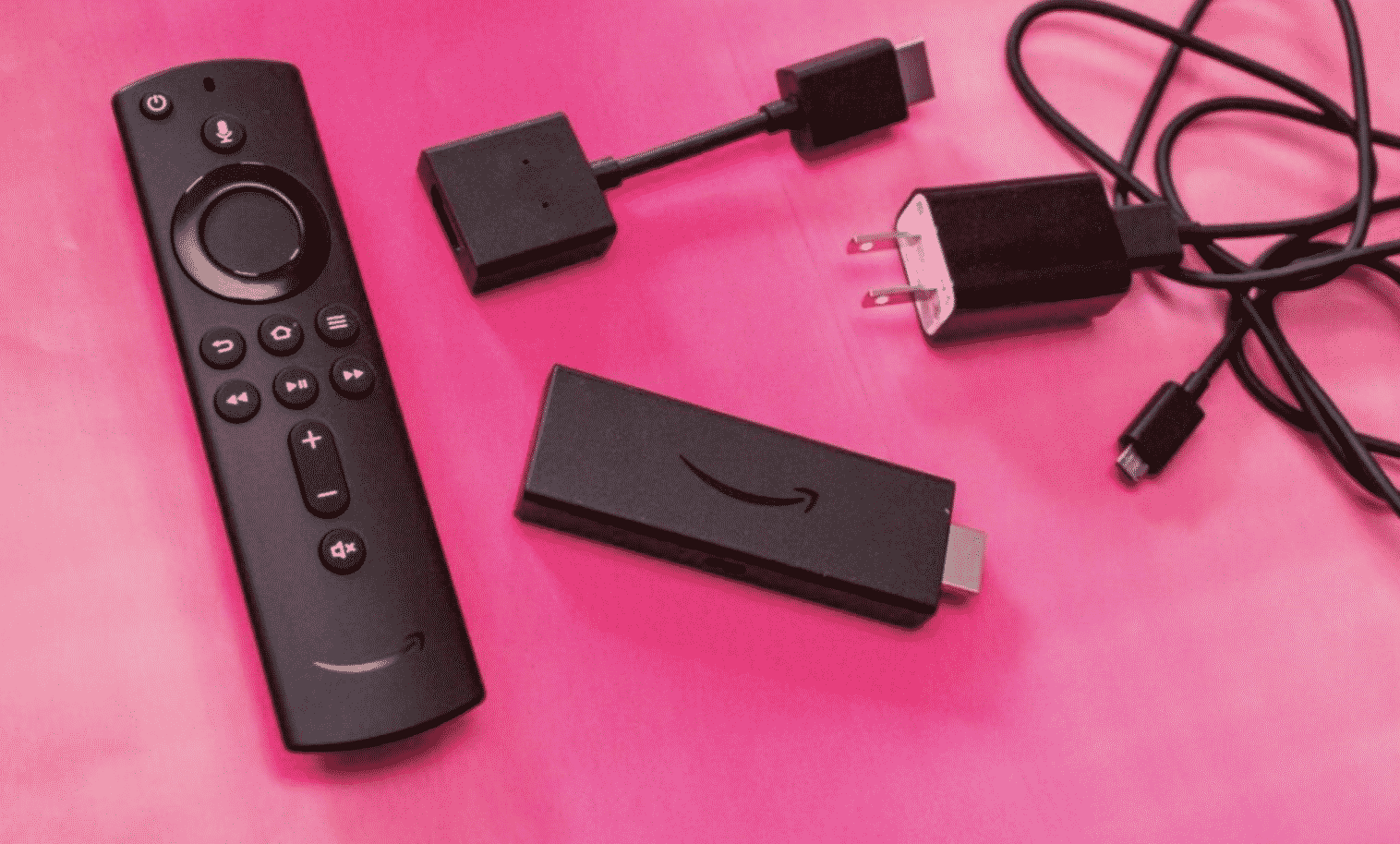
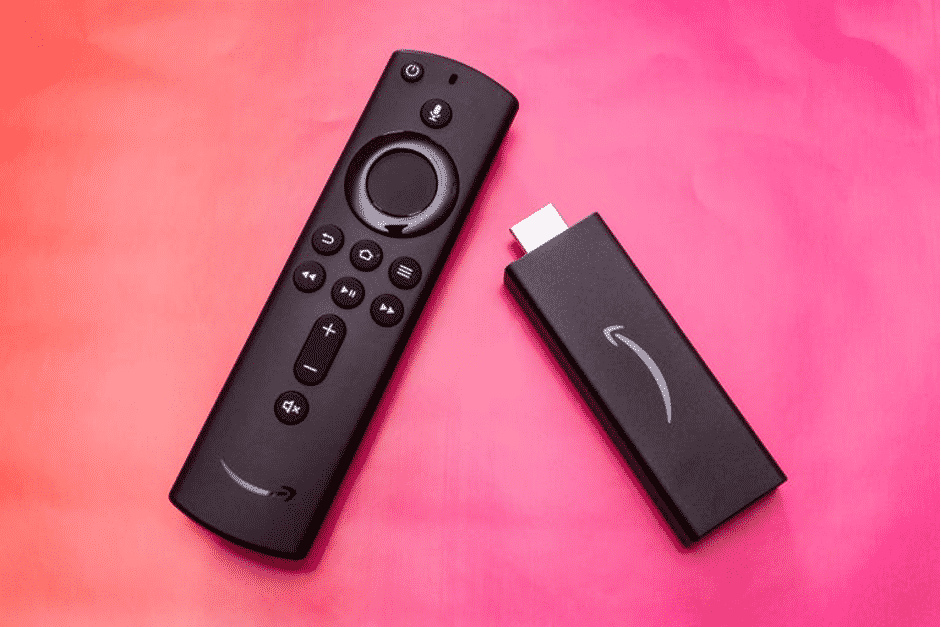
Firestick is a portable streaming device developed by Amazon, this device went popular real quick since the very first day of its launch. I am also a fire tv user and I have been using this amazing Firestick by Amazon for 3 years. And till now I haven’t faced any major problem with this device.


Today I will be showing you how to reset your firestick to its factory setting. There could be thousands of reasons why you want to do it, however, the very common reason behind resetting your firestick to the factory is to solve the lagging problem. It is quite normal to face lagging or buffering problems on firestick after using the device for like a year or so and this can happen because of several reasons. 
How to Reset Firestick to Factory Settings

If you want to make your firestick device faster and newer than before then I highly suggest you reset the firestick to factory settings. It is very easy to reset a firestick and anyone can do it, there is no technical knowledge required. But before I tell you how to do it, I want you to read the disclaimer below. 

How to Reset Firestick to Factory Settings

An important thing to consider before resetting firestick

If you have made up your mind to reset your firestick device to its default or factory setting then keep one thing in mind that every data, app, etc will be permanently deleted from the firestick while performing a factory reset on the firestick. So it is highly recommended that you backup your important data, files, or apps before performing the factory reset on firestick. We won’t be responsible for any data loss in this process. 


How to Reset Firestick to Factory Settings – Simple Steps

So, below I have written the steps to reset your firestick to default settings, please read all the steps carefully. 

  • First thing first, turn on your firestick device.
  • Now when the firestick is turned on, you need to click on the Settings. 
  • After that you will see different options, now all you need to do is click on “My Fire TV”. 
  • Scroll down to the last option that is “Reset to Factory Defaults”. 
  • Click on it.
  • Now confirm your choice and wait.
  • Firestick will now perform a complete factory reset, this will hardly take a few minutes.

After the firestick is done resetting, you need to set it up from scratch just like you did at the time of purchasing it. You need to again pair your fire tv remote, select your network, etc. You need to even connect your Amazon account again, so setting up again will take 5 minutes or so. 

Once everything is done you will be able to use your firestick again, and I am damn sure that after resetting your firestick you will see a significant increase in performance. You can now re-install all your old apps from the Amazon app store. 

So, It’s all done now, if you have any issues or queries then do ask by dropping a comment down below, our team will try to help you out. 


Latest News
The AirPods Pro 3 is $20 Off
1 Min Read
Exynos 2600 Chip 2nm Process Revealed by Samsung
1 Min Read
New Celebrity Ad Campaign Featuring Travis Scott Released by Beats
1 Min Read
Australia Getting Hypertension Notification Feature
1 Min Read
The 14-inch MacBook Pro with M5 Chip 16GB RAM/512GB is $250 Off
1 Min Read
Noise and Static on AirPods Pro 3 Still Unfixed
1 Min Read
New iMac with 24-inch OLED Display May be Brighter With 600 Nits
1 Min Read
The 15-inch M4 MacBook Air 256GB Is $250 Off
1 Min Read
Internal Kernel Debug Kit from Apple Reveals Tests for a MacBook with A15 Chip
1 Min Read
Apple Currently In Talks With Suppliers for Chip Assembly & Packaging of iPhones in India
1 Min Read
Apple Allows Easier Battery Replacement For M5 MacBook Pro with 14-inch Display
1 Min Read
The Apple Watch SE 3 44mm GPS is $50 Off
1 Min Read

iLounge logo

iLounge is an independent resource for all things iPod, iPhone, iPad, and beyond. iPod, iPhone, iPad, iTunes, Apple TV, and the Apple logo are trademarks of Apple Inc.

This website is not affiliated with Apple Inc.
iLounge © 2001 - 2025. All Rights Reserved.
  • Contact Us
  • Submit News
  • About Us
  • Forums
  • Privacy Policy
  • Terms Of Use
Welcome Back!

Sign in to your account

Lost your password?










