
iLoungeiLounge
  • News
    • Apple
      • AirPods Pro
      • AirPlay
      • Apps
        • Apple Music
      • iCloud
      • iTunes
      • HealthKit
      • HomeKit
      • HomePod
      • iOS 13
      • Apple Pay
      • Apple TV
      • Siri
    • Rumors
    • Humor
    • Technology
      • CES
    • Daily Deals
    • Articles
    • Web Stories
  • iPhone
    • iPhone Accessories
  • iPad
  • iPod
    • iPod Accessories
  • Apple Watch
    • Apple Watch Accessories
  • Mac
    • MacBook Air
    • MacBook Pro
  • Reviews
    • App Reviews
  • How-to
    • Ask iLounge
Font ResizerAa
iLoungeiLounge
Font ResizerAa
Search
  • News
    • Apple
    • Rumors
    • Humor
    • Technology
    • Daily Deals
    • Articles
    • Web Stories
  • iPhone
    • iPhone Accessories
  • iPad
  • iPod
    • iPod Accessories
  • Apple Watch
    • Apple Watch Accessories
  • Mac
    • MacBook Air
    • MacBook Pro
  • Reviews
    • App Reviews
  • How-to
    • Ask iLounge
Follow US

Articles

Articles

How to Remove an Android Lock Screen Without Losing Data

Last updated: Nov 29, 2024 10:22 am UTC
By Lucy Bennett
How to Remove an Android Lock Screen Without Losing Data

There might be a time when you or your child have locked your Android phone to the point where you can’t get it to open to the home screen. Rather than bringing your mobile to the nearest repair shop and paying money for it, you can remove the lock screen in several minutes without losing data. Here’s how.


Get a Comprehensive Android System Repair Software

Nowadays you can get Android unlock software to get out of these tricky situations. However, not any app will do- it has to be trusted and able to fix all the common lock errors associated with a mishandled PIN or lock code.
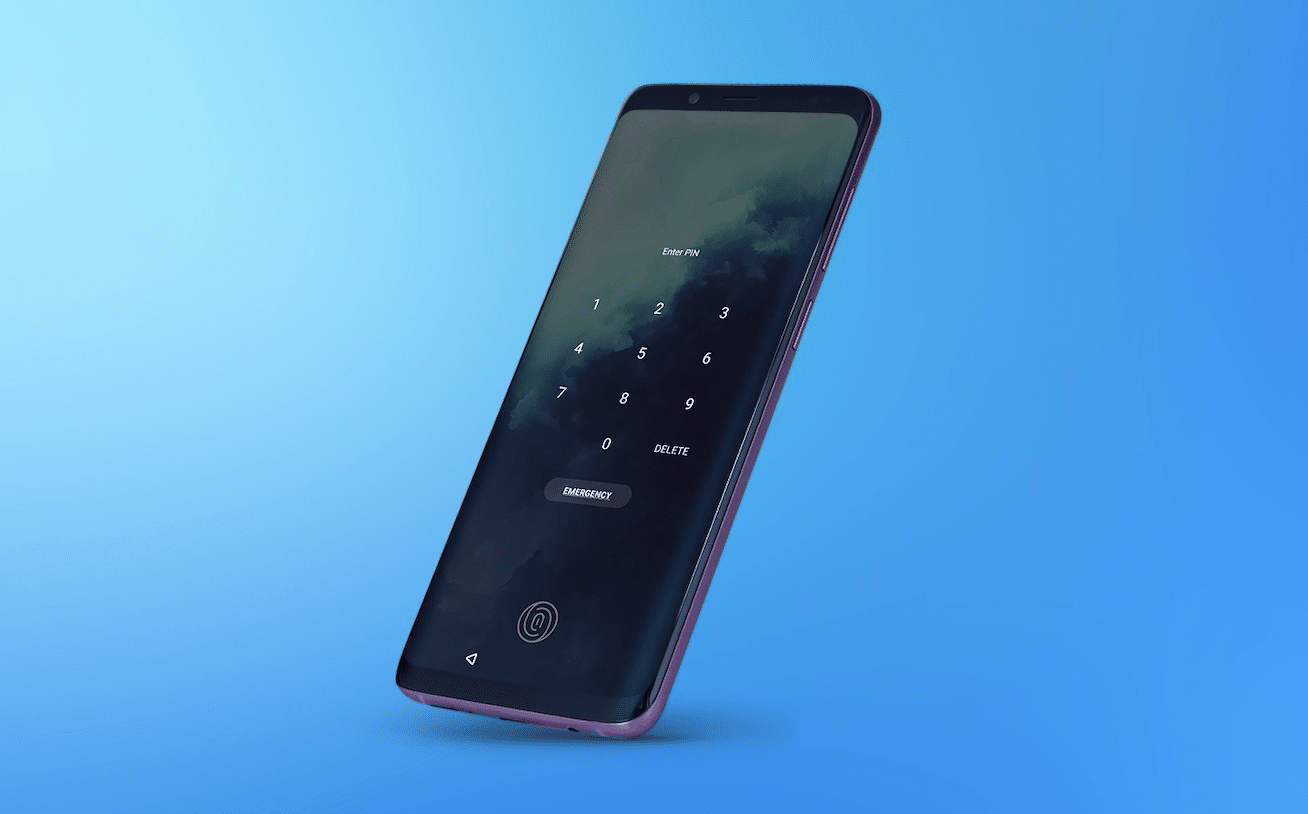
How to Remove an Android Lock Screen Without Losing Data

Instead of trying to think about your screen PIN or code or going through the process of retrieving your password, you can simply connect the locked Android phone to a computer with the repair software and run it. After a few minutes, the device should be unlocked and ready to be used again. The tool should be able to successfully get your phone back from a pattern lock, a wrong PIN code, or when there have been too many wrong attempts.


In addition, most modern Android phones have Factory Reset Protection or a protocol that prevents getting into the home screen when it detects software trying to unlock it. If this is the case, then you’ll need a tool that can bypass that to be successful.

How to Unlock Android Phone Without Data Loss

To prevent loss of data, you should probably skip the factory reset and opt for software that can unlock an Android phone in minutes. Afterward, you can prevent an accidental lock from happening by being mindful of where you place your phone or setting up a simpler passcode or PIN as soon as you’re able to use the device again.



Latest News
The Apple Watch Series 11 42mm GPS is $100 Off
1 Min Read
Apple Launching A New Education Hub In India Teaching Robotics and Swift Programming
1 Min Read
Women’s and Men’s Golf Added to Apple Sports
1 Min Read
Apple Adding Civilization VII and Other Games To Apple Arcade
1 Min Read
AirPods 4 ANC Is $59 Off
1 Min Read
Apple Using 2NM Process For Their M6 and A20 Chip
1 Min Read
iPhone 18 Models Will Not Have a Big Redesign
1 Min Read
Launch of MacBook Pro M5 Pro and M5 Max Models is Approaching
1 Min Read
Get the iPad Mini 7 256GB Wi-Fi at $99 Off
1 Min Read
Mozilla Now Allows Turning AI Features Off
1 Min Read
Barcelona Passeig de Gràcia Apple Store Temporarily Closing
1 Min Read
Apple’s Plans to Enter the Smart Glasses Market is Changing the Industry
1 Min Read

iLounge logo

iLounge is an independent resource for all things iPod, iPhone, iPad, and beyond. iPod, iPhone, iPad, iTunes, Apple TV, and the Apple logo are trademarks of Apple Inc.

This website is not affiliated with Apple Inc.
iLounge © 2001 - 2025. All Rights Reserved.
  • Contact Us
  • Submit News
  • About Us
  • Forums
  • Privacy Policy
  • Terms Of Use
Welcome Back!

Sign in to your account

Lost your password?








