
iLoungeiLounge
  • News
    • Apple
      • AirPods Pro
      • AirPlay
      • Apps
        • Apple Music
      • iCloud
      • iTunes
      • HealthKit
      • HomeKit
      • HomePod
      • iOS 13
      • Apple Pay
      • Apple TV
      • Siri
    • Rumors
    • Humor
    • Technology
      • CES
    • Daily Deals
    • Articles
    • Web Stories
  • iPhone
    • iPhone Accessories
  • iPad
  • iPod
    • iPod Accessories
  • Apple Watch
    • Apple Watch Accessories
  • Mac
    • MacBook Air
    • MacBook Pro
  • Reviews
    • App Reviews
  • How-to
    • Ask iLounge
Font ResizerAa
iLoungeiLounge
Font ResizerAa
Search
  • News
    • Apple
    • Rumors
    • Humor
    • Technology
    • Daily Deals
    • Articles
    • Web Stories
  • iPhone
    • iPhone Accessories
  • iPad
  • iPod
    • iPod Accessories
  • Apple Watch
    • Apple Watch Accessories
  • Mac
    • MacBook Air
    • MacBook Pro
  • Reviews
    • App Reviews
  • How-to
    • Ask iLounge
Follow US

Articles

Articles

How to Maximize Creativity When Photo Editing

Last updated: Jun 15, 2023 1:35 pm UTC
By Lucy Bennett
How to Maximize Creativity When Photo Editing

Believe it or not, you can put creativity ahead of everything else when editing photos. Pixlr is an online photo editor that takes care of most tasks so you can focus on adding your personal or custom touch.


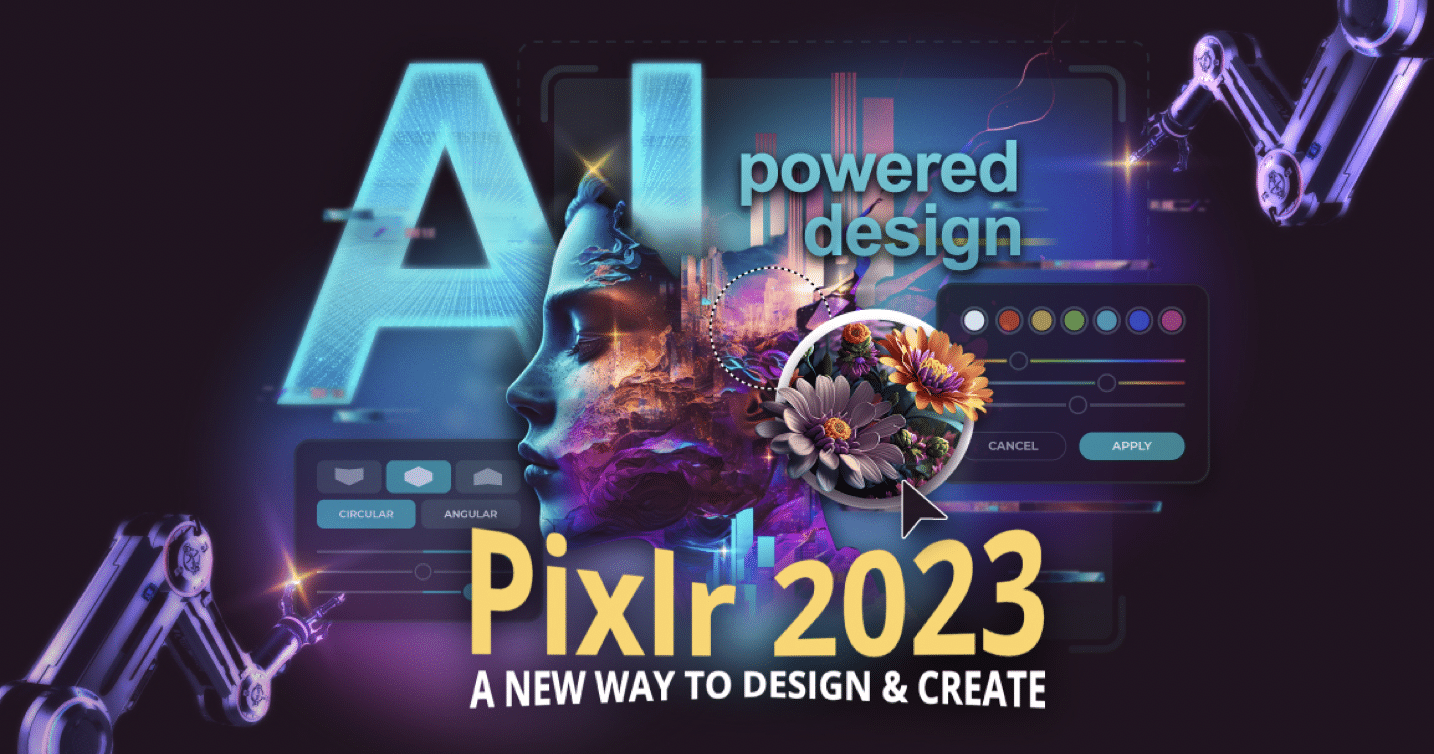
AI-powered Pixlr is today’s ultimate online photoshop that will let you maximize your creativity when photo editing.
How to Maximize Creativity When Photo Editing

Pixlr: The Ultimate Online Photoshop Empowers You at No Cost

Why use Pixlr for creative photo editing? Users gain access to professional-level tools in one photo editing platform.

Pixlr takes the best parts of advanced photo editing software and state-of-the-art AI to provide a wide range of enhancements including resizing graphics, generating AI images, AI infill, text warp, color channel and colorize.

No More Boring Images! Enter the Wonderful Pixlr World of Creativity

Pixlr is a robust AI design machine based on your prompts and preferences. You can perform:


AI-Assisted Smart Resizing

Unlike other photo editors that muddy up graphics when the image is resized, Pixlr keeps the original resolution and quality at all times. The AI engine behind the tool fills in the pixels with the appropriate pattern and texture to keep the image quality high.

AI Image Generation

Image AI creation is all the rage nowadays due to the content the tools can generate. Simply write in your desired prompts and you can get a suitable image in real-time.


AI Infill

The online photo editor has a one-click process that takes care of most photo editing work. AI Infill is a highly popular tool that can fill in ‘blank’ areas in an image with patterns, graphics, and textures as needed. This saves you more time to add creative touches while still keeping the end result top-notch in terms of quality.

Text Warp

This Pixlr feature lets you add text around images and graphics. Usually a feature reserved on Photoshop, you can now make professional-looking covers with just a button press.


Color Channel

Get the exact brightness, saturation, and hue and achieve the desired effect. The option to pick a preset color along with adjustments gives you more ways to personalize the image.

Colorize

Customize your designs with a splash of color and different shades which you can dab in particular areas.

It’s More than Just Editing. Create Masterpieces in Your Very Own Professional Art Studio

Pixlr is an all-in-one online photo editor for creative people. It allows for greater creative freedom by taking away the tediousness and giving users more time to put in their creative touches. It’s not just about editing photos, but more about one-of-a-kind masterpieces. Pixlr is a professional art studio that’s ready to go.

Get a whole new editing experience with Pixlr!


Latest News
The AirPods Pro 3 is $20 Off
1 Min Read
Exynos 2600 Chip 2nm Process Revealed by Samsung
1 Min Read
New Celebrity Ad Campaign Featuring Travis Scott Released by Beats
1 Min Read
Australia Getting Hypertension Notification Feature
1 Min Read
The 14-inch MacBook Pro with M5 Chip 16GB RAM/512GB is $250 Off
1 Min Read
Noise and Static on AirPods Pro 3 Still Unfixed
1 Min Read
New iMac with 24-inch OLED Display May be Brighter With 600 Nits
1 Min Read
The 15-inch M4 MacBook Air 256GB Is $250 Off
1 Min Read
Internal Kernel Debug Kit from Apple Reveals Tests for a MacBook with A15 Chip
1 Min Read
Apple Currently In Talks With Suppliers for Chip Assembly & Packaging of iPhones in India
1 Min Read
Apple Allows Easier Battery Replacement For M5 MacBook Pro with 14-inch Display
1 Min Read
The Apple Watch SE 3 44mm GPS is $50 Off
1 Min Read

iLounge logo

iLounge is an independent resource for all things iPod, iPhone, iPad, and beyond. iPod, iPhone, iPad, iTunes, Apple TV, and the Apple logo are trademarks of Apple Inc.

This website is not affiliated with Apple Inc.
iLounge © 2001 - 2025. All Rights Reserved.
  • Contact Us
  • Submit News
  • About Us
  • Forums
  • Privacy Policy
  • Terms Of Use
Welcome Back!

Sign in to your account

Lost your password?










