Introduction
Instagram reels are a great way to entertain your audience with short video clips. Most people record a reel from the Instagram app itself or post saved videos in their phone’s gallery. But not everyone knows that one can make a reel with photos as well.
So, do you have entertaining photos and want to create a stunning slideshow for your Instagram reel? In this article, you’ll learn two simple ways for how to make a reel with photos for your followers.
Let’s find out!
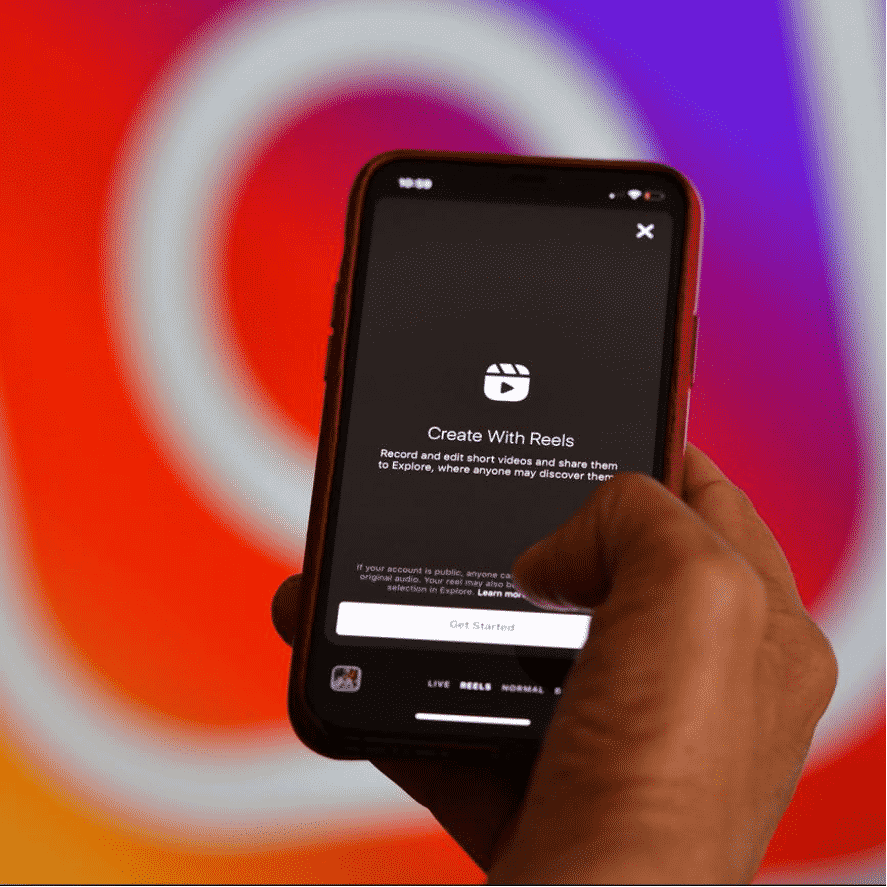
1. How to Make Reels on Instagram with Photos
The first method involves using the Instagram app itself to make a reel with photos. This eliminates the use of any third-party program for making Instagram reels. Not to mention, you can also add your favorite music to the slideshow from the Instagram music library.
Check out this step-by-step guide on how to make reels on instagram with photos on iOS or Android:
Step 1. Launch the Instagram app on your smartphone.
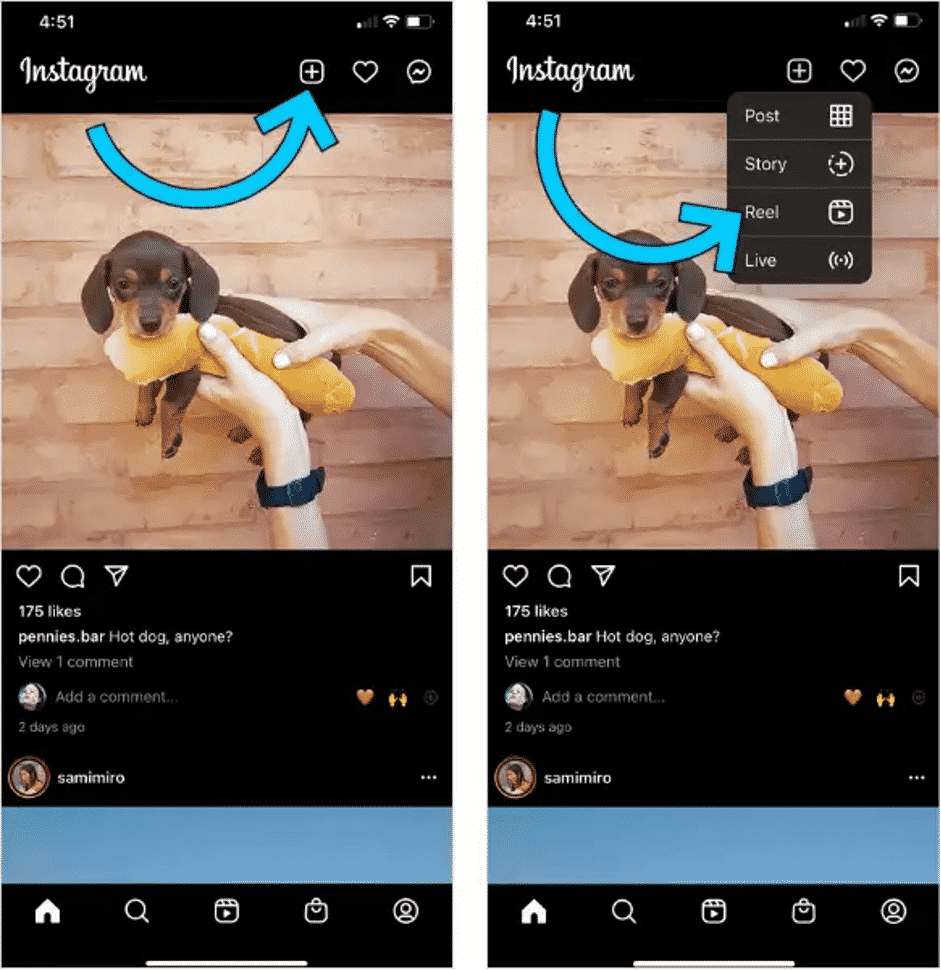
Step 2. Go to the home screen and tap the “+” icon at the top-right corner, and select the reel option.
Step 3. Now, tap the Gallery icon or swipe up the screen.

Step 4. In this step, tap the drop-down arrow and choose a photo for the reel.

Step 5. After that, you need to set the duration for the photo to appear on the screen. Just drag both sliders to specify your preferred time. Tap Add to include this photo to the reel.
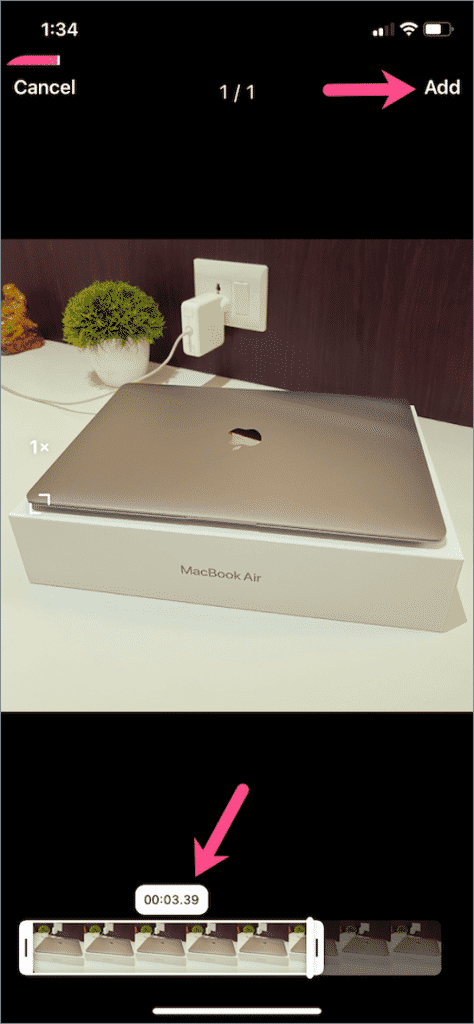
Step 6. Now, repeat the same procedure to add as many photos to your reel as you want.
Step 7. Once you have added all the photos, tap the audio icon on the left side of the screen.

Step 8. Finally, tap Preview and add any stickers, effects, or text to your slideshow. Congratulations, your reel is ready to be shared.
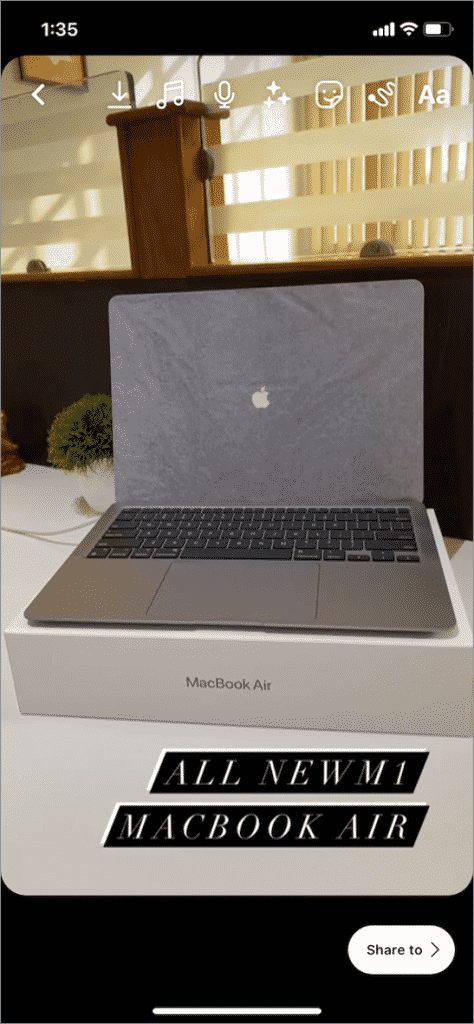
Since the maximum duration of Instagram reel is 30 seconds, adjust the time duration for each photo accordingly. In any case, making a reel with photos using Instagram is quite time-consuming and boring. Thus, most people consider using professional reel maker apps to get the job done.
2. How to Make a Reel on Instagram with Photos Using HitPaw MiraCut
When it comes to the best reel maker app for Instagram, HitPaw MiraCut stands out. This app is specifically developed to allow users make breathtaking Instagram reels quickly. Unlike the Instagram app, MiraCut makes it so simple to add multiple photos in one go and arrange them in any order for your slideshow.
One of the powerful features of MiraCut is a huge collection of well-designed templates it offers to users. What’s best is it automatically upgrades the templates’ library to keep you updated with the latest trends. On top of that, you can add stunning with amazing filters and transitions.
Features:
- Simple operation. Create magical videos in just 3 easy steps, which is very suitable for beginners to use. What’s more, it only takes seconds to export a video.
- Video production at low cost. Most of templates are free to use, so users can use free templates to create their videos. If users want to use paid templates, the subscription price is the lowest compared to similar products.
- Numerous and high-quality video templates. Templates are very popular and are being updated daily. With these templates, you can stay on top of trends and never fall behind.
- Support sharing to various social media platforms. After exporting the video, you can share it instantly on Instagram, TikTok, Facebook, YouTube, Twitter, etc.

To keep the ball rolling, here’s how to make a reel with photos using HitPaw MiraCut:
Step 1. Search HitPaw MiraCut and Install it from Google Play Store on your Android phone. The iOS version will be released in June soon.
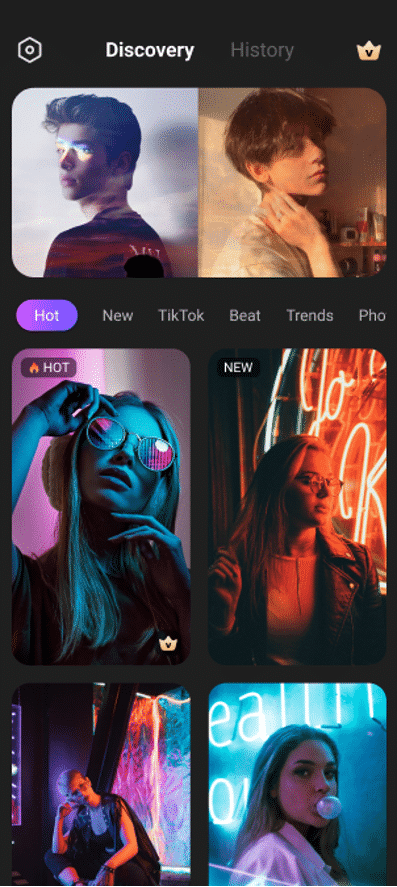
Step 2. Launch the app and you will see all kinds of templates, including Hot, New, TikTok, Beat, Trends Slow Motion and so on. Select a preferred template and click Preset to use it.
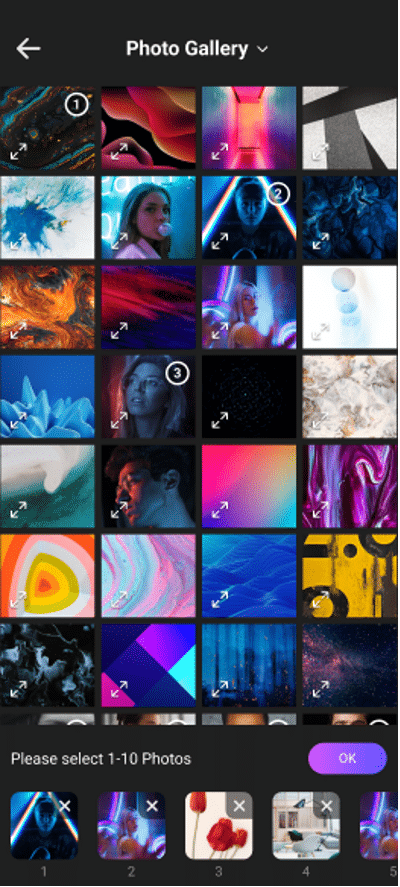
Step 3. Now, select all the images you want to include in the Instagram reel. The number of images supported by different templates is different. Note that the total length of the reel cannot exceed 30 seconds.
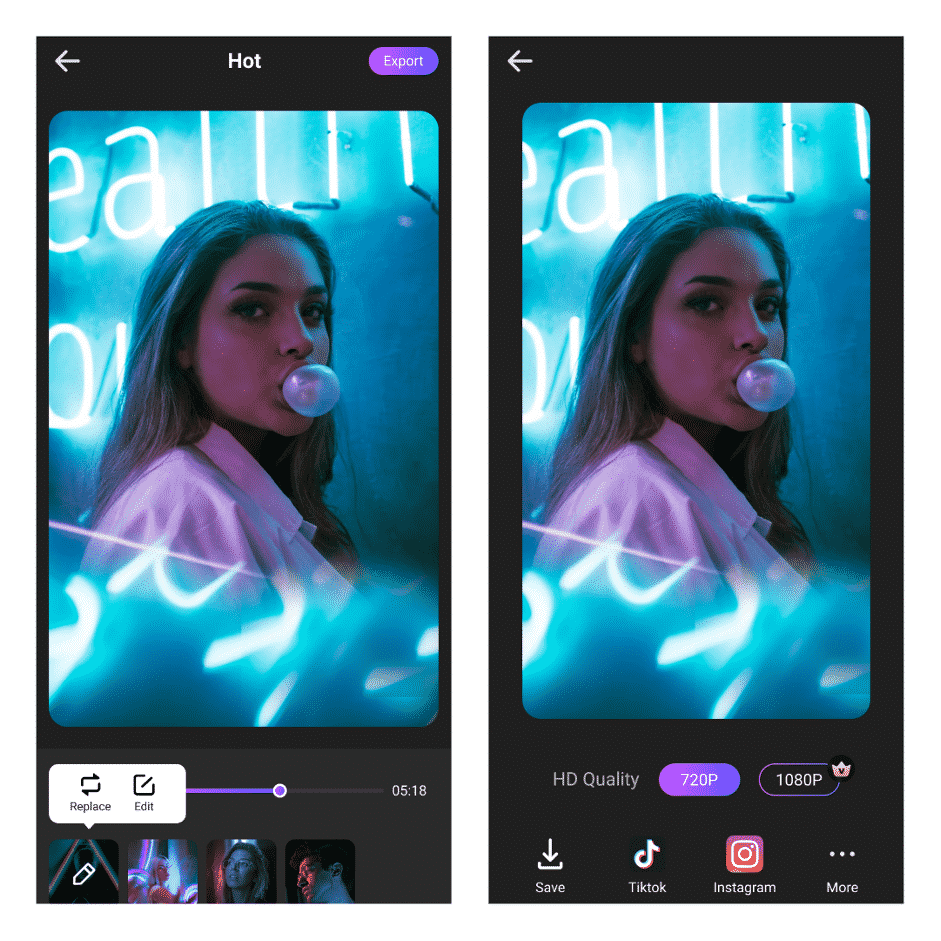
Step 4. Edit or add transitions or stickers to the reel and hit Export to either save it in your gallery or upload to Instagram.
Final Words
To sum up, this article has provided a comprehensive guide on how to make an Instagram reel with photos. While you can use the Instagram app to create a photo slideshow, the process is quite lengthy and tech-savvy.
Use HitPaw MiraCut to make stunning slideshows for your Instagram reel. The app offers a 3-step procedure to make a great reel along providing tons of customization options. All this makes it the best app to make reels in 2022.
Feel free to any questions!