
IPhone versions and looks keep changing pretty frequently with rollout of new variations of the iPhone. If you are not extremely rich, it is impossible to keep updating your iPhone with all the new releases. If you take care of your existing iPhone, it can look like a brand new phone. Here are a few tips to ensure your iPhone looks and feels like a new phone.
1. Make some space on your iPhone
Delete all the unnecessary images, songs and videos on your phone along with other unused apps to create space for other important elements. Even though you do not need space for additional things, it is still advisable to delete unwanted things to create a feel of a brand new phone. Delete all the media files that you have not touched for three months.
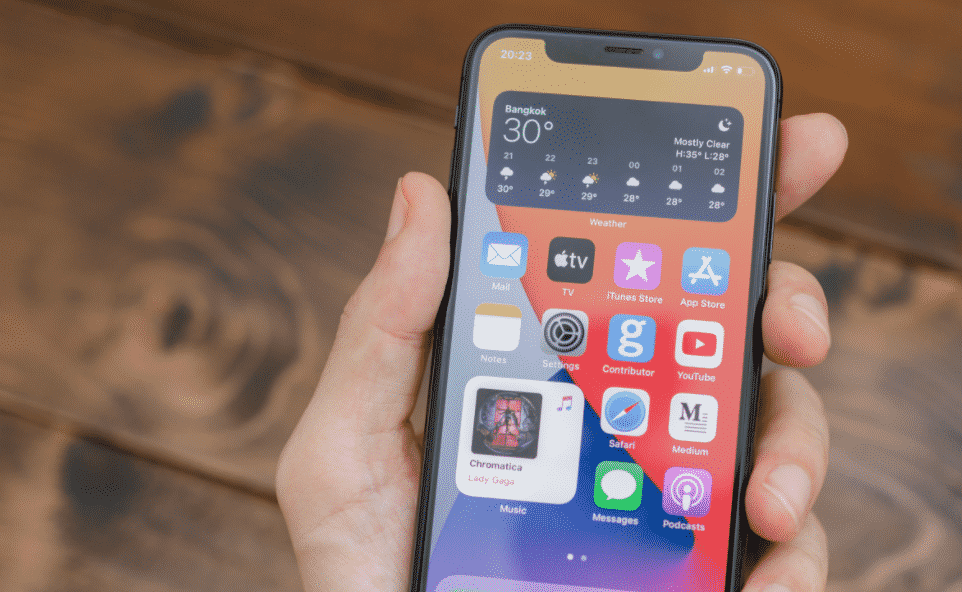
2. Keep the latest version of iOS
Whenever an iPhone rolls out a new iOS version, it is advisable to download and install the latest iOS version to stay updated. However, before doing it, check whether the released iOS version is working perfectly on your iPhone model for other users or not.
3. Get a soothing background
The background of your phone can decide the look of your iPhone to a great extent. On the basis of your choice, get a gorgeous background. Browsing through Pinterest can help you to find a background easily.
4. Get a new phone case
The phone case of your iPhone can make a huge difference to your phone. If your current phone case is worn out, you should consider getting a new iPhone 11 Cover or iPhone 12 Cover or other cover based on the model of the iPhone that you are using. While ordering a phone cover, checking the model of the smartphone is a must to ensure that the accurate size is ordered.
5. Organize the apps
What is the point of having a good background if it is hidden by multiple apps? One way of making the background visible is by organizing the apps into appropriate categories to clear out the space from the screen to make the background more visible.
6. Fix the screen of the iPhone
A broken tempered glass instantly creates a very bad look for the iPhone. Of course, you can settle for the broken tempered glass for a few days to ensure that you have extracted the benefit of all the money invested in it. However, in the long run, it is advisable that you replace the broken tempered glass quickly to give back the iPhone the brand new feel again.
7. Polish the iPhone once a week
Polishing your iPhone will ensure that the look of the iPhone is maintained. Using proper cleaning material, clean the iPhone. Apple suggests that the smartphone should be cleaned with a soft cloth. Excessive wiping should be avoided to prevent damage. Further, while cleaning, the device should be unplugged. The liquid should be avoided for cleaning the iPhone and moisture should be prevented on any opening. When using spray cleaning, avoid using it directly on the smartphone.
8. Update the apps
Along with updating the entire iOS system, it is important to check new updates of the apps and games which are already installed on the iPhone to ensure fixed bugs and better performance. Also, updating apps and games ensure better performance of the phone.
9. Take care of the battery of the phone
The battery status of your iPhone can tell a lot about how old or new your iPhone is. If the battery of the iPhone is not taken care of properly, you will find yourself running to the nearest charging point again and again. It is recommended that you charge your iPhone up to 95% and avoid charging it completely to increase the life of the battery.
10. Clean the iPhone regularly
If the charging port and the headphone jack is not protected, it is recommended that you clean the port and jack at regular intervals to avoid the build-up of dust. On the top of it, clean the speaker and the microphone of the phone using a soft toothbrush and tape. Cleaning the microphone will ensure that the call quality and the music quality stays intact. While cleaning any of the ports, jack or microphone, avoid using the compressed air.











