
The methods and sources of entertainment have been changed with time. There was an era when traditional methods of watching movies and shows were extremely popular. Movies download sites and torrent sites were the most popular platforms for gathering resources of amusement.
Later, movie streaming services like Netflix, Hulu, Prime Video, Disney+, Crunchyroll, etc. came to trend. But, Apple also made a dedicated source for Apple products lovers. Apple TV is now one of the most loved platforms for watching movies and shows.
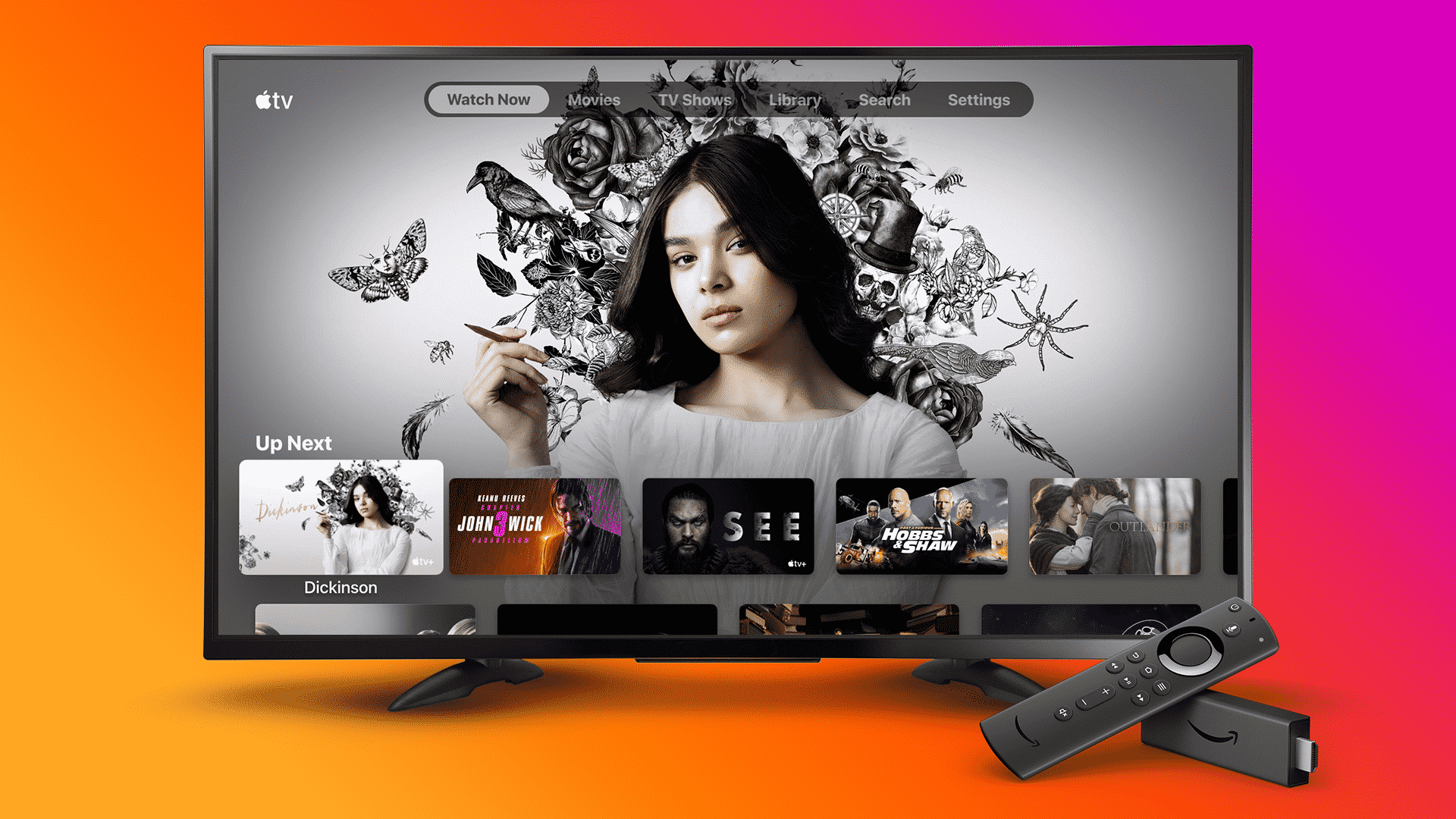
A few months back, the Apple TV app was released for Amazon Fire TV devices. The app supports all Fire TV devices such as Fire TV (1st and 2nd generation), Fire TV Stick (2nd and 3rd generation), Fire TV Cube, and Fire TV Stick 4K.
Millions of Fire TV users have downloaded the Apple TV app on their devices. While many of them encountered errors while using it. While exploring some Reddit threads and forums, I found that many Fire TV Stick users asking questions regarding the Apple TV app. So, here you’re gonna read the complete process to use the Apple TV app on Firestick.
How To Install Apple TV on Firestick?
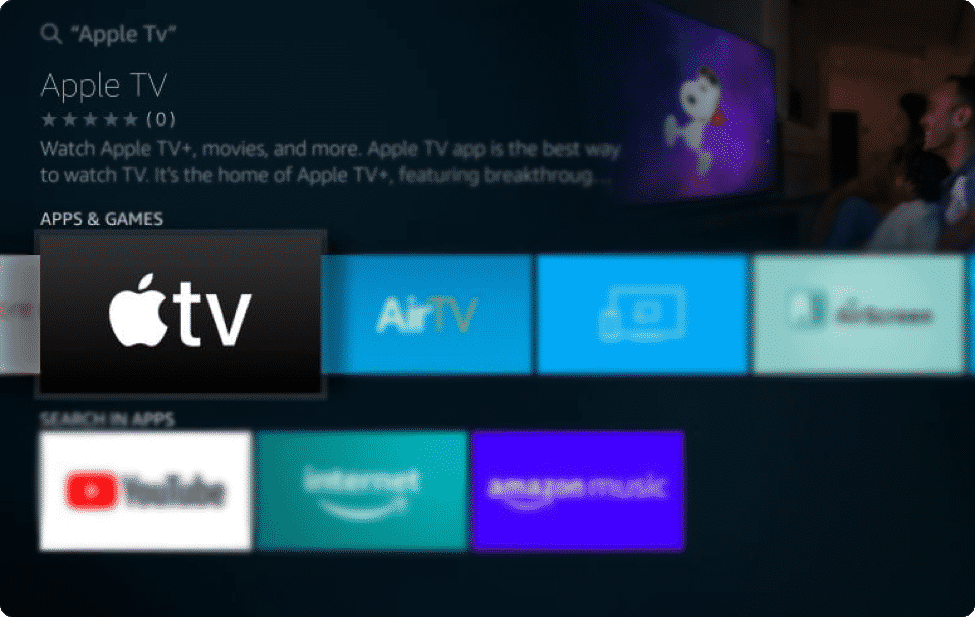
Apple has collaborated with Amazon and made it’s official app live on the Amazon App Store. Hence, you do not need to make any changes in Device Settings as other apps require. Basically, Fire TV devices are running on the customized OS of Android and it supports all Android apps.
The methods of sideloading Android APK’s are generally termed as Jailbreaking. Once you explore the search engines, you end up with tons of Firestick jailbreaking guides.
But, the installation process of Apple TV on Firestick is very simple. All you need to do is, perform these steps on your device-
- Plugin Firestick into any TV HDMI input ports.
- Power on Firestick and TV.
- Select the HDMI source where Firestick inserted and follow the instruction to set up.
- Go to Firestick Home.
- Select the Search option.
- Type- ‘Apple TV‘ in the search box.
- Select Apple TV from the Apps & Games list.
- Choose the ‘Download‘ option and wait for a few seconds. Apple TV apps will be installed automatically.
How to Setup Apple TV on Firestick?
If you already have an Apple ID then follow these steps to enjoy all the contents on your Fire TV devices.
- Go to Your Apps & Channels
- Scroll right and select See All option.
- From the list of apps and channels, choose Apple TV.
- Click on Start Watching to move ahead.
- Apple TV dashboard is loaded, select Settings from the navigation.
- Click on Accounts then Sign In.
- You’ll see two options to Sign In. Choose Sign In on Mobile Device.
- Once you select that, a QR Code will appear on your TV screen.
- Open Camera/QR Scanner app on your iPhone.
- Follow the instructions to complete the setup.
Wrapping Up
Amazon has recently tied-up with Google, Apple and Disney+ to bring a lot more entertainment for Fire TV Stick users. That’s the reason why Fire TV Stick is the most loved media streaming device globally. Those who can’t afford Apple TV but love to watch content from the Apple TV App can now enjoy it. The Apple developers are already working hard to make the app more interesting on the Fire TV interface. Enjoy watching.











