
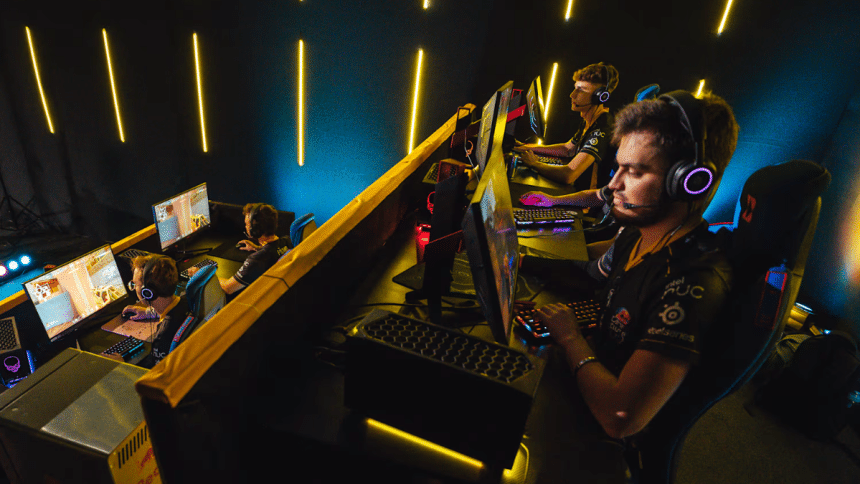
You’re in a 1v1 clutch. The enemy peeks and you miss by a split second. Sound familiar? In competitive gaming, reaction time is everything. But it’s more than just fast fingers. It’s a mix of how quickly you see, process, and respond to what’s happening on-screen.
The good news? This skill isn’t fixed, it can be trained. In this guide, we’ll break down the science, in-game drills, lifestyle changes, and gear tweaks. That can help you to train your reaction time and react faster to win games.
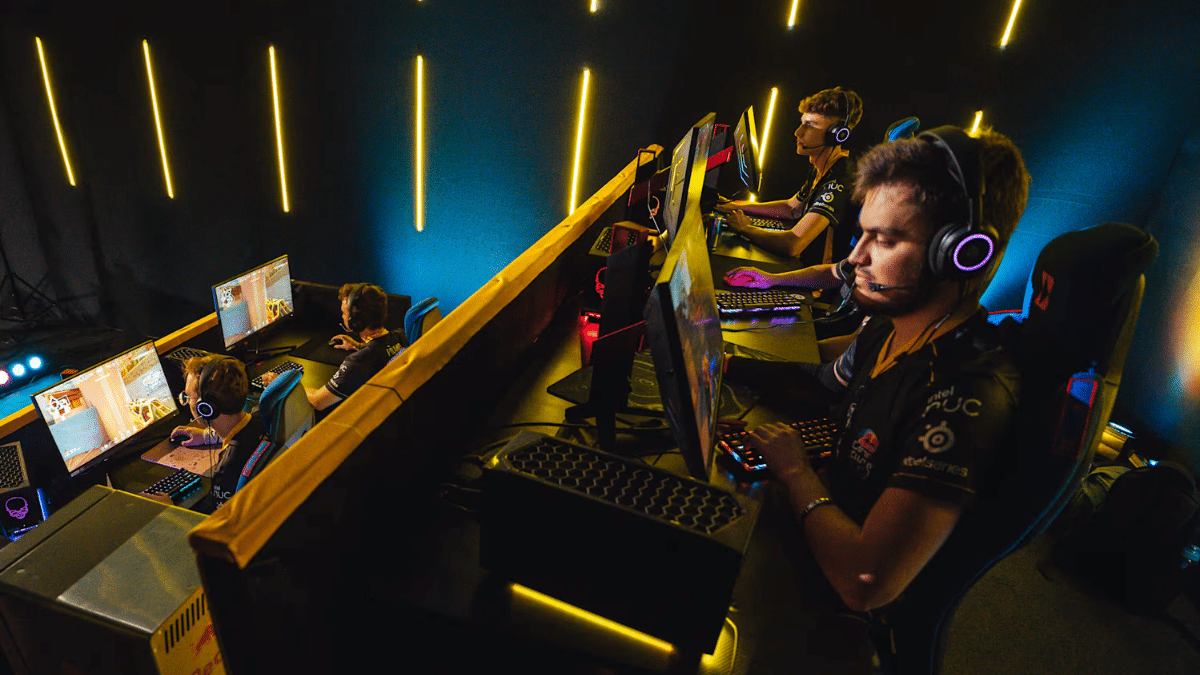
Understanding the Three Types of Reaction Time
Reaction time is how quickly your brain processes what you see and turns it into action. To truly improve it, you need to understand its three main types in gaming.
Simple Reaction Time
This is your fastest type of response reacting to one clear, expected event. In gaming, it’s like clicking instantly when a target pops up in an aim trainer. There’s no confusion, just see and click.
Recognition Reaction Time
Here, you respond only to a specific cue. For example, spotting an enemy’s red nametag in a chaotic battlefield and firing. Your brain filters distractions and acts only on the right signal.
Choice Reaction Time
This is the most complex. You must quickly pick the right move from several options. Think of a fighting game where your opponent throws a punch, and you decide whether to block, dodge, or counter based on their animation.
How To Improve Reaction Time
Repetition and Muscle Memory
Consistent repetition strengthens the neural pathways between your eyes, brain, and hands, making your reactions sharper and faster over time. This is why pros don’t just play matches they train. Set aside at least 15–30 minutes daily for reaction-specific drills.
These sessions focus on isolated mechanics like flicks or strafing response, helping your brain build automatic reflexes. The more you repeat a precise motion, the less time your brain needs to think your body just reacts.
Aim Trainers and Reaction Time Tests
Dedicated tools like Aim Lab and Kovaak’s FPS Aim Trainer are built for one purpose: improving your in-game mechanics. They simulate real gaming scenarios: flicking to sudden targets, tracking erratic movements, or responding to visual cues under pressure.
These platforms offer data, heatmaps, and customizable drills that match your main game. Pair them with CPSTest.org’s reaction time test to track your raw response speed. Use it weekly to gauge progress, compare scores, and fine-tune weak areas.
Gameplay Analysis
Watching your replays is like watching game film in sports; it reveals flaws you never notice mid-game. Focus on moments where your reaction cost you, maybe you were a second late peeking a corner or delayed your ultimate after spotting a threat.
Use tools like OBS or your in-game VOD system to pause, slow down, and dissect these situations. Look for patterns: Are you slow after respawning? During 1v2s? Knowing when you react slowly helps you target what to train.
The Mind-Body Connection – Lifestyle’s Impact
The Power of Sleep
Sleep is the unsung MVP of reaction time. Even one night of poor sleep can delay your cognitive processing, slow reflexes, and reduce decision-making accuracy. A 2003 study from the Journal of Sleep Research showed that sleep-deprived individuals react up to 50% slower in cognitive tasks.
Gamers should prioritize 7–9 hours of quality sleep every night. Use blackout curtains, avoid screens 30 minutes before bed, and try melatonin only if recommended by a healthcare provider.
Fueling Your Brain (Nutrition & Hydration)
Your brain is only as sharp as the fuel you give it. Even 2% dehydration can impair attention and reaction speed, according to the Journal of the American College of Nutrition. Drink water consistently, don’t wait until you’re thirsty.
For nutrition, eat foods rich in Omega-3s (like salmon or walnuts), B vitamins (found in eggs and leafy greens), and antioxidants (like berries and dark chocolate). Avoid sugary snacks; they spike your energy briefly, then crash your focus hard.
Physical Exercise
Regular physical activity boosts blood flow, enhances mood, and sharpens cognitive function all of which improve reaction time. A 2014 study in Frontiers in Aging Neuroscience linked cardio exercise to faster mental processing and better motor response.
You don’t need a gym membership; brisk walks, bodyweight workouts, or 15 minutes of jump rope can make a difference. Stretching also keeps your hands and wrists nimble, reducing fatigue during long gaming sessions. Aim for at least 3 sessions a week.
Optimizing Your Arsenal – The Right Gear & Settings
Monitor Refresh Rate
Your monitor’s refresh rate determines how many frames it shows per second. A 144Hz or 240Hz monitor displays more up-to-date information compared to a 60Hz screen meaning you literally see enemies sooner. Think of it like flipping through a flipbook: more pages (frames) = smoother, earlier visuals.
This fractional advantage matters in fast-paced games where milliseconds count. Combine high refresh rate with a GPU that can push consistent frame rates for best results.
Peripherals (Mouse & Keyboard)
Your gear should respond as fast as you do. A high-quality gaming mouse with a DPI (dots per inch) range of 800–1600 and a polling rate of 1000Hz gives you precise, real-time input. Pair it with a grip style claw, fingertip, or palm that feels natural.
For keyboards, mechanical switches like Cherry MX Reds or Speed Silvers reduce actuation time, registering keystrokes faster than standard ones. The smoother and quicker your input, the faster your reaction.
In-Game Settings and Latency
A slow connection or cluttered game settings can sabotage your reflexes. Start by ensuring a low ping below 50ms is ideal for near-instant communication with the game server. Use Ethernet over Wi-Fi if possible.
Tweak graphics settings to favor performance over visuals: disable motion blur, reduce shadows, and turn off post-processing effects. This increases your frames per second (FPS), giving you smoother gameplay and faster feedback both crucial for improving your reaction speed.
The Mental Game – Beyond the Reflex
Predictive vs. Reactive Play
Elite players don’t just react, they predict. Instead of waiting to see what happens, they anticipate it based on patterns and experience. In FPS games, knowing enemy choke points lets you pre-aim, making your response look lightning-fast. In strategy games, it’s predicting your opponent’s next move based on resource usage.
Predictive play reduces decision-making time because you’re ready before the moment happens. Train this by studying maps, rotations, and player habits to play smarter, not just faster.
Visualization and Mental Rehearsal
Your brain can’t always tell the difference between real action and imagined scenarios. Mental rehearsal primes your mind to act with confidence and precision. Picture yourself landing a perfect flick shot or flawlessly timing a combo in a fighting game.
Athletes and esports pros use visualization to boost focus and reduce hesitation. Before high-stakes matches, spend a few minutes mentally walking through key plays that build muscle memory and sharpen execution under pressure.
Dealing with Tilt and Frustration
Frustration is a reaction-killer. When tilted, your brain shifts from focused to emotional mode, clouding decisions and delaying responses. Even top players struggle with this. The fix? Step back.
Take a 2-minute break, breathe deeply, or reset your mindset with a small, achievable goal like winning just the next round. Keeping your mental state calm and composed is just as important as training your reflexes. The sharper your mind, the quicker your reactions.
FAQs
What Affects Reaction Time?
Reaction time is affected by factors like age, fatigue, attention, stimulus type, and practice. Younger individuals tend to react faster. Fatigue and distractions slow responses. Simple stimuli trigger quicker reactions than complex ones. Regular training improves speed by strengthening neural pathways and reducing decision-making delays.
Is 200ms Reaction Time Good?
A 200ms reaction time is considered very good for humans. Average visual reaction times range from 250 to 300 milliseconds. Competitive athletes and gamers often aim for 180 to 200 milliseconds. Reaction times under 200ms are rare and usually require training or exceptional reflexes.
What Are 5 Exercises For Reaction Time?
Five effective exercises to improve reaction time include:
- Ball drop drills
- Sprint starts on sound cues
- Rapid light-response training
- Agility ladder drills
- Video game reflex training
These activities enhance neural speed, hand-eye coordination, and decision-making under pressure.
Does FPS Matter For Reaction Time?
FPS (frames per second) significantly affects reaction time in gaming. Higher FPS reduces input lag and delivers smoother visuals, allowing players to detect and respond to actions faster. Competitive gamers benefit from frame rates above 120 FPS, which enhance responsiveness and reduce delay between input and screen feedback.
Final Thoughts
Improving your reaction time isn’t just about clicking faster it’s a full-body, full-mind upgrade. With consistent training, smart gear choices, and a healthy lifestyle, real progress is within reach. Start small: try an aim trainer or fix your sleep schedule this week.
Tiny changes add up. In competitive gaming, every millisecond matters and the edge you gain today could be the clutch play tomorrow. Stay focused, stay disciplined, and remember reaction time is a skill you can master.











