
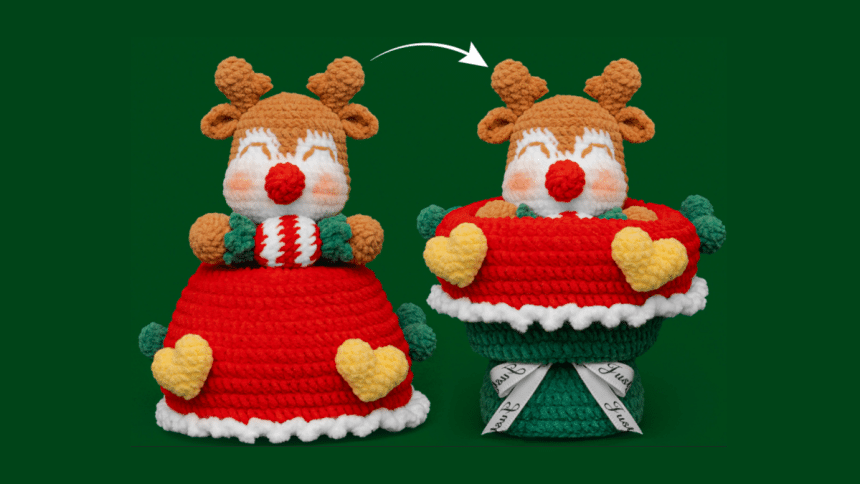
The crochet community is experiencing a transformative shift with the integration of artificial intelligence (AI) tools. These advancements are not only streamlining the design process but also enhancing creativity and accessibility for crafters of all skill levels. In this article, we will discuss how AI improves the crochet industry, the contributions of Toolify.ai to crochet pattern design, a step-by-step guide on designing a crochet pattern using AI tools, and a conclusion that reflects on the future of crochet in this technological age. For more resources and inspiration, visit Hicrochet.com.
How AI Improves the Development of the Crochet Industry
Artificial intelligence has made a profound impact on various creative industries, and crochet is no exception. The integration of AI tools into the crochet community has revolutionized pattern creation, allowing for greater efficiency, creativity, and accessibility.
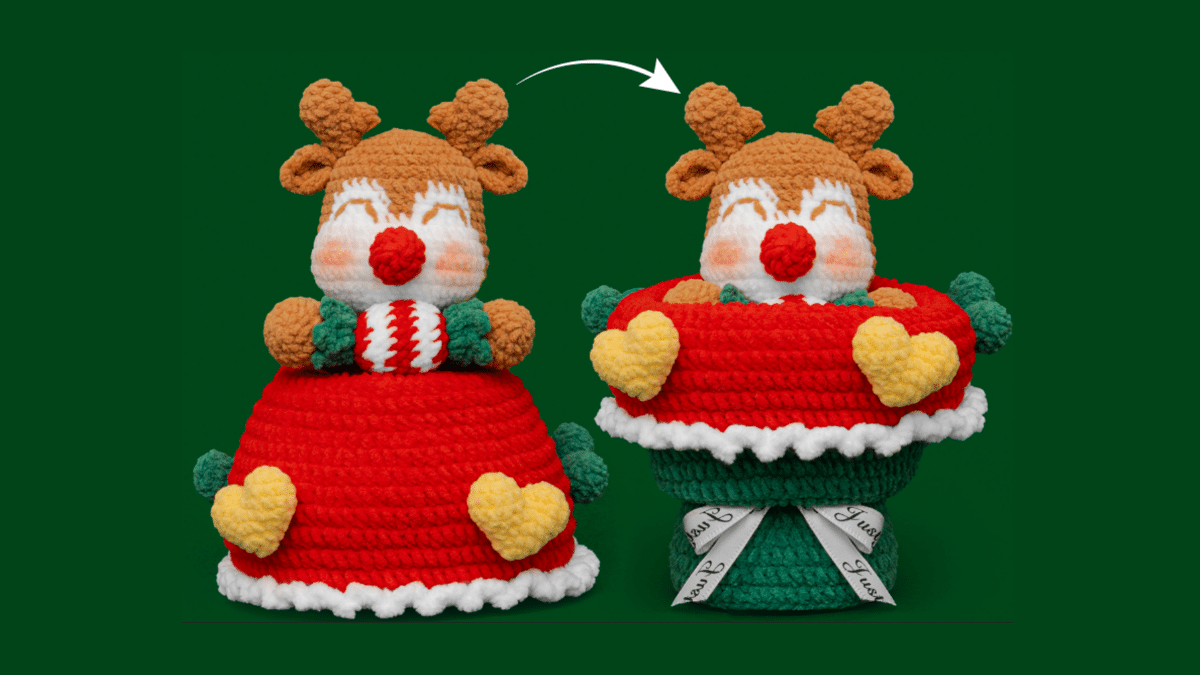
1. Enhanced Creativity and Inspiration
AI tools can analyze vast databases of existing crochet patterns, stitches, and designs, enabling them to generate new and unique patterns based on user input. This capability not only saves time but also provides crafters with a wealth of inspiration. For instance, a crocheter can input specific parameters such as yarn type, desired project size, and skill level, and the AI can produce a tailored pattern that meets those criteria. This personalized approach encourages experimentation and creativity, allowing crafters to explore designs they may not have considered otherwise.
2. Streamlined Pattern Generation
Traditionally, creating a crochet pattern involved meticulous planning and drafting. Crafters would spend hours sketching designs, calculating stitch counts, and writing instructions. With AI tools, this process is significantly streamlined. AI can quickly generate detailed patterns, including materials needed, stitch types, and step-by-step instructions. This efficiency not only saves time for designers but also allows them to focus on other aspects of their craft, such as marketing and community engagement.
3. Accessibility for All Skill Levels
AI-generated crochet patterns are accessible to crafters of all skill levels. Beginners can benefit from straightforward instructions and easy-to-follow designs, while experienced crocheters can explore more complex patterns with intricate details. This inclusivity fosters a sense of community within the crochet world, encouraging individuals to share their creations and support one another.
4. Bridging the Gap Between Tradition and Innovation
The crochet industry is steeped in tradition, with many patterns passed down through generations. However, the introduction of AI tools does not diminish this heritage; instead, it enhances it. By combining traditional techniques with modern technology, crafters can create innovative designs that honor the past while embracing the future. This fusion of old and new keeps the craft alive and relevant in an ever-evolving world.
The Contribution of Toolify.ai to Crochet Pattern Design
Among the various AI tools available, Toolify.ai stands out as a powerful platform for crochet pattern design. This innovative tool leverages AI algorithms to assist crafters in generating unique crochet patterns tailored to their preferences.
1. User-Friendly Interface
Toolify.ai features a user-friendly interface that makes it easy for crafters to navigate and utilize its capabilities. Users can input specific details about their desired project, such as yarn type, color preferences, and skill level. The AI then processes this information and generates a customized crochet pattern that meets the specified criteria.
2. Pattern Generation and Customization
One of the standout features of Toolify.ai is its ability to generate patterns quickly and efficiently. Users can request patterns for a wide range of projects, from simple scarves to intricate amigurumi. Once the AI generates a pattern, users can further customize it by adjusting stitch counts, adding embellishments, or modifying dimensions. This flexibility allows crafters to create truly unique pieces that reflect their personal style.
3. Community Engagement
Toolify.ai also fosters community engagement by allowing users to share their AI-generated patterns with others. Crafters can upload their creations to the platform, providing inspiration and ideas for fellow enthusiasts. This sense of community encourages collaboration and knowledge sharing, enriching the overall crochet experience.
4. Continuous Learning and Improvement
As users interact with Toolify.ai, the platform learns from their preferences and feedback. This continuous learning process enables the AI to improve its pattern generation capabilities over time, resulting in even more accurate and relevant designs. This adaptability ensures that Toolify.ai remains a valuable resource for crafters as their skills and preferences evolve.
Step-by-Step Guide to Design a Crochet Pattern via AI Tools
Designing a crochet pattern using AI tools like Toolify.ai is a straightforward process that can be broken down into several key steps:
Step 1: Define Your Project
Before using an AI tool, take some time to define your project. Consider the following questions:
What type of item do you want to create (e.g., scarf, hat, blanket)?
What yarn will you use, and what are its characteristics (e.g., weight, fiber content)?
What skill level do you want the pattern to cater to (e.g., beginner, intermediate, advanced)?
Step 2: Access Toolify.ai
Visit the Toolify.ai website and create an account if you don’ t already have one. The platform may offer a free trial or subscription options, so choose the plan that best suits your needs.
Step 3: Input Your Parameters
Once you’ re logged in, navigate to the pattern generation section. Input your project parameters, including:
Type of project: Specify whether you want a hat, scarf, or any other item.
Yarn type: Include details about the yarn you plan to use, such as weight and fiber content.
Skill level: Indicate the desired skill level for the pattern.
Color preferences: If you have specific color schemes in mind, include those as well.
Step 4: Generate the Pattern
After inputting your parameters, click the “Generate” button. Toolify.ai will process your information and create a customized crochet pattern based on your specifications. This process typically takes only a few moments.
Step 5: Review and Customize
Once the AI generates the pattern, review the instructions and materials list. Take note of any specific stitches or techniques mentioned. If you’ d like to make adjustments, such as changing stitch counts or adding embellishments, use the customization options provided by the platform.
Step 6: Save and Download
After finalizing your pattern, save it to your account. Toolify.ai may allow you to download the pattern as a PDF or other file formats for easy access. Be sure to keep a copy for your records and future reference.
Step 7: Start Crocheting!
With your customized pattern in hand, gather your materials and start crocheting! Follow the instructions step by step, and don’ t hesitate to refer back to the pattern as needed. Enjoy the creative process and embrace any challenges that arise along the way.
Conclusion
The integration of AI tools into the crochet industry has opened up new avenues for creativity and efficiency. By utilizing platforms like Toolify.ai, crafters can design unique crochet patterns tailored to their preferences and skill levels. The ability to generate patterns quickly and customize them enhances the overall crafting experience, making it more accessible for individuals of all backgrounds.
As AI continues to evolve, it will undoubtedly play a significant role in shaping the future of crochet and other creative endeavors. Embracing this technology allows crafters to explore new possibilities, push the boundaries of their creativity, and connect with a broader community of enthusiasts. Whether you are a seasoned crocheter or just starting, leveraging AI tools can enrich your crafting journey and inspire you to create beautiful, one-of-a-kind pieces. So, dive into the world of AI-generated crochet patterns and unleash your creativity today!
For more information on crochet patterns and tools, visit Hicrochet.com, where you can find a variety of resources to enhance your crochet experience.











