
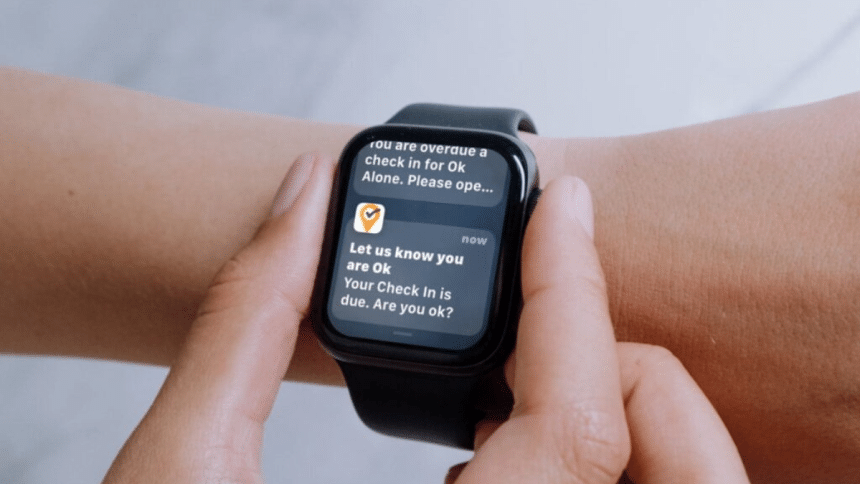
In a busy restaurant during peak hours, in a crowded gym during the evening rush, or at an event space brimming with visitors, knowing exactly how many people are present can make all the difference. Real-time occupancy alerts are transforming how staff respond to crowding, availability, and customer flow. These alerts are not just numbers on a screen. They are instant messages sent straight to the wrists of the people who need them most.
With wearable technology like the Apple Watch becoming part of daily life for many employees, it’s easier than ever to connect staff directly to the information they need, such as the daily occupancy of commercial bar stools in venues. More than a third of active workers who wear wearables rely on Apple Watch for work-related alerts, and over four-fifths say they respond faster to notifications that appear on their wrist. Businesses that have implemented real-time alerts have seen significant improvements in crowd control, with overcrowding incidents reduced by nearly a third.
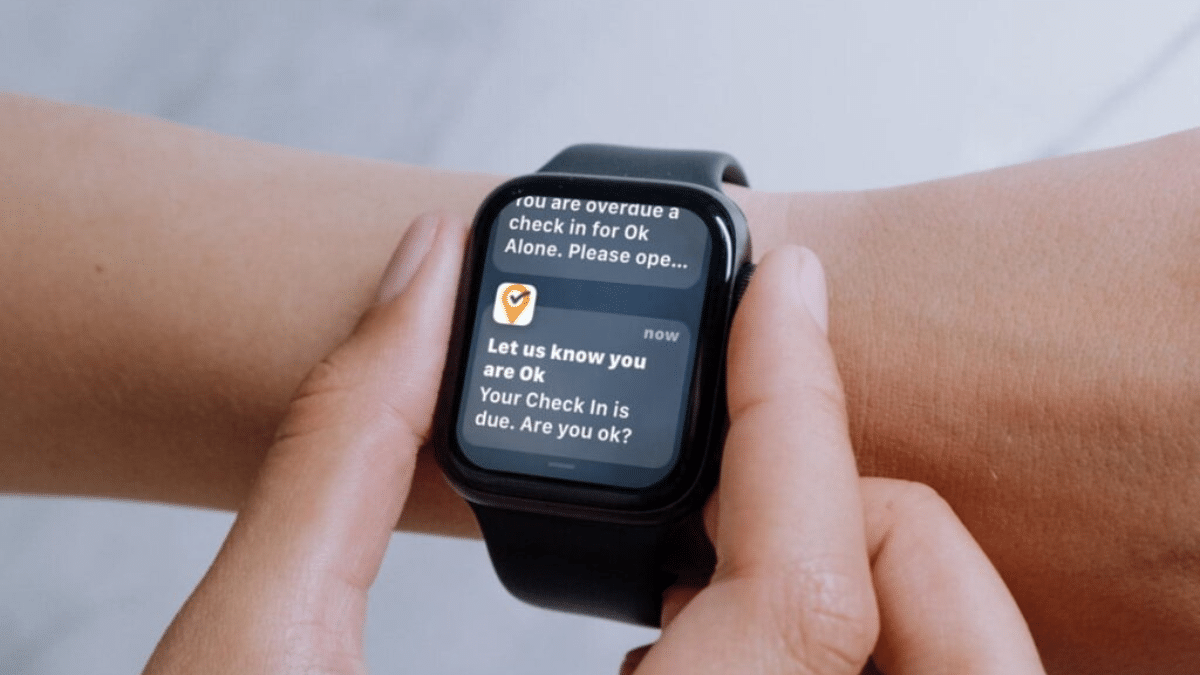
This article explores how to design and implement a system that can deliver these instant occupancy updates directly to staff Apple Watches, making workplaces safer, more efficient, and more connected.
Understanding Real-Time Occupancy Tracking
Real-time occupancy tracking is the ability to monitor the number of people in a given space with precision and speed. It’s useful for keeping restaurants running smoothly, ensuring gyms stay within safe limits, and helping event managers control crowd flow. While manual checks and visual estimates have been common in the past, they lack accuracy and require constant staff attention.
Modern systems use IoT devices, Bluetooth beacons, or Wi-Fi tracking to collect live data. These methods are far faster and more accurate, with some sensors able to detect occupancy changes within seconds. The best solutions today can achieve a margin of error of just a couple of people, compared to far higher inaccuracies with manual counting. In fact, in businesses that have adopted automated tracking, staff spend nearly half as much time walking around to check numbers because the data is already at their fingertips, or on their wrists.
Core Components Needed for Apple Watch Occupancy Alerts
To create an Apple Watch alert system, you first need reliable smart occupancy sensors that can transmit data instantly. These feed information into a central management platform that interprets the readings. You’ll also require a delivery method, either through an iPhone link or a dedicated watchOS app, that can send alerts directly to the Apple Watch.
Cloud servers or secure local servers are needed to process the information. An integration layer, often through an API, connects your occupancy tracking platform to the Apple Watch notification system. The most reliable performance comes from using Apple Watch Series 4 or newer running watchOS 9 or above, paired with a fast mobile gateway or an iPhone acting as a hub. In some setups, a simple companion app is enough, avoiding the need for a full custom watchOS application.
Choosing the Right Occupancy Sensors and Software
Selecting the right sensor technology is critical. Infrared beams work well for counting people at doorways, while overhead thermal imaging sensors perform better in open spaces. Ultrasonic and LiDAR sensors provide excellent accuracy in high-traffic areas, and AI-powered camera systems can detect not only headcounts but also patterns in movement.
For Apple Watch integration, choose sensors that work with established IoT platforms like HomeKit or MQTT, or have an API you can easily connect to. Some modern systems can even detect group clustering, triggering alerts when too many people gather in one area. Many software solutions include adjustable thresholds, detailed reporting, and support for multiple locations, making them well-suited for growing businesses.
Integrating Occupancy Data with Apple Watch Notifications
Apple Watch notifications can work through a paired iPhone or directly through a native app on the watch. The integration process involves linking your occupancy tracking system with a notification delivery service, often via an API or push notification platform. This setup allows alerts to be sent within seconds when occupancy thresholds are reached.
Using Apple’s Push Notification service ensures that critical alerts can bypass quiet modes when marked as “time-sensitive.” High-priority alerts, such as when a space reaches 90% capacity, can be sent to both the watch and the paired iPhone to increase reliability. Testing different vibration patterns or alert tones has been shown to increase staff response rates by more than a quarter.
Setting Up Real-Time Alerts for Staff
Configuring your alerts involves linking your occupancy monitoring software with your Apple Watch notification system. Set thresholds carefully, for example, at 80%, 90%, and 100% capacity, so staff are warned before problems arise.
Avoid overwhelming staff with too many notifications by spacing alerts appropriately. Assign different alert types to different roles so each person receives only the messages relevant to them. Daily automatic resets prevent old alerts from cluttering the system, and escalation rules can trigger higher-level alerts if high occupancy continues for several minutes. For example, front-of-house staff may receive a 100% capacity alert, while operations staff are warned when the threshold passes 90%.
Optimizing for Speed and Reliability
The faster an alert is delivered, the more useful it is. Minimize delays by using Apple Watches connected to Wi-Fi or cellular service rather than relying solely on Bluetooth to an iPhone. Redundant connections can ensure uptime even if one network fails.
Prioritize occupancy alerts in watch settings to ensure they appear instantly and are not hidden behind other notifications. On-device caching allows the system to replay missed alerts if the watch has been temporarily offline. Regular testing at different times of day can help maintain an uptime rate above 99%.
Future of Real-Time Occupancy Alerts with Wearables
The future of this technology is promising. As more workplaces adopt wearables, the potential for real-time alerts will grow. AI-driven predictive alerts will allow businesses to anticipate crowding before it happens. Integration with augmented reality glasses could provide even more intuitive visual cues.
Multi-location systems will help businesses with multiple sites manage occupancy across all locations from a central dashboard. Smart badges and RFID tags could tie into occupancy systems for automatic updates, while environmental sensors could trigger health-related alerts in combination with occupancy warnings.
Final Words: Turning Occupancy Awareness Into Action
Implementing an Apple Watch-based occupancy alert system is more than a technical upgrade. It is a strategic improvement in how businesses operate. It empowers staff to act instantly, improves customer experiences, and enhances safety. From reducing overcrowding to preventing long queues, the benefits are tangible.
Starting with a small pilot program allows you to fine-tune alert thresholds, workflows, and response times before expanding across the business. Businesses that have taken this approach have seen impressive results, from halving response times to eliminating capacity breaches.
The technology is mature, scalable, and ready to deliver results in almost any industry. By connecting occupancy data directly to the people who can act on it, you create a workplace that is more responsive, more efficient, and better prepared for whatever the day brings.











