
iLoungeiLounge
  • News
    • Apple
      • AirPods Pro
      • AirPlay
      • Apps
        • Apple Music
      • iCloud
      • iTunes
      • HealthKit
      • HomeKit
      • HomePod
      • iOS 13
      • Apple Pay
      • Apple TV
      • Siri
    • Rumors
    • Humor
    • Technology
      • CES
    • Daily Deals
    • Articles
    • Web Stories
  • iPhone
    • iPhone Accessories
  • iPad
  • iPod
    • iPod Accessories
  • Apple Watch
    • Apple Watch Accessories
  • Mac
    • MacBook Air
    • MacBook Pro
  • Reviews
    • App Reviews
  • How-to
    • Ask iLounge
Font ResizerAa
iLoungeiLounge
Font ResizerAa
Search
  • News
    • Apple
    • Rumors
    • Humor
    • Technology
    • Daily Deals
    • Articles
    • Web Stories
  • iPhone
    • iPhone Accessories
  • iPad
  • iPod
    • iPod Accessories
  • Apple Watch
    • Apple Watch Accessories
  • Mac
    • MacBook Air
    • MacBook Pro
  • Reviews
    • App Reviews
  • How-to
    • Ask iLounge
Follow US

Articles

Articles

How to Create a Strong Password – Step-By-Step Guide

Last updated: Jun 22, 2022 10:52 am UTC
By Lucy Bennett
How to Create a Strong Password - Step-By-Step Guide

Here’s a scenario you’re probably familiar with: you create a new account online, and you need to provide a password. After a few tries, the website still tells you that your password isn’t strong enough. But how? You use this password for your email and other accounts, and it’s usually good enough?


It’s 2022, and it’s high time we discussed proper password etiquette. Let’s go through some simple steps that will help you create (and maintain) super-strong passwords in no time.
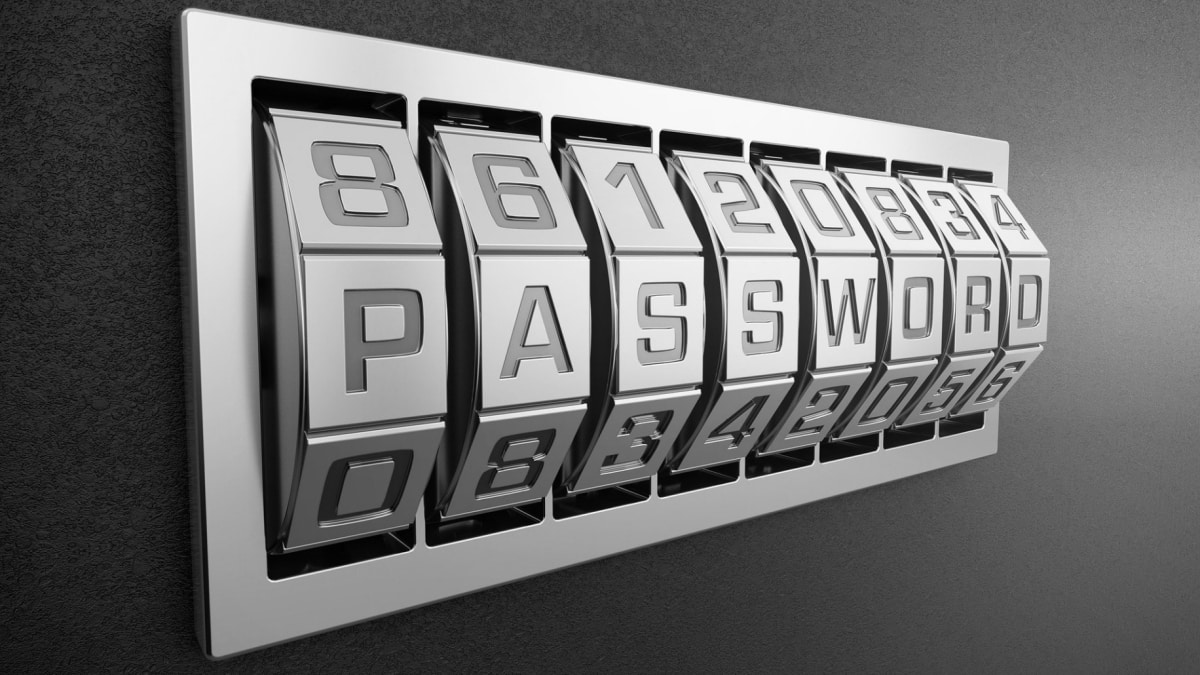
How to Create a Strong Password - Step-By-Step Guide

1. Do NOT Reuse Any Of Your Existing Passwords

The biggest mistake you can make with your password (besides using the word “password”) is reusing an old one. People think that a master password can help them remember it all, but the thing is – by reusing an old password, you are putting all your eggs into one basket.


Or, in other words – if a hacker gets to your master password, all your accounts protected by it are compromised. And yes, hackers and scammers do rely on you reusing your old passwords.

2. Use At Least 8 Characters

Nowadays, most services and apps won’t even allow you to create a password shorter than 8 characters. And for a reason.

The longer your password is, the harder it becomes to crack it. 8 characters are good, but 12 or more are even better.


3. Use Special Characters and Numbers

To protect your accounts in the best possible way, you need to incorporate as many different symbols into your password as possible. Special characters and numbers are slowly becoming a standard in the credentials game.

Since computers have way more computing power these days, brute-forcing a password is getting easier. By mixing it up with weird and exotic symbol combinations, you are making it significantly harder for hackers to crack your password.

4. Avoid Using Actual Words

Since we are human, and creating random gobbledygook isn’t easy at all, a new way of cracking passwords has appeared. We are talking about dictionary attacks. Essentially, a hacker will use an algorithm to apply known words (from the dictionary) to get your credentials.


This is the main reason why you should steer clear of using actual words from the English language in your password.

5. Use A Digital Tool

At the end of the day, keeping your password game strong manually can be a cumbersome thing to do. Thanks to how the internet works, most people have a double-digit number of accounts to manage.

If you find yourself juggling between passwords and master sheets to help you remember them, you should consider using special software to store them. This way, you can create, memorize, and use your passwords safely and easily.

Step Up your Password Game ASAP!

We all have an online presence of some sort in the age of the internet. Keeping your passwords in check will help you protect your online privacy and your sensitive data.

To summarize – never reuse passwords, use a combination of letters, numbers, and symbols, avoid using actual words, and if it all gets too much, use special security software. Stay safe!



Latest News
The AirPods Pro 3 is $20 Off
1 Min Read
Exynos 2600 Chip 2nm Process Revealed by Samsung
1 Min Read
New Celebrity Ad Campaign Featuring Travis Scott Released by Beats
1 Min Read
Australia Getting Hypertension Notification Feature
1 Min Read
The 14-inch MacBook Pro with M5 Chip 16GB RAM/512GB is $250 Off
1 Min Read
Noise and Static on AirPods Pro 3 Still Unfixed
1 Min Read
New iMac with 24-inch OLED Display May be Brighter With 600 Nits
1 Min Read
The 15-inch M4 MacBook Air 256GB Is $250 Off
1 Min Read
Internal Kernel Debug Kit from Apple Reveals Tests for a MacBook with A15 Chip
1 Min Read
Apple Currently In Talks With Suppliers for Chip Assembly & Packaging of iPhones in India
1 Min Read
Apple Allows Easier Battery Replacement For M5 MacBook Pro with 14-inch Display
1 Min Read
The Apple Watch SE 3 44mm GPS is $50 Off
1 Min Read

iLounge logo

iLounge is an independent resource for all things iPod, iPhone, iPad, and beyond. iPod, iPhone, iPad, iTunes, Apple TV, and the Apple logo are trademarks of Apple Inc.

This website is not affiliated with Apple Inc.
iLounge © 2001 - 2025. All Rights Reserved.
  • Contact Us
  • Submit News
  • About Us
  • Forums
  • Privacy Policy
  • Terms Of Use
Welcome Back!

Sign in to your account

Lost your password?








