
When Amazon has provided high-quality streaming music resources to enrich your music life, you may consider to convert Amazon Music Prime/Unlimited/HD songs to MP3 for offline listening at the best quality. TuneFab Amazon Music Converter now offers you the professional way to do it. Let’s take a look.
TuneFab Amazon Music Converter Overview
TuneFab Amazon Music Converter has embedded the built-in Amazon Music web player, enabling users to access the full Amazon Music library to download streaming music as offline media files in MP3, M4A, WAV, or FLAC format. Users are not required to subscribe to Amazon Music Prime/Unlimited/HD subscription to access the music download feature, but to convert the encrypted songs to DRM-free MP3 files for listening offline on any device.

Highlighted Features of TuneFab Amazon Music Converter
Why TuneFab Amazon Music Converter stands out? How it helps to convert Amazon Music to MP3? You are able to get help from the following amazing features of the software:
#1. Built-in Amazon Music Web Player
Through integrating the Amazon Music web player inside the software, TuneFab Amazon Music Converter enables users to directly log in via their free Amazon Music accounts to convert any Amazon Music to MP3 without installing Amazon Music app or opening the platform.
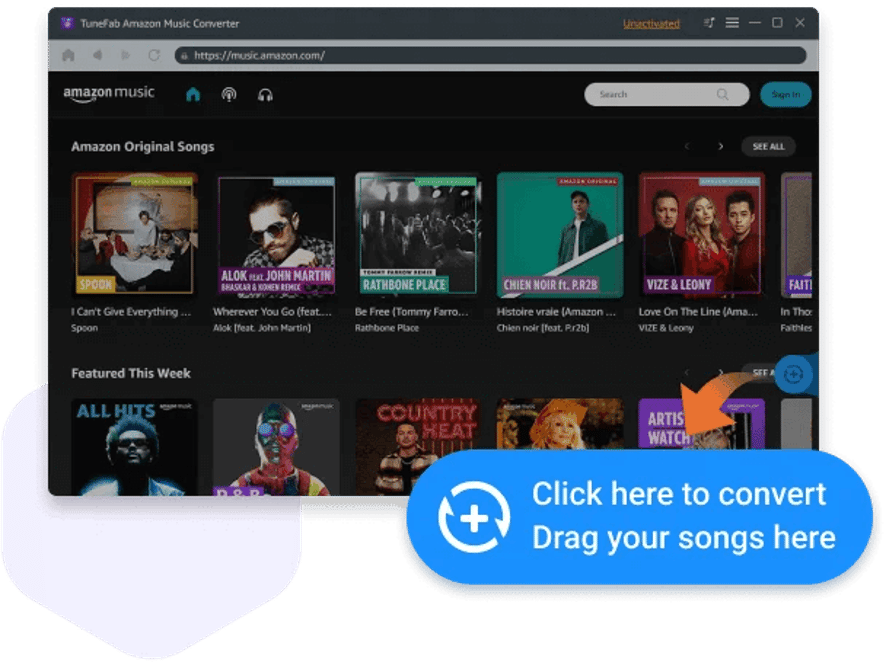
#2. Customized Parameter Settings
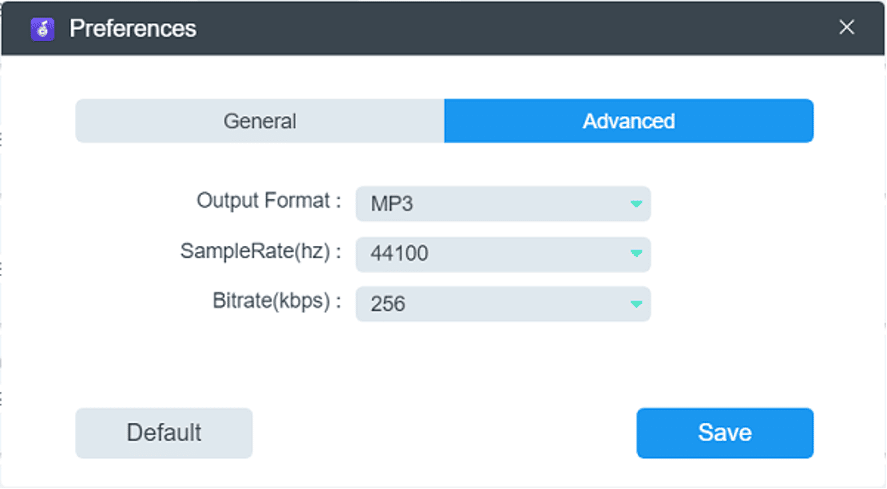
TuneFab Amazon Music Converter provides optional output settings for users to customize the parameters for the Amazon songs. Users are available to select from the most mainstream formats such as MP3, M4A, WAV, or FLAC to convert Amazon Music to. In addition, the bitrate and sample rate are both allowed to adjust freely as you want. You can decide the output quality for the Amazon Music by yourself.
#3. 5X Faster Batch Conversion Speed
To boost the conversion efficiency, TuneFab Amazon Music Converter has empowered the functionality via multiple hardware acceleration teches, enabling users to process the Amazon Music to MP3 conversion at 5X or even faster speed. Meanwhile, its batch convert feature also supports processing multiple tracks download simultaneously, which greatly helps to save your time.
How to Convert Amazon Music to MP3
Now, let’s see the detailed steps to convert Amazon Music to MP3:
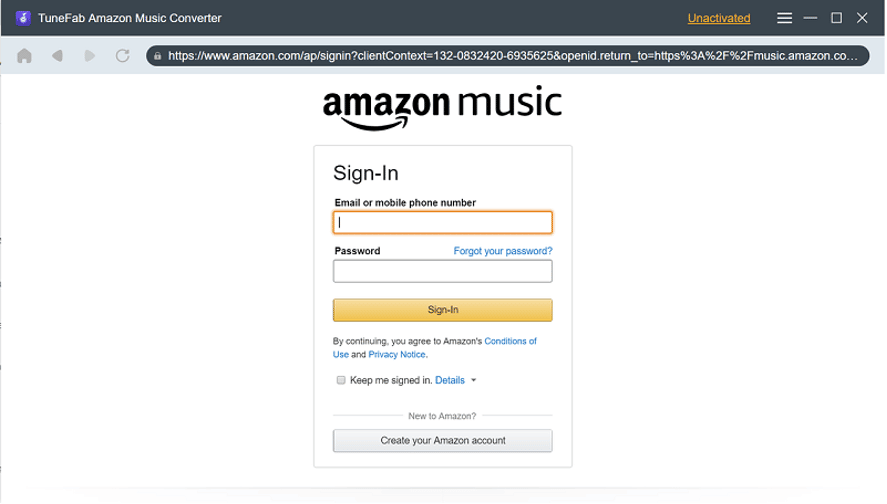
STEP 1. Launch TuneFab Amazon Music Converter and enter its built-in web player. You are required to log in via your Amazon Music account.
NOTE: The free account is available.
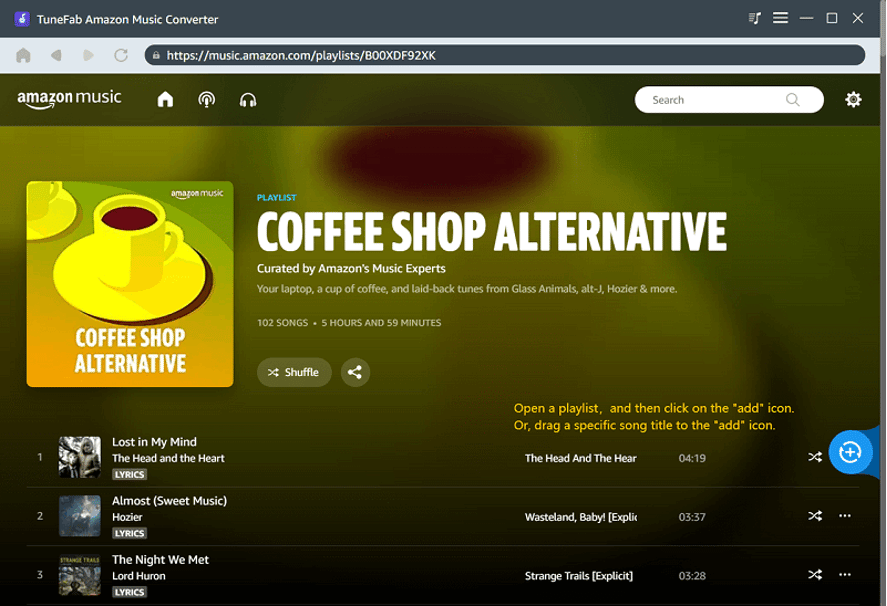
STEP 2. Once logging in, simply select the Amazon Music singles or playlists in the web player you desire to convert to MP3. By dragging them to the “+” icon, the songs will be added to the conversion queue right away.
STEP 3. Now, navigate to “Menu” > “Preferences” > “Advanced” to customize the output format, sample rate, and bitrate to convert Amazon Music to MP3 via the quality you desire. Hit “Save” to apply the changes.
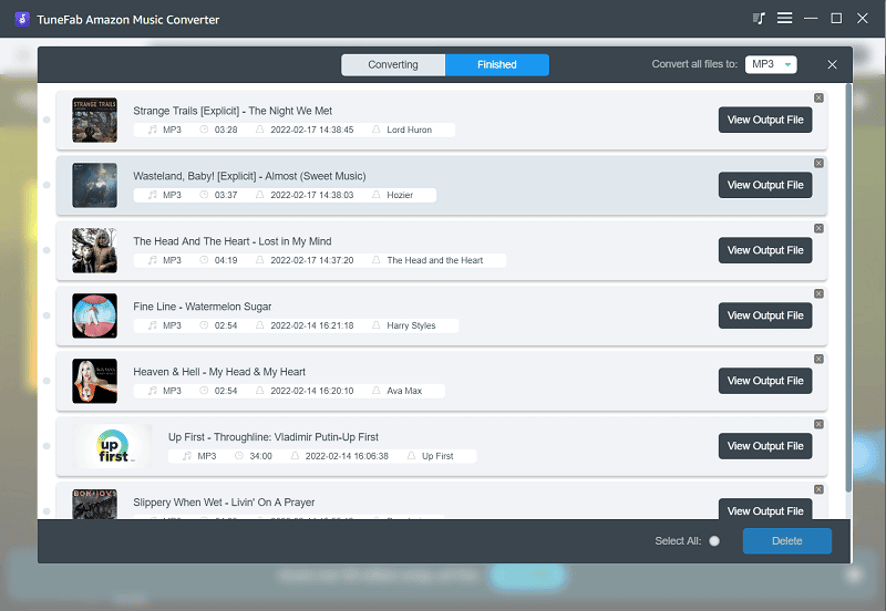
STEP 4. Finally, give a click on the “Convert All” icon, and TuneFab Amazon Music Converter will process the Amazon Music to MP3 conversion in batch for you right away.
Verdict
To convert Amazon Music to MP3, TuneFab Amazon Music Converter offers the simplest but speedy way to you. You are able to process the conversion at your preferred quality based on your personal requirements. Via TuneFab Amazon Music Converter, it becomes possible for you to preserve any Amazon Music playlists you like for offline streaming without limitations. Freely try it today!











