
iLoungeiLounge
  • News
    • Apple
      • AirPods Pro
      • AirPlay
      • Apps
        • Apple Music
      • iCloud
      • iTunes
      • HealthKit
      • HomeKit
      • HomePod
      • iOS 13
      • Apple Pay
      • Apple TV
      • Siri
    • Rumors
    • Humor
    • Technology
      • CES
    • Daily Deals
    • Articles
    • Web Stories
  • iPhone
    • iPhone Accessories
  • iPad
  • iPod
    • iPod Accessories
  • Apple Watch
    • Apple Watch Accessories
  • Mac
    • MacBook Air
    • MacBook Pro
  • Reviews
    • App Reviews
  • How-to
    • Ask iLounge
Font ResizerAa
iLoungeiLounge
Font ResizerAa
Search
  • News
    • Apple
    • Rumors
    • Humor
    • Technology
    • Daily Deals
    • Articles
    • Web Stories
  • iPhone
    • iPhone Accessories
  • iPad
  • iPod
    • iPod Accessories
  • Apple Watch
    • Apple Watch Accessories
  • Mac
    • MacBook Air
    • MacBook Pro
  • Reviews
    • App Reviews
  • How-to
    • Ask iLounge
Follow US

Articles

Articles

How to Choose the Right USB Cable and Adapter

Last updated: Jul 11, 2020 5:14 pm UTC
By Lucy Bennett
How to Choose the Right USB Cable and Adapter

The charging cable your smartphone came with isn’t expected to last forever. This can also be said of the adapter.


To further complicate things, there are now 3rd party accessories that act as hubs for mobiles, mp3 players and equipment (printers, diffusers, etc.), and cables that can act as both charger and data transfer at the same time.
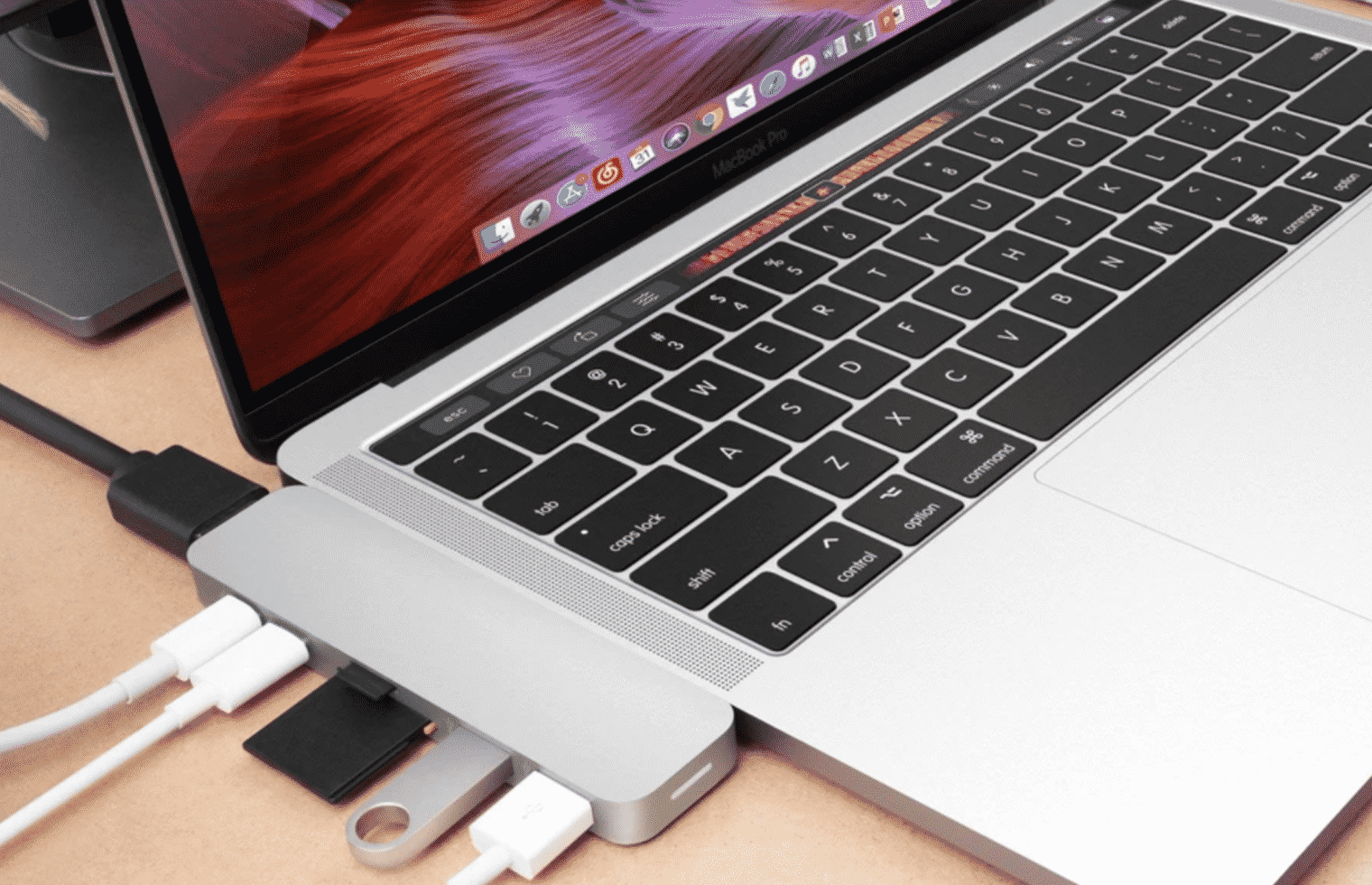
How to Choose the Right USB Cable and Adapter

Here’s how to choose the right cable and USB adapter for maximum output.

The Right Adapter

An adapter is a plug that you put in a socket. It can take on many different forms- as an extension, a power hub or a power bank, among other things. As to what kind of charging adapter is best will depend on your preference.


Next, you will need to determine if your device supports fast charging or wireless charging, and up to how many watts it can take. Most smartphones manufactured today will have some kind of quick charging feature and is something you will want every time you plug in your phone.

The Right Cable

Getting the right wattage isn’t entirely dependent on the adapter. You will also need to get the right charging cable to fast-charge your computer, tablet or smartphone. Make sure to check for the ‘fast charge’ feature when buying on Amazon.


Once you determine that the micro USB cable supports fast charge, the next thing to consider is the length. Safety certifications and support is important too so you won’t damage your phone.

Lastly, you will want a micro USB cable that can stand the test of time. Cellularize has one of the best micro USB cables around in terms of durability and function. It supports fast charging and the material is made from nylon and aramid fiber, which means it won’t break or cause problems as with the stock cable.

Pair up a capable adapter and the best USB cable for speedy file transfers and charging.


Latest News
The Apple Watch Series 11 46mm GPS Is $100 Off
1 Min Read
Clamshell Style iPhone Being Looked Into By Apple
1 Min Read
Foldable iPhones May Have the Largest Battery Ever
1 Min Read
Apple and TSMC’s 10-Year Collaboration May Be Ending
1 Min Read
The 13-inch M5 iPad Pro 256GB Wi-Fi Is $149 Off
1 Min Read
M5 Pro and M5 Max Chips for the MacBook Pro could Roll Out with macOS 26.3
1 Min Read
Mac Ordering Process Revamped
1 Min Read
Check Signed By Steve Wozniak and Steve Jobs Sold For $2.4 Million
1 Min Read
The Anker 140W 4-Port GaN USB-C Charger is $35 Off
1 Min Read
No iPhone Air 2 This Year, according to Latest Report
1 Min Read
New Report Corroborates Split iPhone Release Dates
1 Min Read
Apple Losing More Researchers As They Plan To Release 2 Siri Versions
1 Min Read

iLounge logo

iLounge is an independent resource for all things iPod, iPhone, iPad, and beyond. iPod, iPhone, iPad, iTunes, Apple TV, and the Apple logo are trademarks of Apple Inc.

This website is not affiliated with Apple Inc.
iLounge © 2001 - 2025. All Rights Reserved.
  • Contact Us
  • Submit News
  • About Us
  • Forums
  • Privacy Policy
  • Terms Of Use
Welcome Back!

Sign in to your account

Lost your password?










