
In recent years, mini PCs have gained immense popularity due to their compact size, energy efficiency, and versatility.
These small yet powerful computing devices offer a convenient solution for various computing needs, ranging from home entertainment to office productivity.
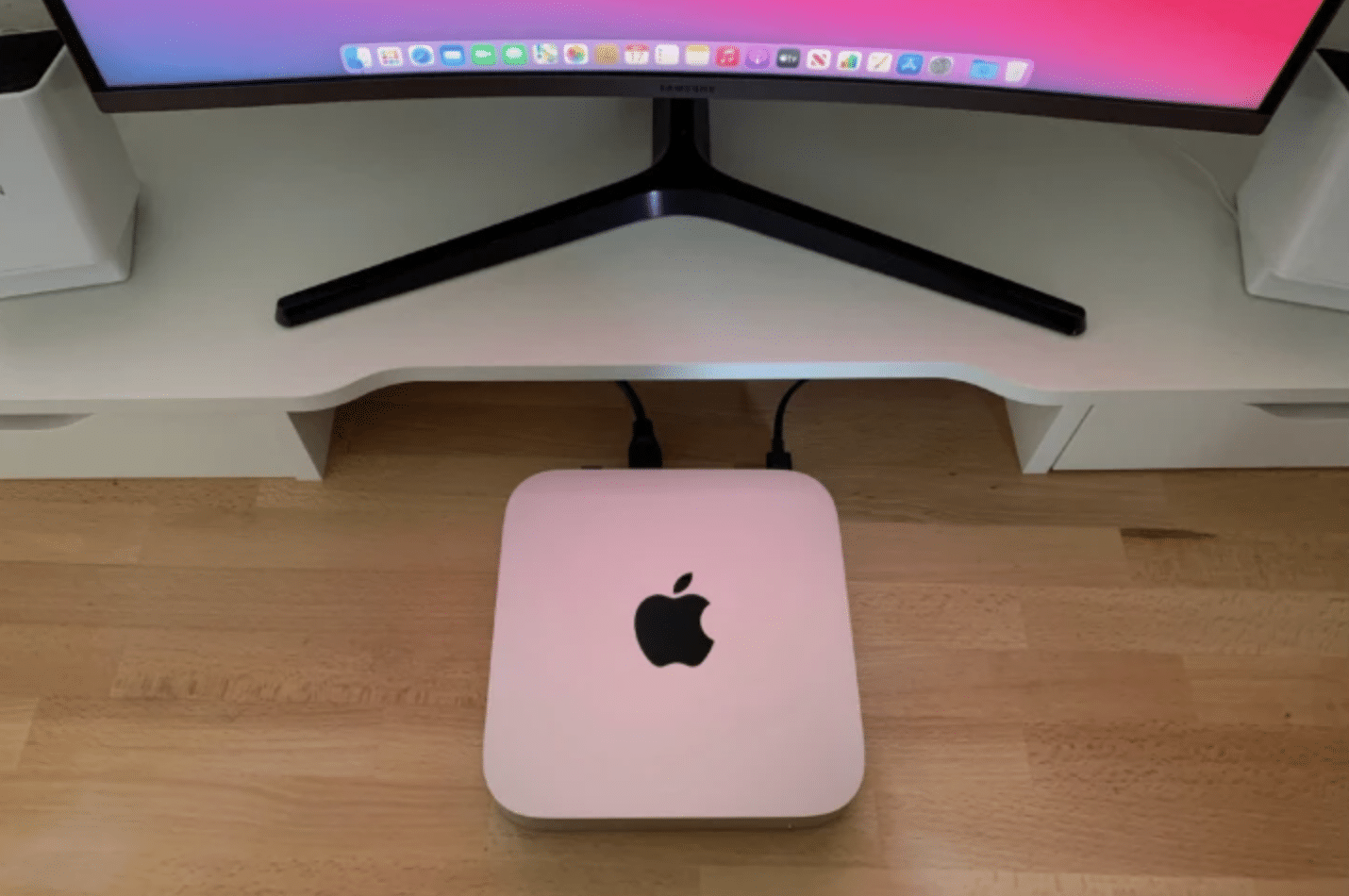
However, with numerous options available in the market, choosing the right mini PC can be a daunting task.
In this article, we will guide you through the essential factors to consider when selecting a mini PC that suits your needs.
1. Purpose and Usage
Determining the purpose and usage of the mini PC is crucial. Are you looking for a device to stream media content, perform basic office tasks, or run resource-intensive applications? Understanding your specific requirements will help you identify the necessary features and performance capabilities needed from the mini PC.
2. Size and Form Factor
One of the primary advantages of mini PCs is their compact size. Consider the physical dimensions and form factor of the device to ensure it fits seamlessly into your desired space. Some mini PCs come in a traditional desktop form factor, while others resemble a small box or a stick that can be attached to the back of a monitor, providing a clutter-free setup.
3. Processor and Performance
The processor is the brain of any computer, and mini PCs are no exception. Opt for a mini PC equipped with a processor that meets your performance requirements. Processors from reputable brands like Intel or AMD are commonly found in mini PCs. Consider the number of cores, clock speed, and thermal design power (TDP) to assess the processing power of the device.
4. RAM and Storage
Random Access Memory (RAM) and storage are critical aspects to consider when choosing a mini PC. The amount of RAM impacts the device’s multitasking capabilities, while storage determines the available space for your files, applications, and operating system. Ensure the mini PC has sufficient RAM and storage capacity to accommodate your needs.
5. Graphics Capability
If you plan to use the mini PC for tasks that involve graphics-intensive applications, gaming, or video editing, it’s important to assess the graphics capabilities of the device. Some mini PCs come with integrated graphics, while others offer dedicated graphics cards for enhanced visual performance. Consider the graphics processing unit (GPU) specifications to ensure it aligns with your requirements.
6. Connectivity Options
Evaluate the available connectivity options of the mini PC. Consider the number and type of USB ports, HDMI or DisplayPort outputs, audio jacks, Ethernet ports, and wireless connectivity options like Wi-Fi and Bluetooth. These connections will determine how well the mini PC can be integrated into your existing setup or peripherals.
7. Operating System
Mini PCs generally come with a pre-installed operating system, which is often a choice between Windows, macOS, or Linux-based systems. Consider your familiarity with the operating system and whether it supports the software and applications you intend to use. Additionally, some mini PCs offer the flexibility to install different operating systems based on your preferences.
Conclusion
Remember, choosing the right mini PC can have a significant impact on your productivity and enjoyment, so take the time to research and make an informed decision.
If you’re ready to explore a wide range of high-quality mini PCs, we recommend checking out GEEKOM. They offer a diverse selection of mini PCs that cater to different needs and budgets.











