
A location spoofer is an excellent way to get to places where you normally can’t, but they’re largely a hit-or-miss affair.
Enter Tenorshare iAnyGo, one of the best location changer apps available today. It lets you change your iPhone location and works with all GPS-based apps such as Pokemon Go, Facebook and more.

Best of all, iAnyGo does not require your iPhone to be jailbroken and separates itself from the rest of the pack with intuitive and easy to understand features.
Let’s take a look at the Tenorshare iAnyGo review.
Tenorshare iAnyGo Features
1-Click Change iPhone Location to Anywhere
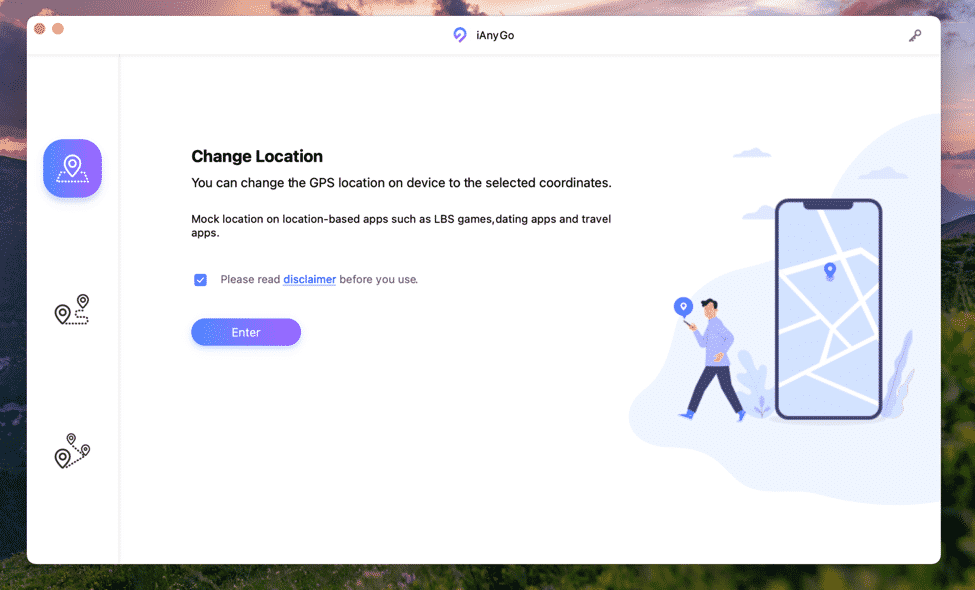
iAnyGo is perhaps the easiest GPS location changer app according to our experience. Users will only need to click once on a virtual map to place their pin on it. There’s no need to put in X and Y coordinates (which can lead to the pin going to a body of water, for instance), and it works pretty quickly and responsively.
Advanced users will be delighted to find that the app allows them to enter a specific address, kind of like the one you use on Apple Maps or Google Maps. As you start typing suggestions will come up on the search bar, allowing you to finish faster and get to where you need to go.
Customized Routes
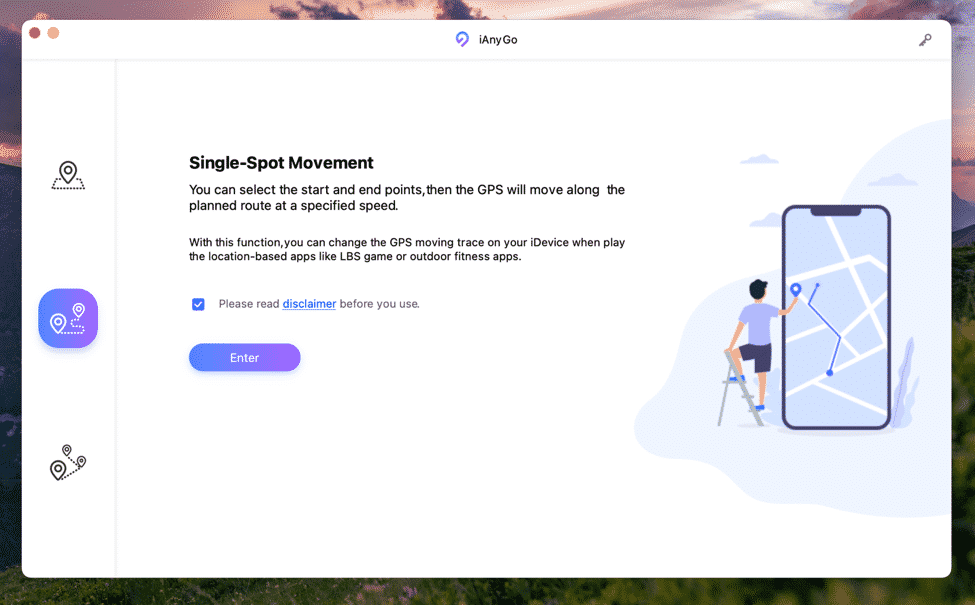
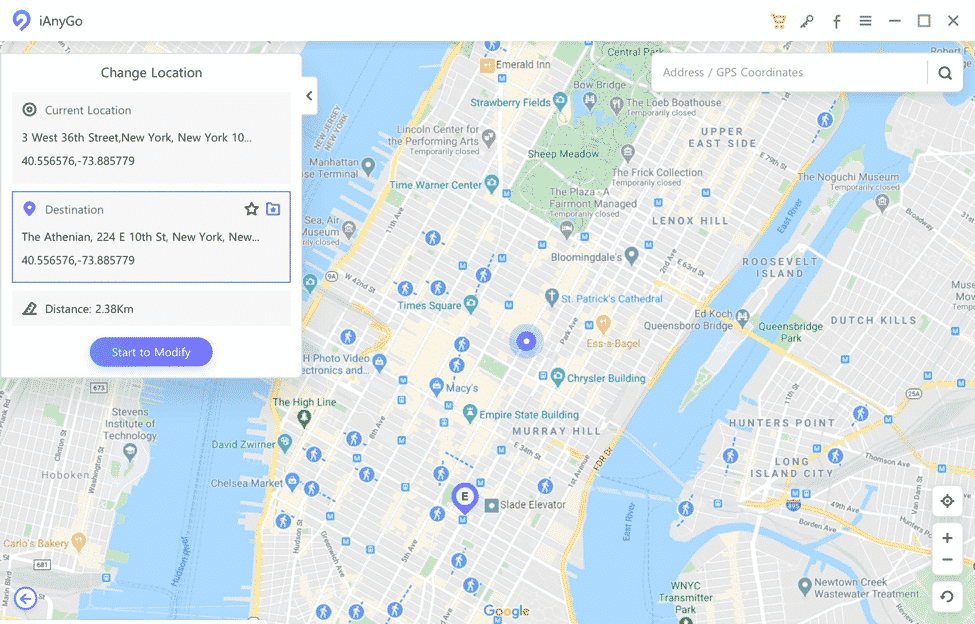
iAnyGo allows you to simulate real life walking with a customized route feature. Simply lay down two points, then the number of round trips to go between them and the spoofer will do the rest.
Those who wish to set a route, for example around a park can opt for the multipoint route. It’s the same as picking two routes except this time you can set more than two pins.
iAnyGo managed to work seamlessly from two to multipoint routes we set. Furthermore, it had no trouble leading the GPS to walk around the multiple points, just like we would when walking to and from places.
Adjustable Move Speed
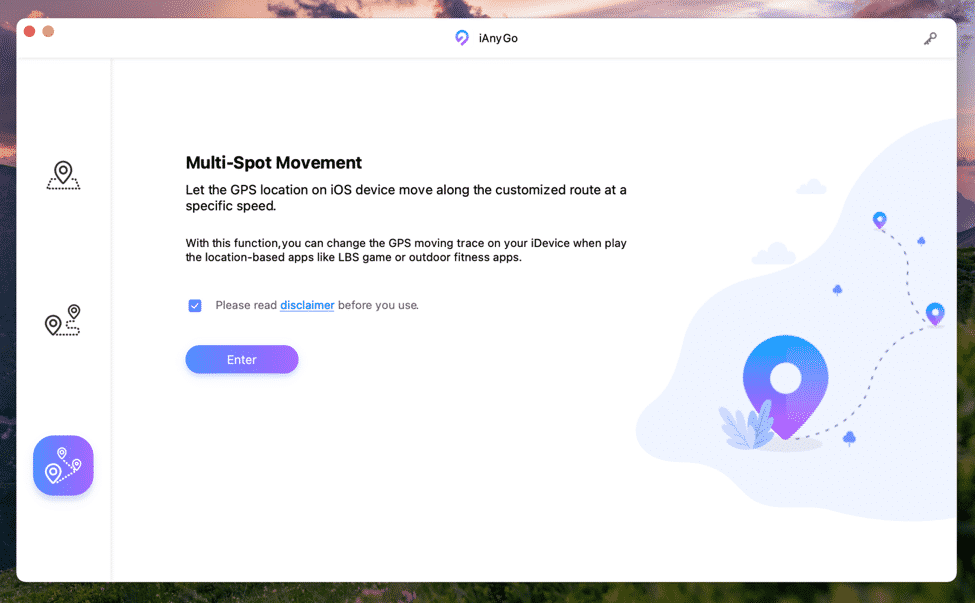
The iAnyGo app supports several move modes, which comes in very handy when you’re playing Pokemon Go.
You can set the location spoofer to walk, cycle or drive a car with an adjustable speed bar from 1 meter per second to 3.6 kilometers per hour. You can have Pokemon Go think you’re just walking around, collecting Pokemon in a leisurely manner, or cycling to a hotspot collecting items.
How to Use iAnyGo
Need a fake gps location pokemon go? Here is a short, step by step process on how to change location on iPhone.
Step 1. Open the app and choose ‘Change Location’.
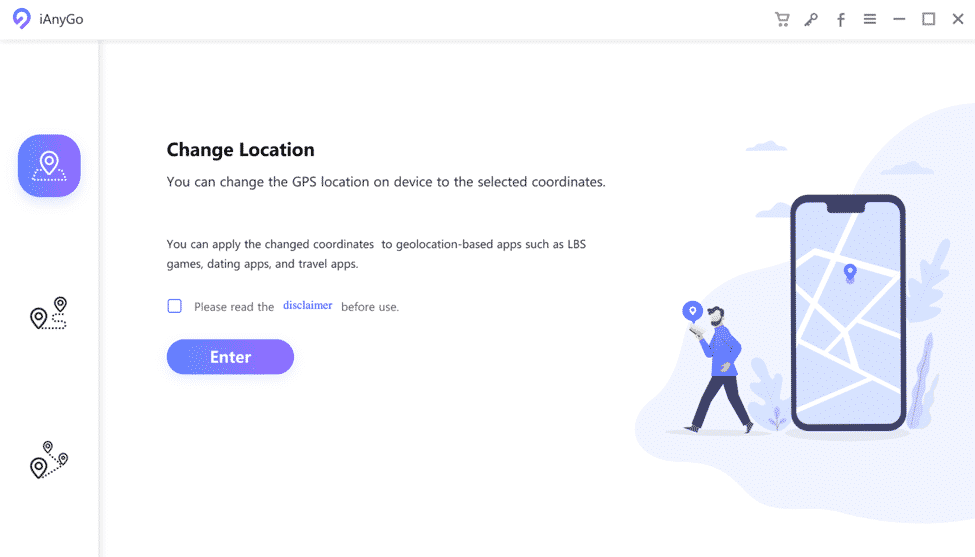
Step 2. Connect your iPhone to the computer via USB cable and click on ‘Enter’.
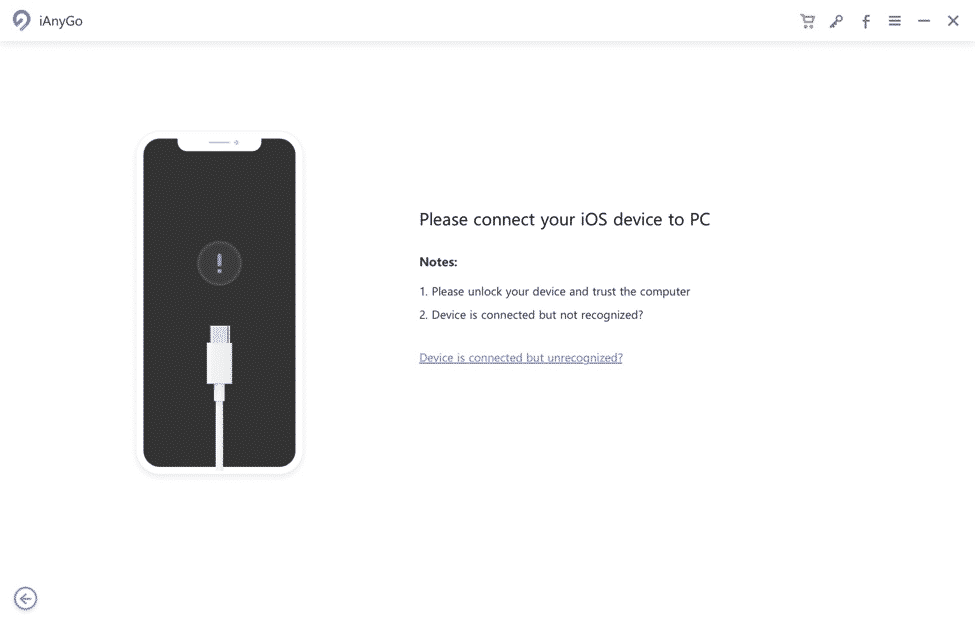
Step 3. Choose a location then set your preference.
For ‘GPS Signal Not Found’ errors, here’s a quick fix: https://www.tenorshare.com/iphone-fix/fix-pokemon-go-gps-signal-not-found.html
Tenorshare iAnyGo Pricing, Coupon and License
iAnyGo normally costs $19.95 for 1 computer and up to 5 devices in a quarterly plan, $9.95 for a monthly plan and $39.95 for a 1-year plan. The greater the plan package the more savings you earn.
iLounge is currently giving away a 30% off discount for its readers. You can avail of Tenorshare iAnyGo right now and get the app at a discount by entering ‘A8DTE’ on checkout. What’s more, we’re giving away not just one, but five free licenses as part of the iAnyGo promotion!
iAnyGo is an excellent app designed to get you where you need to go. It works on virtually any location-based app, including Facebook, Pokemon Go, Fitness and more so you can travel the world without taking a single step.
With iAnyGo you can catch even more Pokemon, even those that are not available in your area or country, pretend to ‘travel’ and share your virtual location to friends and family on WhatsApp. You can even get more matches on dating apps by putting your location in a populated city, for example. The possibilities are endless.
Summary
If you like all the things you’ve read then it makes total sense to give iAnyGo a try. It’s easy to use, doesn’t require a jailbreak and has a wealth of features that any respectable location spoofer app should have. The official link to the site gives you more detailed information on how you can change your location to your advantage.











