
We live at a time when technology has impacted almost all aspects of our lives. Various innovations have come up and are making our lives much more comfortable. However, with technological advancements, there’s a higher need for a stable internet connection to keep everything working at its best. This is where your Wi-Fi connection becomes of the essence. But what if your browsing starts slowing down, you find it difficult to stream, your Wi-Fi signals drop, and you encounter wireless dead zones? All these problems can be quite hectic and cause unwanted inconveniences, especially in a world where getting online is nearly as vital as breathing. If you encounter issues with your Wi-Fi signal or it has become sluggish, there are things you can do to improve the situation before you get in the market for a new router. The following is a guide on how to improve the Wi-Fi connection and get faster speeds;
Proper placement of the router
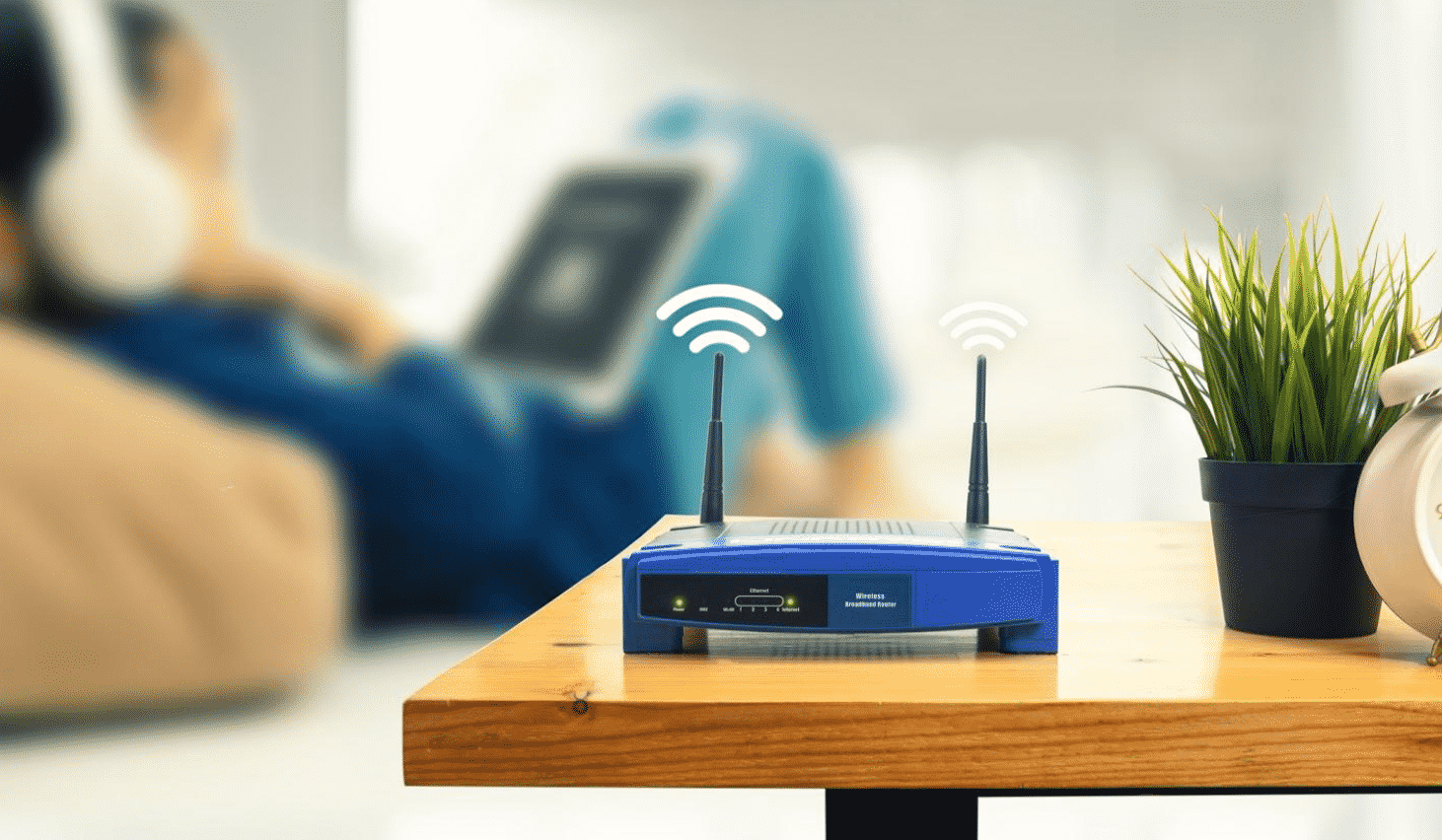
Where you place your router will have a significant impact on the connection you get. You must avoid placing your router near any metallic object and other appliances that emit electromagnetic waves. Metal disrupts Wi-Fi signals significantly. If you have a metallic object close to the router, you can easily create a dead zone. Also, avoid placing your router near materials such as wood, glass, cardboard, and plastics. Such materials may not disrupt the signal as severely as metals do, but they slow down a little. Finally, make sure your router doesn’t get affected by electromagnetic waves that come from nearly all appliances in the house.
Purchase a Wi-Fi repeater/ extender/ booster
So your Wi-Fi connection is slowing down, and you don’t know what to do? You can buy a mobile signal repeater or a Wi-Fi extender to take care of the problem. Repeaters receive your router’s existing signal and rebroadcast it as a new network. Wi-Fi extenders are almost similar to the repeaters, with the only difference being they first amplify the existing signal before they rebroadcast it to come up with a second network. Their amplifying property makes them an excellent choice where there are weak signals.
Ensure your connection is secure
If there’s one thing that people will always try to take advantage of is Wi-Fi. It could be your neighbors or people passing by. Anyone that wants to siphon your signal can affect its strength significantly. As such, you must lock down your Wi-Fi and make sure it’s password-protected, so no one apart from those you authorize uses your network.
Don’t overload your network.
When you have Wi-Fi in your household, it’s only natural to want to keep everything connected. However, overloading the network can slow it down a lot. Some of the devices may even disconnect. It’s advisable to keep only those devices you are using connected. An overload can be inconveniencing, especially when you need a secure connection to carry out an important task. Make sure you take off some of the devices that you are not using from the network.
Having a stable internet connection plays a crucial role in making our stay at home comfortable. You want excellent signals in different parts in your home, but more often than not, that’s not the case. The above tips should help achieve better connections throughout the entire house. They’ll help you maximize your home Wi-Fi signal and enjoy faster connections.











