
The world is transitioning quickly with the help of technology. Homeowners are seeing a new era of convenience and comfortability with the incorporation of the Internet of Things (IoT) in their homes. We went from using a remote control to change the TV channel to using it as a medium to control our entire apartment: from the lighting to the garage door through the help of the internet. Innovation at its peak!
However, there seem to be a couple of security issues smart homeowners might have to deal with. Just like every other device connected to cyberspace, smart homes are open to cyberattacks that could put their homes and other private information in harm’s way. While you can prevent unwanted access to your home with one of the best smart garage door opener, there are still other security measures you need to implement to make your smart home safer.
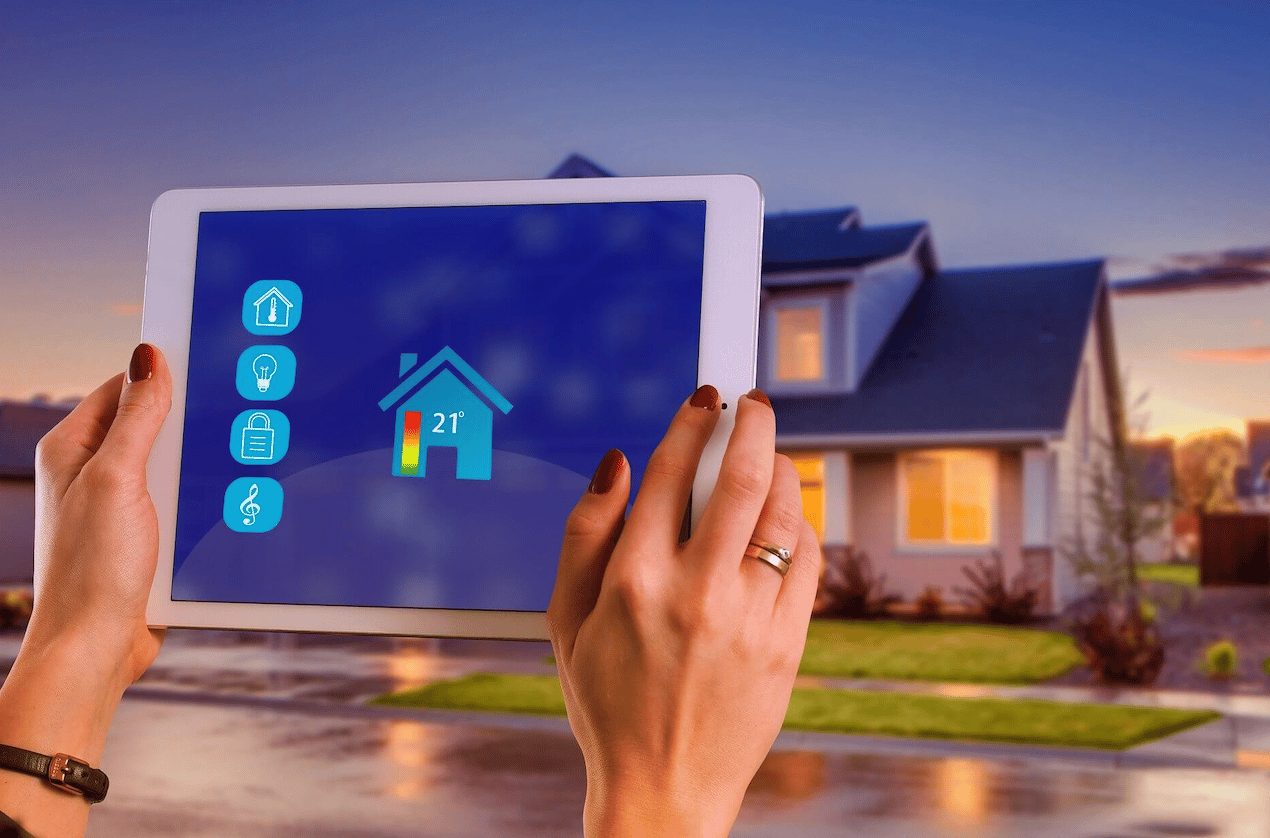
Here are five security tips for your smart home.
1. Set Up Your Router
The first step in securing your smart home is setting up your router the right way. All your smart devices are connected to it, making it the primary target of every cybercriminal. If not properly secured, you could put all your private data at risk and make your home accessible to just anyone. Here are some ways to secure your router.
- Change the default name of your router
The default name of most routers is usually its manufacturer and model. Knowing the brand and model of your router makes it easier for cybercriminals to figure out more specific ways to attack your home.
Also, when changing your router name, do not give a name that can help someone identify that the router is yours. Use generic names and maybe numbers.
- Change the password
Passwords are the gateway to your router. Keep it super safe and secure by making it unique and hard to guess. Combine letters and symbols with numbers to make it more difficult to figure out. Better still, use the random password generator for a more secure option.
2. Use a VPN on Your Router or Switch to the Highest Level of Encryption
To further secure your router, switch to the WPA2 protocol, which is the highest level of encryption. However, if your router doesn’t have WPA2, but the WPA or WEP protocols, use a VPN.
VPNs help hide your smart home activity from outsiders. You can protect the privacy of your IoT devices better and get more encrypted access to the internet. To keep all your activities and data private, a good VPN would do the trick.
3. Use a Next Generation Firewall
For extra security, don’t rely on the built-in firewall of your router. Instead, use a next-generation firewall. It has the necessary security features such as QoS management, content filtering, intrusion prevention system (IPS), SSL/SSH interception, malware protection, and VPN.
With the next-generation firewall, you can detect cyberattacks and protect your home from them. Although they’re relatively expensive, they provide all the security you need.
4. Use a Secondary Network for Your IoT Devices
Set up a secondary network on your router for your IoT devices. You can secure your main network against cyber threats when you have two separate networks.
With two networks set up, you can protect more sensitive data. If hackers ever get through one, they’ll not be able to do as much damage as they normally would, buying you enough time to gain back control of your private data.
5. Only Enable Features You Use
Not all features of your smart home are used frequently. To narrow down the number of potential risks you might have to deal with, disable the features you don’t need.
For starters, disable remote access for IoT devices you only use on your home’s Wi-Fi connection. Use only the Bluetooth connectivity features on your speakers, and block voice controls on your smart TV and other devices that aren’t smart assistants. This way, you can limit unwanted access to your privacy.
Wrap Up
Every convenience comes with its own risk. So, it is essential that you take the right precautions. With these security tips, you can enjoy your smart home to the fullest.











