
iLoungeiLounge
  • News
    • Apple
      • AirPods Pro
      • AirPlay
      • Apps
        • Apple Music
      • iCloud
      • iTunes
      • HealthKit
      • HomeKit
      • HomePod
      • iOS 13
      • Apple Pay
      • Apple TV
      • Siri
    • Rumors
    • Humor
    • Technology
      • CES
    • Daily Deals
    • Articles
    • Web Stories
  • iPhone
    • iPhone Accessories
  • iPad
  • iPod
    • iPod Accessories
  • Apple Watch
    • Apple Watch Accessories
  • Mac
    • MacBook Air
    • MacBook Pro
  • Reviews
    • App Reviews
  • How-to
    • Ask iLounge
Font ResizerAa
iLoungeiLounge
Font ResizerAa
Search
  • News
    • Apple
    • Rumors
    • Humor
    • Technology
    • Daily Deals
    • Articles
    • Web Stories
  • iPhone
    • iPhone Accessories
  • iPad
  • iPod
    • iPod Accessories
  • Apple Watch
    • Apple Watch Accessories
  • Mac
    • MacBook Air
    • MacBook Pro
  • Reviews
    • App Reviews
  • How-to
    • Ask iLounge
Follow US

Articles

Articles

How Can You Delete Duplicate Photos On Your iphone?

Last updated: Dec 15, 2023 4:10 pm UTC
By Lucy Bennett
How Can You Delete Duplicate Photos On Your Iphone?

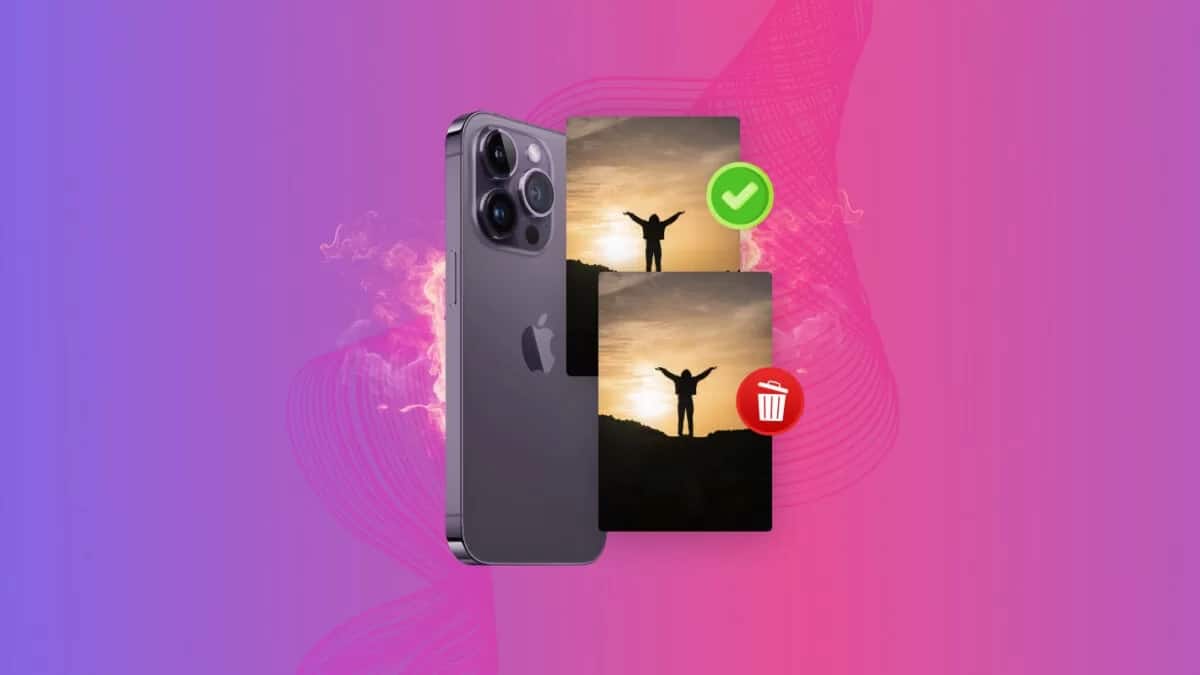
All of us tend to capture lots of photos and moments, just to end up dealing with tons of duplicates and a lack of space on our device. We need to find a way to delete these duplicate photos and normally we would just do that ourselves. But the problem with manually deleting images is that it can be very time consuming. It will take quite a bit of time to delete duplicate photos and that’s’ where these ideas come into play.


Use an app like Gemini Photos

There are apps that can delete duplicate photos quickly and with very good results. That’s what Gemini Photos does, you just install the app, scan your device and it will show you the duplicates you have on your phone. Once that is done, you delete them and you are good to go. Manually deleting these can be very time-consuming and not exactly a great experience. But this approach is a lot better and it will help convey an excellent result.

How Can You Delete Duplicate Photos On Your Iphone?

Using the Photos app

The Photos app found on your phone has a feature called Duplicates where you can identify and remove duplicates. The app will identify duplicates and they will be added to the Duplicates album. You go to Albums in the Photos app, then press Duplicates and you can merge those without a problem. It’s a great idea to focus on and it will help save a significant amount of effort.

The search tool

Yes, you can delete the duplicates using the Search tool too. The idea here is that you want to go to the Photos app and press Search. You search for a place or a name, and then browse through the results. You just have to select those duplicates and you are good to go. It’s a very nifty tool, although the other options are better since they can find duplicates in most of your albums, not just those related to a single place.


Deleting burst photos

Another thing that you can do is to use Burst photos. That mode takes a lot of photos at once so obviously there will be some of them which are not exactly going to fit your specific approach and how you want to work. That being said, deleting bust photos can be a great idea and it will help if you go to the Albums and then choose Burst. Delete the burst photos you don’t want anymore and that’s it.


Using these methods can help you delete duplicate photos on your phone very quickly and without a lot of problems. It’s a great idea to learn how to remove these duplicates, as they can be annoying to go through and they also need quite a bit of space. Removing those will help save space and time, and you’ll find it much easier to organize your photos. That’s why we think it’s very important to avoid any rush and delete the duplicates accordingly using these tips!



Latest News
The AirPods Pro 3 is $20 Off
1 Min Read
Exynos 2600 Chip 2nm Process Revealed by Samsung
1 Min Read
New Celebrity Ad Campaign Featuring Travis Scott Released by Beats
1 Min Read
Australia Getting Hypertension Notification Feature
1 Min Read
The 14-inch MacBook Pro with M5 Chip 16GB RAM/512GB is $250 Off
1 Min Read
Noise and Static on AirPods Pro 3 Still Unfixed
1 Min Read
New iMac with 24-inch OLED Display May be Brighter With 600 Nits
1 Min Read
The 15-inch M4 MacBook Air 256GB Is $250 Off
1 Min Read
Internal Kernel Debug Kit from Apple Reveals Tests for a MacBook with A15 Chip
1 Min Read
Apple Currently In Talks With Suppliers for Chip Assembly & Packaging of iPhones in India
1 Min Read
Apple Allows Easier Battery Replacement For M5 MacBook Pro with 14-inch Display
1 Min Read
The Apple Watch SE 3 44mm GPS is $50 Off
1 Min Read

iLounge logo

iLounge is an independent resource for all things iPod, iPhone, iPad, and beyond. iPod, iPhone, iPad, iTunes, Apple TV, and the Apple logo are trademarks of Apple Inc.

This website is not affiliated with Apple Inc.
iLounge © 2001 - 2025. All Rights Reserved.
  • Contact Us
  • Submit News
  • About Us
  • Forums
  • Privacy Policy
  • Terms Of Use
Welcome Back!

Sign in to your account

Lost your password?








