
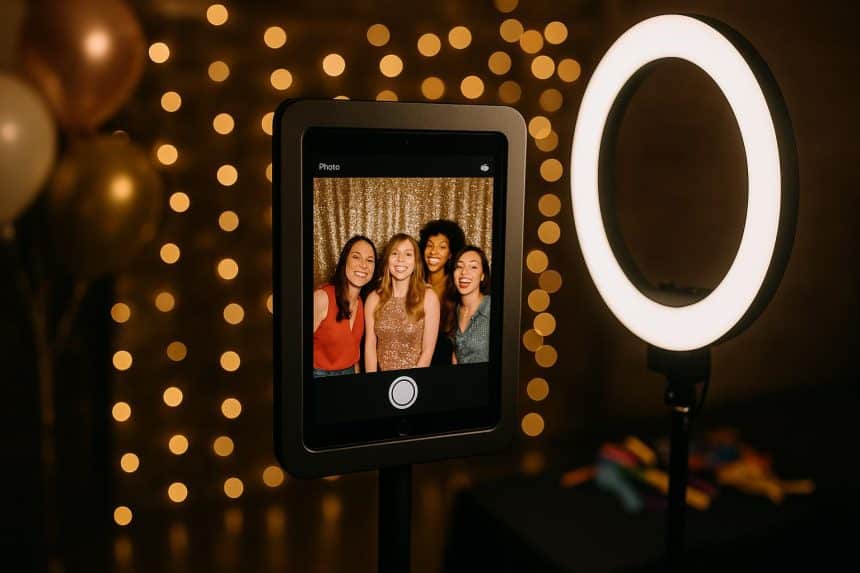
Crafting unforgettable experiences is more important than ever in a world driven by digital connections and instant sharing. Whether you’re hosting a corporate event, wedding, or branded activation, an iPad photo booth app has become a must-have tool for turning ordinary gatherings into extraordinary moments. By leveraging cutting-edge technology and shareable content, these apps elevate events into viral sensations. But how do they work, and why are they a game-changer for your event? Let’s explore.
What Makes an iPad Photo Booth App Essential for Any Event?
An iPad photo booth app brings an unparalleled combination of convenience, versatility, and engagement. Unlike traditional photo booths, these apps require minimal setup and can run on an iPad, making them both portable and cost-effective. Their user-friendly interface allows guests to capture high-quality images, videos, and even GIFs, ensuring hours of entertainment.
The Power of Social Media Integration
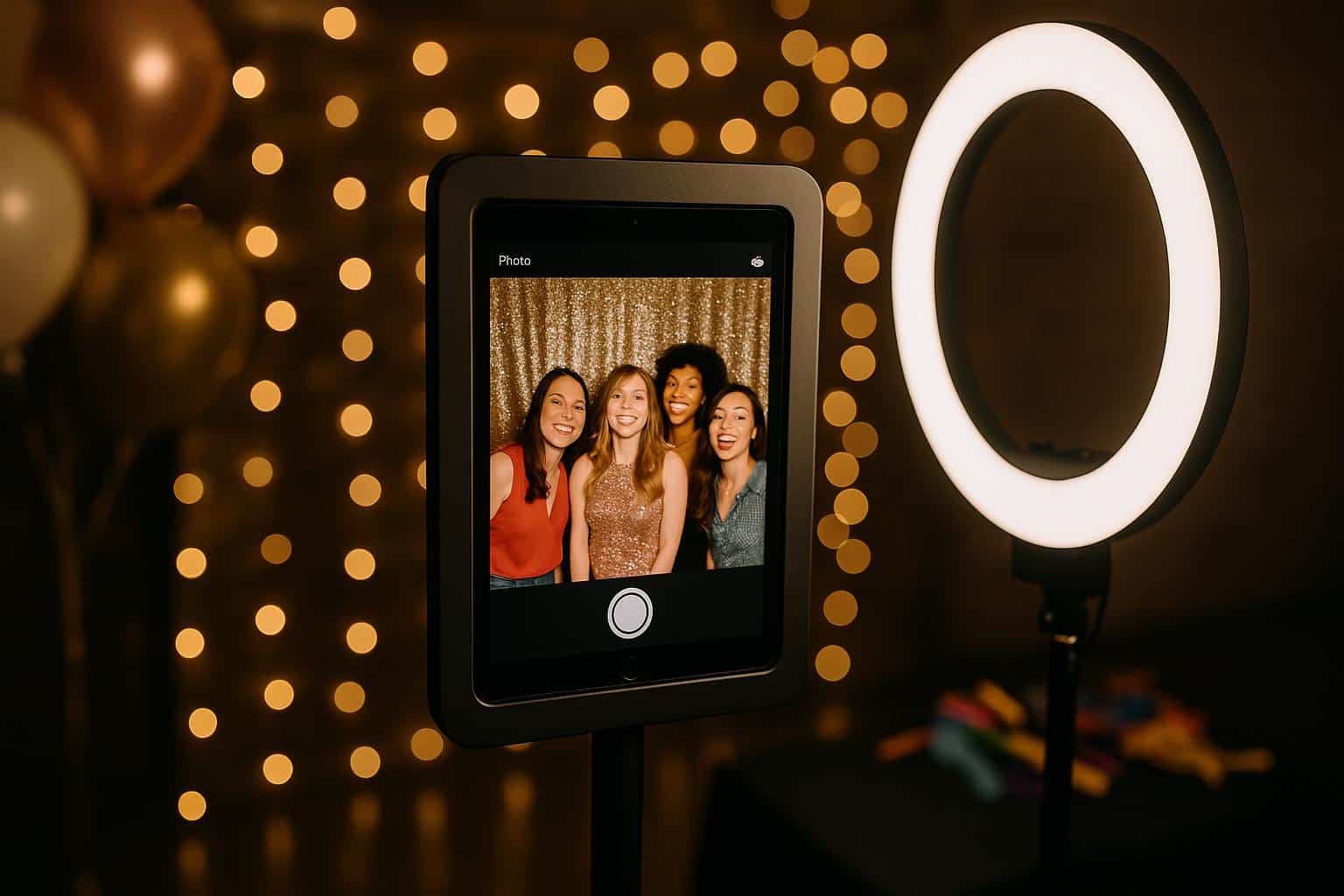
One of the primary advantages of these apps is their seamless social media integration. Guests can instantly share their content on platforms like Instagram, Facebook, or Twitter. Instantly sharable media enhances an event’s visibility, helping it go viral as attendees organically promote the experience to their followers.
Real-Life Example: A Wedding to Remember
Picture this: a wedding reception where guests enjoy a bespoke photo booth experience customized with the couple’s names and wedding date. Friends and family snap pictures with playful filters, all while uploading their creations onto social media with a custom hashtag. The result? A celebration that doesn’t just live on in memory, but on timelines and feeds, becoming an unforgettable online moment for the couple and their guests.
Customization Options
Themed events and brand activations benefit significantly from these apps’ customization options. From branded overlays and augmented reality effects to curated backdrops, the possibilities are endless. This feature ensures content resonates with your event’s unique theme while aligning with your brand’s messaging.
360 Photo Booths: Elevating the Experience
For those aiming to take their event to the next level, adding a 360 photo booth option is a game-changer. This upgrade immerses attendees in an interactive experience that captures dynamic, 360-degree videos perfect for social sharing.
What is a 360 Photo Booth?
A 360 photo booth consists of a platform along with a rotating camera that captures slow-motion or full-circle views. These booths can also wor with an iPad photo booth app, ensuring quality output and user-friendly operation.
How Does it Drive Engagement?
Interactive experiences like the 360 photo booth naturally attract attention. Think of it as an attraction within the event, drawing crowds due to its novelty and the shareable content it generates. Guests are excited to post unique videos to their social channels, tagging both friends and event hosts.
Statistical Insight
Events using 360 photo booths have reported dramatically higher levels of user-generated social media content compared to events with traditional photo setups. This highlights their ability to spark engagement and increase visibility.
Practical Tips for Maximizing Your Photo Booth App
Choose the Right App Features
Not all photo booth apps are created equal. When selecting one for your event, prioritize features such as augmented reality filters, green screen capabilities, and social media sharing. These enhance guest experience and extend your event’s reach online.
Branding is Key
Custom overlays, logos, and hashtags turn every photo into a brand touchpoint. This is especially vital for corporate events and product launches where visual consistency reinforces brand identity.
Don’t Forget Wi-Fi
While most apps function offline, a stable internet connection allows guests to share content in real-time. If Wi-Fi is unavailable, apps often provide QR codes for easy mobile downloads.
Pro Tip:
Offer incentives for guests who share content, like entry into a prize draw. This encourages more social shares and increases your event’s online footprint.
Why This Trend is Here to Stay
The popularity of photo booth apps, particularly those integrated with 360 photo booth app features, isn’t fading anytime soon. These tools align perfectly with the digital era’s emphasis on personalization and social media engagement. According to a recent study, over 80% of event attendees expect event organizers to provide shareable, interactive experiences. The demand for such features will only continue to grow.
Appealing Across Event Types
From weddings and birthday parties to trade shows and product launches, the versatility of photo booth apps makes them suitable for nearly all gatherings. They cater to wide demographics, ensuring both younger and older audiences find them engaging.
Expert Quote
“Events no longer just happen physically. They live on in the digital world, and tools like photo booth apps make that possible,” said a spokesperson for an industry-leading event software company.
Conclusion: Is an iPad Photo Booth App Right for Your Event?
Shareability and digital engagement are now paramount, an iPad photo booth app can be the secret ingredient that elevates your event. With customizable features, seamless social integration, and the option to include interactive tools like 360 photo booths, these apps are transforming the way events are experienced and remembered.
Final Thoughts
If you’re organizing an event and want to captivate audiences while amplifying your reach online, investing in a photo booth app might be your best decision. Not only does it delight your guests, but it also ensures your event stays the talk of the town long after it ends.











