
Technology moves fast, and hackers are all too eager to keep up with the changes and exploit loopholes. In the modern world, our phones have untold amounts of personal data and information. Everyone needs to take steps to protect themselves and their devices. But if you are mindful of this and do your best to keep up with security features and new ways to protect your iPhone, you will be much better off. The following are a few things that you can do to ensure your iPhone is protected from hackers and other malicious online entities.
Update iOS
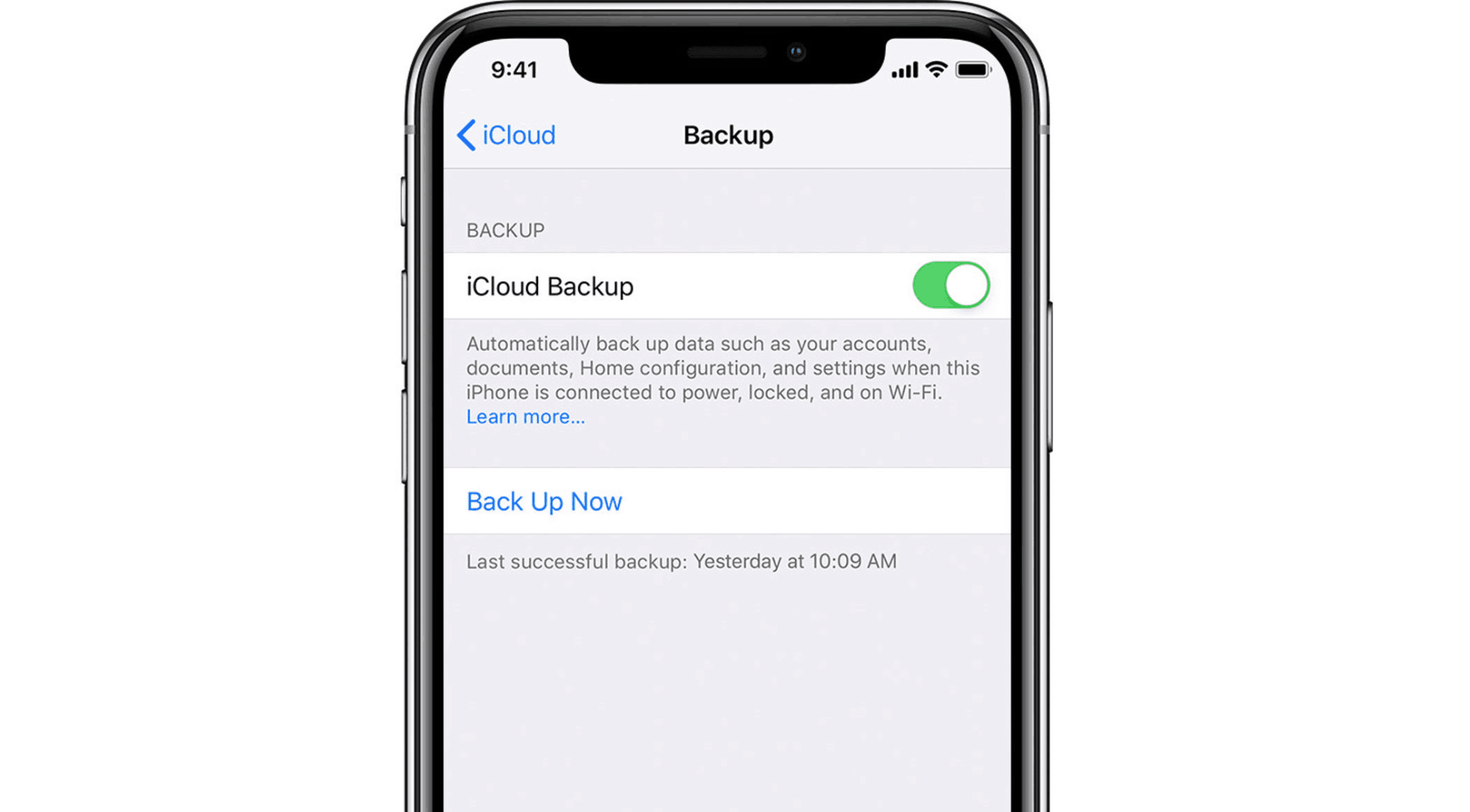
A lot of people complain about updating their iOS, but it is necessary to protect your iPhone from attackers. The iOS is fairly secure, and even more so when you keep it up to date. You should always make sure that you’re running the most recent version of Apple’s operating system. This even includes the smaller point updates.
The reason you want to keep iOS updated is that hackers can find flaws in Apple’s coding that they can exploit, potentially giving them access to all of your personal data. With each update, Apple adds new security measures and closes loopholes. To update your iOS, all you need to do is open your settings, click general, and then software update. Point updates are released frequently, and it is important to update your iPhone’s system often.
Use Unique, Complex Passwords
This is a basic step to protect yourself, but sadly few people stick to it. According to the experts at MoneyPug, which is used to compare mobile phone insurance, you should always use passwords that are unique to one phone, service, or website. They should be both complex and unrelated to easily accessible information. The longer your password is, the less likely it is that a hacker will figure it out. On your iPhone itself, you should choose the option for a longer passcode and include both letters and numbers. With a completely unique, complex passcode that utilizes numbers, letters, and symbols, you will be much better protected.
Disabled Siri
Siri can provider hackers personal data. If a malicious person or entity gains access to your phone, they will be able to ask Siri specific personal questions and steal your information, identity, or gain ammo against you. Disabling Siri will prevent this kind of data leakage and could save you a lot of trouble.
Find my Phone
Apple’s Find my Phone feature can help you barricade yourself from attackers. If you lose your phone at any time, you will be able to log onto any iOS deice and clear your personal data from the device. Even if a hacker manages to access your iPhone, your personal information will be gone. This is something good to have available should something happen to your phone. It will protect you when you have no other to get onto the device.
App Permissions
One very crafty way hackers gain access to your phone and personal information is through app permissions. Allowing apps to access your camera, microphone, and contacts provides hackers an avenue to get your information, take photos, and even listen to your conversations. You should disable any app that doesn’t need access to these functions. Even apps that use your camera, microphone, location, and contacts shouldn’t have access to permissions unless you are using it. Instagram is an example of an app that always has access to these features. If you are using a less-than-reputable app, you should definitely make sure permissions are disabled.
Whoever you are, whether you are technologically savvy or not, it is necessary to take these steps to protect your iPhone. Technology moves quickly, and hackers keep up with it. They take steps to learn about the loopholes in the technology and exploit them to get your personal data. The more layers of security the better. No one is fully protected.
These are just a few of the measure you can take to prevent attacks from malevolent attackers. People buy iPhones because they trust that Apple will protect them. But Apple is made of people, and people make mistakes. The code is never perfect, and even if it is near-flawless there is always someone who will find a way to gain access and exploit the information. Protect yourself, use these tips and do research to shield your iPhone from attacks.











