
Did you know that 49% of people search on Google to find new products? This huge audience is your potential customers that can be converted into repeat ones with strategic use of Google Shopping. But how does this platform work? Let’s dig into this.
Google Shopping: first steps
Setting up a “Google Merchant Center” account is the initial step of starting with Google Shopping. To set it up, you need to go to the website of Google Merchant Center and sign up with your Google account.
Once your Merchant Center account is created, link it to your Google Ads Account by clicking on the “Account Linking” section in Google Merchant Center. This link will let you run Google Shopping campaigns and manage the product listing straight from your Google Ads account.
The success of Google Shopping is directly associated with the product feed. The product feed contains all the information about your products such as titles, descriptions, prices, images, and availability. So, submit a well-organized and accurate product feed to the Google Merchant Center. The more comprehensive the product feed is, the more chances of conversions increase.
Dealavo enhances the accuracy and efficiency of your product feeds by providing real-time pricing and stock updates. By integrating Dealavo with your Google Merchant Center, you can ensure your prices and availability are always up-to-date, minimizing the risk of errors and improving customer satisfaction.
Craft compelling product listings
Make sure that the product titles and descriptions are clear, concise, and contain keywords as it directly affects the search visibility. It is better to include keywords that potential buyers are likely to use while searching for your products. By doing so, the chances of your products appearing in the search results increase, ultimately bringing more traffic and sales.
Use high-quality images of your products in which your product is clearly visible. Clear and professional photos help in capturing customer’s interest and provide a better understanding of what you are selling.
Keeping your prices and stock levels up-to-date is also necessary to avoid any kind of mishandling. Inaccurate pricing or availability information may result in a frustrated customer. So, ensure that your customers see the most updated prices and availability.
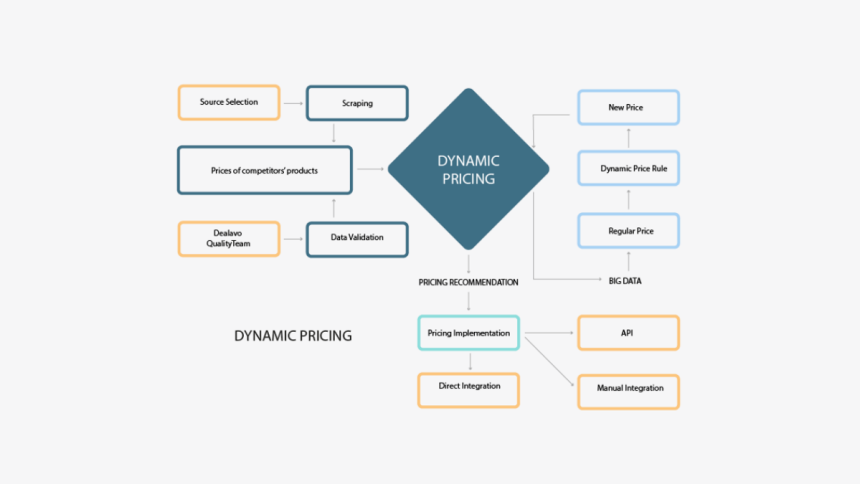
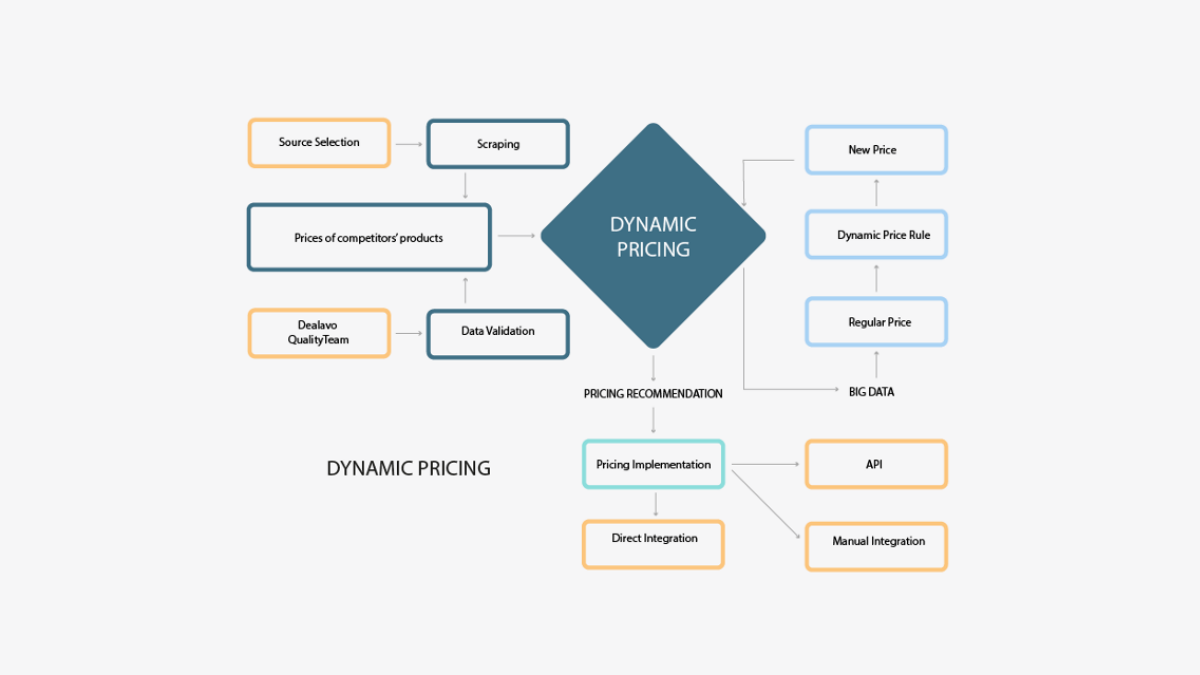
Utilize Dealavo’s pricing optimization tools to dynamically adjust your prices based on market trends and competitor pricing. This ensures that your pricing is competitive and aligns with customer expectations, enhancing your product listings’ appeal on Google Shopping.
How to use Google Shopping features?
Google Shopping ads
Google Shopping features the option of Google Shopping ads, by which users can drive targeted traffic. All you need to do is set up an ad campaign in Google Ads and select your product feed. These ads will showcase your products with images, prices, and store names on the Google search results and Google Shopping pages.
Google Shopping price comparison
Google Shopping price comparison is the feature that allows users to compare prices with other sellers of the same product. Use Dealavo to continuously monitor competitor prices and adjust your pricing strategy accordingly, ensuring your prices remain competitive and attractive to potential customers.
Promotions and special offers
There is a feature of Google Shopping Promotions by which you can highlight discounts, special deals, and seasonal offers. Simply, create promotions in Google Merchant Center and apply them to your product listing. This strategy will increase your click-through rate (CTR) and eventually increase sales.
Dealavo provides insights into effective promotional strategies by analyzing market trends and competitor promotions. This helps you craft compelling promotions that stand out, further enhancing your visibility and sales performance on Google Shopping.
Google Shopping is a powerful platform with a vast audience. By leveraging Dealavo’s solutions, you can optimize your product listings, pricing, and promotions, ensuring a significant increase in sales. Create your account today and start experiencing the benefits of strategic Google Shopping.
Disclaimer: This article is sponsored. The content of this article, including opinions, insights, and narratives, is provided by our sponsor and does not necessarily reflect the views or opinions of iLounge. We aim to ensure the accuracy and reliability of the information provided but do not endorse any products or services discussed. Readers should perform their own research and due diligence before making any decisions based on the content of this article.











