
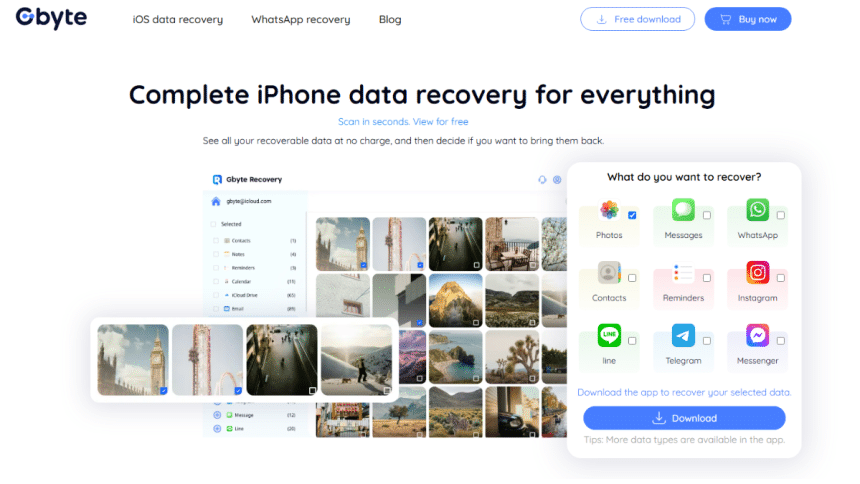
Data loss can be a nightmare, especially when it involves critical messages or cherished media on your iOS devices. Whether it’s accidental deletion, a factory reset, or even physical damage, the need for a reliable recovery solution is paramount. Enter Gbyte Recovery, a specialized tool designed to retrieve lost data from iPhones, iPads, and iPod Touches.
In this review, we’ll delve into the capabilities, performance, and value of Gbyte Recovery to help you decide if it’s the right choice for your data recovery needs.
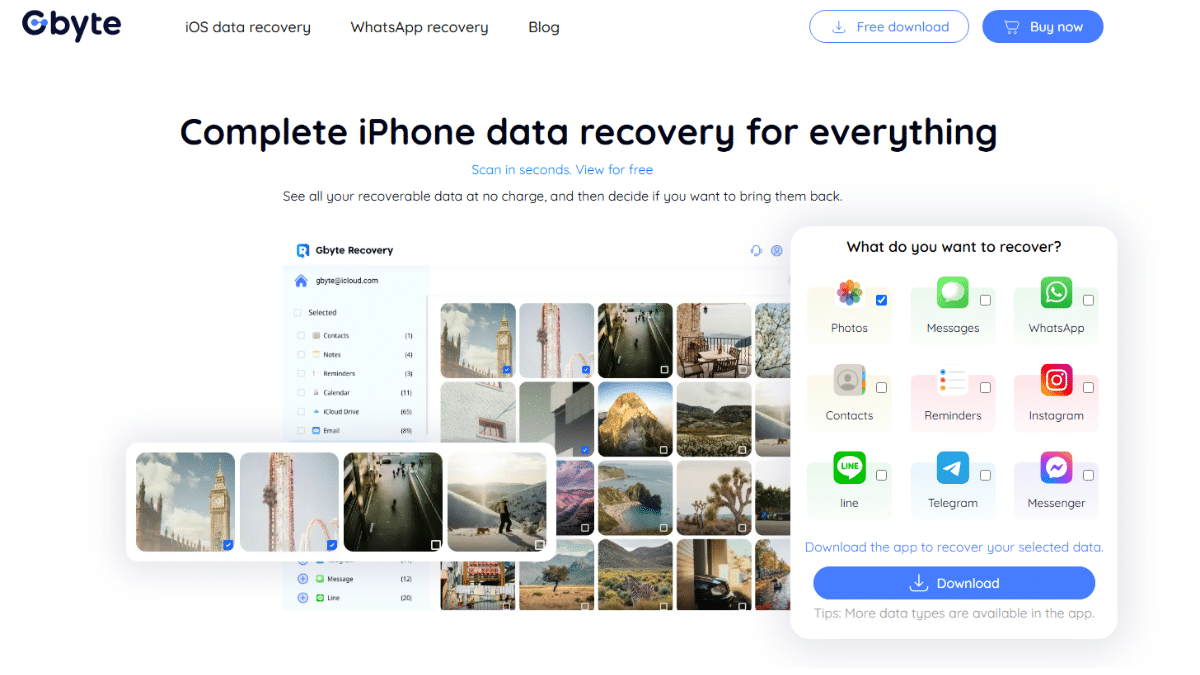
At a glance
| Free Trial | Yes (scan and preview only) |
| Pricing | Starts at $39.99/month or $49.99/year |
| Available Platform | Windows 11/10/8/8.1/7, MacOS 15/14/13/12/11/10.10 |
| iOS Compatibility | All iOS versions |
Pricing Plans of Gbyte Recovery
Gbyte Recovery offers a range of pricing options to cater to different user needs. The free version allows users to scan and preview recoverable files, providing a valuable opportunity to assess the software’s effectiveness before making a purchase. However, to actually recover any data, a paid license is required.
Here’s a breakdown of the pricing plans:
| Plan | Price | Key Benefits |
| Monthly | $39.99 | Ideal for one-time recovery; includes full features and support. |
| Yearly | $49.99 | Best value for regular users; saves ~42% compared to monthly. |
| Lifetime | $79.99 | Permanent access for professionals or frequent users; one-time payment. |
All paid plans include full access to the software’s features, ongoing updates, and customer support. Gbyte Recovery also allows recovery from any iOS device tied to your iCloud account, making it practical for users with multiple Apple devices.
Core Features of Gbyte Recovery
Gbyte Recovery is a professional data recovery software designed to help users retrieve lost or deleted data from iPhones, iPads, and iCloud accounts. It supports the recovery of photos, videos, messages, notes, and other essential files without requiring a USB connection—users simply log in to their Apple ID for secure cloud-based scanning. With a user-friendly interface and fast, deep scan capabilities, Gbyte Recovery is ideal for anyone looking to restore accidentally deleted data from their iOS devices efficiently and reliably.
Recover Deleted Data from Any iOS Scenario
Gbyte Recovery helps you recover lost data from your iPhone in cases like accidental deletion, device crash, factory reset, damaged iPhone, or locked screens. You can preview recoverable files before restoring them, giving you full control over the process.
Restore WhatsApp, iMessages, and App Data
Need to recover WhatsApp chats on iPhone or retrieve deleted iMessages? Gbyte Recovery specializes in app data recovery, including SMS, social media content, and documents. Its deep scan technology even finds permanently deleted messages that other tools miss.
Recover Deleted Photos and Videos
Easily recover deleted photos and videos from iPhone in original quality. With categorized previews and selective restore, you save only what you need—perfect for both personal and work data.
Simple, User-Friendly Interface
Designed for all users, Gbyte Recovery features intuitive navigation, smart file previews, and one-click recovery. Whether you’re tech-savvy or not, the step-by-step guide makes data recovery effortless.
Deep Scan + Broad Compatibility
Gbyte Recovery’s advanced algorithms dig deep into the iOS file system to recover lost messages, app data, and media. It supports all iPhone, iPad, and iOS versions—from iPhone 6 to iPhone 16, and from older iOS to the latest updates.
Gbyte Recovery Setup and Tested
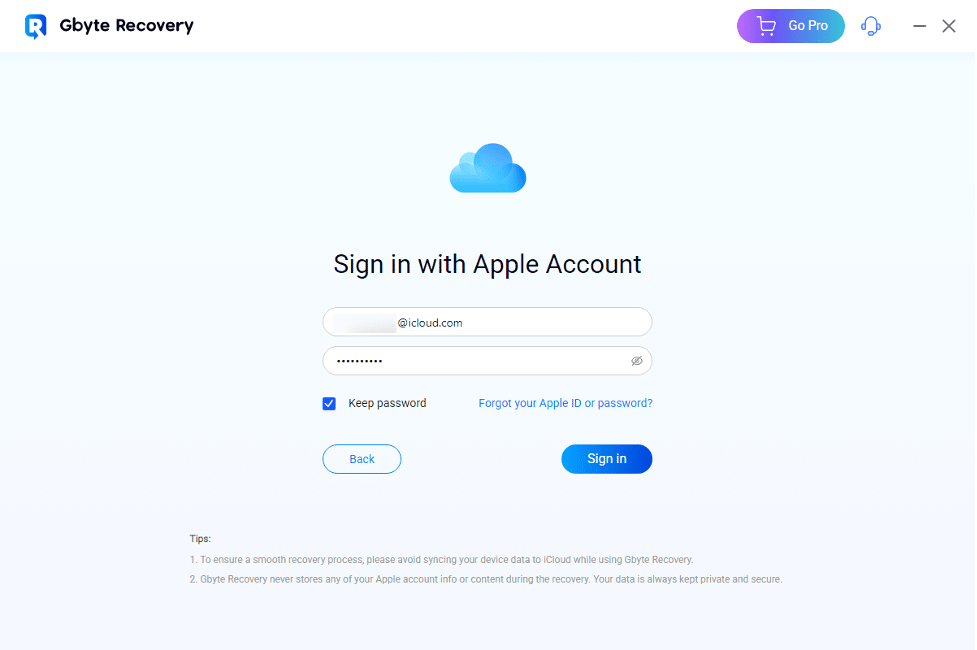
We installed Gbyte Recovery on a Windows 10 system and found the setup process straightforward. After logging in with an Apple ID, the software automatically detected all devices associated with the account. This is particularly useful for recovering data from secondary or previously used iPhones. Since Gbyte works via iCloud, there’s no need for a USB connection—ideal for users with broken or inaccessible devices.
We selected a test device with approximately 5GB of iCloud backup data and initiated a scan focused on deleted photos. The scan started immediately, and initial results began appearing in less than a minute. One standout feature is the real-time preview, which allowed us to view deleted images as they were being discovered. Once the scan was complete, the results were clearly categorized and could be filtered by date, file type, or source app—making it easy to locate specific content.
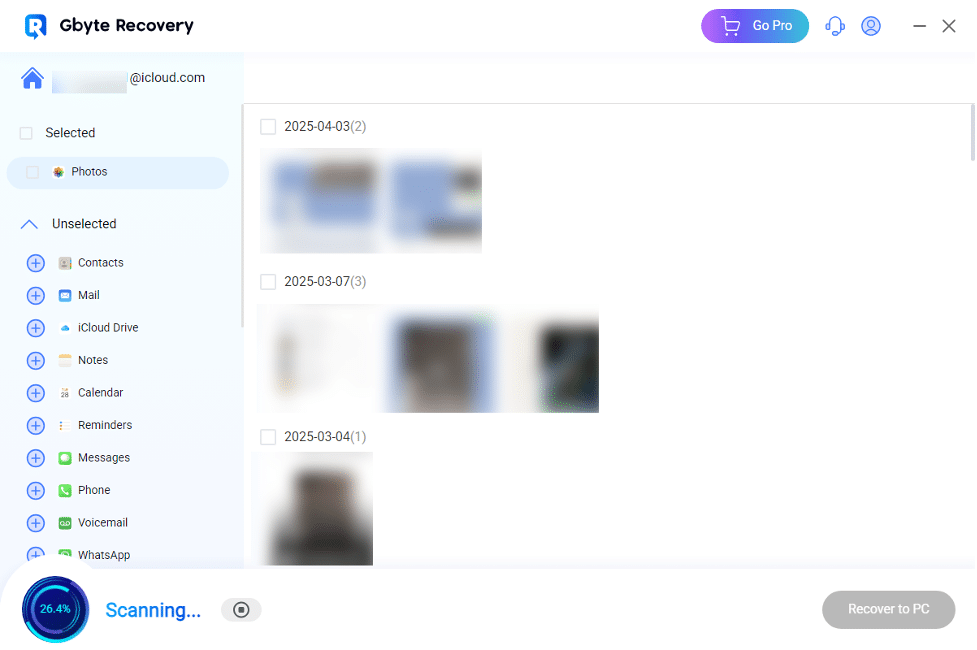
In our testing, Gbyte successfully recovered over 200 high-resolution photos. The export process was seamless, allowing us to restore selected files directly to a designated folder. The software also remembered our previous export path for future recoveries.
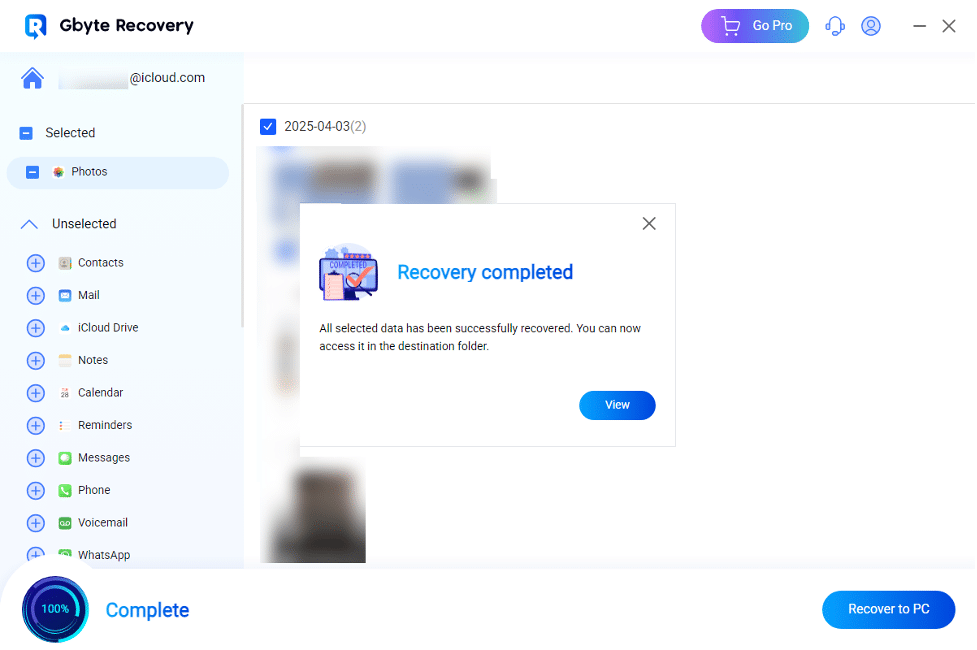
Overall, Gbyte Recovery delivered strong performance with a clean, professional interface, making it a reliable choice for iOS data recovery from iCloud.
Pros & Cons of Gbyte Recovery
✅ Pros
- High Success Rate: Reliably recovers data in complex scenarios (e.g., factory resets, long-deleted files).
- User-Friendly: Guided steps and clear previews make it accessible for non-technical users.
- Privacy & Security: Local processing and encryption protect sensitive information.
- Multi-Device Support: Recover from all iOS devices linked to your iCloud account, with no device limits.
❌ Cons
- iOS-Only: No support for Android devices or non-Apple storage (e.g., USB drives).
- Hardware Dependency: Requires a computer; not available as a standalone mobile app.
- Limited Overwrite Recovery: Success declines if data has been heavily overwritten by new content.
Competitor Comparison
Against tools like EaseUS or Tenorshare, Gbyte differentiates itself by:
- iOS Specialization: Focused exclusively on Apple ecosystems, offering deeper integration with iCloud and iOS file systems.
- No Backup Requirement: Unlike some competitors that rely on prior backups, Gbyte scans devices directly, expanding recovery possibilities.
- Cost-Effective Lifetime Plan: Priced lower than many competitors’ lifetime options (e.g., EaseUS charges $149.95 for a similar tier).
Final Verdict
Gbyte Recovery is a premium tool for iOS data recovery, justified by its technical prowess and user-centric design. The lifetime plan offers exceptional long-term value for frequent users, while the yearly subscription suits those needing periodic access. For Apple users facing data loss, it’s a reliable investment to regain critical files with minimal hassle.











