
iLoungeiLounge
  • News
    • Apple
      • AirPods Pro
      • AirPlay
      • Apps
        • Apple Music
      • iCloud
      • iTunes
      • HealthKit
      • HomeKit
      • HomePod
      • iOS 13
      • Apple Pay
      • Apple TV
      • Siri
    • Rumors
    • Humor
    • Technology
      • CES
    • Daily Deals
    • Articles
    • Web Stories
  • iPhone
    • iPhone Accessories
  • iPad
  • iPod
    • iPod Accessories
  • Apple Watch
    • Apple Watch Accessories
  • Mac
    • MacBook Air
    • MacBook Pro
  • Reviews
    • App Reviews
  • How-to
    • Ask iLounge
Font ResizerAa
iLoungeiLounge
Font ResizerAa
Search
  • News
    • Apple
    • Rumors
    • Humor
    • Technology
    • Daily Deals
    • Articles
    • Web Stories
  • iPhone
    • iPhone Accessories
  • iPad
  • iPod
    • iPod Accessories
  • Apple Watch
    • Apple Watch Accessories
  • Mac
    • MacBook Air
    • MacBook Pro
  • Reviews
    • App Reviews
  • How-to
    • Ask iLounge
Follow US

Articles

Articles

Fixing or Replacing your Airpods? Check this out first!

Last updated: Aug 13, 2022 1:31 am UTC
By Lucy Bennett
Fixing or Replacing your Airpods? Check this out first!

Thinking of replacing your Apple accessories because they have not been charging or your Airpods have gone quiet? Well, before you do that, we want to share some tips and tricks for restoring the quality of your Apple accessories.


By now, we all know the benefits of Airpods and Apple watches from the Apple watch waterproof features and simply wanting to make our lives easier, but what happens when we notice they are failing us?
Fixing or Replacing your Airpods? Check this out first!

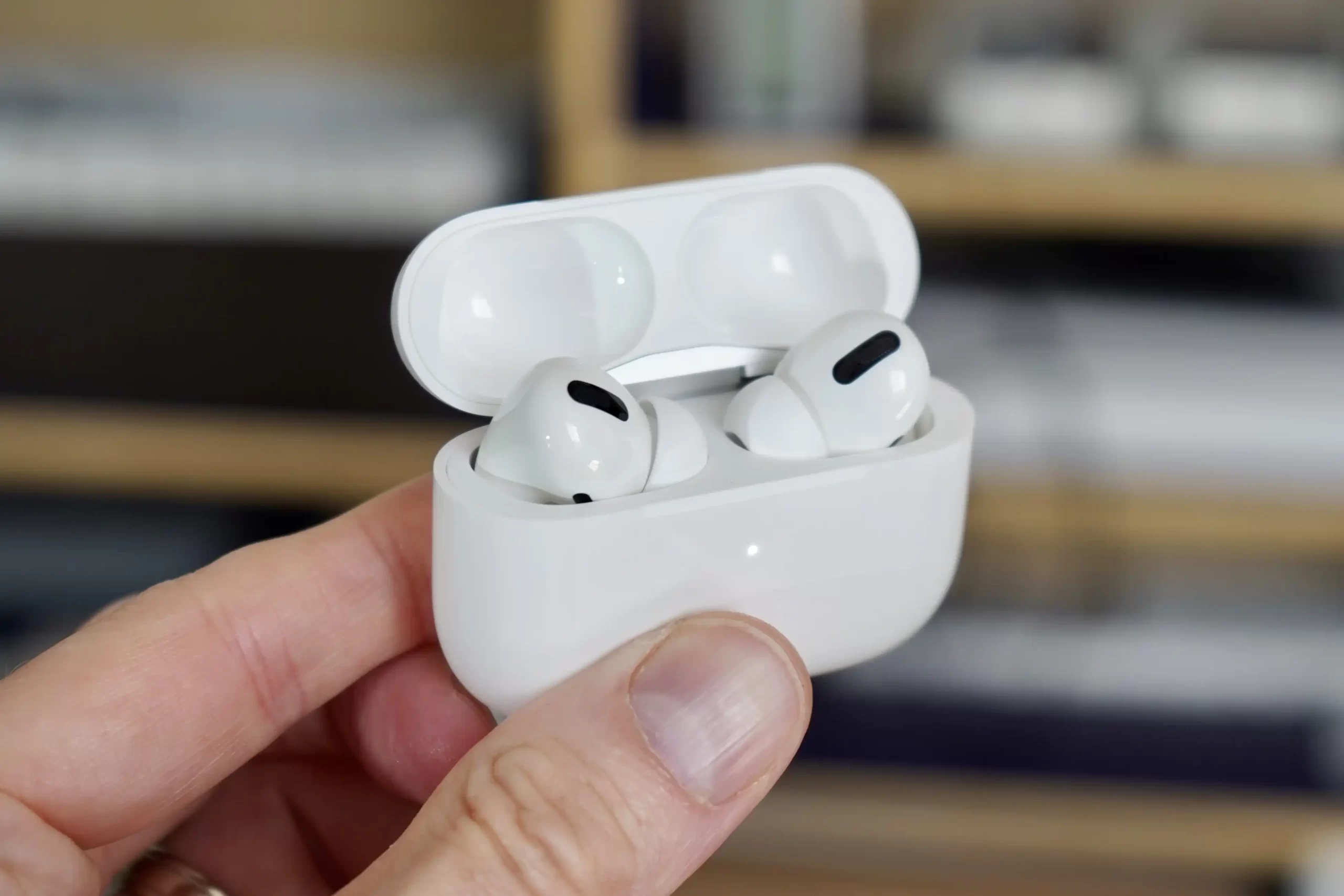
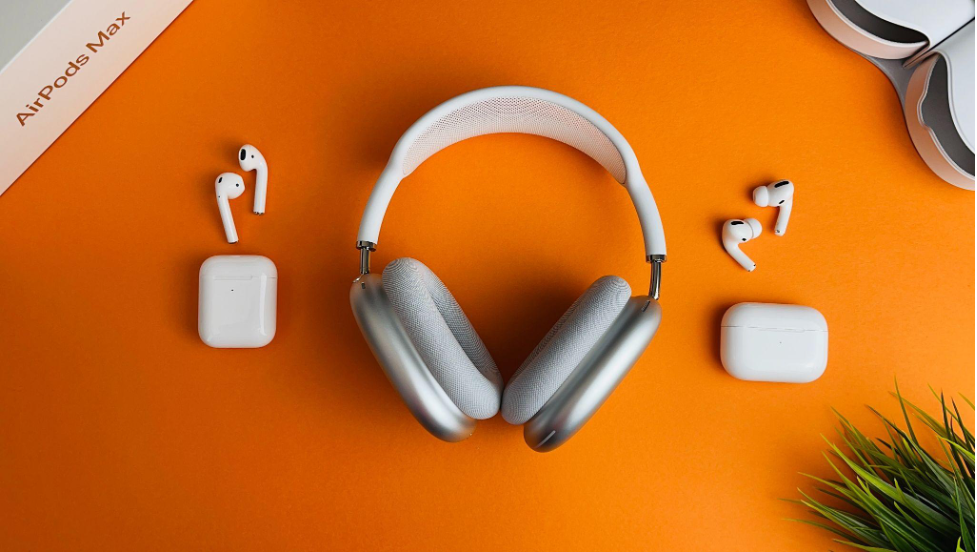
Replacing the Airpods may be the first option we think of, and then we consider the price. Maybe there is a better option out there. So we start searching “how to fix my AirPods” or “why are my AirPods not charging,” and the amazing internet technicians give us all the solutions!


Apple accessories have several ways we can troubleshoot them to find the cause of the issue so before you think of replacing your AirPods, try this:

  1. Check all your connections. If you notice no green light while trying to charge your device, there may be an issue with the charging process for your Airpods. You can alternatively try plugging them into another charger or different charging case to see which one is causing the issue.
  2. Give your Airpods a good clean. If you have quiet Airpods, you may want to try to give them a clean as sometimes dirt and debris block different parts of the Airpods and their charging case, causing a blockage for sound and charging.
  3. Update your Airpod software. Simply check through another Apple device for these updates and try charging the Airpods again.

If you notice these tips are not helping, you may need to visit your nearest Apple store to have them run diagnostics to help with fixing your Airpods. Another Apple accessory that might need some troubleshooting from time to time is your Apple watch, so we will jump into that one next.


You might be wondering – is my Apple Watch waterproof? We know the Apple Watch is crucial for sports enthusiasts so why would it not be when it offers great features such as timekeeping, health monitoring, Apple Pay, and so much more? But what happens when you need help restoring your Apple Watch?

Firstly, let us establish if your Apple watch is waterproof or water-resistant and if there is a difference. Most Apple watches offer a level of water resistance, but before you go swimming with it on, you need to check the water resistance ratings as many may be damaged if fully submerged in water.

Restoring your Apple watch – new or used – can be done through another Apple device, so if you choose to pair it with your iPhone, it can be a simple process to have any backed-up data restored and connected to your Apple watch again. Apple accessories are here to be allies and make your life a little easier, so with these easy tips – do not run to purchase a new Apple accessory – simply troubleshoot and enjoy!



Latest News
The AirPods Pro 3 is $20 Off
1 Min Read
Exynos 2600 Chip 2nm Process Revealed by Samsung
1 Min Read
New Celebrity Ad Campaign Featuring Travis Scott Released by Beats
1 Min Read
Australia Getting Hypertension Notification Feature
1 Min Read
The 14-inch MacBook Pro with M5 Chip 16GB RAM/512GB is $250 Off
1 Min Read
Noise and Static on AirPods Pro 3 Still Unfixed
1 Min Read
New iMac with 24-inch OLED Display May be Brighter With 600 Nits
1 Min Read
The 15-inch M4 MacBook Air 256GB Is $250 Off
1 Min Read
Internal Kernel Debug Kit from Apple Reveals Tests for a MacBook with A15 Chip
1 Min Read
Apple Currently In Talks With Suppliers for Chip Assembly & Packaging of iPhones in India
1 Min Read
Apple Allows Easier Battery Replacement For M5 MacBook Pro with 14-inch Display
1 Min Read
The Apple Watch SE 3 44mm GPS is $50 Off
1 Min Read

iLounge logo

iLounge is an independent resource for all things iPod, iPhone, iPad, and beyond. iPod, iPhone, iPad, iTunes, Apple TV, and the Apple logo are trademarks of Apple Inc.

This website is not affiliated with Apple Inc.
iLounge © 2001 - 2025. All Rights Reserved.
  • Contact Us
  • Submit News
  • About Us
  • Forums
  • Privacy Policy
  • Terms Of Use
Welcome Back!

Sign in to your account

Lost your password?








