
iMessage is increasingly being used as a way to communicate, but what is it and, if you’re already familiar with this form of messaging, how can your user experience be improved upon? We’ve got the answers for you below.
What are iMessages?
iMessages allow users to send text messages, free of charge, between Apple devices connected to Wifi, without the need to sign up to a plan. Users can send unlimited messages, and iMessage can also be used to send photos, videos, weblinks, contacts, local information, and more.
The key difference between iMessages and text messages is that iMessages are sent over the internet, whereas sending text messages does not require an internet connection. It’s worth noting, therefore, that if you have a poor Wifi connection, then your ability to use iMessage will be limited. An important benefit of iMessages over normal text messages is that the former is end-to-end encrypted, making for much greater security. iMessages also feature read receipts, the ability to send a wider range of content, and to sync messages across other Apple devices
.
iMessages are extremely versatile, with lots of potential for interactivity. Here are five ideas to up your iMessaging game and make the most of what the platform offers.
Make Use of Screen Effects
Have fun with screen effects when you’re having an iMessage conversation. Screen effects can be used to animate a single message, or to fill the entire screen to make an impact! Experiment with the invisible ink effect: when the person you’re sending the message to receives it, they will need to swipe over the screen to reveal the hidden message.
Incorporate your favorite emojis and animojis into your messages by hitting the ‘Stickers’ button on the app bar, or by opening the ‘animoji’ option in the iMessage chat screen. Certain keywords will generate automatic on-screen effects: for example, typing ‘Happy New Year’ will fill the screen with fireworks, and writing ‘Congratulations’ will result in a shower of confetti! Try using the handwritten message effect, too: simply write on the screen with your finger, hit ‘done’ and send!
Send iMessages From Your PC or Android Device
Currently, Apple hasn’t made iMessaging compatible with PC or Android devices, which is frustrating for many users. However, the Spike app offers iMessage for PC and iMessage for Android: by downloading the app, users can access all the benefits of iMessages, including the group chat facility, plus ability to communicate with anyone, regardless of the device they’re using. Spike enables its users to incorporate the benefits and functionality of iMessages into their existing email app, which users have found to be an extremely effective way of blending the best elements of both technologies.
Make the Most of Group Chat Function
Group chats, both personal and business related, via iMessage are becoming more and more popular. For work meetings, group chat is a great way to virtually collaborate and talk in a team setting – the flow of the conversation is much smoother and more natural than a discussion had using email messages.
In an iMessage group chat, everyone in the conversation can receive messages and images, etc, and reply, at the same time. This can be a useful way to communicate,for example, with a number of different friends when arranging a group activity, or having a work-catch up with a few colleagues about an upcoming presentation. The range of media that can be shared over iMessage, as opposed to with regular texting, is also beneficial.
Add Games to Your iMessaging
There are a variety of in-app games on the iMessage platform that users can play against friends during their on-screen conversation to add some fun competition! These games can be easily added as an extension, and include challenges like archery, mini golf, paintball, and checkers.
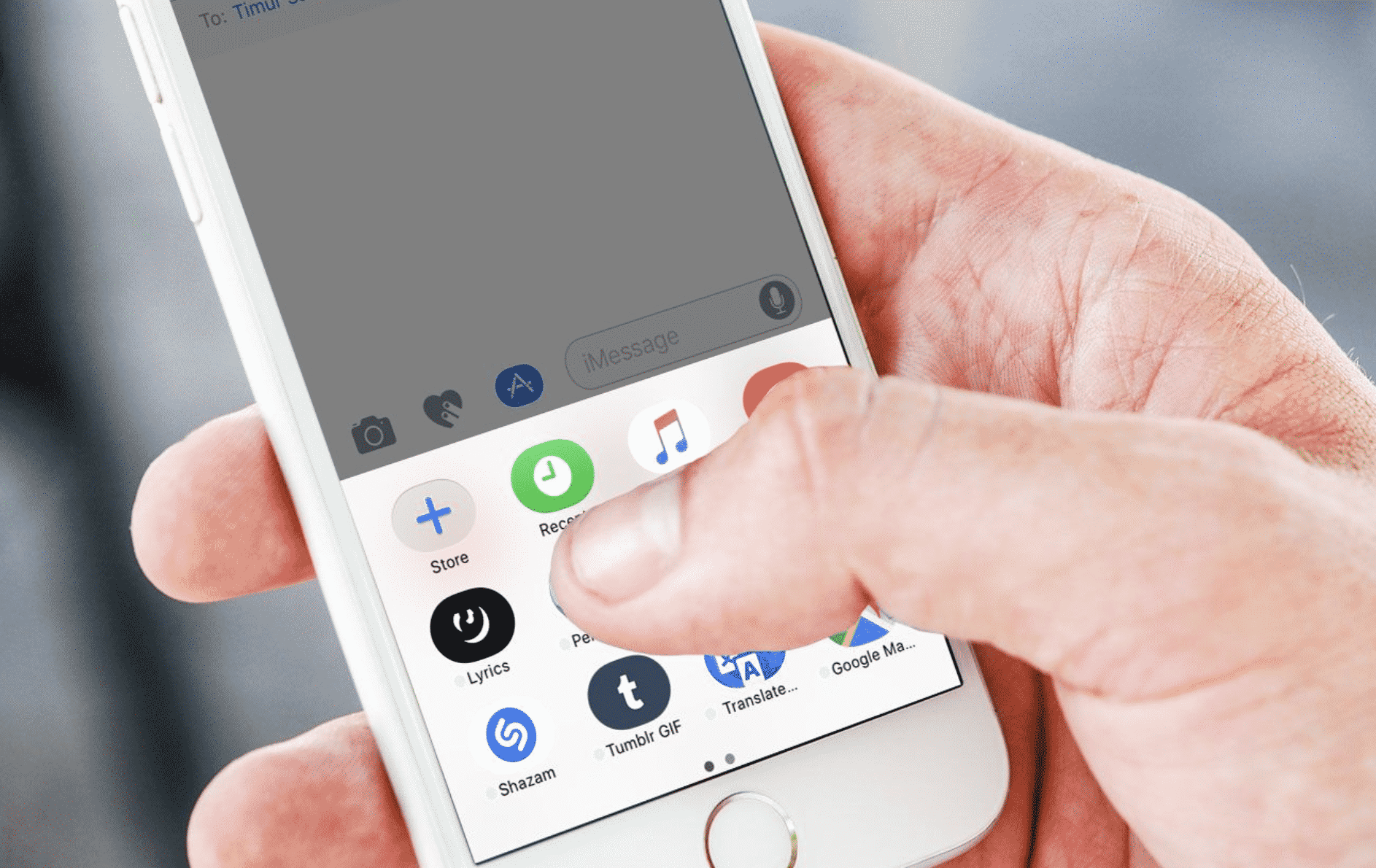
All of these games can be played in-message and are easy to install: users simply need to click on the App Store icon that appears in the bar below the message box to bring up all the options available.
Location Sharing
It’s easy to share your location with friends that use iMessaging. All you need to do is hit the ‘i’ button in the top right hand corner of the screen, and then click on ‘Send My Current Location’ to let your friends know where you are. This facility is really helpful when enjoying family days out, to find out how far away someone is from the designated meet-up point, or to help find your lost phone!
Location sharing in iMessage runs in connection with Apple Maps as standard, but Google Maps can be installed to work on this platform just as effectively.
More Than Messaging
There are many interactive, fun, and practical elements that make iMessage much more than simply a way to send a text. Use screen effects to make your messages stand out; plan outings with a group of friends simultaneously using the group chat feature, and then share your location to make the meet-up hassle free.
Apple is still adding new features to iMessaging regularly, so the potential of this platform is still to be fully realized.











