
In the not-so-distant past, the concept of a password was straightforward. It was a secret word or a combination of characters to grant access to our personal spaces, be it a diary, a locker, or a treehouse. As technology evolved and our lives shifted online, the nature of passwords underwent a transformation. The simplicity of a single word became a string of characters, symbols, and numbers, reflecting our growing digital complexities. As online platforms proliferated, so did our collection of passwords. The challenge? Remembering them all and keeping them secure.
Passwarden is user-friendly and secure password manager that packs together several useful features, some of which are unique to Passwarden. Let’s take a closer look at it!
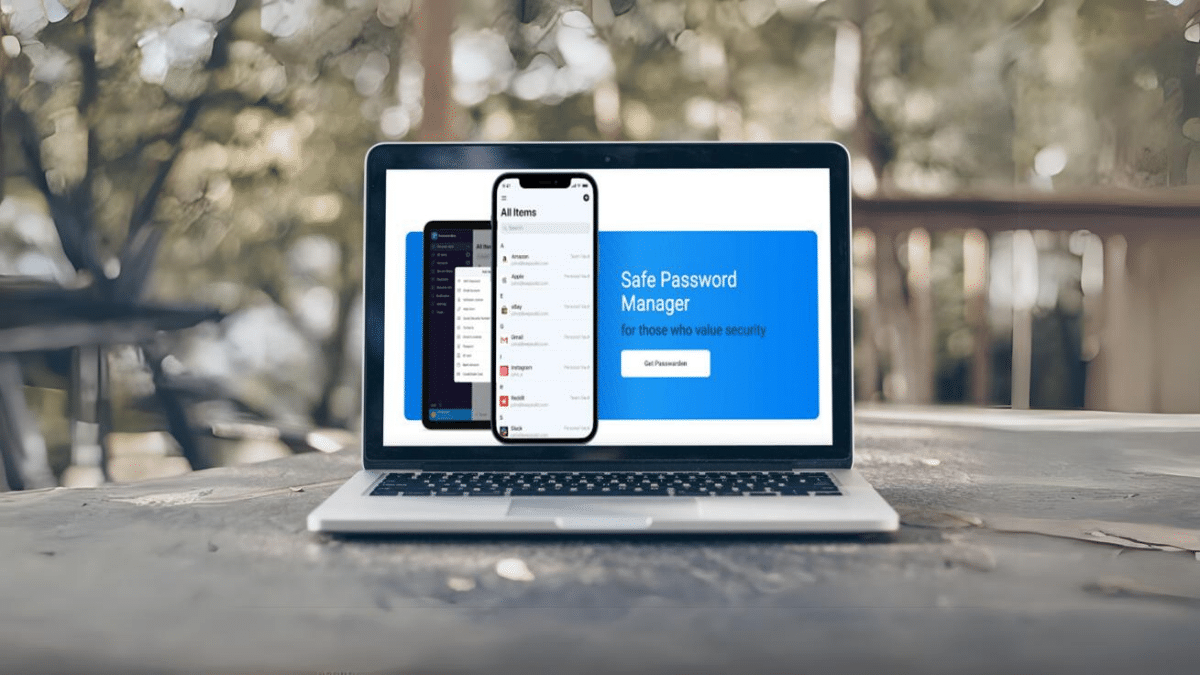
Overview of Passwarden
Passwarden is a password manager developed by KeepSolid, also known for its other cybersecurity tools (the most famous of them being VPN Unlimited).
Passwarden employs secured vaults to store and protect users’ sensitive information. These vaults act like digital lockboxes, safeguarding data such as passwords, IDs, Social Security Numbers, and other vital documents.
But how secure is it?
Passwarden offers a range of features suitable for users seeking a digital storage solution. While it provides various security measures, like all tools, its effectiveness will also depend on how it’s used. It’s essential to explore and understand its functionalities thoroughly to make the most of it.
– Strong Encryption: Passwarden employs military-grade AES-256 and using AES-256 and ЕС р-384 encryption protocols. This ensures that data stored in the password manager remains confidential and secure against potential breaches.
– Zero-knowledge Architecture: Many modern password managers, including Passwarden, adopt a zero-knowledge architecture. This means that even the service provider (in this case, KeepSolid) cannot access or view the user’s stored data. Only the user has the decryption key (their master password) to unlock their vault.
– Two-factor Authentication: For an added layer of security, Passwarden supports two-factor authentication (2FA). This ensures that even if someone knows your master password, they’d need a second form of verification to access the vault.
– Recovery key: Passwarden offers a recovery key and the QR code as an option for account recovery, which you’ll need to either physically record or store it in a secure location. This also applies to the QR code, which should be either printed and kept separately or saved in your photo library.
– Duress Mode: This is a unique security feature where users can set a separate “duress” password. If they’re ever forced to unlock their password manager, entering this duress password will show a pre-set list of data, hiding the user’s most sensitive information.
– Security Dashboard: Passwarden offers a dashboard that provides insights into password health. It can help users identify weak, reused, or potentially compromised passwords.
– Dark Web Monitor: This feature can check the robustness of passwords and inform users if any of their credentials have appeared in known data breaches.
– Continuous Updates: Software that’s frequently updated has a better defense against emerging security threats. KeepSolid continually updates Passwarden to patch any vulnerabilities and enhance security.
Thus, while no system can be claimed to be 100% invulnerable, Passwarden employs a range of advanced security measures to ensure users’ data remains as secure as possible.
Password Generation and Autofill
You can customize your password’s length up to 40 characters with Passwarden. The mix can have uppercase, lowercase letters, numbers, and special characters.
The best part? You don’t need to remember these random combinations; Passwarden has got that covered with it’s autofill feature. And remember, the longer and trickier the password, the less likely hackers will be able to mess with it.
Setting Up Passwarden on a Mac
1. Download: Locate ‘Passwarden’ on the Mac App Store and download.
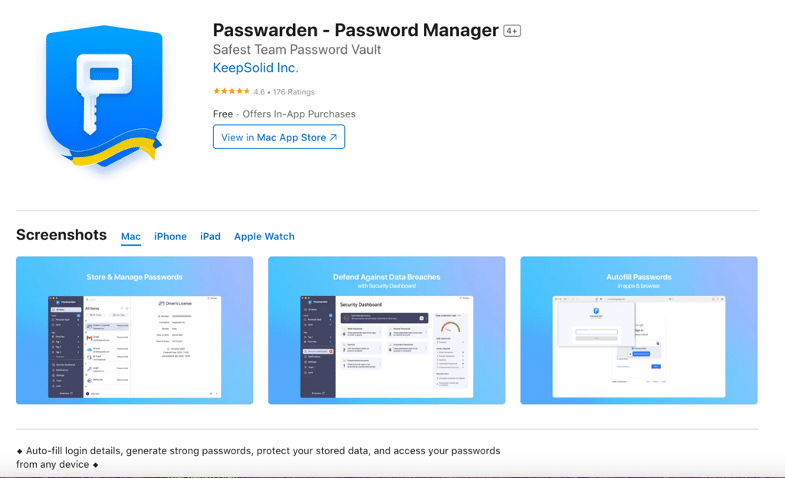
2. Generate a new KeepSolid ID or log in using an existing one.
3. Establish a robust master password.
4. Ensure you save the Recovery key.
5. Begin by creating your initial vault and importing your data.

Concluding Thoughts
Passwarden offers a range of features suitable for users seeking a digital storage solution. While it provides various security measures, like all tools, its effectiveness will also depend on how it’s used. It’s essential to explore and understand its functionalities thoroughly to make the most of it.











