
The Roundme app is a virtual tour application founded in 2012 in Cyprus and released in 2014. It was initially authored by Konstantin Andreev and developed by Roundme Limited. This innovative app allows users to create, upload, and share captivating 360-degree panoramic photos and media content of real spaces. Read on to know more about this app!
What Features Can You Enjoy with Roundme?
With the app, you can capture stunning 360-degree images and turn them into immersive virtual tours. Whether you’re a business, enterprise, or freelancer, who enjoys capturing breathtaking 360-degree panoramas, the app caters to your needs. Here are a few features you will enjoy.
Upload multiple 360-degree Panoramas
The app enables you to upload and showcase multiple 360-degree panoramic images. This feature allows you to connect these images seamlessly, creating a virtual tour that takes viewers from one location to another. By uploading multiple panoramas, you can guide your audience through an immersive and interactive storytelling experience.
JPEG and TIFF Images (up to 65,000 pixels)
The app supports JPEG and TIFF image formats, offering flexibility in the type of files you can upload. Additionally, the app allows for high-resolution images with a pixel limit of up to 65,000 pixels. This ensures that your panoramic images are displayed with exceptional clarity and detail, providing viewers with a stunning visual experience.
Drag and Drop
The drag-and-drop functionality in the app simplifies the process of creating virtual tours. You can easily arrange and connect your uploaded panoramas in the desired order by dragging and dropping them into place. This intuitive feature makes it user-friendly and accessible for beginners and experienced users.
Build Beautiful Panoramic Virtual Tours
The app empowers you to build captivating panoramic virtual tours with ease. By connecting multiple 360-degree panoramas, you can construct a seamless and immersive tour of various spaces. This feature lets you showcase architectural designs, real estate properties, travel destinations, and more, providing viewers with a realistic and interactive exploration experience.
Customize Your Tours
This mobile app offers a range of customization options to tailor your virtual tours to your liking. You can add interactive elements like hotspots to specific points within your panoramas. Hotspots allow viewers to click and explore additional information, images, or videos related to a particular spot. This feature enables you to provide your audience with a more in-depth and engaging experience.
Available on Web, Android, and iOS Devices
The app is a versatile app that is accessible on various platforms. Whether you prefer to use it on the web, Android, or iOS devices, you can enjoy a consistent and seamless experience across different devices. This flexibility allows you to access and interact with the app’s features wherever you are, using the device of your choice.
Social Media Integration
The app provides seamless integration with social media platforms. This means you can easily share your 360-degree panoramic content with your followers and friends on popular social media channels such as Facebook, Twitter, and Instagram. Sharing your immersive experiences on social media allows you to reach a wider audience and engage with your followers uniquely and captivatingly.
Virtual Reality
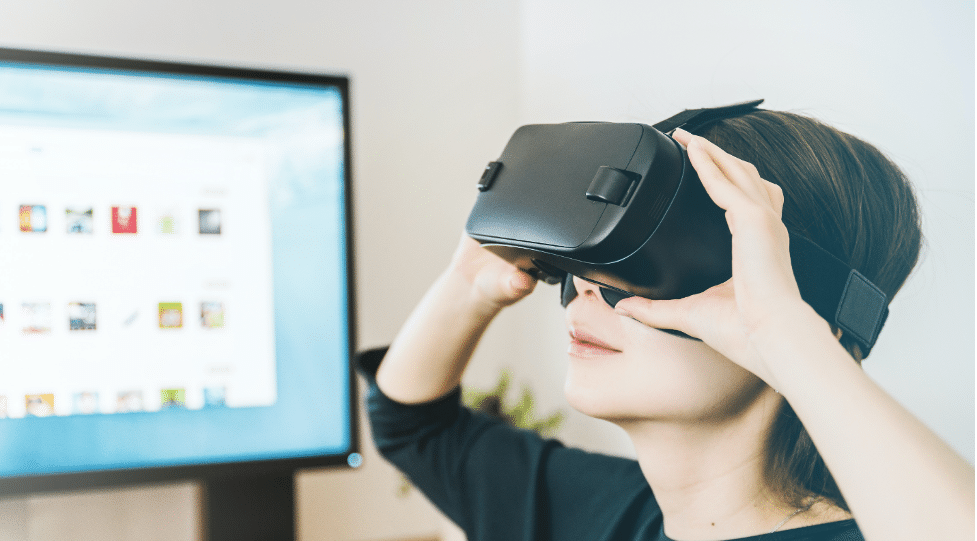
One of the standout features of the mobile app is its virtual reality (VR) compatibility. The app supports VR headsets, immersing yourself fully in 360-degree panoramic experiences. By connecting your VR headset to the app, you can enter the virtual environments and explore the spaces as if you were physically present. This VR integration adds a new level of realism and immersion to your virtual tours, providing a truly captivating and engaging experience.
How Much Does Roundme Cost Per Month?
The mobile application offers both free and paid versions with additional features and benefits. The free version allows users to create, upload, and share 360-degree panoramic content. With the free version, you can still enjoy basic functionalities and engage with the Roundme community.
On the other hand, the pricing for the paid version starts at $8.25 per user per month, billed annually. Upgrading to the paid version unlocks a range of advanced features to enhance further your virtual tours and overall experience on the platform.
Download Roundme App
Whether you’re an avid traveler, a photography enthusiast, or simply curious about exploring immersive visuals, the Roundme app provides a platform to discover, create, and share stunning 360-degree experiences from your mobile device or VR headset. Download the mobile application today!











