
Many people end the day with tired eyes and a busy mind, especially after hours on phones and laptops. The jump from work apps to rest can feel abrupt, so small repeatable cues help your body slow down.
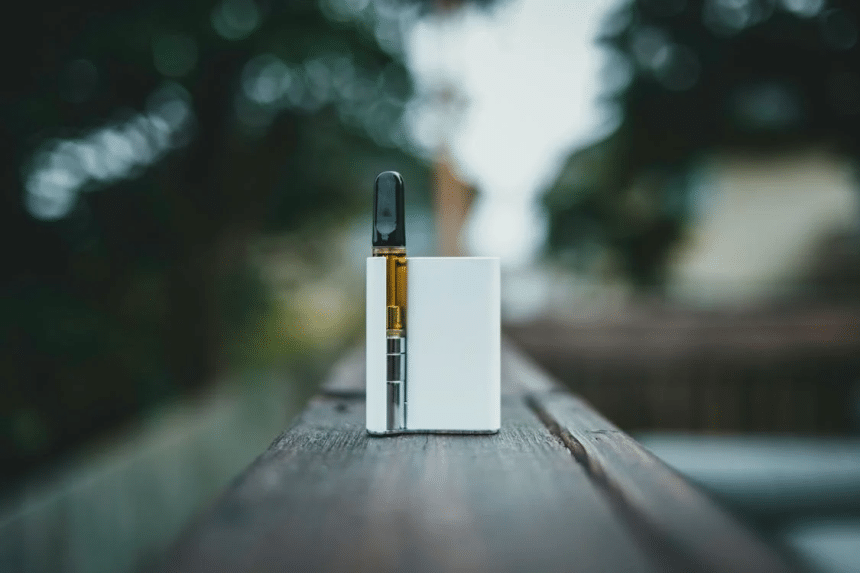
Some adults also pair those cues with wellness products that match their comfort and local rules. Others prefer teas, baths, or calming audio. A growing group of experienced consumers choose to Purchase thc vape cartridges online from retailers that post lab tests, clear ingredients, and battery compatibility, then fold that choice into a careful wind down plan.
Use Apple Features For A Calmer Evening
Apple’s tools can turn scattered habits into a steady pattern you can repeat most nights. Start by setting Focus modes that match your evening blocks, such as Reading, Family, or Sleep. Choose who can reach you, and mute the rest until morning.
On iPhone, open Settings, then Focus, and create a custom mode with a simple name. Pick allowed people and allowed apps, then set a schedule that starts near your usual dinner time. Sync that Focus to your Mac and iPad so alerts stay quiet across all screens.
Add a subtle Home Screen for evenings with fewer icons and calmer widgets. Place your books app, a notes widget, and your music tile on the first page. Tuck social apps on a later screen so they are not the first thing you tap.
Manage Light And Color Across Devices
Bright blue light after dark can delay melatonin release, which makes falling asleep harder. Harvard Health explains how evening light exposure shifts body timing and can push bedtimes later, especially with screens set to cooler tones Harvard Health Publishing.
Turn on Night Shift on iPhone, iPad, and Mac with a schedule that starts two hours before bed. Use a warm tone that feels comfortable and leave True Tone on for a softer look. Lower brightness below fifty percent and keep screens at arm’s length.
If you watch videos late, try Reduce Loud Sounds in Settings, Sounds, Headphone Safety. A gentler volume curve helps keep your nervous system settled. For lamps, pair a simple HomeKit light scene with warm whites at low levels.
To make this easy, keep a short reference list:
- Night Shift scheduled from two hours before bed until morning.
- Auto Lock set to one minute, so idle screens go dark quickly.
- HomeKit scene named “Evening” with warm lights at thirty percent.
Build A Shortcuts Based Wind Down
Shortcuts can chain small steps into a single tap or voice cue. Create a routine that activates your Sleep Focus, starts a thirty minute playlist, dims HomeKit lights, opens a notes template, and sets an alarm. Keep the steps simple so the routine runs fast.
On iPhone, open Shortcuts and tap the plus icon. Add “Set Focus,” “Set Playback Destination,” and “Play Playlist.” Add “Open App” for your notes tool and prefill a template titled “Tomorrow’s First Task.” End with “Set Alarm,” then save the routine as “Wind Down.”
Automation makes it even smoother. In Shortcuts, add an Automation that runs at the same time every night. Toggle “Ask Before Running” off so you do not need to confirm it. If your schedule changes often, set this to prompt you, then tap Run when ready.
A small reflection step rounds it out. Write three wins from the day, one task for the morning, and one word for how you hope to feel. Close the note and let the routine carry you into audio or a printed book.
Audio That Signals Off Duty
Sound cues can shift your mood without extra effort. Many users like a low volume playlist with slow instrumentals or nature sounds. Others pick guided breathing in the Health app or a simple timer for quiet stretching.
AirPods and other headphones make this repeatable. On iPhone, turn on Headphone Accommodations if you want softer treble and rounder mids. Set a volume limit so late night listening stays gentle. Keep Spatial Audio off unless you are watching a show.
Consider a three track flow that runs about thirty minutes. Start with five minutes of box breathing, move to twenty minutes of instrumentals, then finish with a five minute body scan. Keep the same playlist every night so your brain learns the cue set.
Public health guidance supports steady bedtime routines and a comfortable sleep setting. The Centers for Disease Control and Prevention notes that regular sleep and a quiet room help reduce night time waking and improve rest quality CDC. A simple audio plan pairs well with those steps.
Safe, Informed Product Choices
Even the best routine can be disrupted by guesswork about ingredients or hardware. If you add wellness products to your evenings, read labels and test results with care. Many adults prefer options with posted lab results, clear purity numbers, and strain details.
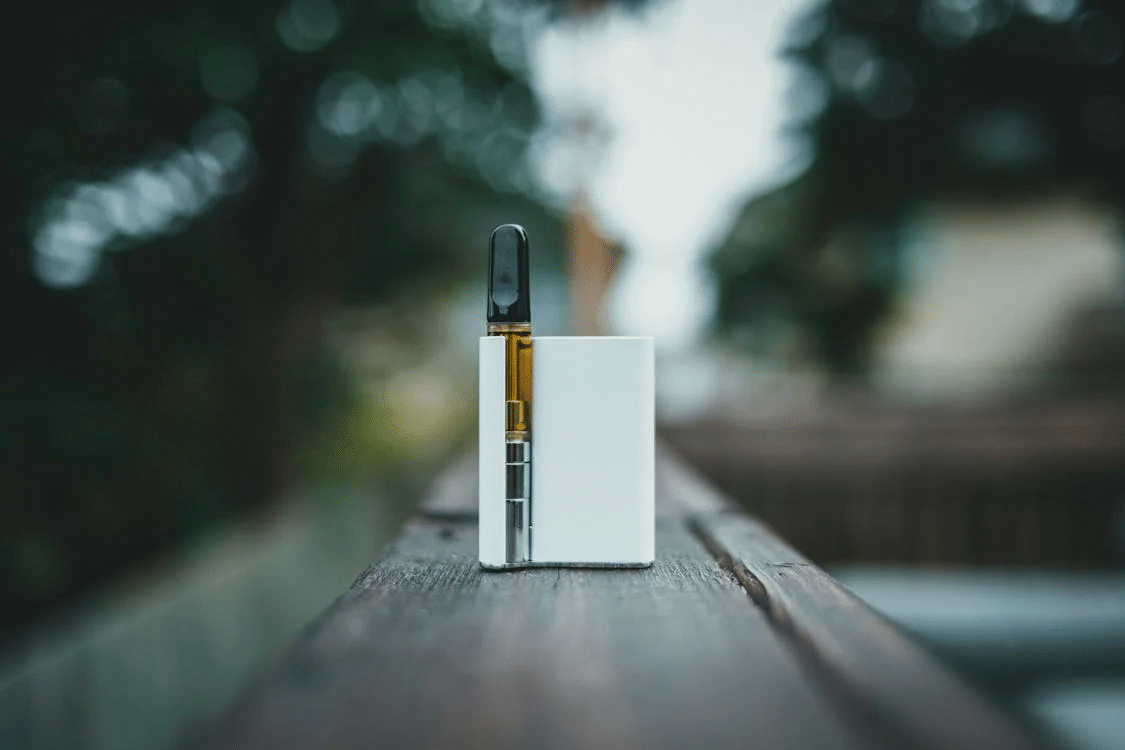
Those who use cartridges often look for delta nine distillate with listed percentages and terpenes by name. They also check that cartridges fit 510 threaded batteries and avoid additives or cutting agents. That attention helps the product perform more predictably and fit within a slow, paced routine.
Keep notes about timing, dose, and setting so you can track how you feel. Pair any product with food, water, and a longer runway before bed. If you have health concerns or take medication, speak with a licensed clinician who knows your history and local rules.
Simple guardrails help experienced consumers stay within their comfort range:
- Buy from retailers that post batch level certificates of analysis.
- Start low and wait long enough to judge the effect before adding more.
- Store devices safely, away from heat, pets, and children.
A Reset You Can Rely On
Evenings feel calmer when your devices point you toward rest, not more alerts. Set Focus modes, warm your screens, automate a few steps, and use audio that signals off duty time. If you include products, choose tested options and add them with care. Over a few weeks, those steady choices add up, and your body learns to slow down on cue.











