
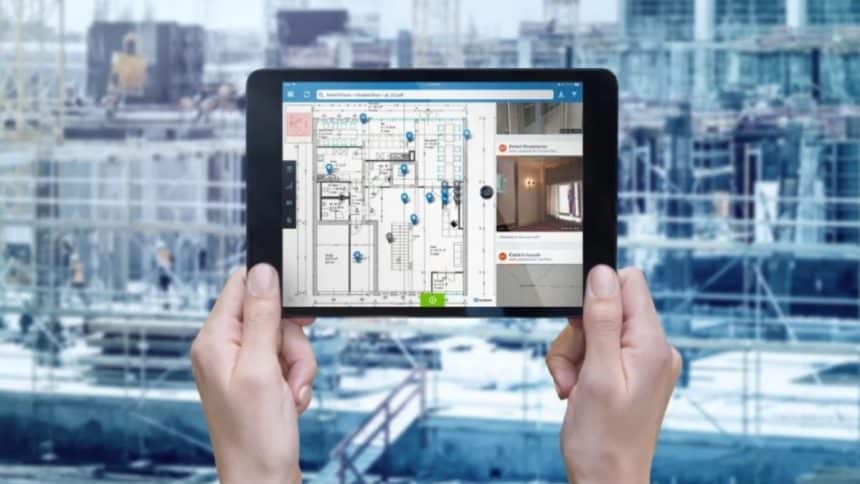
Managing multiple projects, coordinating teams, and ensuring everything stays on schedule can be incredibly challenging. This is where a robust construction management system (CMS) becomes essential. Designed to streamline workflows, increase collaboration, and reduce errors, a CMS helps project managers and teams stay organized and on top of every project detail. But with so many options available, what features should you prioritize? Here’s a guide to the must-have features for any construction management system, so you can make an informed choice that keeps your projects running smoothly from start to finish.
Document Management: Keep Your Files Organized and Accessible
Managing documents is one of the most time-consuming tasks in any construction project. A CMS with a solid document management system will make it easy to store, access, and share all critical files—such as contracts, blueprints, permits, and change orders. Gone are the days of sifting through endless paper files or searching for that one email attachment from weeks ago. Look for a CMS that offers:
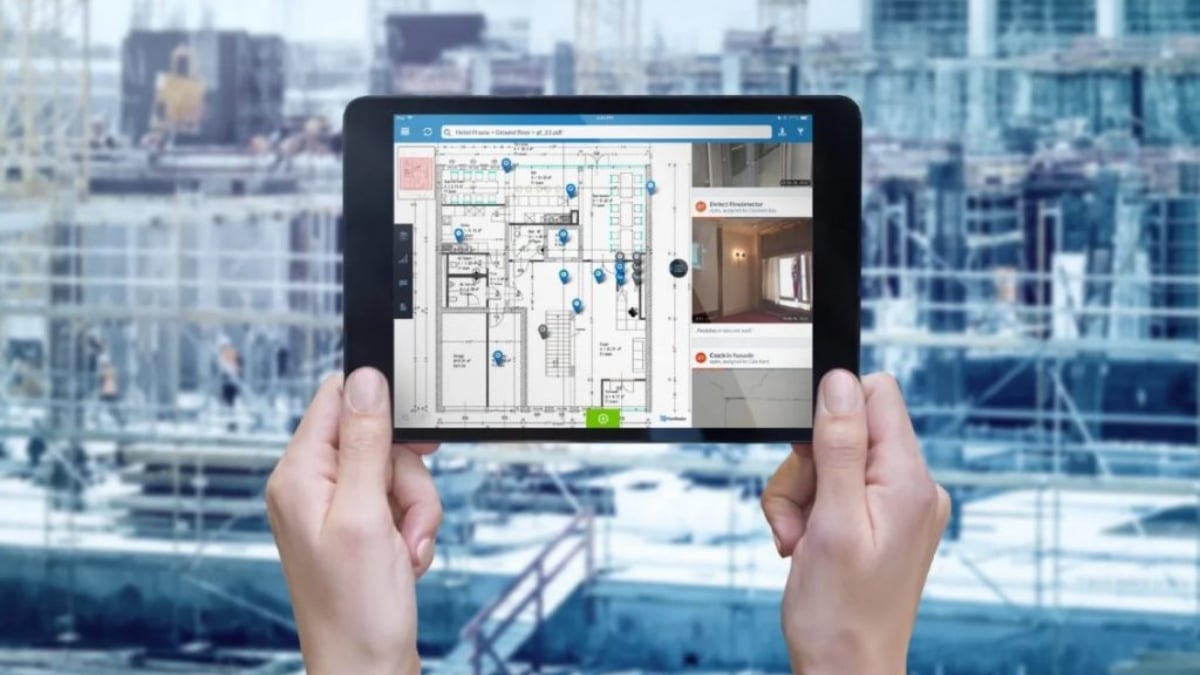
- Centralized Storage: All documents should be stored in a single, easy-to-navigate location, accessible to everyone on the project.
- Version Control: Construction projects often involve numerous revisions. A good CMS should track document changes, ensuring that everyone is always working with the latest version.
- Search and Filter Options: As the number of files grows, an efficient search tool helps locate documents quickly.
Document management may seem basic, but it’s essential to maintaining project transparency and accountability. This feature reduces miscommunication and ensures everyone has immediate access to the information they need.
Scheduling Tools: Stay on Track and Meet Deadlines
Sticking to a schedule is crucial for any construction project. Delays can lead to budget overruns, strained client relationships, and penalties. A strong CMS should include scheduling tools that allow project managers to create and manage timelines, assign tasks, and track progress.
- Gantt Charts: These provide a visual representation of the project timeline, showing each task’s duration and dependencies. With Gantt charts, project managers can see at a glance where everything stands and adjust as needed.
- Resource Allocation: The ability to assign specific tasks to team members or subcontractors helps prevent resource shortages and ensures that the right personnel are in place at every stage.
- Automatic Notifications and Reminders: To keep everyone aligned, some CMS platforms send alerts for upcoming tasks, changes, or potential delays. These notifications are invaluable for maintaining momentum.
Scheduling features not only help manage time but also improve coordination between teams and stakeholders, ensuring that no task falls through the cracks.
Budgeting and Cost Tracking: Keep Financials Under Control
One of the biggest challenges in construction is staying within budget. The right CMS should provide powerful budgeting and cost-tracking features that offer real-time insights into project finances. This feature is essential to make proactive financial decisions and avoid unexpected expenses.
- Budgeting Templates: Pre-built templates tailored for construction projects simplify budget creation and tracking.
- Expense Tracking: A good CMS should track labor, materials, subcontractor fees, and miscellaneous expenses, helping managers monitor spending against the budget in real time.
- Forecasting Tools: Some platforms offer forecasting capabilities, giving project managers insights into potential budget overruns before they occur.
Accurate financial tracking allows you to manage cash flow effectively, communicate costs transparently with stakeholders, and keep projects profitable.
Collaboration and Communication Tools: Keep Everyone Connected
Construction projects are collaborative by nature, involving a blend of architects, engineers, contractors, and other stakeholders. A CMS should make communication seamless and ensure that every team member, from field workers to project managers, can access the information they need.
- Real-Time Updates: Look for a CMS that provides instant updates on project changes, progress reports, or issues that arise. Real-time updates ensure that everyone is on the same page, whether they’re on-site or in the office.
- In-App Messaging and Video Calls: Built-in messaging or video conferencing features facilitate quick communication without the need to switch between multiple apps. This can speed up decision-making and problem resolution.
- Document and Media Sharing: Sharing blueprints, images, or progress videos directly through the CMS enhances communication and reduces the risk of misunderstandings.
With robust collaboration tools, a CMS helps foster teamwork and ensures that all parties are well-informed, which can significantly reduce project errors and delays.
Reporting and Analytics: Make Data-Driven Decisions
A CMS with reporting and analytics capabilities gives project managers invaluable insights into the status and health of a project. From tracking productivity to understanding budget adherence, these tools empower you to make data-driven decisions and identify areas for improvement.
- Customizable Reports: The ability to customize reports based on the project’s specific needs is crucial. Look for a CMS that lets you generate reports on budgets, timelines, resource allocation, and task completion.
- Dashboard Views: A visual dashboard gives an at-a-glance overview of the project’s KPIs, making it easy to assess progress or potential issues without combing through data.
- Historical Data Analysis: Access to past project data helps teams learn from previous successes and setbacks, leading to more informed project planning.
The data insights a CMS provides can streamline project management, highlight risks before they become problems, and foster continuous improvement across projects.
Mobile Accessibility: Manage Projects from Anywhere
Construction managers are often on the go, moving between the site, office, and meetings. A CMS with mobile capabilities lets you monitor progress, make updates, and communicate from anywhere, anytime. When evaluating a CMS, look for these mobile-friendly features:
- Mobile App with Full Functionality: Ideally, the mobile version should offer the same core features as the desktop version, enabling managers to access documents, schedules, and budgets on their phones or tablets.
- Offline Access: Some CMS platforms allow data access and updates even when offline, which is particularly useful for job sites with limited connectivity.
- User-Friendly Interface: A streamlined, intuitive mobile interface ensures that all team members can easily use the CMS on-site without technical difficulties.
Mobile access isn’t just a nice-to-have feature; it’s essential for keeping projects on track and ensuring that everyone has the information they need at their fingertips.
Choosing the Right Construction Management System
Investing in a CMS is a big decision that can transform the way your construction projects are managed. By prioritizing features like document management, scheduling, budgeting, collaboration tools, and security, you’re setting up your projects for greater efficiency, cost control, and success. Before you commit, take the time to evaluate each platform’s capabilities and how well they align with your specific project needs. When you find a CMS that combines these essential features with an intuitive, user-friendly interface, you’ll have a powerful tool that helps you keep every project on track—saving time, money, and resources in the process.











