
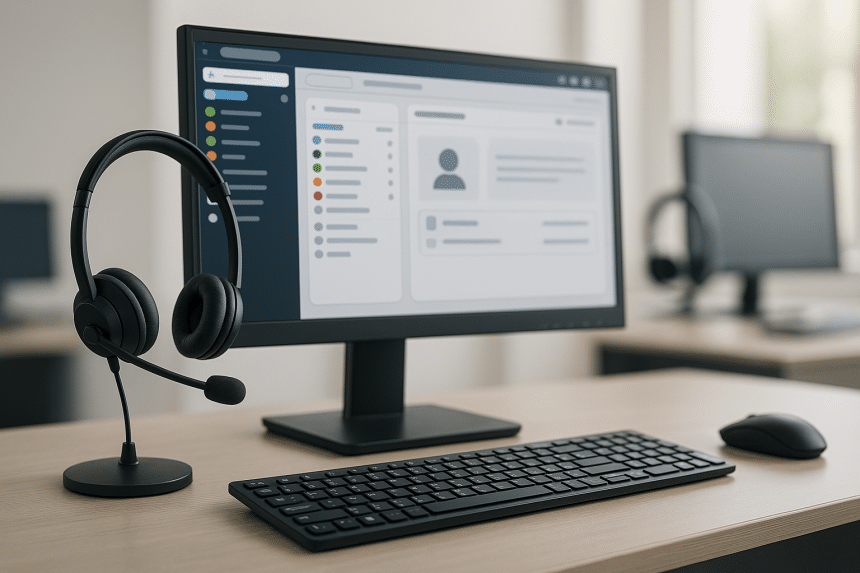
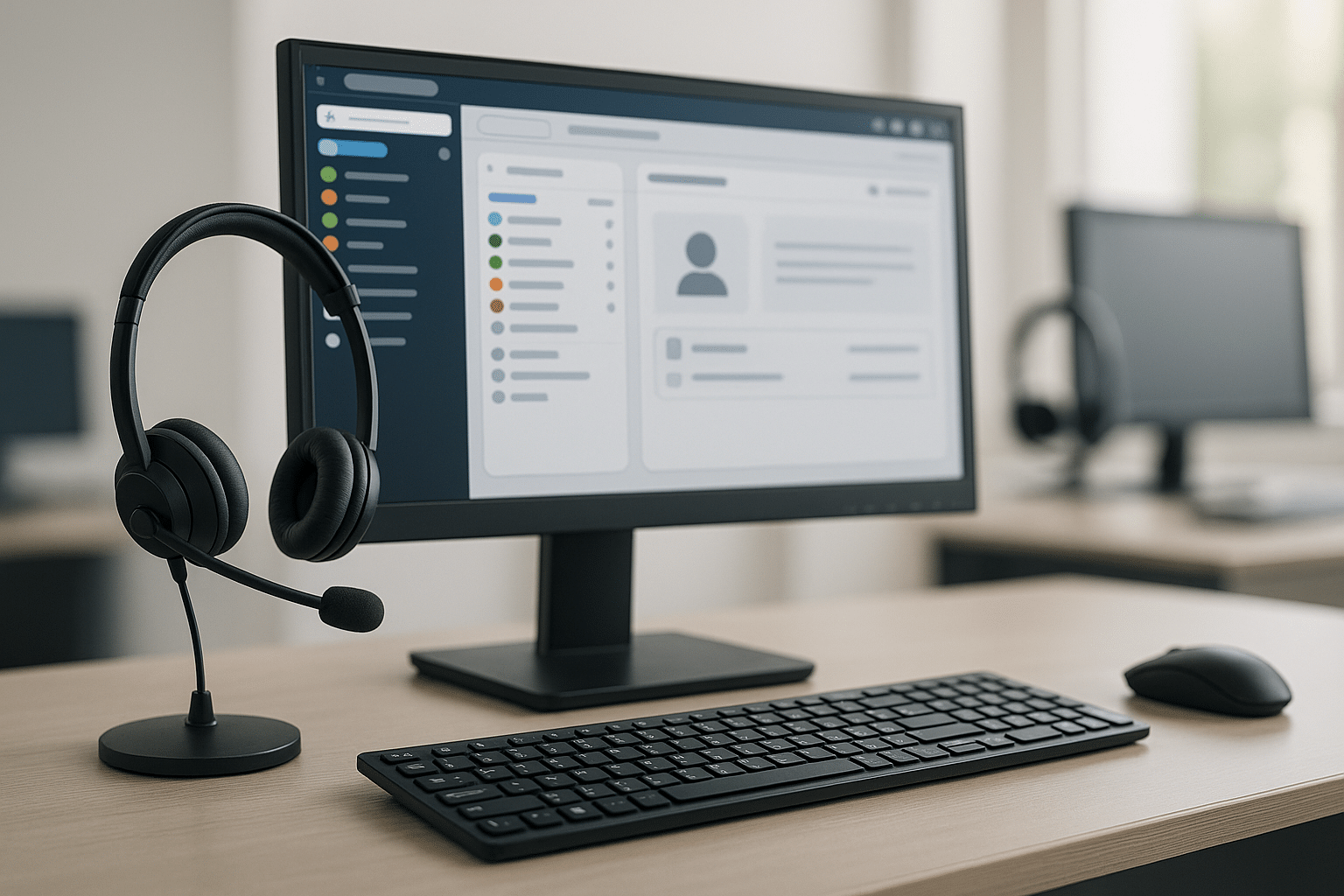
The difference between a call centre that feels calm and one that feels frantic often comes down to gear that respects people’s time. Agents need tools that start fast, sound clear, and stay stable through rush hours. Managers need simple ways to coach and review without adding steps. Customers need conversations that flow without repeats. A smart setup covers three layers that work together – dependable phones at the desk, a lean laptop-and-apps stack, and comfort gear that helps voices carry without strain. When each layer is tuned, training shrinks, queues move, and the whole floor sounds more confident. The goal is steady progress rather than flashy features: clear paths, light habits, and devices that do their job every minute of the day.
Phones that keep conversations smooth
Desk phones still earn their place because they remove friction. A dedicated handset is always ready, the buttons are where hands expect them to be, and transfers happen without juggling windows. For teams on shared shifts, a consistent phone layout also means less retraining when seats change. Softphones remain useful for roaming roles; however, a fixed device at reception, service counters, and busy pods reduces misses during peak times. What matters most is a standard your floor can live with – one pattern for answer, hold, transfer, and quick notes. Pair that with a short daily check at the start of each shift, and you get fewer surprises when lines spike or new hires join.
For teams that want reliable desk sets with a familiar layout and room to grow, a yealink IP phone fits well because it supports everyday moves without clutter, helps supervisors monitor and coach, and scales cleanly as seats are added. Keeping the interface steady across desks lowers error rates during handoffs and makes cross-training far simpler. It also pairs nicely with a mixed environment where some roles stick to desk hardware while others rely on softphones on a laptop. With a predictable handset at key stations, agents spend less energy fighting menus and more energy solving a caller’s problem, which is the whole point of the setup.
Laptops and apps that cut delay
Every extra click slows a call and raises stress, so the laptop and app stack should feel light. A single sign-in, a single browser profile, and a small set of pinned tools go a long way: the routing app, the CRM, a fast knowledge base, and a note helper that saves drafts automatically. Shortcuts for answer, mute, and transfer make muscle memory kick in, while screen-pop settings bring the right record forward without manual search. Use clear labels and a standard note style – one outcome, one reason, one next step – so anyone can skim a record and act within seconds. Keep updates on a fixed weekly slot to avoid mid-day surprises. When tools stay quiet and predictable, agents keep pace and customers hear steady confidence on the line.
Headsets and acoustic comfort that protect energy
Long shifts demand gear that treats voices kindly. A light dual-ear headset helps most agents focus, while a flexible boom mic placed two fingers from the mouth keeps speech clear at a natural volume. Cushions that stay cool reduce fatigue late in the day, which matters when calls stack up. Build a quick care routine into the schedule – wipe cushions, rest the set on a hook, and check the mic arm – because small habits prevent tiny issues from becoming big ones. Seating choices matter as well: place new hires away from the loudest pods and keep a few quiet desks for complex cases. When people can hear and be heard without strain, patience lasts longer and resolution quality rises.
A simple daily workflow teams can stick to
A great kit shines when paired with small, repeatable moves that keep days smooth. Start each morning with a one-minute readiness check, keep notes short and scannable, and close shifts with a brief reset so the next person starts fresh. This standard rhythm reduces decision fatigue and makes training easier for new teammates because the steps never change.
- Morning: headset fit, test call, volume set, and a quick glance at the CRM view to confirm fields.
- During calls: follow a short note format with an outcome, reason, and one clear next step.
- After calls: use a consistent tag set so dashboards tell a clean story without edits.
- Midday: five-minute micro-retro to flag blockers while memories are fresh.
- End of day: log off apps, reset devices, and leave one improvement note for tomorrow’s lead.
Two-week plan to turn gear into results
Start with what people touch most. Week one focuses on anchors: place dependable desk phones at fixed stations, standardize the laptop layout with pinned tabs, and fit headsets for comfort. Run a brief skills huddle so everyone practices transfers, warm handoffs, and the shared note style. Week two locks habits: introduce the one-minute readiness check, set a fixed weekly update window, and audit the top five questions that waste time so knowledge pages can be trimmed and clarified. Track three signals that reflect real progress – queue time, repeat-call rate, and average wrap-up – then review them every Friday to adjust one thing for the coming week. With steady phones, a lean stack, and a humane workflow, the floor sounds calmer, agents feel supported, and customers finish each call with clear answers and a little more trust.











