
Whether you have a strong love for Beethoven’s “Moonlight Sonata” or an irresistible urge to watch your favorite TV series, you will always find something on YouTube that your heart desires. If it additionally asks you to download a video you like, you shouldn’t limit your inner impulse.

A fresh social media report by We Are Social has been released . Globally, YouTube is second only to Facebook. Every month around 2 billion users worldwide log into the most popular video-related channel.
Google’s search engine remains unsurpassed. However, it’s worth remembering that a very large number of our users use the search engine as their home page. What is definitely worth paying attention to is the “time spent visiting.” It turns out that users spend a lot of time on YouTube, so we have the opportunity to show them ads during the session.
What are the most used social networks? YouTube!
Using the same report, we also learn that YouTube leads the group of users between the ages of 16 and 64. The report doesn’t take into account younger people, who probably use youtube video downloads equally intensively, and can further increase the channel’s bottom line stats.
Why download videos at all? It’s 2021!
A reasonable question. Online movie theaters, streaming, Netflix and other buzzwords are already firmly established in our daily lives. Fast mobile Internet is practically everywhere. Well, first of all, the video can be trivial deleted by the author of the channel. Secondly, the algorithms of YouTube itself can do it, thinking that the content violates the rules of the service (and there are a lot of them).
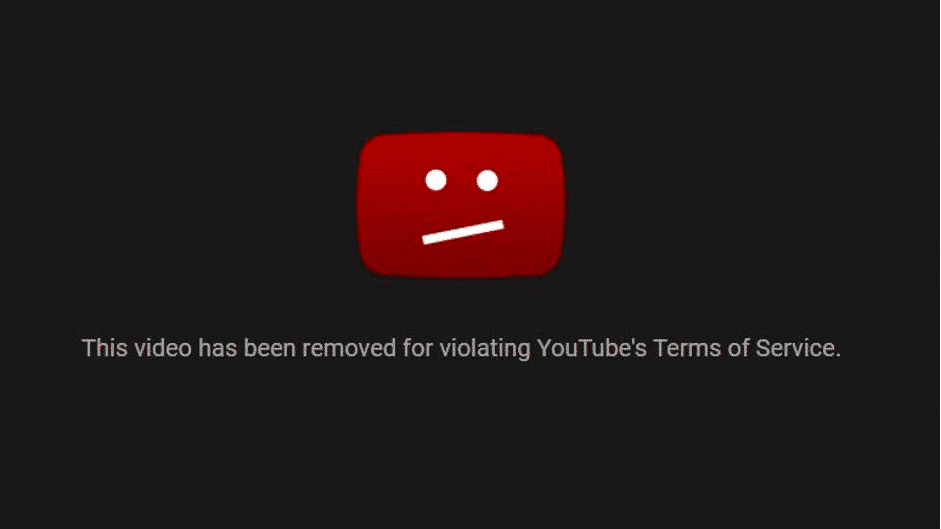
Also, the video can get banned for embedding other people’s content (a part of a movie or a music track – it’s prohibited). Thirdly, having downloaded a video, you can watch it offline, for example, during a long flight or a 24-hour train ride. Not all trains and buses have Wi-Fi.
You will find many YouTube video downloaders online. One such service is FastFrom.com. But unlike hundreds of other similar services, FastFrom features a neat UI and no ads. Using the site is easy and pleasant.
Advantages of using FastFrom
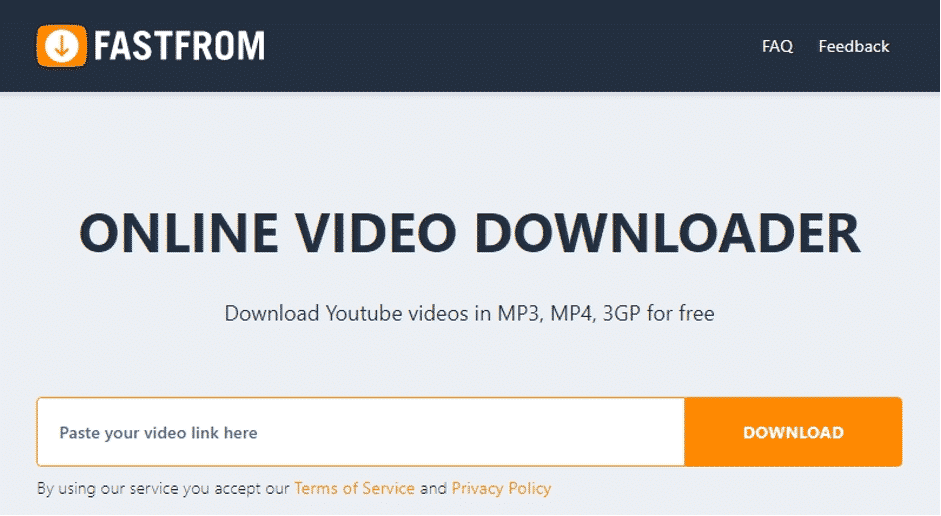
In addition to YouTube, the platform allows you to download videos from other social networks – Instagram, Twitter, Facebook and even from the newfangled TikTok.
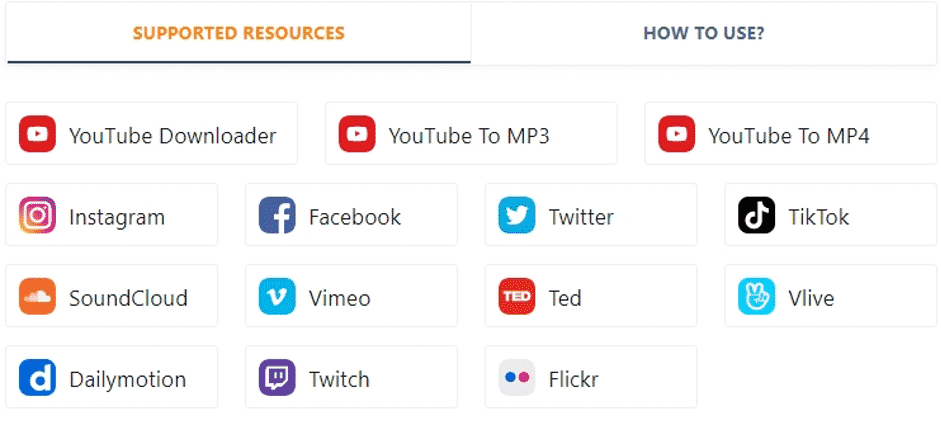
What you can be eternally grateful to the developers is the list of supported URLs that you have to feed the service. This little detail saves a lot of nerves: you know in advance how a link from YouTube should look like to start the download. YouTube has multiple domains, which is something many services don’t take into account.
Now let’s move on to the main question – how to download YouTube videos. It’s very simple:
- Copy the desired link from the address bar of the browser search. Note that even if you copied the URL with a reference to time (sign “t=” at the end of the link), the service will still download the whole video. Convenient
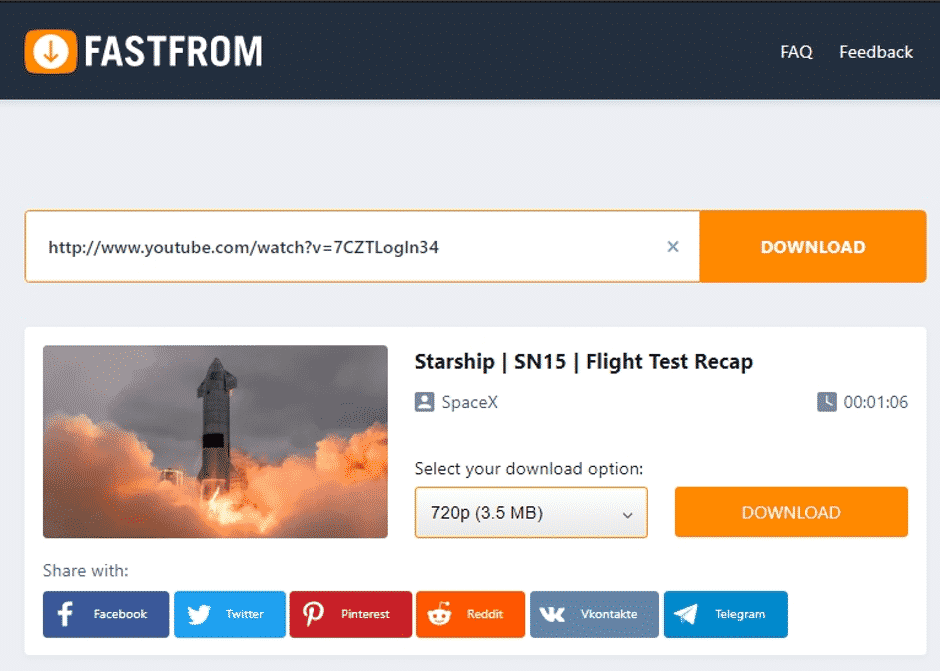
- Paste it into a line and the service will automatically prepare a link for downloading.
Really just one click!
- After that, choose the appropriate download quality and click “Download”.
Not convenient enough? There is another method for you:
Just add “ff” to the video URL and press enter, then Youtube video will be instantly downloaded. Example: https://www.ffyoutube.com/watch?v=TXMGu2d8c8g

Please note that no pop-up windows with ads pop up when you click, everything is fair. The only thing you can do with the second click is to share the download link in social networks – it’s the most convenient service. By the way, you can download not only video but also convert video to mp3 or mp4 at once – sometimes the quality of video without sound is much higher than with an audio track.











