
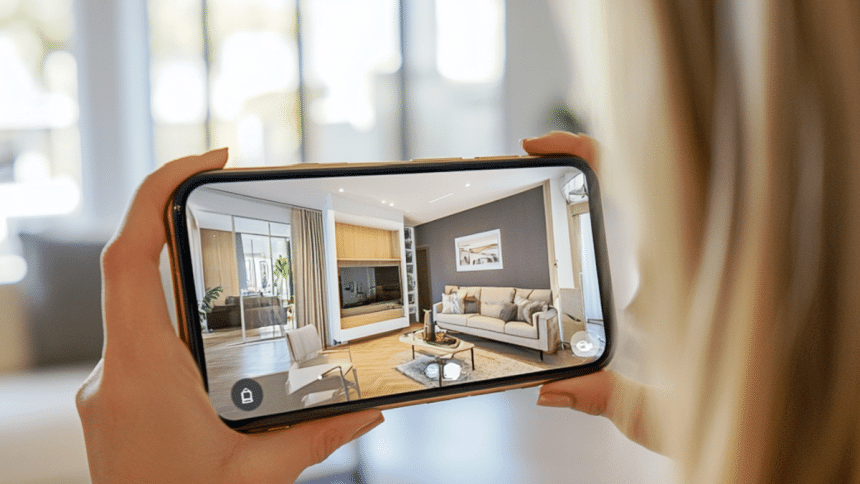
You spend hours optimizing your iPhone setup, tweaking your launcher, customizing widgets… but your living room still looks like a Wi-Fi router exploded. Sound familiar? Look, I get it, you probably care more about RAM than rugs. The only “aesthetic” you’ve ever pursued is cable management. But as we’re growing up, here’s the plot twist of 2025: your iPhone (the same one you use to track your Mac updates and roast Android fanboys) can also help you design your home. No tape measures. No mood boards. Just you, your screen, and maybe a pizza box for scale.
You know those high-end showrooms where everything looks like it was placed by a robot with a design degree? Yeah, like that Poliform picture from the last Milan Design Week. And while your budget (and lifestyle) may be slightly more “smart LED strip lights” than “$8,000 sectional,” that doesn’t mean you can’t try to make your place look pulled together. Thanks to a new wave of room-planning apps, you can mess around with layouts, colors, and furniture without lifting more than a thumb. Let’s be real: if you’ve got time to reorganize your apps by color, you’ve got time to redesign your living room.
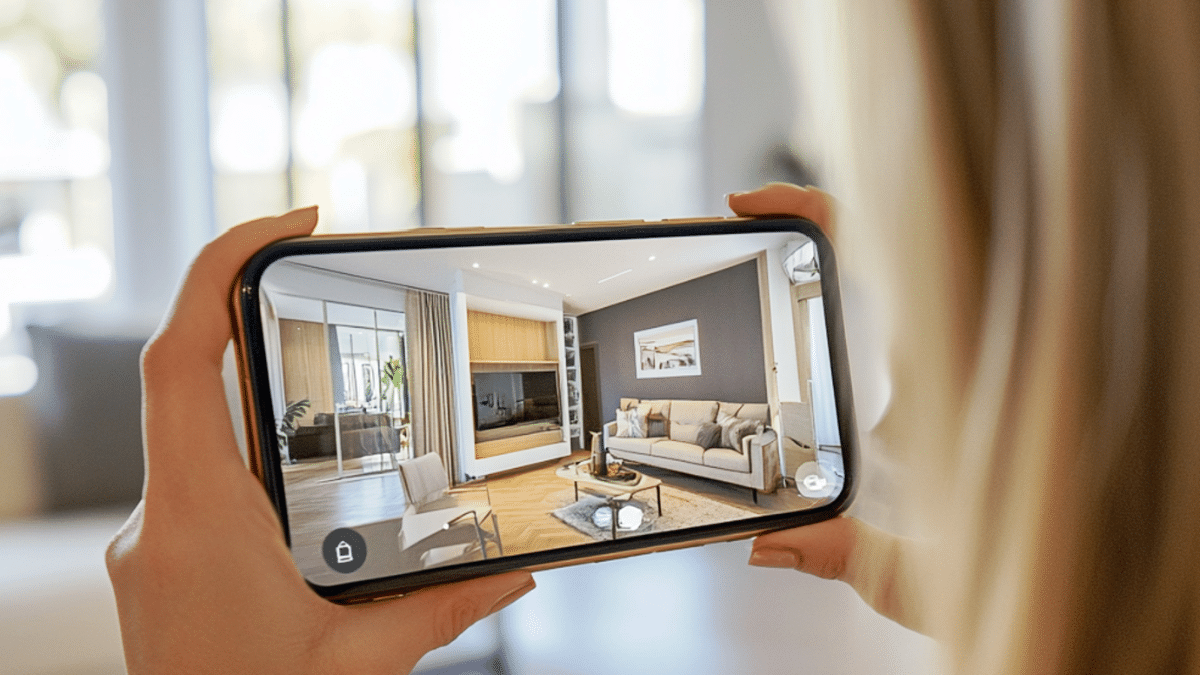
4 Underrated Home Design Apps for iPhone You’ll Actually Enjoy Using
1. Morpholio Board
Think of it as the Canva of interior design, but for people who live for grids, color codes, and getting things just right. Build mood boards, test layouts, and even pull in product links for the stuff you’re eyeing (so you can stop pretending you don’t want that fancy couch). Bonus: it doesn’t crash your phone like other bloated design apps. Clean, fast, and functional: what more do you need?
2. iDesign
Need to plan your space in 3D but don’t want to spend hours figuring out how? iDesign has you covered. It’s a simple-to-use app that allows you to design entire rooms, add furniture, and test out various layouts. All on your iPhone. The best part? It’s easy to get started without a steep learning curve. If you’re trying to figure out if that big sofa fits in your living room, this is your go-to tool.
3. Procreate
Okay, Procreate is mainly a digital drawing app, but trust me, it’s a game-changer for anyone who likes sketching ideas on the go. Whether you’re doodling out your dream living room or playing with color combinations, it’s the perfect app to visualize what your space could look like. Designers use it for everything from initial sketches to refined concepts, and you can, too.
4. Keynote (Yes, really!)
Hold up, Keynote? That’s right. Sure, it’s meant for presentations, but hear me out. Many designers use this app to mock up floor plans and visual layouts, layering images, text, and shapes to create a visual representation of their projects. You can get creative with it and take your design vision to a whole new level. Think of it as a secret weapon for anyone looking to get professional results without shelling out big bucks for fancy software.
Wait… What If I Still Have No Clue What I’m Doing?
Hey, no shame. Sometimes apps aren’t enough and you just want a real person to say, “No, that bean bag does not go with your neon shelving unit.” If you’re ready for that level of guidance, consider chatting with someone who actually knows this stuff. One option? Reach out to a design retailer with real people on the other side of the screen. Tomassini.com, for example, gets high marks on Trustpilot for offering solid design help, and they’ve got a curated selection that’s always up to date. Think of it like tech support, but from your couch.











