
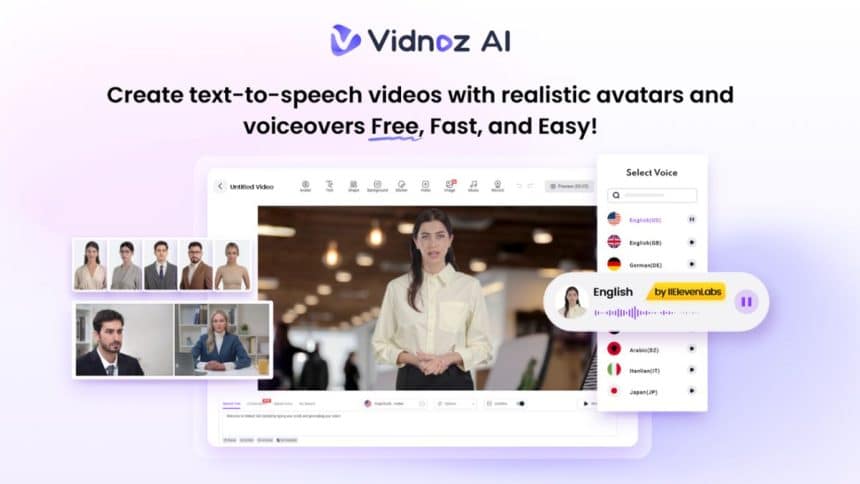
Corporate explanation videos help companies tell their stories and explain services and products in a short and clear manner. The spread of AI tools eliminates the need for large teams and long hours of work when producing these videos. Vidnoz AI has recently acquired ISO/IEC 27001:2022 certification, proving that it meets the highest information security standards. This protects corporate data, video content, and personal information when using the platform. This guide explains what features Vidnoz AI offers, how to use it step-by-step, and why it’s a smart solution for companies in 2025.
What Is Vidnoz AI and Why Is It Safe to Use?
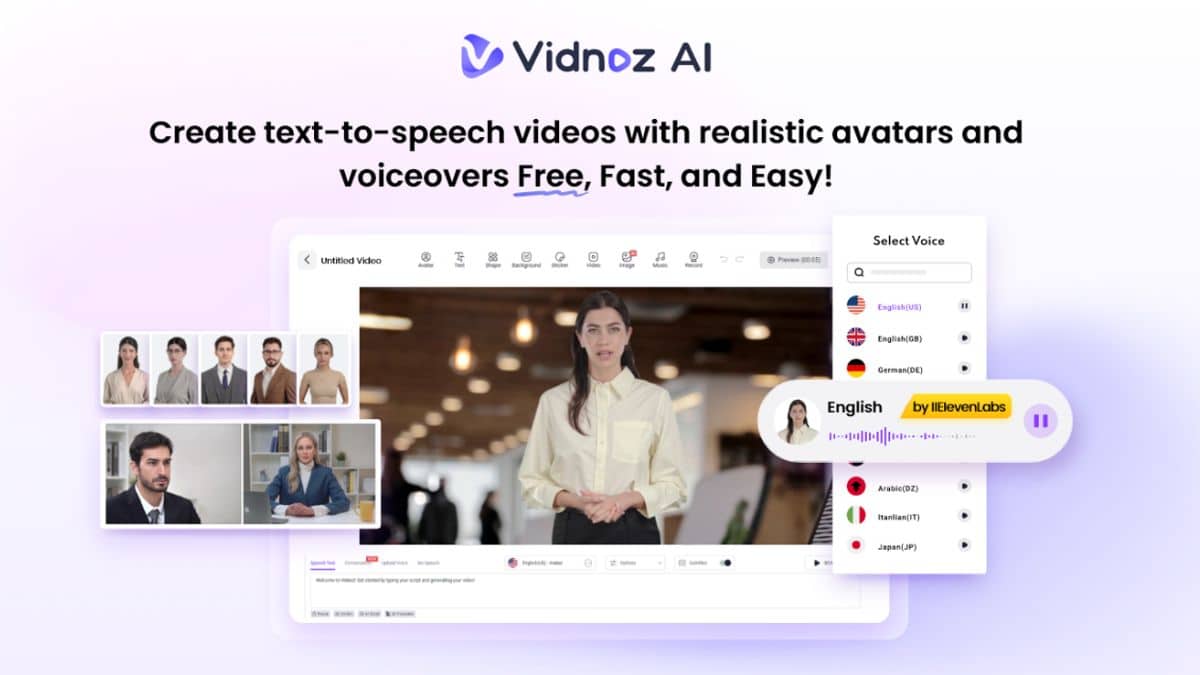
Vidnoz AI is an online AI video creation tool that allows you to create videos from text input and templates. Use AI avatars, text-reading audio, and smart editing tools to create professional explanatory videos in minutes.
Most importantly, Vidnoz AI is currently ISO/IEC 27001:2022 certified. This is the primary criterion for data and information security. This means:
- Uploaded content is protected
- Account information is managed appropriately
- Companies can use it safely for internal and public videos
For more information about this authentication, you can check out Vidnoz AI official announcement here.
What Makes Vidnoz AI a Great Tool for Corporate Videos?
Corporate explanatory videos require a clean look, clear audio, and content that matches the brand’s voice. Vidnoz AI provides all the tools to make these happen. The following are the main features:
1. 1700+ AI Avatars
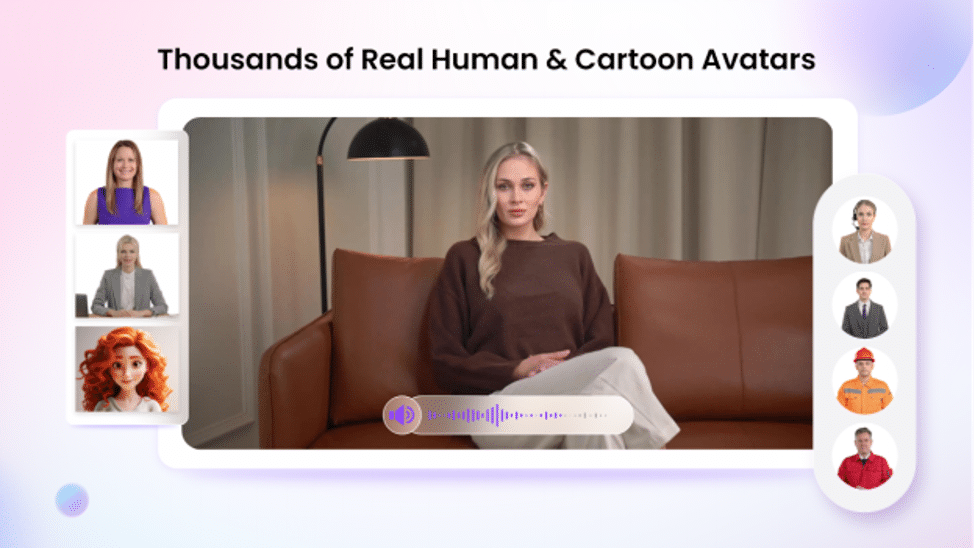
Vidnoz AI has access to more than 1,700 avatars, including teachers, managers, support agents, doctors, and more. The following features are available:
- Avatar Lite: Create your own digital version by uploading an Avatar Lite 10-second silent video. The result is an avatar whose appearance and voice resemble you.
- Custom Avatar Pro: Better control of appearance, background, and style.
In addition, motion avatars are also available. It is ideal for creating more attractive content by reproducing gestures, facial expressions, and animation movements.
2. 1830+ Realistic AI Voices
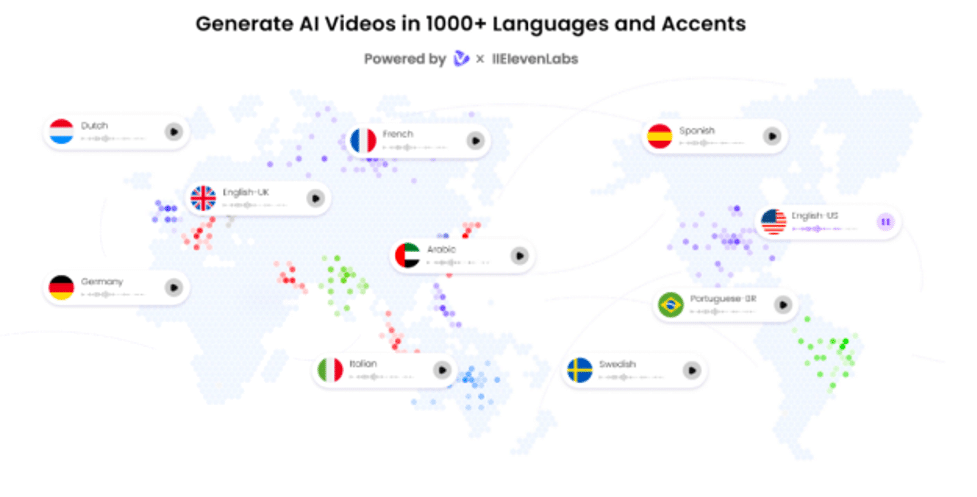
Vidnoz offers over 1830 natural sounds in over 140 languages. These sounds employ technology from trusted technology providers such as ElevenLabs, Microsoft, and Google. Each voice combines accurate lip sync, pitch, tone, and accent to the script. In addition, it is possible to create audio similar to the actual voice with the voice clone function. This is ideal for business branding.
3. 2800+ Pre-Built Templates
Using templates makes it easier to create description videos. Vidnoz offers more than 2800 templates for the following types of videos:
- Product Overview
- Training Videos
- Sales presentation
- Company Introduction
- News updates
Templates are available in both landscape (1920×1080) and portrait (1080×1920) sizes. It also includes preset animations, text, subtitles, and transitions.
4. AI Video Wizard
This feature converts your idea into a finished video. Just enter a short prompt or upload content, Vidnoz will:
- Generate scripts for each scene
- Avatar, Voice, Color
- Combine everything to create a finished video
This is the perfect solution for busy professionals who want to create explanatory videos without time or effort.
5. Free to Use
All users have free video generation time of 3 minutes per day. It can be used to test features, create short videos, or practice before purchasing a plan.
Step-by-Step: How to Make a Corporate Explainer Video Using Vidnoz AI
This section explains how to create a corporate video using Vidnoz AI.
Step 1: Visit the official Vidnoz AI website and log in using your account. If you’re a new user, you can sign up for free quickly and easily.
Step 2: After logging in, you’ll be directed to the dashboard where many video templates are displayed. Click the “Create Video” button in the top right corner to get started.
Step 3: You’ll now see different options such as pre-designed templates, text-to-speech videos, talking photo avatars, and more. Select the option or template that suits your needs best.
Step 4: Wait a few seconds for the editor to load. You can now edit your video by adding your company name, changing the text, selecting an avatar and voice, modifying the background, and using tools like subtitle extraction and effects. The platform is easy to use, even if you have no video editing experience.
Step 5: Once you’re happy with your edits, click the “Generate Now” button in the top right corner. Vidnoz will process your video in a short time. When it’s ready, you can preview it and download it easily to your device.
Why Businesses Should Use Vidnoz AI for Explainer Videos
Corporate description Video is an important part of business communication. Here’s why Vidnoz AI is the best tool for companies in 2025:
- Time-Saving: No need to hire a video team Vidnoz completes the task in minutes.
- Cost-Effective: Start free and upgrade as needed.
- No Skills Needed: Anyone can use – no video editing knowledge required.
- Safe and Secure: ISO 27001:2022 authentication protects your data.
- Flexible for All Uses: From product launches to training videos, Vidnoz offers targeted templates and avatars.
Pros and Cons of Vidnoz AI
Here is a brief review of Vidnoz’s superior and marginal points:
Pros:
- ISO 27001 certification for safe use
- Easy-to-use dashboard and editor
- More than 1,700 avatars and 1,830 voices
- More than 2,800 templates for all types of business videos
- Free for 3 minutes daily
- Video is free for commercial use
- No editing skills required
- Millions of free media assets (images, videos, icons, etc.)
Cons:
- Not available offline
- Free version comes with watermark
- Internet connection is required to use the editing function
Conclusion
Creating corporate videos is no longer difficult, expensive or risky. With Vidnoz AI, anyone can create clean and clear description videos using realistic avatars, voices and templates. Vidnoz AI makes your work easier and faster for any application, including service description, product introduction, and employee training. ISO/IEC 27001:2022 certification ensures that business data is protected by privacy and security. The platform is free to use, simple and easy to use, and can accommodate any business type. If you want to create a description video, try Vidnoz AI now.











