
Creating and sharing video content has become easier than ever, but one major challenge still remains: large file sizes. Whether you’re uploading a video to social media, sending it via email, or saving storage on your device, compressing your video is often essential. The good news is that modern tools make it simple to compress video online without complicated software or advanced skills.
This educational guide explores how video compression works, why it’s important, and how you can reduce file size effectively while keeping your video looking sharp.
Why Video Compression Matters
Video compression is the process of reducing file size without significantly affecting quality. With videos becoming longer and shot in higher resolutions like 4K and 8K, compression is more important than ever.
Some key reasons include:
- Faster uploads and downloads
Large videos take longer to upload, especially with slow internet speeds. - Saving storage space
Uncompressed videos can quickly fill up your phone, computer, or cloud storage. - Easier sharing
Many platforms and messaging apps have file size limits. - Better streaming performance
Smaller, optimized files load faster and reduce buffering.
Whether you’re a content creator, marketer, student, or casual user, understanding how to compress video online can save time and reduce frustration.
How Online Video Compression Works
Online compressors use advanced algorithms to reduce size while keeping visual quality close to the original. These tools generally work by:
- Lowering bitrate
- Adjusting resolution
- Optimizing encoding format
- Removing redundant visual data
The core goal is to make the file lighter, while keeping the viewing experience smooth.
Benefits of Using Online Tools
Online compression tools are extremely convenient because:
No installation needed
All processing happens in your browser.
Compatible with all devices
Phones, tablets, laptops — anything works.
Beginner-friendly
Many tools offer presets and simple drag-and-drop functionality.
Accessible anywhere
Perfect for work, school, or content creation on the go.
When Should You Compress a Video?
Knowing when compression is necessary can save you time. You should consider compressing when:
- Uploading to platforms that limit file size
- Sharing videos via email or WhatsApp
- Posting to social media where lightweight files perform better
- Backing up footage to cloud storage
- Sending client videos quickly
- Exporting from editing software at large resolutions
If any of these apply, using an online tool is an efficient option.
How to Compress Video Online (Step-by-Step)
Here is a simple, user-friendly workflow to help you get the best results from online compression tools:
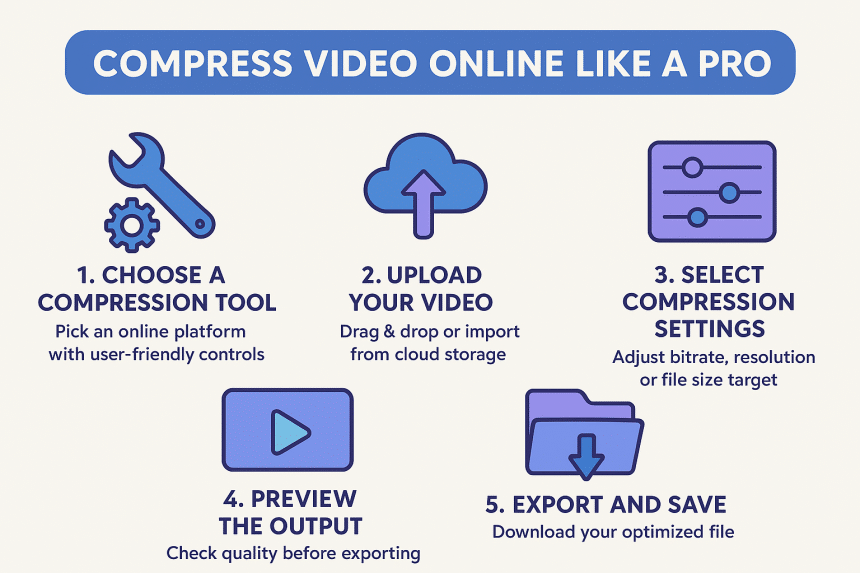
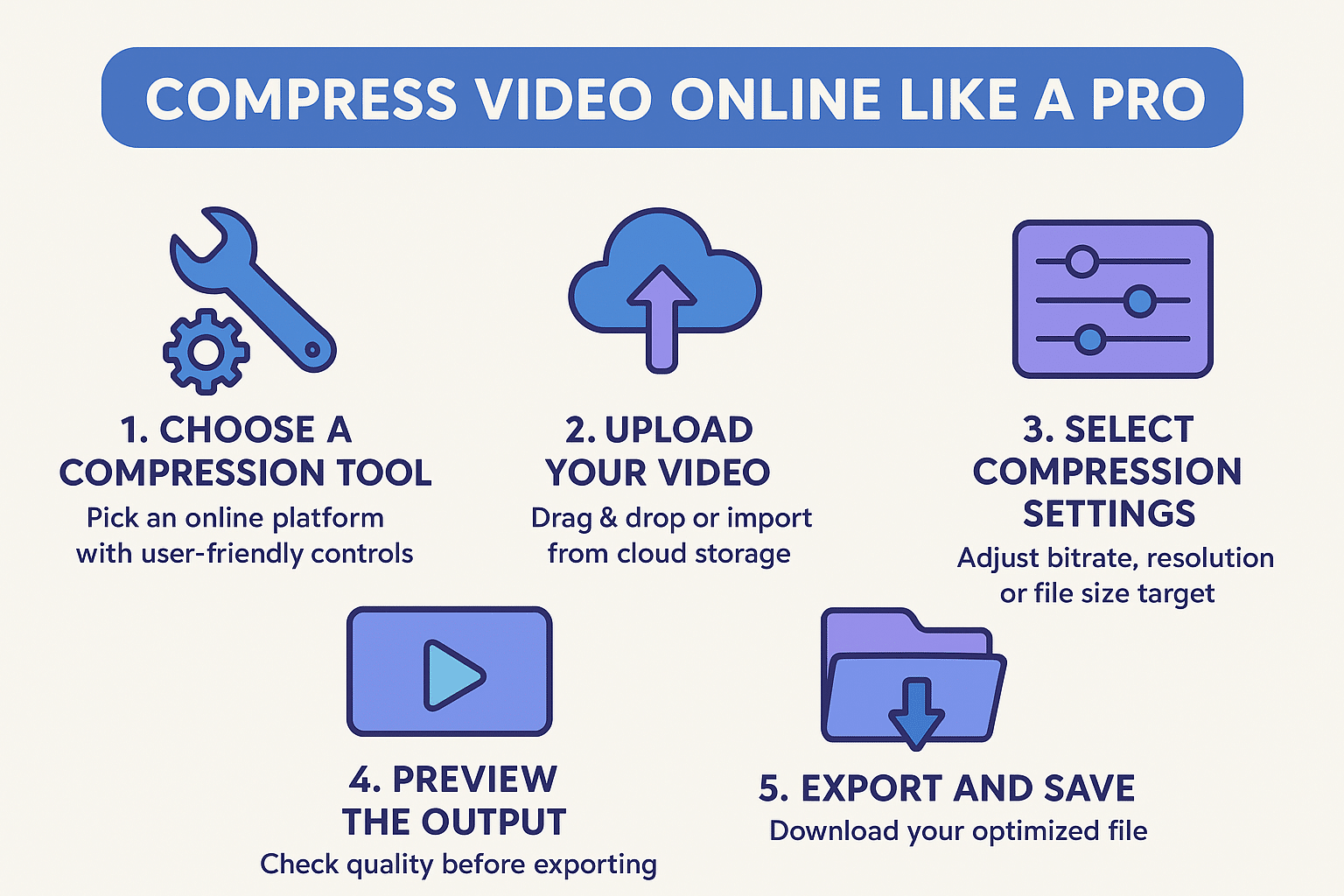
- Choose a compression tool
Pick a trusted online platform that lets you upload, adjust settings, and export quickly. - Upload your video
Drag and drop your file or import it from cloud storage. - Select compression settings
Adjust bitrate, resolution, or file size target depending on your needs. - Preview the output
Most tools let you check quality before exporting. - Export and save
Download your optimized file.
In the middle of your process, using a reliable tool to compress video online such as this one — compress video online — can help maintain good quality while keeping size manageable.
Table: Recommended Compression Settings Based on Usage
Below is a simple guide to help choose the right compression settings:
| Purpose | Recommended Resolution | Ideal Bitrate | Notes |
|---|---|---|---|
| Social media posts | 1080p | 4–8 Mbps | Balances quality and size |
| Email sharing | 720p | 1–3 Mbps | Ensures fast sending |
| Website embedding | 1080p | 3–6 Mbps | Good for tutorials and demos |
| Mobile viewing | 720p | 2–4 Mbps | Saves space and loads fast |
| Archiving old videos | 480p–720p | 1–3 Mbps | Minimizes storage usage |
This table makes it easier to choose settings no matter what device or platform you’re using.
Tips for Maintaining Quality While Compressing
1. Start with High-Quality Footage
The better the original, the better the compressed output.
2. Adjust bitrate gradually
Lowering too much can cause pixelation.
3. Avoid unnecessary re-compression
Repeated compression reduces clarity over time.
4. Choose modern file formats
Formats like MP4 (H.264 or H.265) offer excellent size-to-quality ratios.
5. Keep resolution close to original
Dropping from 4K to 1080p is fine, but reducing too aggressively can cause blur.
Common Mistakes to Avoid
Some users unintentionally reduce quality more than necessary. Avoid these mistakes:
- Choosing extremely low resolution
- Lowering bitrate too aggressively
- Compressing the same file multiple times
- Ignoring preview options
- Forgetting to test on different devices
Taking small steps ensures your final video looks clean and professional.
Advanced Tips for Better Compression
Try different encoding formats
H.265 (HEVC) offers smaller file sizes with better quality than H.264, though it compresses slower.
Use 2-pass encoding
This method analyzes your video first and then compresses it, giving better results.
Reduce heavy motion scenes
Fast movements can increase file size — trimming or stabilizing clips sometimes helps.
Remove unnecessary audio tracks
Extra audio channels increase size without adding value.
Conclusion
Learning how to compress video online is one of the most useful skills for everyday digital work. Whether you’re posting content, sharing with colleagues, or saving storage space, online compressors offer a simple and effective solution.
By understanding settings like bitrate, resolution, and format — and avoiding common mistakes — you can create small, high-quality videos that are easy to upload, view, and share. With the right techniques and tools, video compression becomes fast, smooth, and stress-free.
Frequently Asked Questions
Can I compress videos without losing quality?
Some tools offer near-lossless compression, but reducing size always affects quality slightly. The key is to reduce smartly.
Is it safe to use online compressors?
Most reputable platforms handle processing securely, but avoid uploading sensitive content.
How many times can I compress a video?
Compressing multiple times reduces clarity. It’s better to compress once using the right settings.











